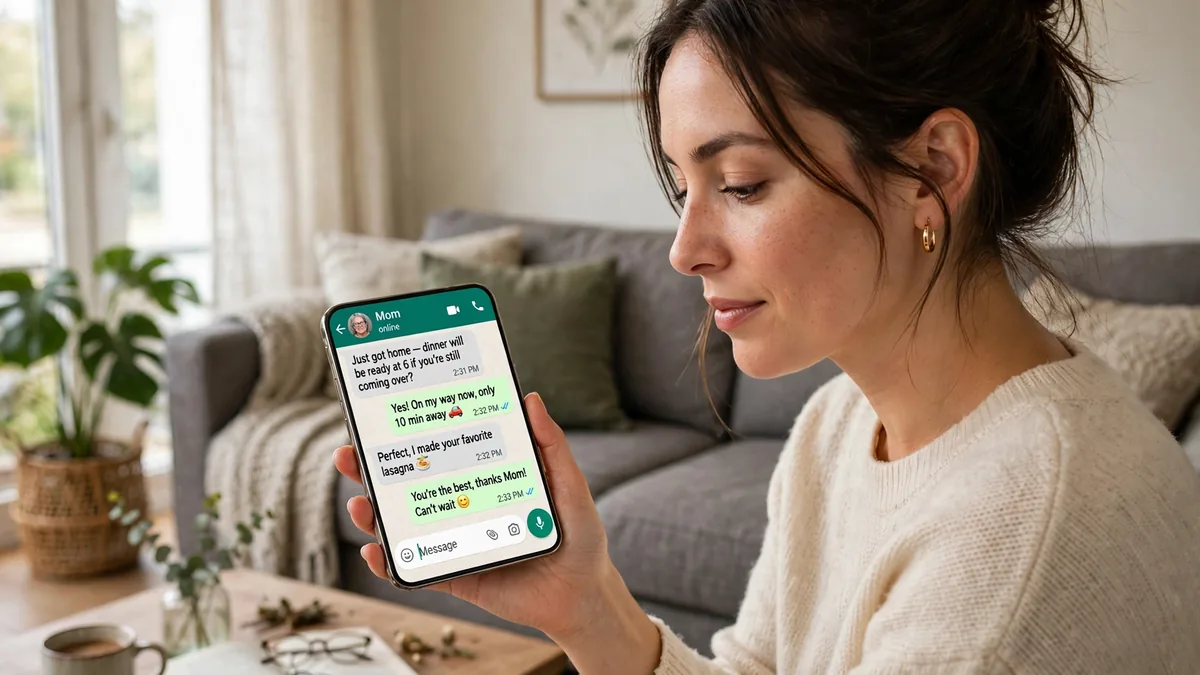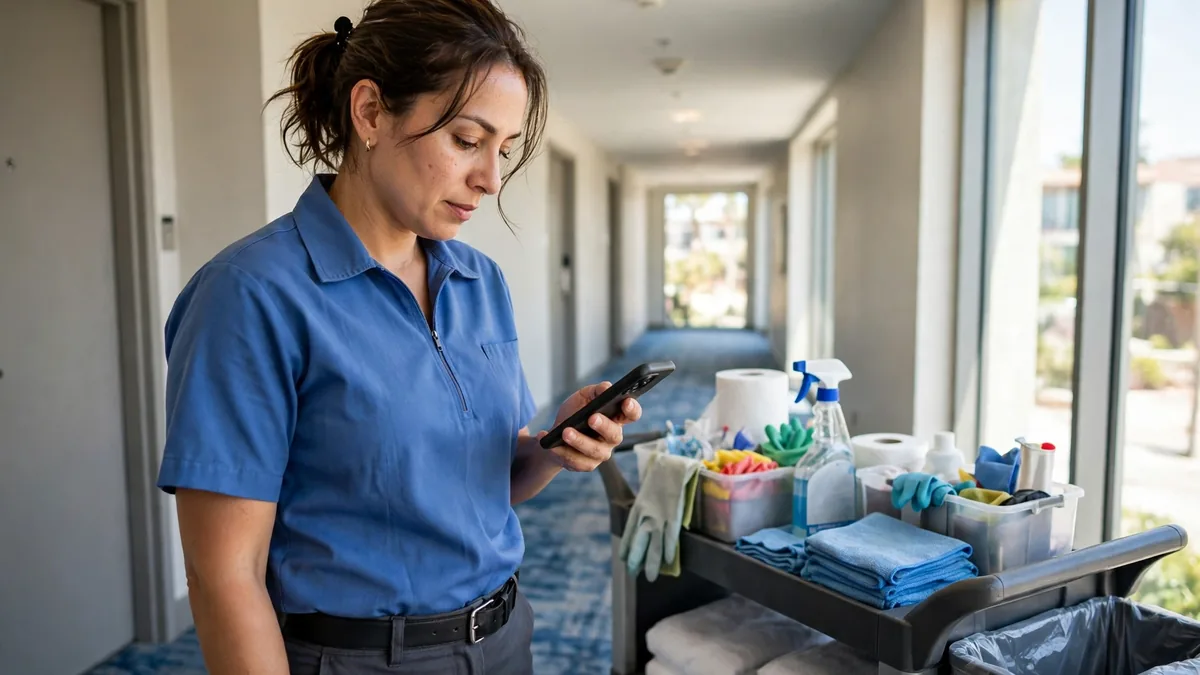
Time tracking software for hospitality is now essential kit for hotels, restaurants, cafes, and bars. Shifts start early, finish late, and change at short notice, so a paper timesheet no longer keeps up. The right tool records clock-ins from a phone or a kiosk, flags late starts and missed breaks, and turns hours into payroll-ready totals.
Hospitality teams differ from office teams. Staff work split shifts, cover each other across departments, and often hold more than one role in the same week: a housekeeper may help at reception, a bartender may cover the floor. Good time tracking software handles that with role-based clock-ins, location checks, and simple overtime rules.
This roundup compares eight tools that work well for hospitality operations in 2027, from small cafes with five staff to hotel groups with hundreds. Prices below are approximate starting prices, and plans change often, so check current pricing before you buy.
Key takeaways
- 7shifts is the best overall pick for restaurants and hotels, combining time tracking with scheduling and labour cost controls.
- Homebase is the best budget starting point, with a free plan.
- Deputy suits multi-site operators that need strong compliance and approval workflows.
- Clockify is the best free option for simple hour tracking, but it lacks hospitality scheduling depth.
- No tool fixes bad rota habits on its own; the biggest savings come from accurate clock-ins plus weekly labour cost reviews.
At a glance: the shortlist
| Product | Best for | Starting price | Standout limit |
|---|---|---|---|
| 7shifts | Restaurants and hotels | About $40 per location, per month | Labour tools on higher plans |
| Deputy | Multi-site operators | About $4.50 per user, per month | Per-user cost grows fast |
| Homebase | Small cafes and bars | Free plan; paid from about $20 per location, per month | Advanced features cost extra |
| Clockify | Simple hour tracking | Free plan; paid from about $3.99 per user, per month | No built-in rota builder |
| Hubstaff | Remote and distributed teams | From about $4.99 per user, per month | Activity tracking can feel intrusive |
| Connecteam | Frontline and deskless teams | Free for up to 10 users; paid from about $29 per month | Payroll needs an add-on or export |
| TimeCamp | Project and task time | Free plan; paid from about $2.99 per user, per month | Weak shift planning |
| When I Work | Shift-based small teams | From about $2.50 per user, per month | Basic reporting on lower plans |
7shifts — Best overall
7shifts was built for restaurants first, then spread into hotels, cafes, and bars, and it shows. Staff clock in from a phone or tablet at the door, managers see who is on shift in real time, and labour costs update as the day goes on. Hours link directly to the rota, so early clock-ins show against the plan.
The strongest reason to pick 7shifts is that time tracking, scheduling, and labour budgets live in one place. Managers can set a weekly labour target, watch costs as shifts fill up, and approve timesheets without exporting data. For a closer look at how newer tools fit the same workplaces, the roundup of AI tools built for hospitality is a useful companion read.
Pros: purpose-built for hospitality, live labour cost tracking, clean mobile clock-in. Cons: per-location pricing climbs for groups, some reports sit on higher plans.
Deputy — Best for multi-site operators
Deputy is the pick for operators running several sites who need consistent rules everywhere. It covers clock-ins, breaks, overtime, and approvals, plus the compliance details that matter when staff work across locations with different pay rates. Managers set rules once and apply them to every venue.
Its approval workflow is the standout feature. Timesheets move from staff to manager to payroll with a clear trail, and missed clock-outs are flagged rather than silently accepted. It also integrates with common payroll and point-of-sale systems, so hours flow into pay runs without re-entry. Per-user pricing gets expensive with a large seasonal team, so price it on peak headcount.
Pros: strong compliance controls, good payroll integrations, consistent rules across sites. Cons: per-user pricing adds up, longer setup than simpler tools.
Homebase — Best for small cafes and bars
Homebase is the friendliest starting point for a small cafe, bar, or independent restaurant. The free plan covers time tracking, scheduling, and team messaging for one location. Staff clock in on a tablet or phone; managers approve hours from a simple dashboard.
Homebase works for hospitality because it stays simple on purpose. There is no long setup project; most teams are running within a day. Paid plans add hiring tools and deeper reporting, so a growing business can stay on the same system. Expect to pay once you want labour cost forecasting or multi-location controls.
Pros: free plan covers the basics, quick to set up, hiring tools on paid plans. Cons: limited depth for large hotels, advanced features cost extra.
Clockify — Best free option
Clockify is the simplest tool on this list, and that is exactly its appeal. Staff start and stop a timer, log hours against a task or project, and managers see a clean weekly report. A free plan with no user limit covers the core tracking most small operations need.
The catch is that Clockify is a general time tracker, not a hospitality system. It has no rota builder, no shift-swapping, and no labour cost targets, so it works best when another tool already handles scheduling. It suits back-office roles and small teams that mainly need an honest record of hours.
Pros: free plan with unlimited users, easy to learn, clean reports. Cons: no rota or shift tools, few hospitality features.
Hubstaff — Best for distributed teams
Hubstaff fits hospitality businesses with staff spread across sites, or with remote roles such as reservations and sales alongside on-site teams. It tracks time with optional activity monitoring, GPS check-ins, and screenshots.
For hotels, the GPS and geofenced clock-ins are the most useful part: staff can only clock in when actually on site, which cuts buddy punching and early starts claimed from home. Payroll integrations turn tracked hours into payments. Handle activity monitoring carefully, since staff can see it as surveillance; switch on only what you need.
Pros: GPS and geofenced clock-ins, strong payroll integrations, detailed reporting. Cons: activity monitoring can damage trust, more complex than rivals.
Connecteam — Best for frontline teams
Connecteam is built for deskless workers, which describes most hospitality staff. Its mobile app combines time tracking, checklists, training, and team chat, so a housekeeper or server opens one app for the whole shift. Clock-ins can use GPS, and managers can attach checklists to shifts.
The all-in-one approach is the main selling point. Instead of paying for a time tracker, a training tool, and a chat app separately, a small hotel or restaurant group can run daily operations from Connecteam. The free plan covers up to ten users. Payroll is the weak spot: it relies on exports or add-ons, so check the export matches your payroll system before committing.
Pros: one app for time, tasks, training, and chat; free for small teams. Cons: no built-in payroll, some features need higher plans.
TimeCamp — Best for project and task time
TimeCamp suits hospitality businesses that bill time to projects or events, such as catering companies, wedding venues, and hotel events teams. It tracks hours against tasks and clients and generates invoices from tracked time. The free plan covers basic tracking; paid plans add budgeting and approvals.
For day-to-day shift work it is less convincing than the hospitality-first tools here. There is no rota builder and no shift swapping, so it works best as a companion tool for events and project work rather than the main system for front-of-house staff. Where it earns its place is in the numbers: managers can see the true labour cost of each event.
Pros: good project and event costing, invoicing from tracked time. Cons: no shift planning, not built for frontline rotas.
When I Work — Best for shift-based small teams
When I Work pairs time tracking with simple scheduling, a natural fit for shift-based teams in restaurants, cafes, and small hotels. Staff clock in from the app, swap shifts with manager approval, and get reminders before their shift starts. Managers see attendance at a glance.
The interface is deliberately plain, a strength for teams with high staff turnover. New starters understand it in minutes. Reporting is basic on the lower plans, but for a single venue it covers the essentials at a low price.
Pros: simple scheduling plus time tracking, easy shift swaps, low starting price. Cons: basic reporting, limited for large hotels.
How to choose
Start with your operation, not the feature list. A single cafe needs a free or cheap tool staff learn in minutes, while a hotel group needs consistent rules, approvals, and payroll integrations. Count your peak headcount, including seasonal staff, and price every option on that number.
Before you pay, check three things: whether staff can clock in without a personal phone, whether the tool handles split shifts and multiple roles, and whether timesheets export cleanly into payroll. A short trial with one department tells you more than any demo. Prices change regularly, so treat the figures here as approximate starting points and check current pricing on the day you buy. If your business is small, the comparison of time tracking software for small businesses covers the same tools from a general small-team angle.
Checklist: before you pay
- Trial it for two weeks with one real department.
- Confirm clock-in works on shared tablets and personal phones.
- Test split shifts, multiple roles, and overtime rules.
- Check timesheet exports match your payroll system.
- Read the renewal price, not just the introductory offer.
- Confirm how seasonal staff are added and removed.
Frequently asked questions
What is the best time tracking software for hospitality in 2027?
7shifts is the best overall choice for most restaurants and hotels, combining time tracking with scheduling and live labour cost tracking. Homebase is the best budget option for small venues, and Deputy is the strongest pick for multi-site operators.
Is there free time tracking software for hotels and restaurants?
Yes. Homebase, Clockify, TimeCamp, and Connecteam all offer free plans covering basic clock-ins for small teams. Free plans usually limit reporting or advanced features, so growing businesses should expect to upgrade.
Can staff clock in without using their own phones?
Most tools here support a shared tablet or kiosk, and some support PIN codes or GPS check-ins. Check this before buying if staff lack smartphones.
Does time tracking software work with payroll?
Yes, most export timesheets or connect directly to payroll systems. Deputy and Hubstaff have the deepest payroll integrations here, while Connecteam and Clockify rely more on exports. Test the export with a real pay run during the trial.
How do I stop buddy punching in a hotel or restaurant?
Use GPS or geofenced clock-ins, photo check-ins, or a manager-approved kiosk. Hubstaff and Connecteam both offer location-based clock-ins.
Can time tracking software handle tips and split shifts?
7shifts handles tips and split shifts well, which is one reason it leads this list. Other tools cover split shifts through custom rules, but tip handling varies, so confirm it during the trial. For billing tracked hours onward, the guide to invoicing software for small businesses explains how the two systems fit together.
The bottom line
For most hospitality businesses in 2027, 7shifts is the safest pick, built for the way restaurants and hotels run, with time tracking, rotas, and labour costs in one place. Homebase is the best place to start if you are small and watching costs; Deputy fits once you run several sites. Pick the tool that matches your size today, trial it with one department, and review labour costs weekly.
The tool matters less than the habit around it. Accurate clock-ins, quick approvals, and a weekly look at hours against budget will save more than any feature list, and the best system is the one your team actually uses every shift.