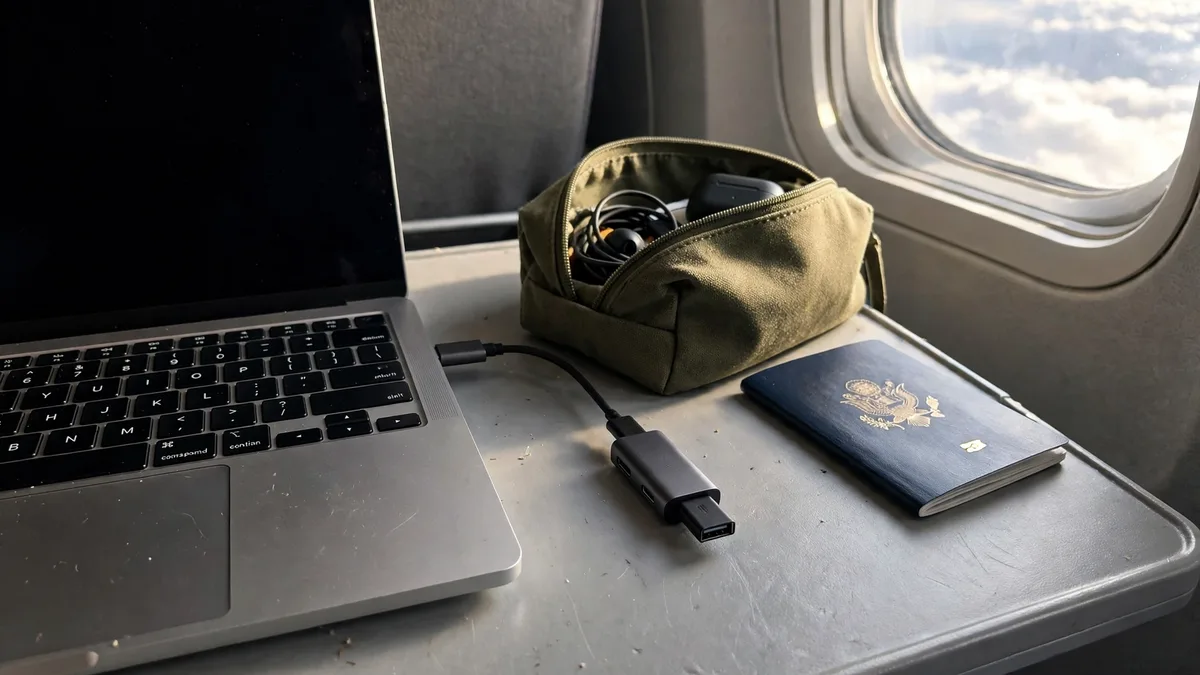
The best USB-C hubs for travel in 2027 are small, light and powerful enough to replace the ports your laptop left behind. Most modern laptops ship with two or three USB-C ports and nothing else, which means you cannot charge your laptop, connect a monitor and read an SD card at the same time. A good travel hub fixes that with one cable.
Travel hubs are different from desk docks. They must fit in a pocket or a laptop sleeve, survive being tossed into a bag, and work without a power brick. The best ones weigh under 100 grams, draw power from the laptop itself, and still deliver 4K video output, fast USB transfer speeds and pass-through charging of at least 85 watts.
We picked seven hubs that cover every kind of traveller, from the ultralight packer who wants one tiny adapter to the photographer who needs fast card readers and the consultant who presents from hotel TVs. Prices below are approximate starting prices, so check current pricing before you buy.
Key takeaways
- Anker 555 is the best overall travel hub, with 8 ports, 100W pass-through charging and a compact metal body.
- UGREEN Revodok 9-in-1 is the best value, offering the widest port selection for under $60.
- HyperDrive GEN2 is the best ultra-compact option, small enough to leave plugged into your laptop all trip.
- Look for at least 85W pass-through charging, 4K at 60Hz HDMI and USB 3.2 speeds of 10Gbps.
- Skip hubs with a fixed short cable if you use a laptop case, and avoid any hub without SD and microSD readers if you shoot photos.
At a glance: the shortlist
| Product | Best for | Starting price | Standout limit |
|---|---|---|---|
| Anker 555 USB-C Hub | Best overall | From $99 | 8 ports, 100W charging |
| Satechi Slim Multi-Port Adapter V2 | Slimmest design | From $79 | 4K at 60Hz, 100W charging |
| UGREEN Revodok 9-in-1 | Best value | From $59 | 9 ports, Ethernet included |
| Belkin USB-C 7-in-1 | Mac travellers | From $89 | SD and microSD readers |
| HyperDrive GEN2 6-in-1 | Ultra-compact carry | From $99 | Weighs 64 grams |
| Baseus 6-in-1 | Best budget | From $39 | 4K at 30Hz only |
| CalDigit SOHO Dock | Power users | From $179 | 10Gbps USB, 100W charging |
Anker 555 USB-C Hub — Best overall
The Anker 555 is the travel hub we would hand to almost anyone. It packs eight ports into a slim aluminium bar: two USB-A 3.2 ports, two USB-C ports, a 4K HDMI port, an Ethernet port, and SD and microSD card readers. It connects with a short built-in cable and charges a laptop at up to 100 watts through its USB-C power port.
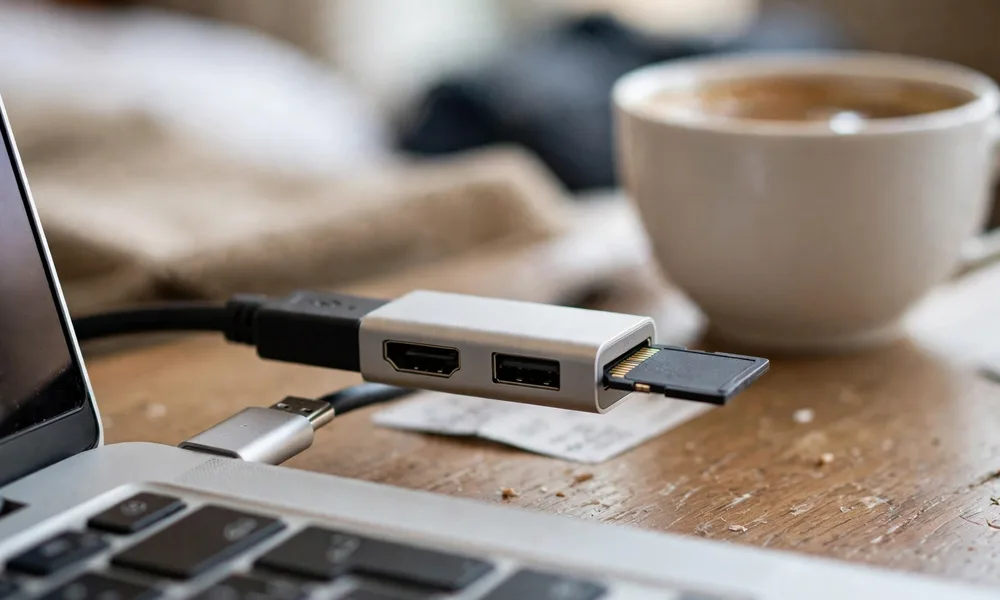
In real travel use, the 555 earns its place because nothing about it is fiddly. The ports are spaced so a chunky USB stick does not block its neighbour, and the whole unit weighs about 120 grams. Our roundup of the best USB-C hubs covers the full-size models too.
Pros: Eight useful ports in a slim body; 100W pass-through charging; 4K at 60Hz; solid aluminium build.
Cons: No DisplayPort; built-in cable cannot be replaced; slightly heavier than the slimmest rivals.
Satechi Slim Multi-Port Adapter V2 — Best slim design
Satechi built the Slim Multi-Port Adapter V2 for people who hate bulk. It is a thin wedge of aluminium that sits flat against a laptop, with a short tethered cable that folds away neatly. Inside it you get two USB-A ports, a USB-C data port, 4K HDMI, SD and microSD readers, and a USB-C port that passes through up to 100 watts of charging power.
The standout here is the finish and the fit. The slim profile slides into a laptop sleeve without creating a bulge. It is a strong pick for MacBook Air owners, since it adds the ports Apple removed without adding noticeable weight.
Pros: Very slim and light; 100W charging; 4K at 60Hz; clean aluminium design.
Cons: No Ethernet port; only one USB-C data port; premium price for six ports.
UGREEN Revodok 9-in-1 — Best value
The UGREEN Revodok 9-in-1 is the value pick because it gives you nine ports for roughly the price of a dinner out. You get three USB-A ports, two USB-C ports, 4K HDMI, a Gigabit Ethernet port, and SD and microSD readers, all in a compact aluminium case with a braided cable that resists tangling in a bag.
Performance is better than the price suggests. The HDMI port drives a 4K display at 60Hz, the USB-C port supports 100W pass-through charging, and the Ethernet port is genuinely useful in hotels where the Wi-Fi is slow. For travellers who want the maximum number of ports per dollar, this is the one to buy.
Pros: Nine ports at a low price; Gigabit Ethernet; 100W charging; braided cable.
Cons: Runs warm under full load; slightly thicker than slim rivals; no DisplayPort.
Belkin USB-C 7-in-1 — Best for Mac travellers
Belkin has been making laptop accessories for decades, and the 7-in-1 shows that experience. It offers two USB-A ports, a USB-C data port, 4K HDMI, a Gigabit Ethernet port, and SD and microSD card readers, with up to 100W pass-through charging. It is tested to work reliably with macOS.
What sets the Belkin apart is reliability. The card readers are fast and stable, the HDMI handshake with hotel TVs is quick, and the hub does not disconnect when the laptop wakes from sleep, a common annoyance with budget hubs. Business travellers who present from their laptop will appreciate how dependable it is.
Pros: Rock-solid macOS support; Ethernet and dual card readers; 100W charging; reliable wake-from-sleep behaviour.
Cons: Bulkier than slim hubs; no 10Gbps USB-C data port; higher price than UGREEN.
HyperDrive GEN2 6-in-1 — Best ultra-compact carry
The HyperDrive GEN2 is for travellers who count every gram. At 64 grams it is one of the lightest hubs with a full feature set: two USB-A ports, a USB-C data port, 4K HDMI, SD and microSD readers, and a USB-C port that passes through 100 watts of charging. It plugs directly into the side of a laptop with no cable at all, which makes it feel like part of the machine.
The direct-plug design is both its charm and its compromise. It sits flush and never dangles, but it can block a neighbouring port on thinner laptops, and it is best suited to MacBooks, which it was designed around. If your bag is already full and you want the smallest capable hub available, this is the pick.
Pros: Extremely light at 64 grams; no cable to manage; 100W charging; 4K at 60Hz.
Cons: Designed mainly for MacBooks; can block adjacent ports; no Ethernet.
Baseus 6-in-1 — Best budget
The Baseus 6-in-1 costs less than a tank of fuel and still covers the basics well. You get two USB-A ports, a USB-C data port, 4K HDMI, and SD and microSD readers, with 100W pass-through charging. The aluminium body weighs under 90 grams.
The compromises are honest ones. HDMI tops out at 4K at 30Hz, which is fine for presentations and hotel TVs, and the USB-A ports run at 5Gbps rather than 10Gbps. For a first hub, a backup hub or a gift for a student traveller, the Baseus is hard to beat on price.
Pros: Very low price; light and compact; 100W charging; dual card readers.
Cons: HDMI limited to 4K at 30Hz; 5Gbps USB speeds; no Ethernet port.
CalDigit SOHO Dock — Best for power users
The CalDigit SOHO Dock is the travel hub for people who refuse to compromise. It is a small desktop-class dock that fits in a bag: two USB-C 10Gbps ports, two USB-A 10Gbps ports, HDMI 2.0, DisplayPort 1.4, SD and microSD readers with UHS-II speeds, and 100W pass-through charging. It drives a 4K display at 60Hz while moving files at full speed.
The SOHO earns its higher price in two ways. The UHS-II card readers are roughly three times faster than the UHS-I readers in most travel hubs, which saves real time for photographers. Second, the dual video outputs let you run two external displays from one cable, something no other hub in this roundup can do. It is heavier and pricier than the rest, but for large files and big screens it pays for itself quickly.
Pros: UHS-II card readers; dual video outputs; 10Gbps on every USB port; 100W charging.
Cons: Most expensive here; heavier than other travel hubs; needs a careful cable setup.
How to choose
Start with charging. Your hub should pass through at least 85 watts, and 100 watts is the safe target for 14-inch and 16-inch laptops. A hub that only passes 60 watts will slowly drain a powerful laptop during a long work session, which is the last thing you need on the road.
Next, count the ports you actually use. A presenter needs HDMI and one USB-A port. A photographer needs SD and microSD readers. A remote worker in hotels needs Ethernet, because hotel Wi-Fi is often slow at peak hours. If your setup is growing beyond a portable hub, compare with the best docking stations for laptops to see when a desk dock makes more sense.
Finally, check size, weight and cable length. A hub with a built-in cable is tidier, but a detachable cable is easier to replace if it breaks mid-trip. Keep it under 150 grams and confirm it works with your laptop before you travel. Prices and specifications change often, so check current pricing and the latest specs before you buy.
Checklist: before you buy
- Confirm pass-through charging is at least 85W, ideally 100W, for your laptop.
- Check that HDMI supports 4K at 60Hz if you connect an external display.
- Make sure the hub has the card readers you need, SD and microSD, if you shoot photos.
- Check it fits your laptop sleeve or carry pouch.
- Verify compatibility with your laptop brand and operating system.
- Test every port at home before your first trip, not at the airport.
Frequently asked questions
Do I need a powered USB-C hub for travel?
No, for most travellers a bus-powered hub is better, because it needs no separate power brick.
Will a USB-C hub charge my laptop?
Yes, if it supports USB-C Power Delivery pass-through. Plug your laptop charger into the hub, and the hub passes power to the laptop. Look for 85W or 100W pass-through to keep a full-size laptop charged while you work.
Can a travel hub drive two monitors?
Most travel hubs drive one external display. The CalDigit SOHO Dock in this roundup supports two, using its HDMI and DisplayPort outputs together. For a permanent two-monitor desk setup, a full docking station is a better choice.
Why does my hub disconnect when my laptop sleeps?
Some laptops cut power to USB ports during sleep, which drops the hub connection. Hubs from established brands such as Belkin and Anker handle wake-from-sleep more reliably than no-name models.
Are cheap travel hubs safe for my laptop?
A well-known budget brand such as Baseus or UGREEN is generally safe, but avoid unbranded hubs with no certification. Buy from a recognised brand and check the hub is USB-IF certified where possible.
What else should I pack with a travel hub?
Pack a short USB-C cable, a USB flash drive for backups, and a compact charger rated for your laptop. If you work from hotel rooms, a portable monitor pairs well with a hub to give you a true two-screen setup on the road.
The bottom line
For most travellers, the Anker 555 is the right buy: eight ports, 100W charging, 4K at 60Hz and a size that disappears into a bag. If money is tight, the UGREEN Revodok 9-in-1 gives you even more ports for less, and if you count every gram, the HyperDrive GEN2 is the lightest capable hub you can buy.
Whatever you choose, buy the hub before your trip and test it at home with your monitor, your drives and your charger.