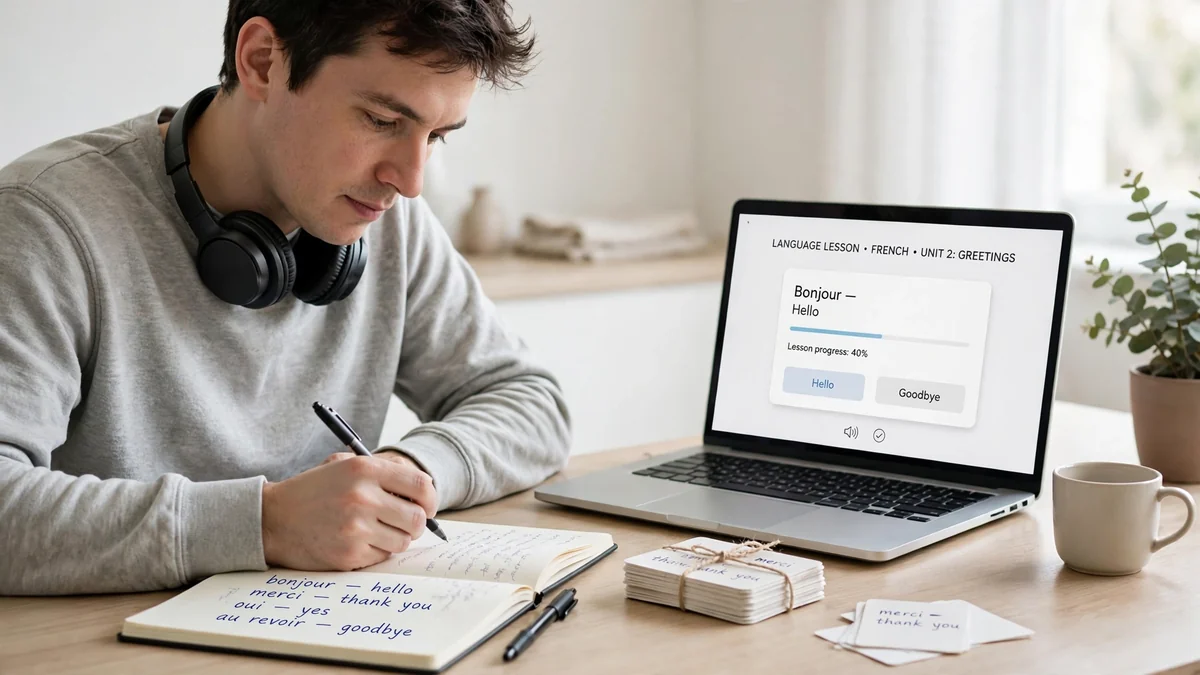
The best VPN services for language learners in 2027 do more than hide an IP address. They unlock the shows, podcasts, radio stations, and tutoring platforms that make a new language stick, and they protect every login on the café and campus Wi-Fi where most study sessions happen. A good VPN turns a phone or laptop into a classroom that follows you anywhere.
Immersion is the fastest way to learn, and streaming libraries are the cheapest immersion available. A learner studying French can watch French news and dramas, a Spanish learner can follow Latin American YouTubers, and a Japanese learner can listen to Tokyo radio on the commute. The right VPN makes those region-locked catalogues available without buffering, while keeping the connection fast enough for live tutoring calls.
We compared eight leading VPNs on streaming access, speed, device limits, and price. NordVPN leads overall, Surfshark is the best value, and Proton VPN is the strongest pick for privacy. Prices below are approximate starting prices — check current pricing before you buy.
Key takeaways
- NordVPN is the best overall VPN for language learners, with fast speeds and reliable access to foreign streaming libraries.
- Surfshark is the best budget pick, with unlimited devices from about $1.99 a month on long plans.
- Proton VPN offers the strongest privacy protections, including a free plan and independently audited apps.
- Look for a kill switch, split tunnelling, and servers in the country whose language you are learning.
- Avoid free VPNs with unclear ownership — many log activity, cap speeds, or sell browsing data.
At a glance: the shortlist
| Product | Best for | Starting price | Standout limit |
|---|---|---|---|
| NordVPN | Overall learning and streaming | About $3.09 a month | 10 devices |
| ExpressVPN | Live tutoring calls | About $4.99 a month | 8 devices |
| Surfshark | Budget and families | About $1.99 a month | Unlimited devices |
| Proton VPN | Privacy-first learners | About $4.99 a month | 10 devices |
| CyberGhost | Beginners and streaming | About $2.03 a month | 7 devices |
| Private Internet Access | Customisation and value | About $2.03 a month | Unlimited devices |
| Mullvad | Anonymous sign-up | About €5 a month | 5 devices |
| IPVanish | Simple setup | About $2.19 a month | Unlimited devices |
NordVPN — Best overall
NordVPN is the strongest all-round choice for language learners because it combines very fast speeds with reliable access to streaming catalogues in dozens of countries. Its NordLynx protocol keeps video smooth, which matters when you are watching a drama with subtitles or joining a live lesson. The app is simple: pick a country, tap connect, and you are in.

Servers in more than 165 locations mean you can reach content from almost any language region, from Korean dramas to German news. The built-in Threat Protection blocks many malicious sites and trackers, which is useful on public Wi-Fi.
Pros: Very fast speeds; reliable streaming access; servers in 165+ locations; split tunnelling and a kill switch.
Cons: Best prices need a two-year commitment; the map interface can feel busy on small screens.
ExpressVPN — Best for live tutoring calls
ExpressVPN is built for stability, and that shows on live video calls where a single dropout can derail a lesson. Its Lightway protocol reconnects quickly when a network changes, so a lesson survives the switch from home Wi-Fi to a café hotspot. Speeds are consistently high across its server network.
The apps are among the cleanest available, with a single large connect button and no clutter. ExpressVPN works on phones, tablets, laptops, and routers, so a whole household can study in different languages at once.
Pros: Extremely stable connections; fast Lightway protocol; simple apps on every device; strong streaming access.
Cons: Higher starting price than most rivals; only 8 simultaneous connections.
Surfshark — Best for budget learners
Surfshark gives language learners unlimited simultaneous connections for about $1.99 a month on its longest plan, which makes it the best value here. One subscription can cover a phone, a tablet, a laptop, and a family member’s devices, so a household learning two or three languages pays once.
Speeds are solid for streaming and video calls, and the CleanWeb feature blocks ads and trackers that slow down language apps. MultiHop adds a second server hop for extra privacy.
Pros: Unlimited devices; very low long-term price; ad and tracker blocking; works on restrictive networks.
Cons: Speeds vary more between servers; the cheapest price requires a two-year plan.
Proton VPN — Best for privacy
Proton VPN is the pick for learners who take privacy seriously. It is based in Switzerland, operates under a strict no-logs policy that has been independently audited, and offers a genuinely useful free plan with no data cap. Its Secure Core servers route traffic through privacy-friendly countries before it reaches the internet.
The paid plan adds faster speeds, streaming support, and access to servers in more than 110 countries, covering most major languages. If you also study on video calls, read our guide to the best VPN services for online meetings for options tuned to live video.
Pros: Audited no-logs policy; free plan with unlimited data; open-source apps; Secure Core servers.
Cons: Paid plan costs more than budget rivals; free plan has slower speeds and fewer countries.
CyberGhost — Best for beginners
CyberGhost is the easiest VPN on this list to use. Its apps label servers by purpose, with dedicated streaming servers for popular platforms, so a learner does not need to guess which server works for a French or Spanish catalogue. One tap connects to the right server for the job.
With servers in more than 100 countries and 7 simultaneous connections, it covers most study setups. The 45-day money-back guarantee on long plans is the longest here.
Pros: Streaming-labelled servers; very easy apps; 45-day money-back guarantee; large server network.
Cons: Fewer advanced settings than rivals; speeds dip on distant servers.
Private Internet Access — Best for customisation
Private Internet Access, known as PIA, suits learners who like to tune their setup. It offers granular control over encryption, split tunnelling, and automation rules, such as connecting automatically on untrusted Wi-Fi. That automation is genuinely useful for someone who studies in a different café every day.
PIA supports unlimited devices at a low price and has servers in more than 90 countries. The interface is functional rather than beautiful, but everything a learner needs is one or two taps away.
Pros: Unlimited devices; deep customisation; automatic Wi-Fi protection; low price.
Cons: Based in the United States; interface feels dated next to rivals.
Mullvad — Best for anonymous sign-up
Mullvad takes a different approach: no email address is needed to sign up, and you can pay in cash if you want. Each account is just a number, which is the strongest anonymity stance of any major VPN. For learners in countries where language study crosses into sensitive topics, that matters.
The flat €5 a month price is simple, with no long-term lock-in or renewal surprise. Speeds are good, the apps are clean and open source, and the service has been independently audited. Learners who practise in language communities on social platforms may also want to check the best VPN services for social media for options that handle those apps well.
Pros: No email needed to sign up; flat €5 price; audited and open source; strong privacy stance.
Cons: Smaller server network; less reliable for streaming; no long-term discount.
IPVanish — Best for simple setup
IPVanish keeps things straightforward: unlimited devices, a clean app, and a quick setup that takes minutes. Its speeds are solid for streaming and calls, and it owns its server network outright, which gives it direct control over performance and security. That ownership is rare and worth noting.
The service includes a kill switch, split tunnelling, and a SOCKS5 proxy for advanced users. Support is available around the clock, which helps when a server stops working mid-lesson.
Pros: Unlimited devices; owns its server network; easy setup; 24/7 support.
Cons: Fewer country choices than the leaders; streaming access is less consistent.
How to choose
Start with the country you are learning. A VPN is only useful for immersion if it has fast servers in that country and reliably opens its streaming catalogues. Check the server list before you pay, and use the money-back guarantee to test the exact shows and apps you use every day.
Next, count your devices. Learners often study on a phone, a tablet, and a laptop, sometimes with a partner or child learning too. Unlimited-device plans from Surfshark, PIA, and IPVanish remove that worry entirely.
Finally, weigh privacy against convenience. If you study on public Wi-Fi, a kill switch and an audited no-logs policy are not optional extras. If you mostly study at home, streaming reliability and price matter more. Most learners will be happiest with NordVPN or Surfshark, and either is a safe default.
Checklist: before you pay
- Confirm the VPN has fast servers in the country whose language you are learning.
- Test your exact streaming apps and tutoring platform during the money-back window.
- Check the device limit covers your phone, tablet, and laptop at once.
- Turn on the kill switch so a dropped connection never exposes your real location.
- Read the renewal price, not just the introductory price — long plans renew higher.
- Make sure the app works on every device you study on, including tablets, which many learners use for flashcards and reading — see the best VPN services for tablets for tablet-friendly picks.
Frequently asked questions
Do I need a VPN to learn a language?
No, but a VPN makes immersion much easier. It opens foreign streaming libraries, radio, and news that are blocked in your country, and it protects your logins on public Wi-Fi. The learning itself still depends on practice.
Will a VPN slow down my tutoring calls?
A good VPN adds only a small delay, usually unnoticeable on a fast connection. Pick a nearby server and avoid free VPNs, which are often slow and crowded.
Can I use a free VPN for language learning?
You can, but it is rarely a good idea. Free VPNs often cap speeds and data, show ads, and may log your activity. Proton VPN’s free plan is the exception, with unlimited data, though it is slower and covers fewer countries than the paid plan.
Is it legal to use a VPN to watch shows from another country?
Using a VPN is legal in most countries, but streaming services may block VPN traffic under their terms of service. A few countries restrict VPN use, so check local rules before travelling with one.
Which VPN is best for watching foreign dramas?
NordVPN and ExpressVPN are the most reliable for streaming, with fast speeds and broad catalogue access. Test your specific service during the money-back period, since access changes as streaming platforms update their blocks.
How many devices can I protect with one VPN subscription?
It depends on the plan. Surfshark, PIA, and IPVanish allow unlimited devices, NordVPN allows 10, and ExpressVPN allows 8. Count every phone, tablet, and laptop you study on before choosing.
The bottom line
For most language learners, NordVPN is the best choice: fast, reliable for streaming, and available in the countries that matter. Surfshark is the best value if you want unlimited devices at the lowest price, and Proton VPN is the right pick if privacy is your top priority.
Whichever you choose, use the money-back guarantee to test it with your real routine — your lessons, your shows, your café Wi-Fi. The best VPN for language learners is the one that disappears into the background and lets you focus on the language itself.