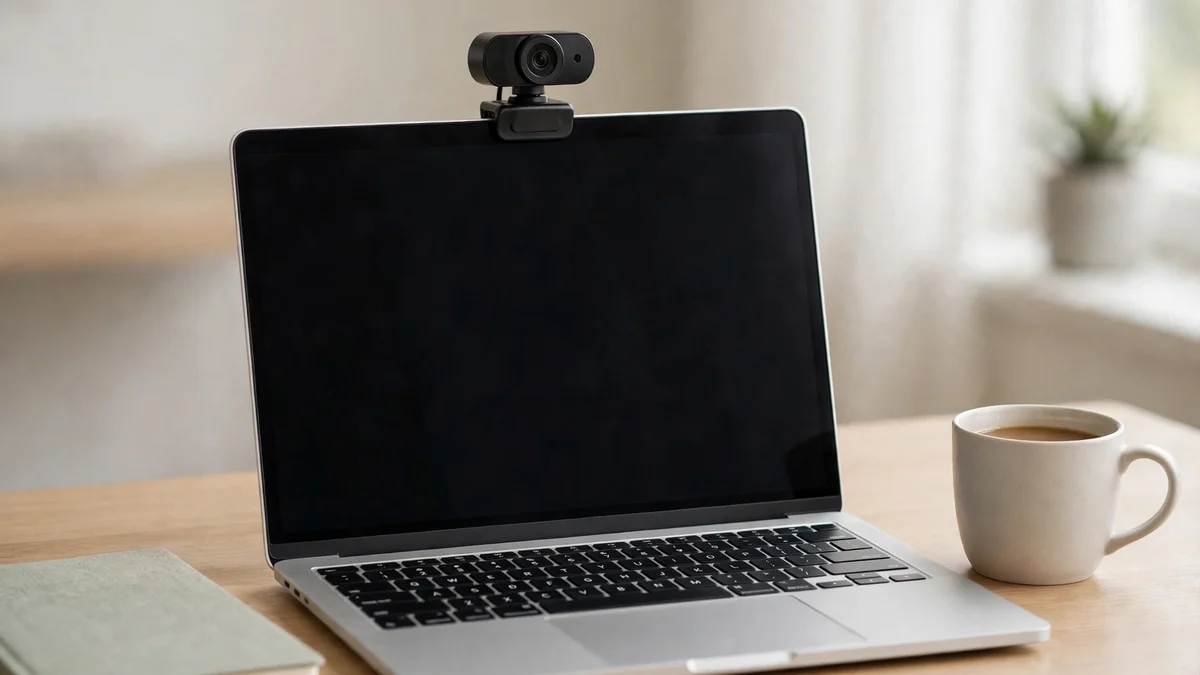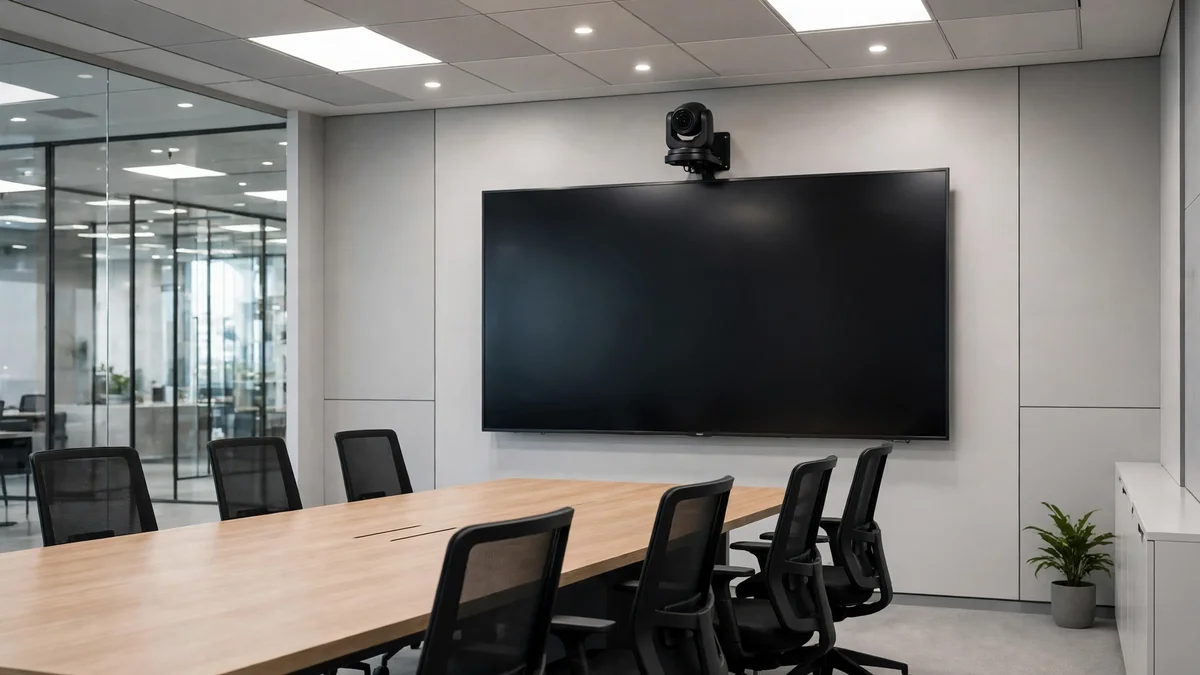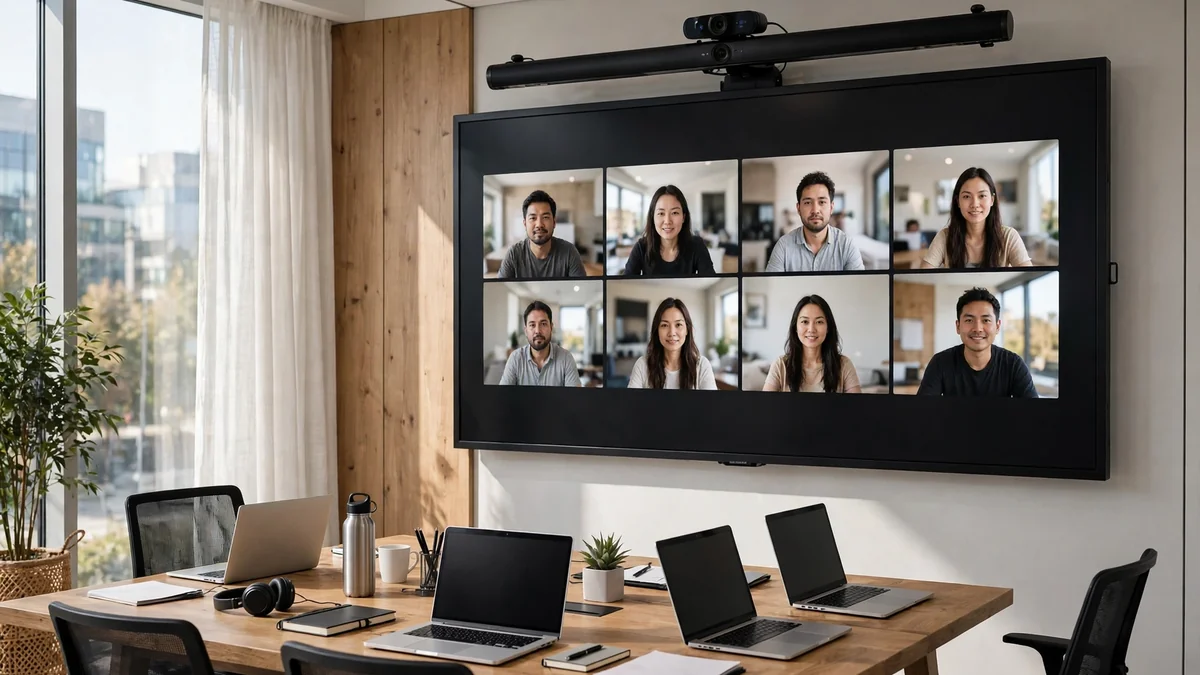
The best webcams for virtual meetings in 2027 are built for rooms, not just desks. A virtual meeting can mean eight people around a conference table, a hybrid session with half the group dialling in, or a client presentation where the camera must capture the whole room and the whiteboard. A solo desk webcam cannot do that job, because its narrow view cuts people out and its microphone cannot hear the far end of the table.
This guide focuses on cameras made for shared spaces: wide-angle lenses, auto-framing that follows the speaker, noise reduction that hears voices across a room, and mounts that sit above a large display. Prices are approximate starting prices and vary with bundles and room kits, so check current pricing before you buy.
The shortlist runs from a $130 camera that works in a huddle room to a full conference camera for larger teams. Logitech’s Brio 505 is the best all-round pick, but the right choice depends on your room size and whether you need a camera that frames the speaker.
Key takeaways
- The Logitech Brio 505 is the best webcam for virtual meetings overall, with a wide 90-degree view, auto-framing, and clear 1080p video for about $130.
- Rooms with four or more people need a wide-angle or panoramic camera, not a standard desk webcam.
- Auto-framing and speaker tracking matter more than raw resolution in a meeting room, because they keep remote callers engaged.
- The Jabra PanaCast 20 is the best pick for small huddle rooms, with a 13-megapixel sensor and intelligent zoom for about $300.
- Pair any meeting camera with a room microphone or speakerphone, since a camera microphone cannot cover a full table.
At a glance: the shortlist
| Product | Best for | Starting price | Standout limit |
|---|---|---|---|
| Logitech Brio 505 | Best overall | About $130 | 1080p, 90-degree view |
| Jabra PanaCast 20 | Huddle rooms | About $300 | 4K, intelligent zoom |
| OBSBOT Tiny 2 | Speaker tracking | About $270 | 4K, AI tracking |
| Poly Studio P15 | Personal meeting rooms | About $550 | 4K, auto-framing |
| Anker PowerConf C300 | Budget meeting rooms | About $130 | 1080p, 115-degree view |
| Dell UltraSharp 4K WB7022 | Premium image quality | About $300 | 4K, HDR |
| Logitech MeetUp | Larger conference rooms | About $900 | 4K, 120-degree view |
Logitech Brio 505 — Best overall
The Logitech Brio 505 is the best webcam for virtual meetings for most rooms because it gets the basics of shared calls right. Its 90-degree field of view fits three or four people around a small table, its 1080p image stays sharp in ordinary office light, and its auto-framing keeps the group centred when someone shifts seats. The built-in microphones cut out air conditioning and keyboard noise, which matters when remote callers hear a whole room.
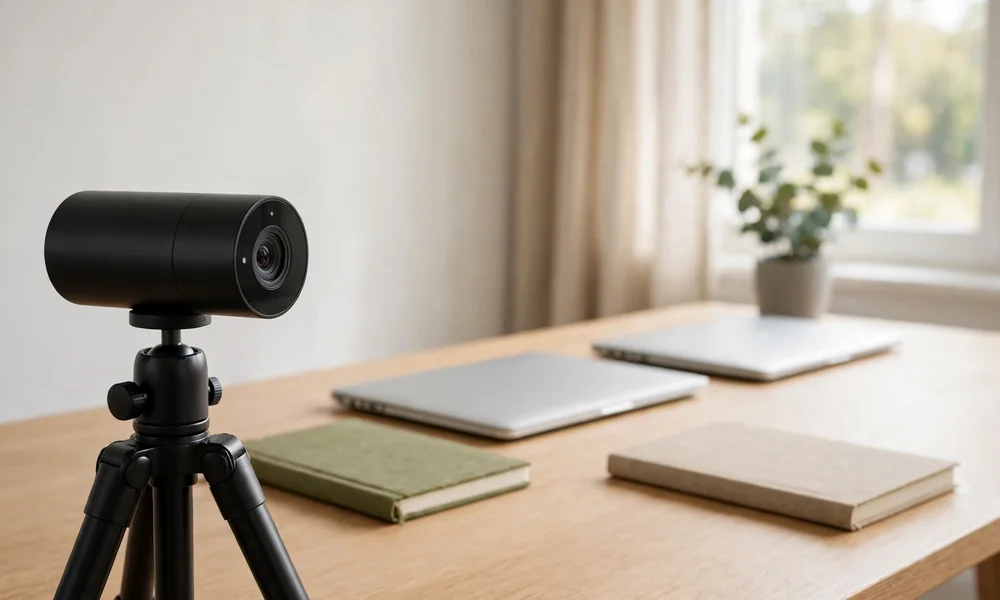
Setup is simple: one USB cable, no drivers, and it works with Zoom, Teams, and Google Meet. For a huddle room it needs the least fuss, and it works well with the apps in our guide to the best video conferencing software.
Pros: Wide 90-degree view fits small groups; reliable auto-framing; good noise reduction; simple USB setup.
Cons: Only 1080p; no speaker tracking; microphone range suits small rooms only.
Jabra PanaCast 20 — Best for huddle rooms
The Jabra PanaCast 20 is built for huddle rooms where two or three people squeeze into a small space. Its 13-megapixel sensor records in 4K, and its intelligent zoom crops the frame to the people in the room, so remote callers see faces rather than empty chairs. The image stays crisp when it zooms in, which cheaper wide-angle cameras usually get wrong.
Video quality is among the best in this guide, with natural colours and strong handling of mixed window light. The camera is compact enough to sit on a small display and easy to move between rooms. It is pricier than a desk webcam, but for a huddle room that hosts client calls daily, the clearer picture pays for itself.
Pros: Excellent 4K image; intelligent zoom frames people well; compact and portable.
Cons: Priced for business use; no built-in speaker; narrow use beyond huddle rooms.
OBSBOT Tiny 2 — Best for speaker tracking
The OBSBOT Tiny 2 is the cleverest camera in this guide, because its two-axis gimbal physically follows the person speaking. When a presenter walks to a whiteboard, the camera follows; when someone else speaks, it reframes. That movement makes remote meetings feel far more natural than a fixed camera that leaves the speaker half out of frame.
The 4K sensor gives a sharp image, gesture controls let a presenter zoom with a hand signal, and it works with all major meeting apps. It suits presentations and training sessions best, rather than a static group around a table.
Pros: Gimbal tracking follows the speaker; sharp 4K video; gesture controls.
Cons: Moving camera can distract in static meetings; needs a clear line of sight.
Poly Studio P15 — Best for personal meeting rooms
The Poly Studio P15 is made for the one-person meeting room: a small office or focus room where a single person takes calls all day. Its 4K sensor, auto-framing, and automatic low-light correction produce a polished, professional image, while its noise-blocking microphones keep the voice clear even with office noise outside the door.
Build quality is excellent, with a solid mount and a privacy shutter, and it integrates neatly with Teams and Zoom rooms. The price is high, but for an executive office the image quality is worth it.
Pros: Polished 4K image; strong noise blocking; reliable auto-framing.
Cons: Expensive for one person; overkill for casual calls; no wide group view.
Anker PowerConf C300 — Best for budget meeting rooms
The Anker PowerConf C300 brings meeting-room features to a budget price. Its 115-degree field of view fits a small group around a table, its AI framing keeps everyone in shot, and its dual microphones use noise cancellation to reduce background sound. For about $130 it covers the basics that a standard desk webcam cannot, and it is the cheapest sensible way to equip a small meeting room.
Image quality is good in bright rooms, though it softens in dim light, and 1080p is enough for the grid view most callers use. If your budget is tight and your room is small, buy this first and add a speakerphone later.
Pros: Very wide 115-degree view; AI framing included; low price.
Cons: Softer image in dim light; only 1080p; microphone range is limited.
Dell UltraSharp 4K Webcam WB7022 — Best premium image quality
The Dell UltraSharp 4K Webcam WB7022 produces the cleanest image in this guide for a single presenter in a meeting room. Its large Sony sensor records in 4K with HDR, which keeps faces clear against bright windows, and its AI auto-framing keeps the presenter centred.
It is well built, with a magnetic privacy cap and a mount for monitors and tripods. Its 90-degree view suits one or two people, so it is best for presentation rooms and executive offices.
Pros: Superb 4K HDR image; strong in bright rooms; AI auto-framing.
Cons: Best for one or two people, not groups; premium price; no speaker.
Logitech MeetUp — Best for larger conference rooms
The Logitech MeetUp is a proper conference camera for rooms of six to ten people, with a 120-degree field of view, 4K video, and a built-in speaker and microphone array that covers a full table. Its motorised pan and tilt frame the speaker, and its auto-framing keeps the whole group in view. It mounts above or below a large display and connects with a single USB cable.
Video and audio are a clear step above any desk webcam, because the camera and microphones are designed for distance. At about $900 it replaces three devices, and for a larger conference room it is the simplest complete answer.
Pros: Covers large rooms with one device; 120-degree view; built-in speaker and microphones.
Cons: Expensive; too large for a desk; needs a big display to match it.
How to choose
Start with room size, because it decides everything else. A huddle room with two or three people needs a wide-angle camera with a view of 90 degrees or more, while a conference room with eight people needs a panoramic camera or a dedicated conference system. Count the seats, measure the distance to the farthest chair, and check the microphone range, because a camera that cannot hear the far end of the table will frustrate remote callers.
Next, weigh auto-framing against a fixed wide shot. Auto-framing keeps the group centred and cuts out empty chairs, which makes remote callers feel included, while speaker tracking suits presentations where one person moves around. A large display helps remote faces look natural, so our guide to the best 4K monitors for productivity is a useful companion when you plan a room. Finally, test the camera in your actual room light, because bright windows behind a table are the most common reason a meeting camera looks bad.
Do not forget audio. A meeting camera’s microphones are a starting point, and a dedicated speakerphone usually improves a room far more than a sharper lens. Budget for both, and test the setup on a real call before the room goes live.
Checklist: before you pay
- Count the seats and pick a field of view that fits everyone: 90 degrees for small rooms, 120 degrees for larger ones.
- Check the microphone range against the distance to the farthest chair.
- Confirm the camera works with your meeting app: Zoom, Teams, or Google Meet.
- Test the camera against your room’s windows and lighting before you commit.
- Make sure the mount fits your display and the USB cable reaches the room computer.
- Confirm the price, warranty, and return window before you buy.
Frequently asked questions
What is the best webcam for a meeting room?
For most small meeting rooms, the Logitech Brio 505 is the best balance of wide view, auto-framing, and price. Larger rooms need a conference camera like the Logitech MeetUp.
How wide should a meeting-room camera view be?
Choose 90 degrees for a huddle room with two to four people, and 115 to 120 degrees for a conference room with six or more. A narrower view will cut people at the ends of the table out of frame.
Do I need auto-framing for virtual meetings?
It helps in shared rooms, because it keeps the group centred and cuts out empty chairs. For a single presenter, a fixed camera is enough.
Can a desk webcam work in a meeting room?
Only in a very small room with one or two people. A desk webcam has a narrow view and a short microphone range, so people at the far end will be out of frame and hard to hear.
Should I buy a separate microphone for the room?
Yes, for rooms with four or more people. A dedicated speakerphone hears the far end of the table far better than any camera microphone.
Will these cameras work with Zoom and Teams?
Yes. Every camera here is a standard USB device that works with Zoom, Teams, and Google Meet. Check your room computer too, as our guide to the best laptops for remote workers explains for portable meeting kits.
The bottom line
Buy the Logitech Brio 505 for most meeting rooms, because its wide view, auto-framing, and simple setup cover the common case well for about $130. Buy the Jabra PanaCast 20 for huddle rooms that need a sharper 4K image, the OBSBOT Tiny 2 for presentations with a moving speaker, or the Logitech MeetUp when a larger conference room needs one device that handles video and audio together.
Whichever camera you choose, test it in the real room first: sit in the farthest chair, speak normally, and check that remote callers can see and hear everyone. A camera is judged by the worst seat in the room, not the best.