
Roughly one in three American homes now spans more than 2,000 square feet, and a single router placed in a corner office or hallway closet struggles to push a usable signal through that much drywall, brick, and metal. The result is a familiar ritual: pacing around the house holding a phone, watching the Wi-Fi bars drop from full to one as you cross the kitchen threshold. A Wi-Fi extender promises to fix that, but the honest answer is that most cheap extenders make things worse before they make them better. This guide breaks down what genuinely works in large homes, where extenders fit, and when you should skip them entirely. (What is a large language model)
Why Big Homes Break Wi-Fi (and Why Extenders Often Disappoint)
Wi-Fi signal weakens with distance and with every obstacle it passes through. A 5 GHz signal, which carries the fastest speeds, is especially bad at penetrating walls. In a large home, the router’s signal may simply not reach the far bedrooms, and no amount of antenna tweaking changes physics.
Here’s the catch most buyers discover too late. A traditional extender receives the router’s signal, then rebroadcasts it. On a single-radio extender, that rebroadcast happens on the same channel, which typically halves the throughput on the extended network. You get more coverage bars and slower speeds. That trade-off is the single most common mistake people make: buying the cheapest extender, plugging it into the farthest dead-zone outlet, and then wondering why the “full bars” connection feels sluggish.
Placement is the fix. An extender should sit roughly halfway between the router and the dead zone, ideally with line of sight to the router. Plugging it into the room that has no signal means it has nothing good to repeat.
Extender vs. Mesh System: Know the Difference Before You Buy
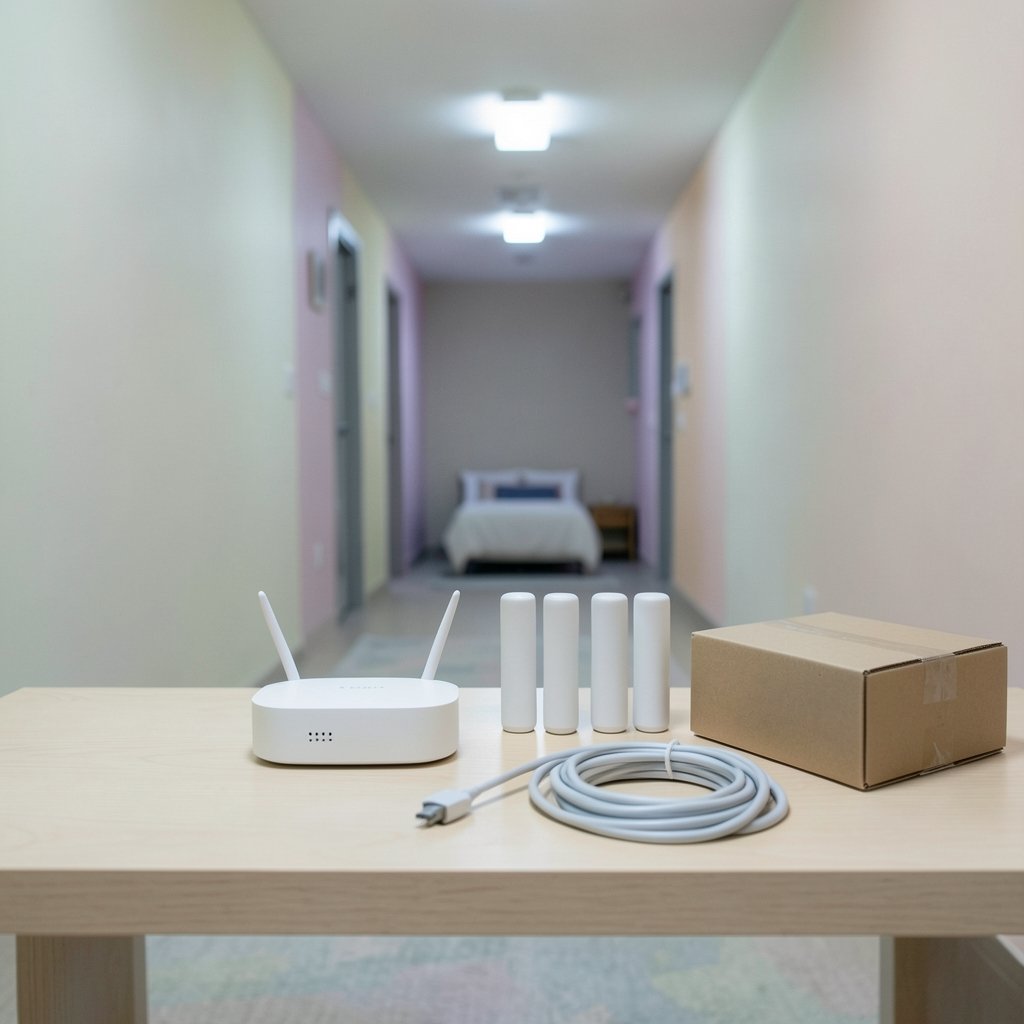
Before shopping, it helps to understand that “extender” is a loose term. Three product categories get lumped together, and they behave very differently in a large home.
| Type | How it works | Best for | Main drawback |
|---|---|---|---|
| Traditional extender | Repeats the router’s signal wirelessly | One or two rooms, tight budgets | Halves speed on repeated hop |
| Mesh Wi-Fi system | Multiple nodes share one network name and hand off devices | Whole-home coverage, 2,500+ sq ft | Higher upfront cost |
| Powerline or MoCA adapter | Sends data over existing electrical or coax wiring | Homes with thick walls, no cabling | Depends on wiring quality |
For a genuinely large home, a mesh system is usually the better answer, and many mesh kits now sell at prices close to high-end extenders. But if you already own a good router and just need to reach a garage, basement, or back bedroom, a well-placed extender is a reasonable, cheaper fix. (Small language models vs large language models)
What to Look For in an Extender for a Large Home
Dedicated backhaul is the feature that matters most
The best extenders and mesh nodes use a dedicated backhaul: a separate radio band or a wired Ethernet connection reserved for talking back to the router. This avoids the speed-halving problem entirely. If an extender has an Ethernet port, use it to wire the extender to the router whenever physically possible. A wired backhaul turns a mediocre extender into a genuinely fast access point.
Match the standard to your router
An extender should support at least the same Wi-Fi generation as your router. If your router is Wi-Fi 6 (802.11ax), buy a Wi-Fi 6 extender. A new Wi-Fi 7 extender paired with an old router will still work, but it won’t provide Wi-Fi 7 speeds. Buying an older Wi-Fi 5 extender to save money is a false economy in a large home, since it caps the whole extended network at older speeds.
Look for EasyMesh or vendor-native mesh support
Standards-based mesh certification means the extender can form a proper roaming network with compatible gear, so your phone switches nodes automatically instead of clinging to a weak signal. Vendor-native mesh (an extender designed for your router brand) works similarly. Mixing brands without a shared standard usually produces two separate network names and manual switching. (Wi-Fi)
Check the support window
A router or extender that stops receiving firmware updates becomes a security liability. Before buying, confirm the manufacturer publishes a support period and ships security patches. Budget models from unknown brands frequently never update at all.
The Room-by-Room Reality Check
Coverage claims on the box are optimistic. A unit advertised for “up to 3,000 square feet” assumes open space and a central placement that almost no real house has. In practice, expect roughly half the advertised coverage in a home with interior walls, and less in older homes with plaster and lath or brick. (Rent to Own Homes: Compare Homeownership Options)
The practical approach is to map your dead zones first. Walk the house with a phone and note where video calls drop. Then count the rooms that need help. One or two rooms: a single extender placed well will do. An entire wing or floor: a mesh system with two or three nodes is the honest recommendation.
Common Mistakes That Wreck Extender Performance
- Placing the extender in the dead zone. It needs a strong signal to repeat. Halfway is the rule.
- Leaving it on the same channel as the router. Some extenders auto-select poorly; check the app and set channels manually if speeds disappoint.
- Creating a second network name. If the extender broadcasts its own SSID, devices won’t roam. Use the same name and password where the hardware supports it.
- Stacking extenders in a chain. Extender-to-extender hops multiply the speed penalty. Two hops is usually the practical limit before performance collapses.
- Ignoring the router itself. Sometimes the real problem is an old router in a bad spot. Moving the router to a central, elevated, unobstructed location can outperform any extender purchase.
When to Skip the Extender Entirely
If your home is over 2,500 square feet with multiple floors, or if you have more than 30 connected devices, an extender is a bandage on a structural problem. A mesh system with wired or dedicated-radio backhaul will deliver more consistent speeds and simpler management. Similarly, if your walls are thick masonry or your internet plan exceeds 500 Mbps, an extender’s halved throughput will be the bottleneck you notice every day.
For renters and smaller homes, though, a single well-placed extender remains one of the cheapest ways to kill a dead zone. It’s also worth understanding how much of your experience depends on the underlying network hardware and the physical layout of the space, much like the way home design choices shape daily life in other areas.
Practical Setup Steps That Actually Work
- Update the extender’s firmware before anything else.
- Place it halfway between router and dead zone, elevated and unobstructed.
- Connect via the app or browser interface and mirror the router’s network name and password.
- Test speed in the dead zone with a speed test app rather than relying on the signal bars alone.
- If speeds are poor, move the extender closer to the router and retest.
- If the extender has an Ethernet port and you can run a cable, wire it. This is the single biggest upgrade available.
FAQ
What is the best Wi-Fi extender for a large house?
There is no single best model, because the right choice depends on your router’s Wi-Fi generation, your wall construction, and whether you can run Ethernet. The most reliable pattern is an extender that matches your router’s standard, supports mesh roaming, and offers a dedicated backhaul or Ethernet port. In homes above roughly 2,500 square feet, a mesh system usually beats any single extender. (Cybersecurity)
Do Wi-Fi extenders slow down your internet?
Traditional single-radio extenders often do, because they repeat the signal on the same channel and roughly halve throughput on the extended hop. Extenders with a dedicated backhaul radio or a wired Ethernet connection avoid most of that penalty. Real-world speed loss also depends on distance and obstacles between the router and the extender.
Where should I put a Wi-Fi extender in a large home?
Place it roughly halfway between the router and the area with weak signal, ideally with clear line of sight to the router and mounted at mid-height rather than on the floor. Putting the extender inside the dead zone is the most common placement error, because it has a weak signal to repeat.
Is a mesh system better than an extender?
For whole-home coverage across multiple floors and many devices, yes. Mesh nodes share one network name, hand devices off automatically, and often use dedicated backhaul. A single extender is cheaper and fine for one or two problem rooms, especially if you can wire it to the router.
Can I use two extenders together?
You can, but each wireless hop cuts throughput further, so chaining more than two usually produces disappointing speeds. If you need coverage across a whole floor, a mesh system with three nodes is a cleaner solution than stacking extenders.
Does a Wi-Fi extender work through brick or plaster walls?
It works, but poorly. Brick, plaster and lath, and metal lath absorb far more signal than drywall, so expect much shorter effective range. In older masonry homes, powerline adapters or Ethernet runs to a second access point often outperform any wireless extender.
Conclusion
The best Wi-Fi extender for a large home is the one you place correctly and match to your router, not the one with the biggest number on the box. Buy an extender that matches your router’s Wi-Fi generation, supports mesh roaming, and offers a wired or dedicated-radio backhaul if your budget allows. Put it halfway to the dead zone, mirror your network name, and test with real speed measurements rather than signal bars. And if your home is genuinely large, be honest with yourself: a mesh system or a wired access point will serve you better than any repeater. The goal isn’t more bars on the phone. It’s a connection that holds up when you actually need it.
That final point deserves one more layer of detail, because “test with real measurements” is where most buyers stop short. A speed test run once, right next to the extender, tells you almost nothing useful. Run it three times: once beside the router to establish a baseline, once in the dead zone on the extended network, and once in the dead zone with the extender switched off. That third number is the one people skip, and it’s the one that shows whether the extender is genuinely helping or just adding a stronger-looking signal that carries the same sluggish throughput. Compare latency as well as download speed. Video calls and gaming care more about a stable 20 ms than a headline 600 Mbps that spikes to 300 ms under load.
Also budget a little time for tuning after installation. Wi-Fi is a shared medium, and a large home often has neighbors’ networks crowding the same channels. Open your router’s app, look at channel utilization, and if the 2.4 GHz band is congested, pin the extender to a clearer channel rather than leaving it on auto. On 5 GHz or 6 GHz, keep the extender on a wide channel only if the backhaul link is strong; a weak backhaul on a wide channel produces more retries and worse real-world performance than a narrower, steadier one.
Finally, revisit the setup after a few weeks. Add a device, rearrange furniture, or move a TV, and the sweet spot for the extender can shift. A five-minute retest each season is cheaper than replacing hardware that was fine all along. Buy for your walls and your wiring, place it with care, and verify with numbers. That combination, more than any spec sheet, is what separates a large home that feels covered from one that merely looks covered on paper.



