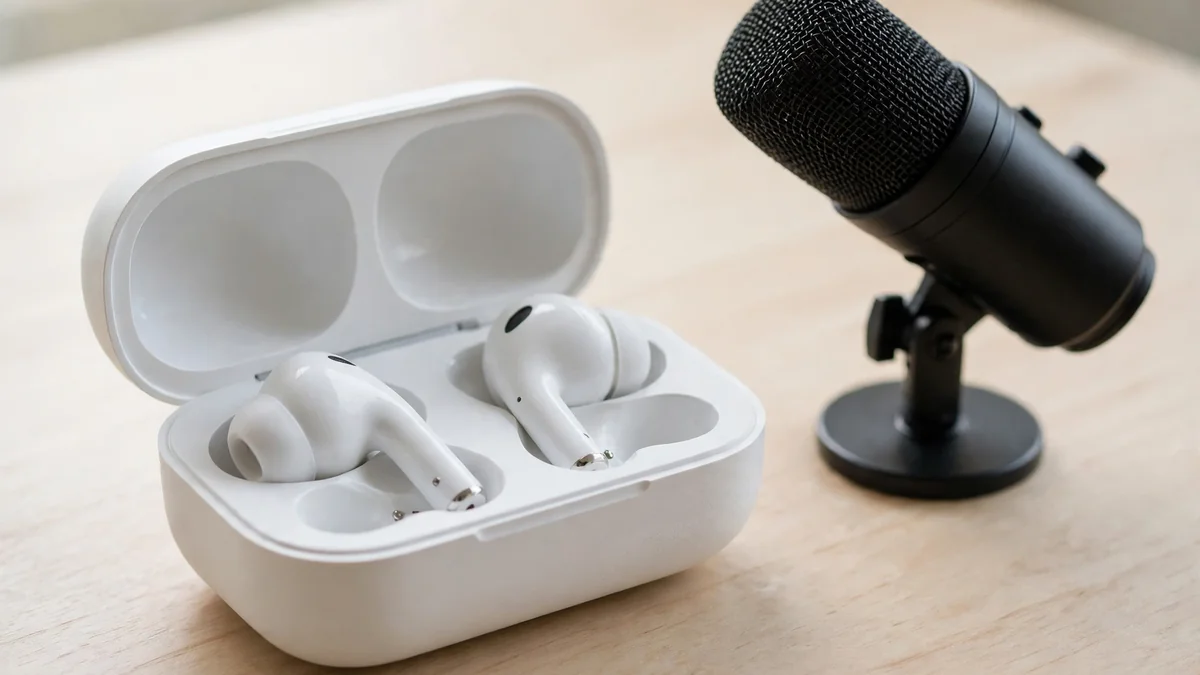
The best wireless earbuds for podcasts in 2027 deliver clear spoken-word audio, strong noise cancelling for noisy commutes, and a comfortable fit for hours of listening, so long episodes stay enjoyable from the first minute to the last. Podcasts are mostly voices, not music, which means vocal clarity matters far more than heavy bass or a wide soundstage.
That changes the priorities compared with music earbuds. A good podcast earbud keeps voices crisp and easy to follow at low volumes, blocks background noise on a train or in a busy office, and stays comfortable for two or three hours without pressure.
This guide compares seven earbuds that suit podcast listeners well, from premium Apple and Sony flagships to a strong budget pick under $100. Prices quoted are approximate starting prices, so check current pricing before you buy.
Key takeaways
- Apple AirPods Pro 3 are the best overall earbuds for podcasts, with excellent vocal clarity, strong noise cancelling and a comfortable fit.
- Anker Soundcore Liberty 4 Pro are the best budget pick, with clear voices and good noise cancelling for about $99.
- Vocal clarity and noise cancelling matter more than bass for spoken-word listening.
- Look for at least 6 hours of listening per charge, plus a case that adds 18 hours or more.
- Avoid earbuds with boomy bass that muddies voices, or a fit that aches after an hour.
At a glance: the shortlist
| Product | Best for | Starting price | Standout limit |
|---|---|---|---|
| Apple AirPods Pro 3 | Best overall | From about $249 | Best with an iPhone |
| Sony WF-1000XM5 | Best noise cancelling | From about $299 | Call quality is average |
| Bose QuietComfort Ultra Earbuds | Best comfort | From about $299 | Larger charging case |
| Samsung Galaxy Buds 3 Pro | Best for Android | From about $249 | Shorter battery life |
| Google Pixel Buds Pro 2 | Best for Pixel users | From about $229 | Noise cancelling is good, not best |
| Jabra Elite 10 Gen 2 | Best for long sessions | From about $279 | App is busy |
| Anker Soundcore Liberty 4 Pro | Best budget | From about $99 | Less refined sound |
Apple AirPods Pro 3 — Best overall
The Apple AirPods Pro 3 are the best wireless earbuds for podcasts because they make voices sound clear and natural, even at low volume. Apple tuned the drivers for speech as well as music, so hosts sound close and present rather than distant or muffled. Active noise cancelling is among the strongest available, cutting train rumble and office chatter to a low murmur, and transparency mode lets you hear announcements without removing an earbud.
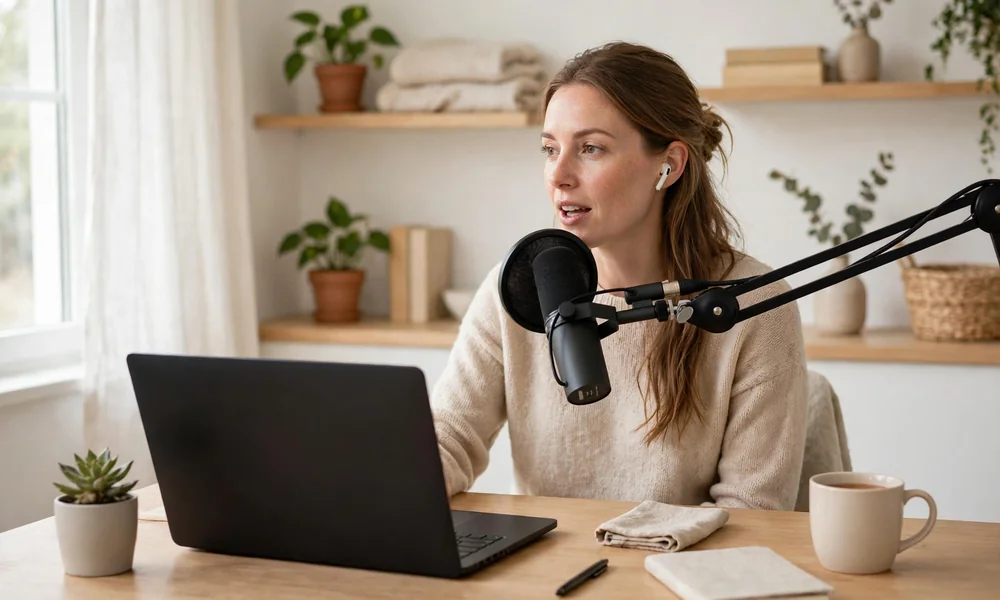
Fit is a real strength: the redesigned tips seal well without pressing hard, and most people can wear them for two or three hours without discomfort. Battery life is about 8 hours per charge with noise cancelling on, plus around 24 more hours from the case. The main limitation is ecosystem: they work best with an iPhone, where spatial audio, automatic switching and Find My all work seamlessly. and the same vocal clarity that helps podcasts also helps concentration, which is why many listeners pair them with the advice in the guide to the best earbuds for focus.
Pros: Excellent vocal clarity, top-tier noise cancelling, very comfortable fit. Cons: Best with an iPhone, and a premium price.
Sony WF-1000XM5 — Best noise cancelling
The Sony WF-1000XM5 have the best noise cancelling on this list, which makes them the top choice for podcast listeners who commute on trains, buses or planes. Sony’s processors sample outside noise thousands of times per second and cancel low-frequency rumble especially well, so a host’s voice stays clear over engine noise. The foam-tipped earbuds seal deeply, adding passive isolation on top of the active cancelling.
Sound quality is detailed and balanced, with a clear midrange that suits speech. Battery life is about 8 hours per charge with noise cancelling on, plus 16 more hours from the case.
Pros: Best noise cancelling here, detailed vocal sound, compact design. Cons: Call quality is only average, and the fit takes some getting used to.
Bose QuietComfort Ultra Earbuds — Best comfort
The Bose QuietComfort Ultra Earbuds are the most comfortable earbuds on this list, which matters when a podcast episode runs for two hours or more. Bose’s stability bands hold the earbuds gently in place without pressing into the ear canal, and the soft silicone tips come in several sizes. The sound is warm and full, with voices that sound rich rather than thin or sharp.
Noise cancelling is excellent, close to Sony’s, Battery life is about 6 hours per charge, plus 18 more hours from the case, which is shorter than Apple or Sony but enough for a day of listening.
Pros: Outstanding comfort, excellent noise cancelling, warm vocal sound. Cons: Shorter battery life, and a bulky charging case.
Samsung Galaxy Buds 3 Pro — Best for Android
The Samsung Galaxy Buds 3 Pro are the best podcast earbuds for Android users, especially those with a Samsung phone. They deliver clear, detailed voices with a balanced tuning that avoids the heavy bass that can muddy speech, and adaptive noise cancelling adjusts automatically when you move from a quiet room to a busy street. The stem design with pinch controls is easy to use without tapping the ear.
Galaxy AI features include live translation and an interpreter mode, which is handy for foreign-language podcasts, though these features need a compatible Samsung phone. Battery life is about 6 hours per charge with noise cancelling on, plus 18 more hours from the case. The fit is secure and light, making them comfortable for long listening sessions.
Pros: Clear balanced sound, smart adaptive noise cancelling, light secure fit. Cons: Shorter battery life, and the best features need a Samsung phone.
Google Pixel Buds Pro 2 — Best for Pixel users
The Google Pixel Buds Pro 2 are the best choice for Pixel phone owners who listen to podcasts daily. They are light and small, with a twist-to-adjust fit that stays comfortable for hours, and the sound is clean and clear in the midrange where voices live. Noise cancelling is good rather than best-in-class, but it handles office noise and traffic well enough for most listeners.
Gemini integration lets you ask for a podcast summary or skip ahead by voice, and the earbuds switch smoothly between a Pixel phone and a Chromebook or tablet. Battery life is about 8 hours per charge with noise cancelling on, plus 22 more hours from the case, which is strong for the price.
Pros: Light and comfortable, good battery life, helpful voice features. Cons: Noise cancelling trails Sony and Bose, and the fit needs a twist to seal.
Jabra Elite 10 Gen 2 — Best for long sessions
The Jabra Elite 10 Gen 2 are built for long listening sessions, with a soft, low-pressure fit that stays comfortable for three hours or more. The semi-open design reduces the plugged-in feeling some earbuds cause, while still sealing well enough for strong noise cancelling. Dolby head tracking adds a spacious feel to audio dramas and narrative podcasts.
Sound is warm and detailed, with voices that stay clear even when the volume is low. Battery life is about 8 hours per charge, plus 28 more hours from the case, one of the best totals here. The companion app is powerful but busy, with many settings to learn.
Pros: Very comfortable for long sessions, excellent total battery life, useful transmitter case. Cons: The app is cluttered, and the design is plain.
Anker Soundcore Liberty 4 Pro — Best budget
The Anker Soundcore Liberty 4 Pro are the best budget earbuds for podcasts, offering clear voices and good noise cancelling for about $99. The dual-driver design keeps speech crisp, and the companion app includes an equaliser with a podcast preset that lifts vocal clarity further. Noise cancelling handles office hum and bus noise well, though it cannot match Sony or Bose on a loud train.
Battery life is about 7 hours per charge, plus 24 more hours from the case, and a ten-minute charge adds roughly four hours of listening. Sound is less refined than the premium picks, with slightly thinner bass, but for spoken word that hardly matters.
Pros: Excellent value, clear voices, strong battery life. Cons: Noise cancelling is good, not great, and the sound is less refined.
How to choose
Start with vocal clarity, because podcasts live or die on how easy voices are to follow. Look for earbuds with a clear midrange and an equaliser preset for speech, and be wary of models tuned for heavy bass, which can make voices sound muddy. If you listen at low volume, as many people do at work, check that voices stay clear and present rather than fading into the background.
Next, think about where you listen. If your main listening time is a noisy commute, noise cancelling is worth paying for, and the difference between good and great cancelling is obvious on a train. A secure fit also matters when you walk while listening, and call quality matters if you also take work calls on the same earbuds, as the guide to the best wireless earbuds for calls explains for microphone quality.
Finally, check your phone. Apple, Samsung and Google each reserve their best features for their own phones, so matching the earbud brand to your phone usually gives the smoothest experience. Also check the case battery total, not just per-charge life, and make sure the earbuds support multipoint pairing if you switch between a phone and a laptop.
Checklist: before you buy
- Test vocal clarity at low volume, not just at full volume, before deciding.
- Check noise cancelling on a train or bus if that is where you listen most.
- Try all the included ear tip sizes and wear the earbuds for at least an hour.
- Confirm the total battery life including the case, and how fast a short charge tops it up.
- Make sure multipoint pairing works if you switch between a phone and a laptop.
- Check the return policy so you can send them back if the fit hurts after a long episode.
Frequently asked questions
Do I need noise cancelling for podcasts?
Not always, but it helps a lot on public transport and in noisy offices. At home, a good seal from the ear tips is often enough. If most of your listening happens in quiet rooms, spend the money on comfort and sound instead.
Are expensive earbuds worth it just for podcasts?
For most listeners, no. A $99 pair like the Soundcore Liberty 4 Pro sounds clear enough for speech.
Can I use podcast earbuds for calls too?
Yes. Most earbuds on this list have good microphones for calls, though Sony’s call quality is average. If calls are half your use, prioritise microphone quality alongside vocal clarity.
How long should earbuds last on one charge for podcasts?
At least 6 hours per charge is a good minimum, because long episodes and daily commutes add up.
Do earbuds sound different for podcasts than for music?
Yes. Music earbuds are often tuned for strong bass, which can muddy voices. Podcast-friendly earbuds emphasise the midrange where speech lives, so voices sound clearer even at low volume.
Which earbuds are best for listening while walking or commuting?
Look for a secure fit, strong noise cancelling and transparency mode for crossing roads, as the guide to the best earbuds for commuting explains. The Sony WF-1000XM5 and Apple AirPods Pro 3 are strong choices for both.
The bottom line
For most podcast listeners, the Apple AirPods Pro 3 are the best overall choice, with the clearest voices, strongest noise cancelling and most comfortable fit. iPhone users get the most from them, while Android users should look at the Samsung Galaxy Buds 3 Pro or Google Pixel Buds Pro 2 instead.
If your budget is tight, the Anker Soundcore Liberty 4 Pro deliver clear speech and good noise cancelling for about $99. Whatever you choose, prioritise vocal clarity, comfort over long episodes, and noise cancelling that matches where you actually listen.