

What happens to your favorite mobile game when the emulator you’ve relied on for years quietly stops keeping up with Android? That question sounds hypothetical, but it’s already shaping how people choose emulators on Windows. The Android 14 gap between BlueStacks, LDPlayer, and GameLoop is real, and it has less to do with today’s performance than with what your setup will look like two or three years from now.
Most comparisons obsess over frame rates and RAM usage. Those matter, but they’re short-term concerns. The bigger issue is software support: whether an emulator keeps receiving Android version updates, security patches, and compatibility fixes. An emulator that runs beautifully today but never reaches a newer Android API level can become a dead end. Here’s how to think about that trade-off honestly.
Why the Android 14 Gap Exists at All
Android 14, which corresponds to API level 34, arrived in late 2023. Emulators don’t magically inherit new Android versions. Each one has to build, test, and ship a new system image, and that work is slow and expensive. BlueStacks, LDPlayer, and GameLoop have all historically offered instances based on older Android versions, often Android 9 or Android 11, and their timelines for catching up differ wildly. (Android version history)
This matters because Google Play enforces minimum target API levels on a rolling schedule. Apps that don’t update get pushed out. When a game you love raises its minimum Android requirement, an emulator stuck on an older instance simply can’t install or run it. The gap isn’t cosmetic. It’s a compatibility wall that grows taller every year.
The Three Contenders at a Glance
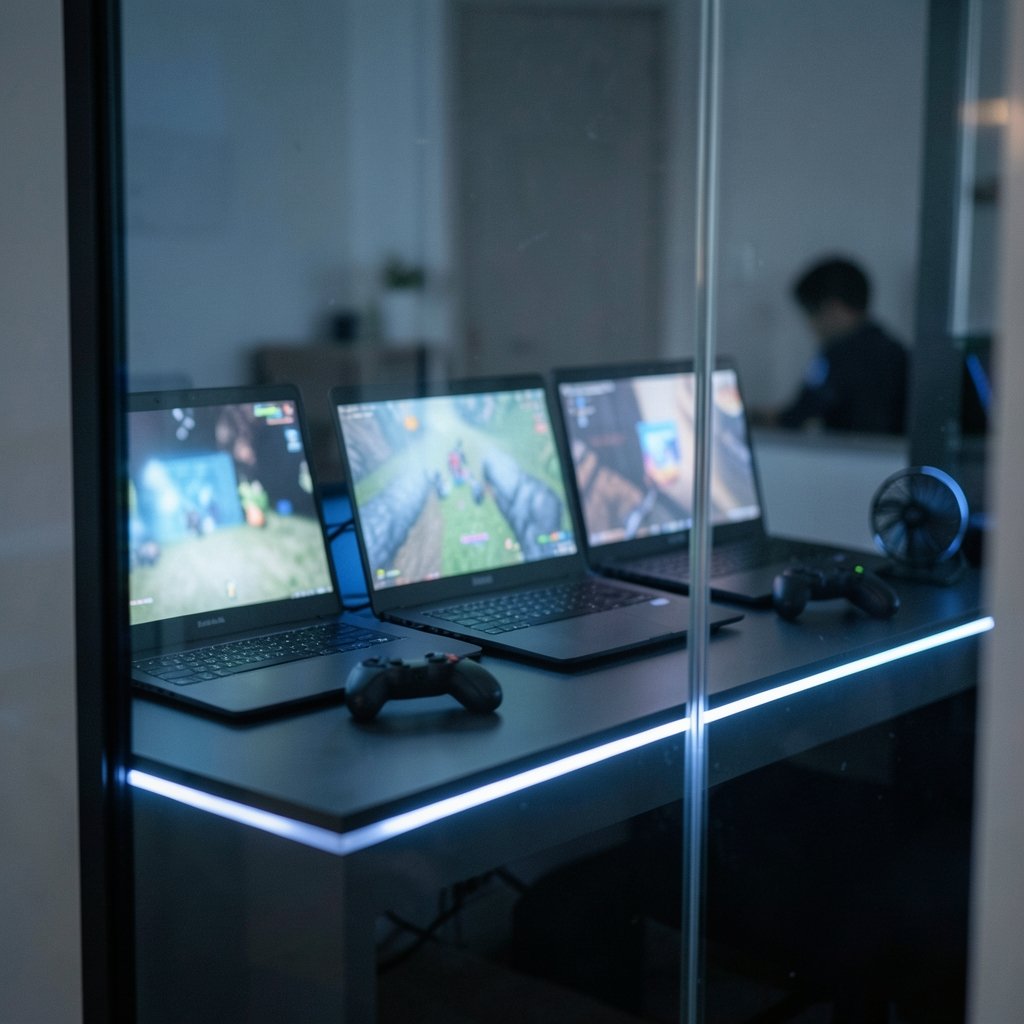
Each emulator was built for a different audience, which explains why their Android version support diverges so much.
| Emulator | Primary focus | Typical Android instances | Update reputation |
|---|---|---|---|
| BlueStacks | Broad app and game compatibility | Multiple versions (historically Android 9 and 11) | Frequent releases, wide hardware support |
| LDPlayer | Gaming performance and multi-instance play | Historically Android 9, newer versions added later | Performance-first, version updates lag |
| GameLoop | Specific titles (PUBG Mobile, Call of Duty Mobile) | Tuned per game | Slow on general Android updates |
The pattern is clear. BlueStacks spreads its effort across many apps and devices. LDPlayer chases raw gaming performance. GameLoop optimizes for a handful of blockbuster titles. None of these priorities guarantee fast Android 14 support, and each carries a different kind of long-term risk.
What “Software Support” Actually Means
People throw the phrase around loosely, so let’s pin it down. Software support for an emulator includes several distinct things:
- Android version updates — shipping new system images as Google releases new Android versions.
- Security patches — fixing vulnerabilities in the underlying Android layer.
- App compatibility fixes — adjusting to games and apps that change their requirements.
- Driver and OS compatibility — staying functional as Windows itself evolves.
- Active development — a team that still ships releases rather than abandoning the project.
An emulator can score well on one and poorly on another. GameLoop, for instance, may keep a specific game running perfectly while never offering a general-purpose modern Android instance. That’s fine if you only play that game. It’s a problem if your library is broad.
This is the same lesson that shows up in enterprise tech, where the difference between marketing labels and real practice trips people up. The cloud native computing definition and what it really means in practice is a good parallel: the label says one thing, the day-to-day reality says another. Emulator “Android 14 support” works the same way. A logo on a homepage isn’t the same as a shipped, stable instance.
The Long-Term Use Question for 2027
Here’s where the analysis gets practical. When someone asks whether an emulator is a good buy for 2027, they’re really asking two questions: will it still run my apps, and will it still be maintained?
The honest answer is that nobody can promise either. Emulator release notes change frequently, and a feature that exists today can be deprecated tomorrow. The only reliable method is to check the official release notes for each emulator on the day you decide, and note the date you checked. A claim like “supports Android 14” is only as good as the timestamp next to it.
That said, structural patterns do tell you something. An emulator that has consistently shipped new Android instances over several years is more likely to keep doing so. One that has sat on Android 9 for a long stretch is a bigger gamble. Past behavior isn’t destiny, but it’s the best signal available.
Where Each Emulator Is Vulnerable
Thinking in terms of risk is more useful than picking a “winner.”
BlueStacks carries the least version risk of the three, because it has historically offered multiple Android instances and updates them. Its vulnerability is bloat and resource use, not abandonment.
LDPlayer is the performance specialist, and that focus is exactly why its Android version timeline can lag. If a game bumps its minimum API level, LDPlayer users may wait longer for a compatible instance.
GameLoop is the narrowest tool. It’s excellent for the titles it targets and indifferent to everything else. Treat it as a game-specific launcher, not a general Android environment, and its long-term risk becomes easier to accept.
If you’re weighing hardware and software costs over several years, the same logic applies to other tech purchases. The Synology vs QNAP software, hardware, and long-term cost comparison shows how support lifecycles quietly determine whether a device feels like a bargain or a burden by year three. Emulators deserve the same scrutiny.
Practical Tips That Actually Work
After watching people wrestle with emulator choices, a few habits separate the frustrated from the satisfied.
Check release notes before you commit. Not the homepage, not a comparison blog. The official release notes tell you which Android instances exist and when they shipped.
Match the emulator to your library. If you play one or two specific games, a specialized tool like GameLoop may serve you fine. If you hop between apps, a broad emulator is safer.
Keep more than one installed. Storage is cheap. Having a backup emulator with a different Android instance protects you when one falls behind.
Record your check date. Emulator support pages change without notice. Writing down “verified on this date” saves you from acting on stale information.
Don’t chase the newest Android version blindly. A stable Android 11 instance that runs your games beats a buggy early Android 14 build. Stability matters more than the version number on the box.
Common Mistakes People Make
The biggest mistake is treating an emulator like a permanent install. It isn’t. It’s a moving target that depends on an active development team.
The second mistake is trusting outdated comparisons. A guide written two years ago may describe Android version support that has since changed entirely. Always date your sources.
The third is confusing “runs my game today” with “will run my game in 2027.” Those are different questions. The first is about current compatibility. The second is about the developer’s roadmap, and only official release notes hint at that.
A fourth mistake, common among people optimizing their whole setup, is ignoring how support costs compound. The money stack term and how to actually build one applies here too: layering tools without checking their long-term maintenance burden leads to a stack that collapses under its own weight. Emulators are part of that stack.
How to Evaluate Support Like a Pro
Rather than trusting a single review, build a quick evaluation routine. It takes ten minutes and saves months of frustration.
- Open the official release notes for each emulator.
- Note the newest Android instance available and the date it shipped.
- Check whether the project has shipped any release in the last few months.
- Search the release notes for mentions of the specific games or apps you use.
- Write down the date you checked, so future you knows how fresh the data is.
This routine won’t predict the future, but it replaces guesswork with evidence. And evidence is the only thing that separates a confident choice from a hopeful one.
The Bigger Picture: Support Is a Feature
It’s tempting to treat Android version support as a background detail, something that matters only to power users. That’s backwards. Support is the feature that determines whether everything else keeps working. A fast emulator that stops receiving updates is a fast emulator with an expiration date.
This pattern repeats across technology. The Android emulator landscape on Windows 11, including how Google Play access differs between BlueStacks and its rivals, shows the same dynamic: the tools that stay maintained are the ones worth building a workflow around. The Android emulator comparison for Windows 11 with Google Play and BlueStacks versus alternatives rewards readers who look past the headline features. (Android 14 overview for developers)
For 2027 planning, the smart move is to assume change. Pick an emulator with a track record of shipping new Android instances, keep a backup, and re-check the release notes every few months. That approach survives whatever the Android 14 gap turns into next.
Conclusion
The BlueStacks vs LDPlayer vs GameLoop debate doesn’t have a single winner, because each tool optimizes for something different. BlueStacks spreads its bets across compatibility and version support. LDPlayer chases performance and can lag on Android updates. GameLoop serves a narrow set of games extremely well and little else.
The real question for long-term use in 2027 isn’t which emulator is fastest today. It’s which one keeps shipping new Android instances, security fixes, and compatibility patches as the years roll on. Check official release notes, date your findings, keep a backup installed, and match the tool to your actual library. Do that, and the Android 14 gap becomes a manageable detail instead of a nasty surprise.
FAQ
Is BlueStacks better than LDPlayer for long-term use?
BlueStacks generally carries less version risk because it has historically offered multiple Android instances and updated them more broadly. LDPlayer often wins on raw gaming performance but can lag on Android version updates. For long-term use, version support usually matters more than a few extra frames per second.
Does GameLoop support Android 14?
Support status changes frequently and should be verified against official release notes on the day you check. GameLoop has historically focused on specific titles rather than general Android version coverage, so it’s best treated as a game-specific launcher rather than a general-purpose modern Android environment.
Why does the Android 14 gap matter if my games run fine now?
Because Google Play enforces minimum target API levels on a rolling schedule, and games raise their own Android requirements over time. An emulator stuck on an older instance can’t install or run apps that require a newer API level. Today’s working setup can stop working after a routine game update.
How often should I check emulator release notes?
Every few months, and always before a major purchase or a game update you’re counting on. Emulator support pages change without notice, so a claim you read last year may no longer be accurate. Recording the date you checked keeps your information honest.
Can I use more than one emulator at the same time?
Yes, and it’s a smart hedge. Keeping two emulators with different Android instances installed protects you when one falls behind on updates. Storage is inexpensive, and the redundancy costs you nothing but disk space.
Will emulators still work on Windows in 2027?
Most likely, but the ones that stay usable will be those with active development teams shipping regular releases. An emulator that stops receiving updates risks breaking as Windows itself evolves. Choose tools with a visible release history rather than relying on a single install lasting forever.



