
Quick Answer: What are the most common problems with bluetooth headphones and how do i fix them?
The most common Bluetooth headphone problems are pairing failures, one earbud dropping out, audio stutter, charging faults, and microphone issues. Most of them are fixed with a short sequence of steps: put the headphones into pairing mode, delete the old pairing entry on your phone, reset the earbuds, clean the charging contacts, and update the firmware through the manufacturer’s companion app.
Wired headphones avoid wireless problems entirely but lose the convenience that makes Bluetooth appealing in the first place. Some faults, like a dead battery or a damaged driver, are hardware failures that no amount of troubleshooting will solve.
Before you start, check the headphone model and firmware version, the Bluetooth version on your phone, how many devices are paired, the battery level in each earbud, and whether the problem appears on a second device. (Bluetooth)
Why Wireless Audio Still Trips Up in Everyday Use
Market researchers estimate that hundreds of millions of Bluetooth audio devices ship worldwide every year, and true-wireless earbuds alone account for a large share of that total. Yet the technology still frustrates people in ways wired headphones never did. The reason is simple: Bluetooth is a radio connection, and radio connections compete with everything else in the air around you.
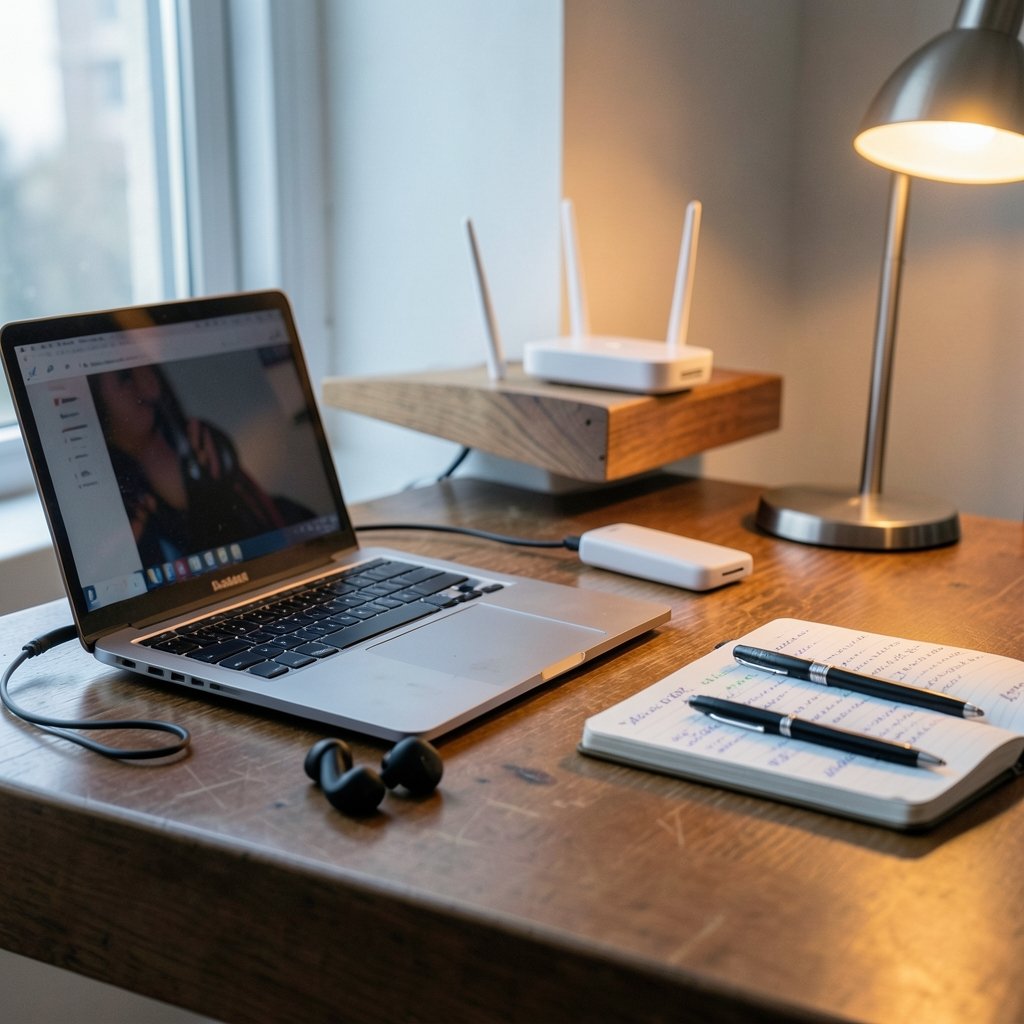
A Bluetooth link shares the crowded 2.4 GHz band with Wi-Fi routers, microwave ovens, wireless mice, and USB 3.0 ports. When that band gets noisy, audio stutters. When a pairing handshake goes wrong, one earbud goes silent. When a firmware bug slips through, calls crackle. None of these are mysterious failures. They are predictable ones, and almost all of them have a known fix.
What follows is a practical breakdown of the nine problems people report most often, what actually causes each one, and the steps that resolve them in practice. It also covers the mistakes that make things worse, which is where most troubleshooting time gets wasted.
Problem 1: The Headphones Won’t Pair at All
Pairing failure is the single most common complaint, and it usually has nothing to do with a broken device.
Most pairing failures happen because the headphones are still connected to another device nearby, such as a laptop or a tablet that grabbed the connection first. The fix is to turn Bluetooth off on every other device in range, then put the headphones into pairing mode. On most models that means holding the power or pairing button until an LED flashes rapidly. (Decky loader not working steam deck fix 2026)
The second most common cause is a stale pairing record on the phone. Deleting the old entry from the Bluetooth settings menu and starting fresh resolves a surprising number of cases. If the headphones still refuse to appear, a factory reset is the reliable fallback, though the button sequence differs by model and has to come from the specific manual.
Problem 2: One Earbud Stops Working or Falls Out of Sync
A single silent earbud is the classic true-wireless headache. The two earbuds talk to each other before they talk to your phone, and when that internal link breaks, one side goes quiet.
The standard fix is a full reset of both earbuds together, usually done by placing them in the case and holding a button or touching both touchpads for several seconds. After the reset, re-pair from scratch. If the problem returns, check for a firmware update, since out-of-sync earbuds are one of the bugs updates most often address.
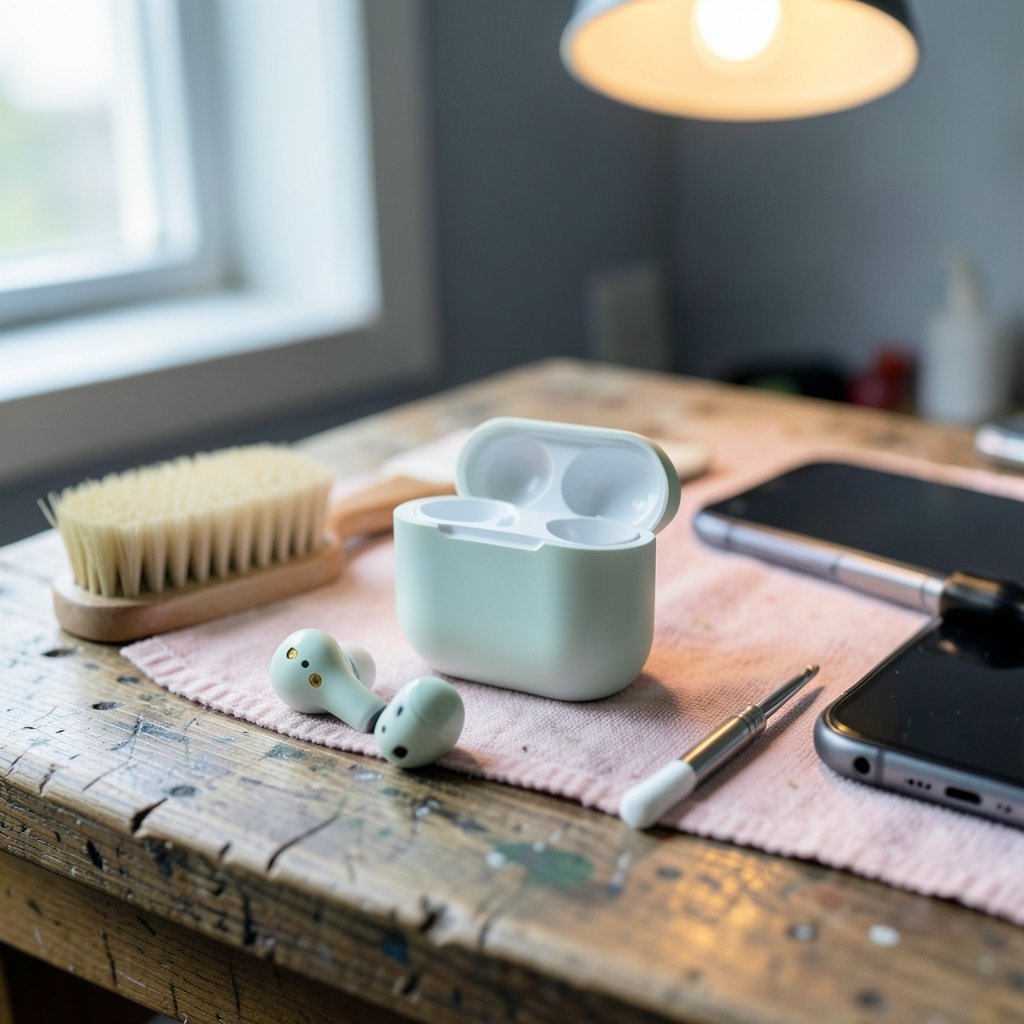
People also misdiagnose this one. A bud that seems dead may simply have a dirty charging contact, so it never charged. Cleaning the metal contacts on the bud and inside the case with a dry cotton swab solves more “dead earbud” cases than any software step.
Problem 3: Audio Stutters, Cuts Out, or Drops Constantly
Stutter is almost always an interference or distance problem, not a defect. Bluetooth has a working range of roughly 10 meters in open air, and walls, bodies, and furniture cut that down fast. (Interference with Radio, TV and Telephone Signals)
Practical fixes that work, in order of effectiveness:
- Move the phone and headphones closer together and keep the phone on the same side of your body as the headphones.
- Move away from the Wi-Fi router, and avoid charging the phone from a USB 3.0 port right next to the headphones.
- Turn off unused wireless devices in the area, especially anything else on 2.4 GHz.
- Remove the pairing and re-pair, which resets the connection parameters.
- Update the firmware on both the headphones and, where possible, the phone.
If stutter persists across two different phones in two different locations, the headphones themselves are the likely culprit.
Problem 4: Audio and Video Are Out of Sync
Lip-sync lag shows up most on Android phones and on Windows laptops, and it is a codec problem rather than a connection problem. Standard Bluetooth audio codecs carry latency that becomes visible when watching video.
The fix depends on what your gear supports. Many headphones include a low-latency or gaming mode that trades a little audio quality for tighter sync. On phones, the setting usually lives in the companion app. On computers, some adapters and codecs handle sync better than others, so trying a different adapter is a legitimate fix rather than a workaround. (How to fix antimalware service executable high cpu usage)
Problem 5: The Earbuds Won’t Charge or the Battery Drains Too Fast
Charging faults split into two categories: dirty contacts and bad cables. The first is far more common, especially for earbuds that live in a pocket or gym bag.
Clean the contacts, try a different cable, and try a different charger. If the case charges but the buds don’t, the contacts inside the case are usually the problem. If nothing charges, test the case with a known-good cable before assuming the battery has failed.
Fast battery drain is a different issue. Cold weather, high volume, active noise cancellation, and long standby time all shorten runtime. Checking the battery level per earbud in the companion app helps separate a genuinely failing cell from normal drain.
Problem 6: Callers Can’t Hear You Clearly
Microphone complaints are common and often misdiagnosed as a headphone defect. In practice, the phone frequently routes call audio to the wrong input, especially after a laptop or a second headset has been connected.
The fixes are straightforward. Confirm the headset is selected as the input device in the call app, and do not rely on system settings alone. Check which earbud carries the microphone, since covering it with a hand or a hat kills clarity. Update the firmware, and if the problem only appears in wind, use a windscreen or switch to a different mic mode if the app offers one.
Problem 7: The Headphones Keep Connecting to the Wrong Device
Multi-point pairing is convenient until your earbuds grab your laptop’s audio while you’re trying to listen on your phone. This is a settings problem, not a hardware one.
The fix is to unpair devices you no longer use and to disable auto-connect for the ones you want to connect manually. Many companion apps let you control which device has priority. If your headphones support multi-point, turning it off when you only need one device eliminates the issue entirely.
Problem 8: The Fit Is Wrong, and It’s Affecting Everything Else
Poor fit is the most underestimated problem on this list. A loose seal changes bass response, but it also affects connection stability on true-wireless models, because the antenna sits inside the earbud and a shifting bud changes how the radio link behaves.
Trying different ear-tip sizes is the standard advice, and it genuinely works. A tip that seals properly keeps the bud stable, which keeps the connection stable. If none of the included tips fit, third-party foam tips are a cheap experiment before replacing the headphones.
Problem 9: Firmware and App Problems Cause Weird, Unrepeatable Bugs
Some faults defy logic: a bud that disconnects only on Tuesdays, a case that reports the wrong battery level, a headset that forgets its settings. These are firmware bugs, and the companion app is the fix.
Updating firmware regularly is the single most effective preventive habit for wireless audio. Updates routinely patch connection stability, battery reporting, and call quality. If an update itself breaks something, a factory reset after updating restores defaults and clears corrupted settings.
Common Mistakes That Make Things Worse
Troubleshooting goes sideways for predictable reasons. The biggest mistake is resetting the headphones before trying the simple steps, which wipes pairing data and adds confusion without fixing anything. Start with the easy checks and escalate.
The second mistake is assuming a problem is the headphones when it’s the phone. Testing on a second device takes two minutes and immediately tells you which side owns the fault. The third is skipping the manual: reset sequences, LED codes, and button combinations vary so much between models that guessing wastes time.
The fourth is ignoring the environment. A router, a microwave, or a crowded USB hub can cause stutter that no amount of re-pairing will fix. The fifth is buying replacement gear before checking the cable and the charging contacts, which are the cheapest possible fixes.
When to Stop Troubleshooting and Replace the Headphones
Some failures aren’t fixable at home. A battery that holds charge for under an hour after a full reset is near the end of its life. A driver that rattles at moderate volume is physically damaged. A charging case that won’t accept power after a cable and charger swap has failed internally.
The practical test is simple: if the problem follows the headphones across two phones, two locations, and a factory reset, the hardware is the problem. At that point, replacement is the sensible choice, and it’s worth reading up on what to look for before buying again, whether that’s a set of the best budget headphones or a step up to the best noise cancelling headphones under 300 for commuting.
Conclusion
Most Bluetooth headphone problems are not mysteries. They fall into a small number of categories, pairing, interference, charging, microphone routing, and firmware, and each has a fix that takes minutes rather than a trip to the store. The pattern that resolves the widest range of faults is consistent: test on a second device, re-pair from scratch, clean the contacts, and update the firmware. Everything else is a variation on those four steps.
The bigger lesson is that wireless audio rewards a little maintenance. Cleaning contacts monthly, keeping firmware current, and pruning unused pairings prevents most of the headaches people blame on the technology itself. When a fix does work, note what it was. The same problem tends to return, and the second time around it takes thirty seconds instead of thirty minutes.
Frequently Asked Questions
Why do my Bluetooth headphones keep disconnecting randomly?
Random disconnects usually come from interference, low battery in one earbud, or a stale pairing record. Move away from Wi-Fi routers and USB 3.0 ports, charge both earbuds fully, then delete the pairing and reconnect. If the disconnects continue on a second phone, the headphones’ firmware or hardware is the likely cause.
How do I reset Bluetooth headphones if I lost the manual?
Search for the exact model number plus “reset” on the manufacturer’s support page, since sequences differ widely. A common pattern is holding the power and volume-down buttons together for 5 to 10 seconds until an LED flashes. For earbuds, placing both in the case and holding the touchpads often triggers a reset.
Do Bluetooth headphones work better with a newer phone?
Often, yes. Newer phones support newer Bluetooth versions and codecs, which can improve connection stability, latency, and battery efficiency. That said, a well-maintained older phone with a current firmware update can be perfectly reliable, so the phone’s age alone is rarely the deciding factor.
Can I fix one earbud that stopped charging?
Sometimes. Clean the metal contacts on both the earbud and inside the case with a dry cotton swab, then seat the bud firmly. Try a different charging cable and charger. If the bud still won’t charge after a reset, the internal battery or charging circuit has likely failed.
Is it normal for Bluetooth headphones to lag when watching video?
A small delay is normal because Bluetooth audio carries inherent latency. Many headphones include a low-latency or gaming mode that reduces it, usually toggled in the companion app. If no mode helps, the limitation is in the codec your phone and headphones share, not a fault.
How often should I update my headphone firmware?
Check for updates every few months, and always after buying new headphones or pairing them with a new phone. Updates frequently fix connection stability and call quality bugs. Run the update with the headphones charged and close to the phone, since an interrupted update can leave the device in a bad state.



