
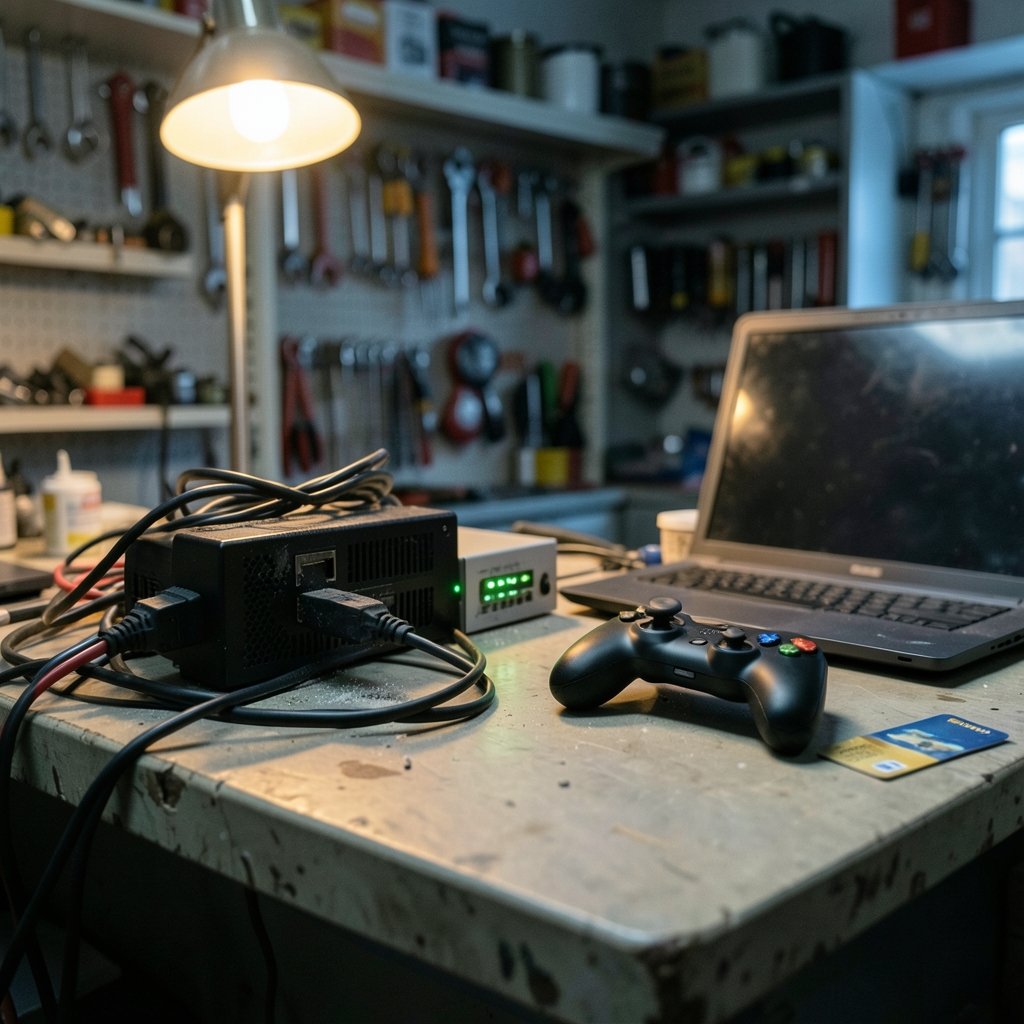
Quick Answer: What should I check before paying for gaming VPNs?
Before paying for a gaming VPN, check whether the service actually solves your problem, because a VPN usually adds latency rather than removing it and only helps in narrow cases like ISP throttling or bad routing to a game server. Confirm the setup works on your platform, since consoles often need router-level configuration instead of a native app.
Distinguish a gaming VPN from a general privacy VPN and from a game-server accelerator, because each fixes a different issue and the marketing often blurs them together. Compare the ping claims, the game’s terms of service, your local laws, audit scope, jurisdiction, refund window, device limits, and console support before entering card details.
Why the “lower ping” promise deserves a raised eyebrow
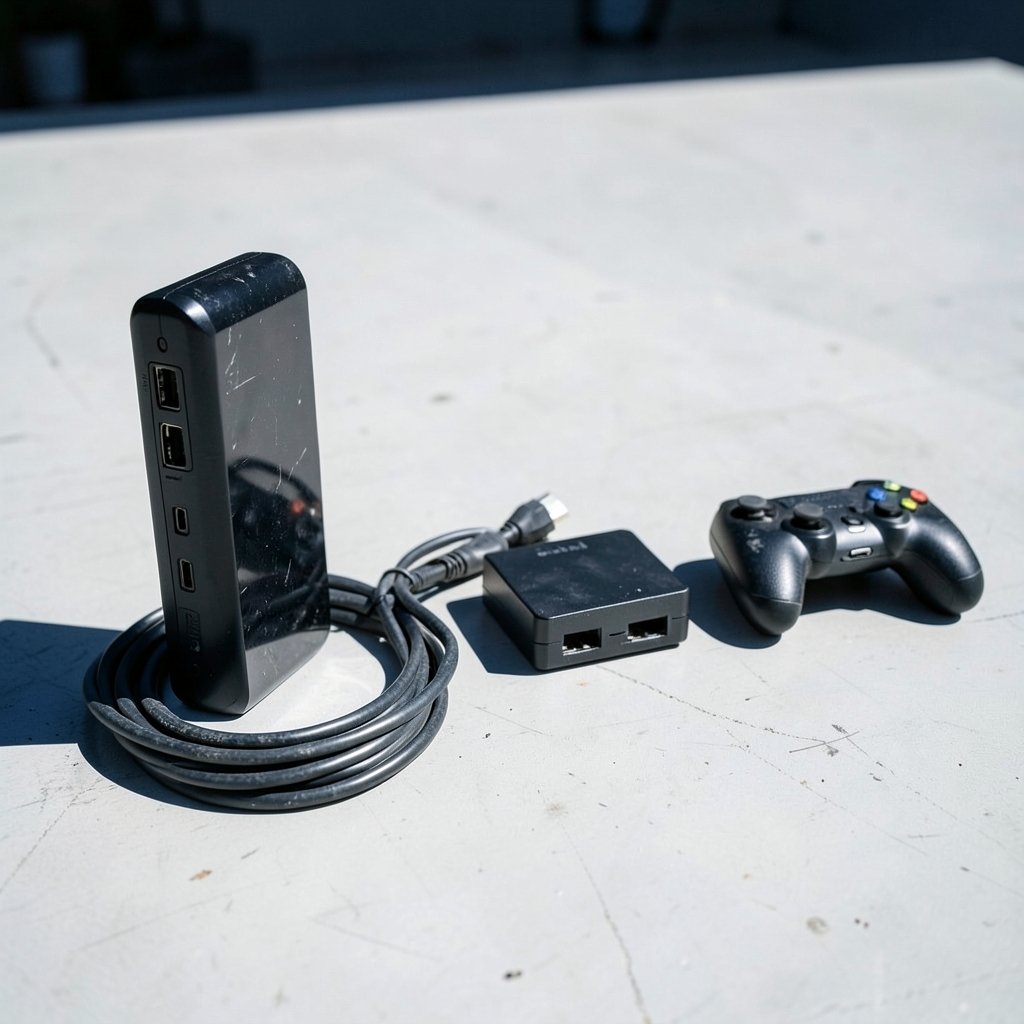
A gamer sees an ad: pay for this VPN and watch your ping drop. It sounds like magic. It usually isn’t.
Here’s the mechanical reality. A VPN sends your traffic through an extra server before it reaches the game. That extra hop normally adds latency, not subtracts it. So why do some players swear a VPN improved their connection? Because in specific situations, the default route your internet provider gives you to a game server is genuinely bad, congested, or throttled. Rerouting through a different path can occasionally beat that bad default. It’s a fix for a broken route, not a universal speed boost.
That distinction matters enormously when money changes hands. If a provider promises lower ping as a blanket feature, treat it as conditional marketing rather than a guaranteed outcome. The honest framing is: a VPN might help if your ISP is the bottleneck, and it will probably hurt if your ISP is fine. Testing before committing is the only way to know which camp you’re in.
This is the same pattern that shows up across tech purchases: the pitch outruns the physics. Buyers comparing hardware run into it too, which is why a careful look at CPU compatibility before an upgrade pays off more than trusting a spec sheet alone. A gaming VPN deserves the same skepticism.
Check the game’s terms of service first
Before anything else, open the terms of service or EULA for the specific game you play. Not a summary, not a forum post from 2019, the actual current document on the publisher’s own site.
Why? Because using a VPN to access region-locked content, grab cheaper regional pricing, or play on servers outside your region can breach a publisher’s terms. The consequence isn’t a slap on the wrist. Account suspension or a ban is a real possibility, and no refund from a VPN company will restore your game library or your rank.
Terms vary by publisher and they change over time. A clause that was silent last year may have been updated. Read the section on prohibited conduct and anything mentioning location, region, or circumvention. If the language is ambiguous, ask the publisher’s support directly and keep the reply. That written answer is worth more than any Reddit thread.
The practical rule: a VPN is for protecting your connection, not for pretending to be somewhere you aren’t. The moment you use it to dodge regional restrictions, you’ve moved from privacy tool to terms-of-service risk.
Know whether a VPN is even legal where you live
VPN use is restricted or banned in a number of countries, and enforcement shifts. China, Russia, Iran, and others regulate or block VPN traffic, with rules tightening in various jurisdictions from 2017 onward. If you live in or travel to such a place, a gaming VPN purchase may be unlawful, unreliable, or both.
Laws change frequently, so verify the current status for your country rather than relying on an article, including this one. Check your local telecommunications regulations and, if the stakes are high, a local legal professional. This isn’t scaremongering; it’s basic diligence. Paying for a service you can’t legally use is the worst possible outcome of a purchase decision.
For players in permissive jurisdictions, this section is a quick box to tick. For everyone else, it’s the first gate.
Scrutinize the “no-logs” claim instead of trusting the badge
Every VPN advertises no-logs. Almost none of them can prove it on their own, because the claim is self-reported.
The main way to test such a claim is an independent audit, typically commissioned from a security firm and paid for by the provider. Audits vary widely in scope and date. A badge on a sales page tells you an audit happened; it doesn’t tell you what was examined, when, or whether the findings were clean. Look for the audit’s scope and date, and read the summary rather than the logo.
Then check jurisdiction. Where the VPN company is incorporated determines which legal orders it must comply with. A provider registered in a country with mandatory data-retention rules has a different privacy posture than one in a jurisdiction without them, regardless of marketing copy. Laws differ by country and change, so verify current rules.
Finally, check ownership. Many VPN brands are owned by a small number of parent companies, and consolidation affects trust and privacy posture. If ownership isn’t disclosed, that silence is itself information. The same instinct applies to other subscription tech, which is why buyers weighing lifetime deals are advised to check who’s behind the brand before paying. (2026 2027 school calendar parents should check before)
Features that actually matter for gaming
Skip the feature list on the sales page and check the documentation instead. Here’s what to compare.
| Feature | Why it matters for gaming | What to verify |
|---|---|---|
| Kill switch | Prevents traffic leaks if the tunnel drops | Available on your specific platform |
| Split tunneling | Routes only game traffic through the VPN | Supported on your OS or router |
| Protocol support | Modern protocols balance speed and security | WireGuard or equivalent offered |
| Device limit | Simultaneous connections allowed | Matches your household’s devices |
| Console support | Native app vs router setup | Setup method documented |
| Refund window | Lets you test before committing | Length and conditions in writing |
That last row is the quiet hero of the table. A refund window is your testing period. Use it. Install the VPN, play your actual game on your actual connection at your actual play times, and measure. If ping worsens and stability doesn’t improve, return it.
Console support deserves special attention because it’s where buyers get burned. Many VPNs require router-level setup for PlayStation, Xbox, and Switch rather than a native app. That’s a project, not a plug-in. Confirm the setup method before paying, and check whether your router even supports it. Feature availability varies by plan and platform, so verify on the provider’s documentation, not the sales page.
Free tiers, lifetime deals, and other tempting traps
A free VPN sounds like a fair trade until you ask what you’re paying with. Free services are frequently monetized through data collection or advertising. For a gaming connection, that’s a poor bargain: you’re handing over traffic data to save a few dollars a month.
“Lifetime” subscriptions carry a different risk. They depend on the company continuing to operate. A lifetime plan from a provider that folds in eighteen months is a donation. If a deal looks unusually generous, apply the same scrutiny buyers use when they check reviews before ordering: check the terms, the refund policy, and the company’s track record rather than the headline price. (Bmg money reviews borrowers should check before signing)
Payment method matters too. Card payments often give you dispute rights that crypto payments don’t. Consumer-protection rules vary by region; in the EU, distance-selling withdrawal rights exist for many digital purchases, subject to exceptions. Check the refund and auto-renewal terms before you pay, and know how to cancel.
Test the connection before the refund window closes
A short, structured test beats hours of forum reading. Here’s a sequence that works.
- Record your baseline ping and packet loss in your main game without the VPN, at the times you normally play.
- Install the VPN and connect to the nearest server, not a distant one.
- Repeat the same measurements in the same game at the same times.
- Try split tunneling so only game traffic is routed, then measure again.
- Test during peak evening hours, when ISP congestion is worst and a VPN is most likely to help.
- If numbers don’t improve, request the refund before the window closes and keep the confirmation.
Common mistakes: testing once at 2 a.m. on a quiet network, connecting to a server in another country “for better routing” without measuring, and forgetting to cancel a trial before auto-renewal. What actually works is boring: baseline, change one variable, measure, compare.
If you also game on a headset, the same measured approach applies to audio gear, as a careful guide to gaming headsets explains. And if you’re weighing VR hardware alongside your network setup, it’s worth checking VR glasses compatibility before assuming a VPN will fix lag that’s actually a device problem.
Conclusion
Paying for a gaming VPN is a small purchase with a few sharp edges. The pitch promises lower ping; the physics says extra hops usually cost latency. The fix is to buy for the right reason, verify the claims that matter, and test inside the refund window before you’re locked in.
Run the checklist in order: the game’s terms of service, your local laws, the audit scope behind the no-logs claim, the company’s jurisdiction and ownership, console support and device limits, and the refund terms. Then measure your own connection rather than trusting a marketing graph. Do that, and you’ll either end up with a VPN that genuinely helps your connection or a refund that costs you nothing but an evening of testing.
FAQ
Does a gaming VPN actually lower ping?
Sometimes, but not in the way ads suggest. A VPN adds a hop, which usually increases latency. It can help when your ISP’s default route to a game server is congested or throttled, because rerouting bypasses that bad path. If your connection is already healthy, expect ping to rise, not fall.
Can I get banned for using a VPN while gaming?
It depends on the game. Many publishers prohibit using a VPN to access region-locked content or cheaper regional pricing, and enforcement can include account suspension. Read the specific game’s current terms of service before paying for a VPN, and ask the publisher’s support if anything is unclear.
Do gaming VPNs work on consoles like PlayStation and Xbox?
Often only with extra setup. Many providers don’t offer native console apps and instead require router-level configuration, which means a compatible router and some technical work. Confirm the documented setup method for your exact console before you buy, not after.
What does a VPN audit actually prove?
Less than the badge implies. Audits are commissioned and paid for by the provider, and their scope and date vary. An audit can support a no-logs claim, but only for the period and systems it covered. Read the scope and date rather than trusting the logo on the sales page.
Is a free VPN good enough for gaming?
Rarely. Free services are frequently monetized through data collection or ads, which is a poor trade for a gaming connection. Free tiers may also cap speed or bandwidth, which hurts exactly the experience you’re trying to improve. A paid, audited option with a refund window is the safer test.
How long should I test a gaming VPN before deciding?
Use the whole refund window, and test under realistic conditions. Measure your baseline ping and packet loss first, then repeat the same tests at your normal play times, including peak evening hours. If the numbers don’t improve, request the refund before auto-renewal and keep the confirmation.



