
Quick Answer: What should I check before paying for VR headsets?
Before paying for a VR headset, confirm that its fit, optics, and tracking method match your body and your room, and that the seller’s return policy protects you if the experience disappoints. Most buying mistakes trace back to skipped basics rather than bad hardware.
Standalone and PC-tethered headsets serve different buyers, and a cheaper model with the wrong IPD range or tracking type will frustrate you more than a pricier one that fits. Check IPD support, glasses clearance, weight and strap design, display specs, tracking method, PC requirements, store ecosystem, account lock-in, warranty terms, and return windows before you hand over any money.
Why the Excitement Phase Costs People Money
Who hasn’t watched a flashy VR demo and reached for a credit card within ten minutes? The problem is that a headset is one of the most personal gadgets you can buy. It sits on your face, its lenses must line up with your eyes, and its tracking depends on the room you actually live in, not the showroom the marketing team filmed in.
A headset that reviews brilliantly can still give you headaches, slip down your nose, or refuse to track in a dim living room. The checklist below focuses on the things that quietly decide whether you will love or resent your purchase. Treat it like buying shoes: the spec sheet tells you the size, but only the fit tells you the truth.
Check the Fit First: IPD, Glasses, and Weight
IPD range and adjustment type
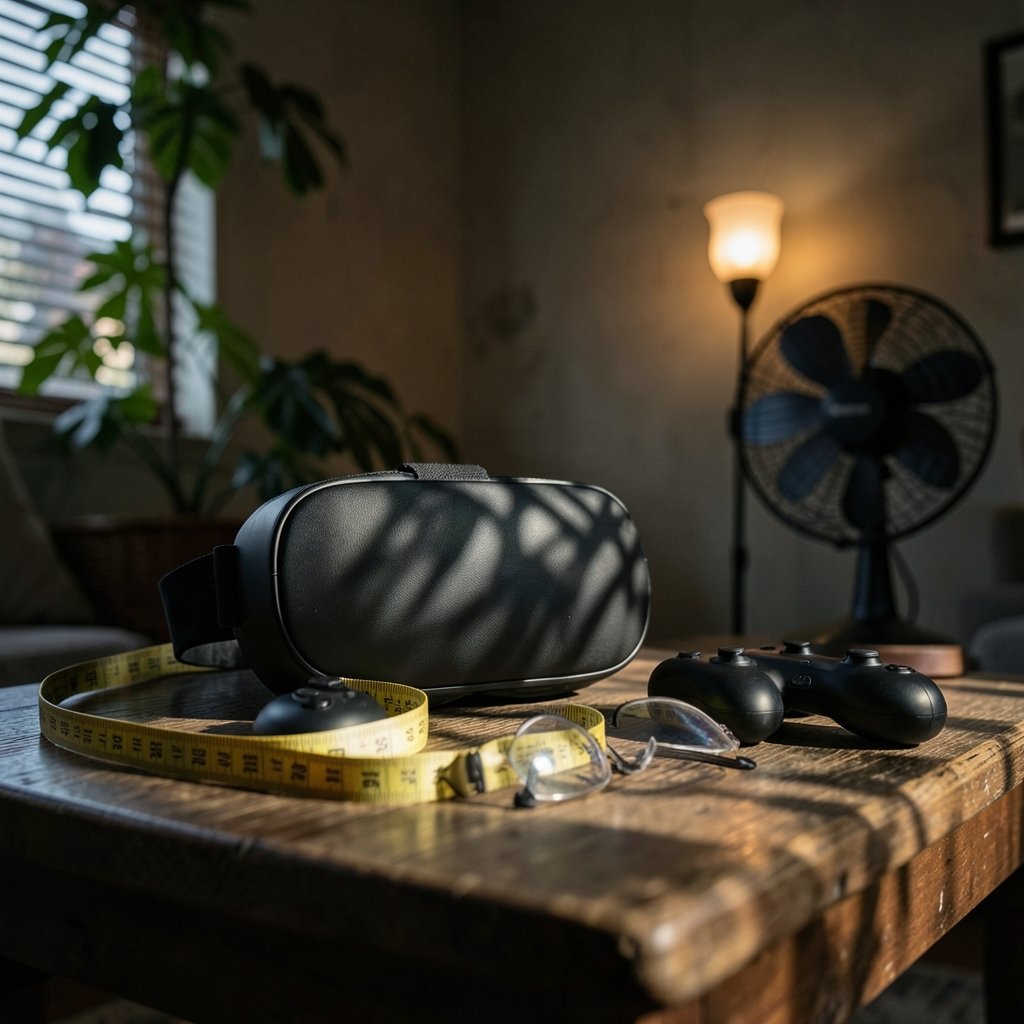
IPD stands for interpupillary distance, the gap between your pupils. Headsets must match it, or the image blurs and your eyes strain. Three designs exist: fixed IPD, software-only adjustment, and a physical lens slider. A slider is the most forgiving. Before paying, find your model’s supported range and compare it with your own measurement, which an optometrist can take in minutes. People with narrow or wide IPD are the most common casualties of a rushed purchase.
Glasses clearance and prescription inserts
Many headsets claim glasses compatibility, but the real question is how much clearance the face interface offers and whether the maker sells prescription inserts. Inserts usually beat wearing glasses inside a headset because frames press against your temples and fog the lenses. Check the manufacturer’s stated eyeglass clearance and whether third-party inserts are available for your model.
Weight, balance, and strap design
Raw weight matters less than balance. A front-heavy headset pulls on your cheeks; a well-balanced one distributes load across the head. Strap type matters too: soft straps suit seated play, while rigid or halo-style straps hold better during movement. If you can try a demo unit anywhere, do it. Twenty minutes in a store beats twenty hours of reading reviews.
Optics and Displays: What the Spec Sheet Won’t Tell You
Resolution per eye, panel type, refresh rate, and lens design all shape clarity, but none of them predicts comfort on their own. A few practical rules help:
| Spec | What it affects | What to watch for |
|---|---|---|
| Resolution per eye | Text sharpness, detail | Higher helps, but lens quality matters as much |
| Panel type (LCD vs OLED/micro-OLED) | Contrast, black levels | OLED looks richer; LCD can be brighter |
| Refresh rate | Motion smoothness, nausea risk | Higher rates generally feel better |
| Lens type (Fresnel vs pancake) | Clarity, glare, bulk | Pancake lenses cut size and glare but cost more |
| Field of view | Immersion | Bigger is nicer; edge blur varies by lens |
The trap is treating these numbers as a scoreboard. Two headsets with identical resolution can feel completely different because of lens geometry and software calibration. Read hands-on impressions from people who wear glasses or have similar IPD to yours, and weight those over headline specs.
Tracking: Inside-Out vs Base Stations
Inside-out tracking uses cameras on the headset itself. It needs no external sensors, sets up in minutes, and works in most rooms, though it can struggle in very dim light or with plain, featureless walls. Base-station tracking uses external sensors for high precision, which competitive players value, but it demands mounting hardware and a dedicated play space.
Ask yourself where you will actually play. A dorm room with a bed and a desk favors inside-out. A dedicated spare room can justify base stations. Also check controller compatibility, since some controllers only pair with one tracking system. If you are already comparing hardware ecosystems, the same fit-and-compatibility logic applies to steam frame vs meta vr glasses check compatibility before you commit, because accessories rarely cross ecosystems.
Standalone or PC-Tethered? Match the Headset to Your Setup
Standalone headsets run their own operating system and app store. They are simple, portable, and fine for most casual buyers. PC-tethered headsets lean on your graphics card and often need a link cable or wireless streaming, which adds cost and setup time.
If you lean toward PC VR, check the minimum GPU and port requirements before paying, and confirm your machine actually meets them. The same discipline applies to any upgrade decision: people who plan a CPU purchase often use a amd vs intel cpu check compatibility before upgrade 2027 guide for exactly this reason. A headset that outruns your PC is an expensive paperweight.
The Software Side: Stores, Accounts, and Subscriptions
Hardware gets the headlines, but the ecosystem decides what you can actually play. Check which store the headset uses, whether exclusive titles matter to you, and whether an account is mandatory. Some features, including certain multiplayer or cloud services, carry subscriptions. Add those to your true cost.
Also look at the refund rules for digital purchases in that store. A generous hardware return window means little if the games you bought are non-refundable the moment you download them. Buyers comparing subscription-style offers should apply the same skepticism described in this ai chatbot lifetime deals 2027 buyers should actually check breakdown: lifetime and bundled promises deserve a hard look before payment.
Return Policy, Warranty, and Consumer Rights
This is where rushed buyers lose the most money. Before paying, confirm the return window, whether opened headsets qualify, restocking fees, and who pays shipping. Policies vary by seller and region, so read the specific terms on the page you are buying from rather than assuming a standard.
Warranty length and coverage matter too, especially for controllers, cables, and batteries, which fail more often than the headset itself. In some regions, distance-selling rules give you a withdrawal right for online purchases, but exceptions can apply. Verify what covers your jurisdiction before checkout, not after.
Health, Safety, and Age Guidance
Read the manufacturer’s health and safety guidance before buying, especially if children will use the headset. Most makers publish age recommendations, advice on taking breaks, and photosensitivity warnings. Nausea affects a meaningful share of first-time users, and it often fades with short sessions, but a headset with poor fit or low refresh rate makes it worse. If motion sickness is a known issue for you, favor models with adjustable IPD, higher refresh rates, and comfort-focused designs.
Practical Tips That Save Real Money
- Measure your IPD first, then filter models by supported range.
- Try a demo unit whenever a store offers one, even briefly.
- Buy from sellers with clear, written return terms.
- Budget for accessories: straps, face interfaces, and prescription inserts add up.
- Check whether your phone or PC is needed for setup and updates.
- Read the fine print on bundles and financing before signing anything, the same caution that applies to any installment purchase covered in these bmg money reviews borrowers should check before signing.
Common Mistakes Buyers Make
The first mistake is buying on resolution alone. The second is ignoring IPD. The third is assuming a return policy covers opened boxes. The fourth is underestimating setup: a PC-tethered headset can eat an evening in drivers and cables. And the fifth is skipping the ecosystem question, then discovering the games they wanted live in a store their headset cannot access. Each of these is cheap to check and expensive to discover later.
Conclusion
A VR headset is a fit-sensitive, ecosystem-dependent purchase, and the checklist is not glamorous: IPD range, glasses clearance, weight and balance, lens and panel quality, tracking method, PC requirements, store access, subscriptions, warranty, and return terms. Yet those ten items decide whether the headset becomes your favorite gadget or a drawer ornament. Do the boring checks first, try a demo if you can, and read the seller’s terms before paying. Your eyes, your wallet, and your living room will thank you.
FAQ
How do I measure my IPD at home?
An optometrist can measure it precisely during an eye exam. At home, a mirror-and-ruler method with a helper works reasonably well, but app-based measurements vary. If your result sits near the edge of a headset’s supported range, get a professional measurement before buying.
Are prescription inserts worth it for VR?
For regular glasses wearers, usually yes. Inserts protect the headset lenses from frame scratches, reduce fogging, and improve comfort during long sessions. Check that inserts are available for your exact model, since shapes differ between headsets.
Can I return a VR headset after opening it?
It depends entirely on the seller and your region. Some accept opened returns within a stated window; others charge restocking fees or refuse opened hygiene-sensitive products. Read the specific policy on the checkout page before paying.
Is a standalone headset enough, or do I need a PC?
For most casual buyers, a standalone headset covers gaming, media, and social apps without extra hardware. Choose PC-tethered only if you want high-end titles and already own a capable graphics card, or plan to upgrade one.
Why do some VR headsets cause nausea?
Low refresh rates, mismatched IPD, poor fit, and artificial locomotion in games all contribute. Short sessions, comfort settings, and a headset that matches your eyes usually help. Persistent symptoms are worth discussing with a health professional.
Do VR headsets require a subscription?
The hardware itself does not, but some multiplayer, cloud, or content services do. Check which features sit behind a subscription before buying, and factor those recurring costs into your budget.
One more check worth adding: software updates and long-term support. A headset is only as good as the updates it keeps receiving. Before paying, look at how often the manufacturer has shipped firmware and security patches over the past year, and whether older models still get them. A device that launched with fanfare but has gone quiet may never fix tracking bugs or add features you were promised. Check the company’s support forums and release notes for signs of neglect, and confirm the update process itself—some headsets require a phone app or PC to install updates, which matters if you plan to use it standalone. Also verify the app store’s health: a store with few recent releases or abandoned titles is a warning sign about the ecosystem’s future. Finally, confirm the return window covers enough time to test updates and setup at home, since a headset that fails its first firmware update is a problem you want to discover while returns are still open. None of this is exciting, but it is exactly the kind of check that separates a purchase you keep from one you regret.
Finally, confirm the return window covers enough time to test updates and setup at home, since a headset that fails its first firmware update is a problem you want to discover while returns are still open. None of this is exciting, but it is exactly the kind of check that separates a purchase you keep from one you regret.



