

Quick Answer: How do I choose gaming tablets?
Choosing a gaming tablet means matching the hardware to how you actually play: a fast chipset and a high-refresh screen for native games, or a solid mid-range device with great Wi-Fi if you mostly stream. Start by deciding between a small handheld tablet and a larger one for a stand or controller, then compare the shortlist in stores or through detailed reviews.
The options differ more than shoppers expect. iPads lean on Apple Arcade and native titles, Android tablets offer broad store and emulator support, and Windows slates run full PC games at the cost of battery life. Cloud gaming changes the math entirely, because the heavy lifting happens on a server rather than in your hands.
Before buying, check the chipset, refresh rate, sustained performance in long sessions, screen size and weight, storage, controller support, battery life, Wi-Fi version, and how well the game library matches your taste.
So you are hunting for a gaming tablet, and the shelf in front of you looks like a wall of glass rectangles with numbers that all blur together. Does a 144 Hz screen really beat a faster chip? Is a big tablet better, or just heavier? And why does a device that scores brilliantly in a two-minute benchmark start stuttering twenty minutes into a match? Those questions matter more than any spec sheet headline, and the answers depend on how you actually play. This guide walks through the decisions in the order that saves the most money and regret, from the chip under the hood to the controller in your hand.
Start With the Chipset, Not the RAM
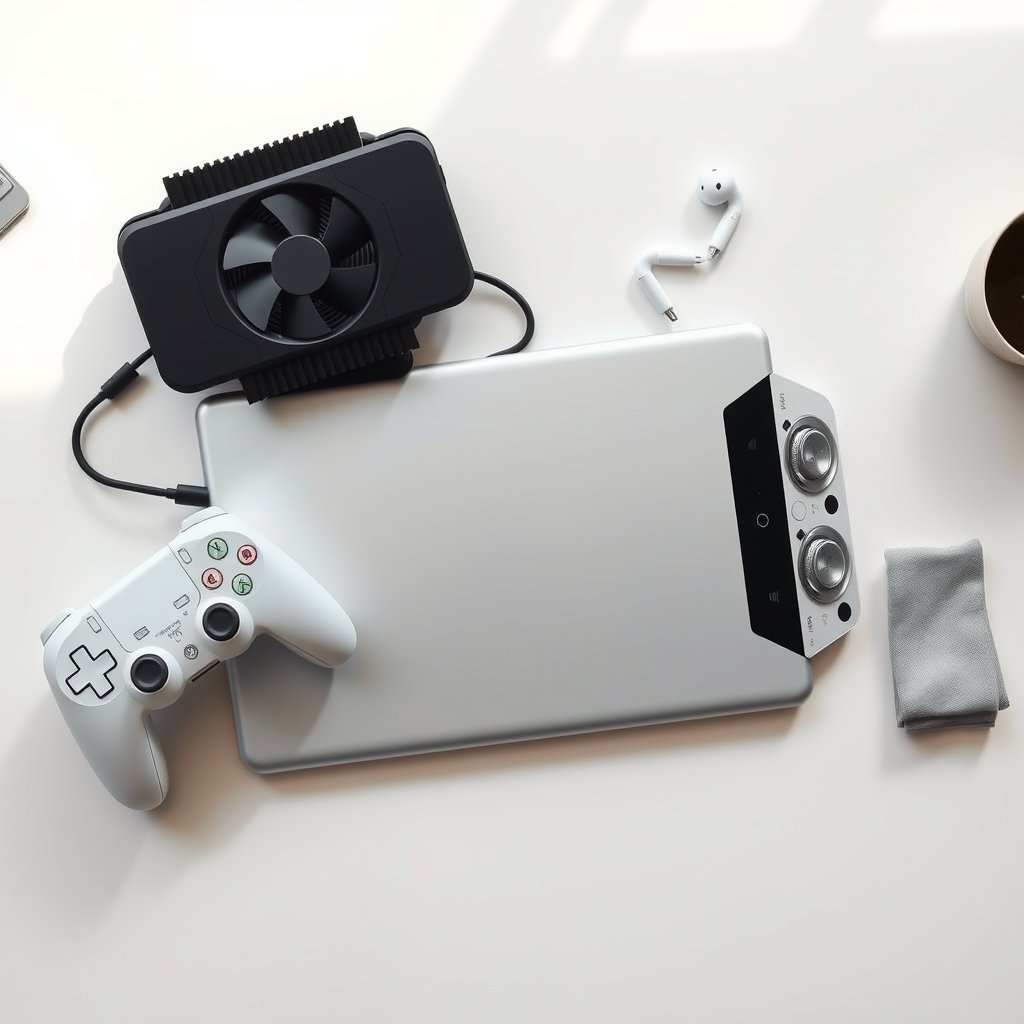
When people compare tablets, they usually line up the RAM figures first. That is a mistake. The system-on-chip (SoC) decides how high the frame rate can go and how long it can stay there. Flagship silicon, such as Apple’s M-series chips in the iPad Pro and iPad Air, or Qualcomm’s Snapdragon 8-series in Android flagships, sustains higher frame rates and better thermals than mid-range chips. RAM helps with multitasking and keeps background apps from being killed, but it will not rescue a weak processor.
There is a catch that marketing pages rarely mention. Peak benchmark scores and sustained performance are different things. Thin tablets throttle under load, so a device that hits impressive numbers in a short test may drop frames after half an hour of play. Look for reviews that measure frame rates over 20 to 30 minutes or more, rather than relying on a single score. Independent review sites that publish thermal and throttling data are worth more here than any manufacturer chart.
The practical rule: pick the chip tier first, then check whether the reviews show it holding steady. If you are weighing portables more broadly, the same logic of matching hardware to real use applies to how you choose a gaming monitor that matches the panel you actually play on, and it holds for tablets too.
Refresh Rate and Display: The Spec Buyers Overrate and Underrate at Once
Refresh rate is the headline number for gaming displays. Panels at 120 Hz, and some at 144 Hz or higher, make motion smoother and cut input latency compared with standard 60 Hz screens. That is real and noticeable in fast games. But the number on the box is the panel’s capability, not a promise that every game uses it. Some titles cap their frame rate below the panel’s maximum, so verify per-game support rather than trusting the marketing badge.
Resolution and panel type matter too. A sharp, bright screen helps in daylight, and OLED panels generally deliver deeper blacks and faster pixel response, though they cost more. Size is the other half of the display decision:
| Screen size | Best for | Trade-off |
|---|---|---|
| Roughly 8–9 inches | Handheld play, portability, long sessions held in two hands | Less immersive, smaller on-screen controls |
| Roughly 11 inches | A balance of portability and immersion | Heavier after an hour |
| Roughly 12–13 inches | Controller or stand setups, cloud gaming, media | Noticeably heavy for handheld play |
Ergonomics are stable over time: small tablets are lighter and easier to hold, large ones suit a kickstand or a controller clip. Be honest about which one you will actually use.
Match the Operating System to Your Game Library
The ecosystem decides what you can play before any spec does. iPadOS has strong native titles and Apple Arcade. Android offers broad store support and excellent emulator compatibility, which matters if retro games are your thing. Windows tablets such as the Surface line run full PC games, but battery life suffers compared with the other two.
Cloud gaming rewires this calculation. Services like Xbox Cloud Gaming and NVIDIA GeForce Now stream games from remote servers, so a mid-range tablet with good Wi-Fi, ideally Wi-Fi 6, and a stable connection can be enough. Two caveats: catalog and regional availability change, and viability depends heavily on your region and internet provider. Cloud is not a universal shortcut. If you are also shopping for a laptop, the same fit-over-specs thinking shows up in how people pick gaming laptops under 1000 that actually fit a budget, and the lesson transfers: the best device is the one matched to your habits.
Storage, Battery, and the Accessories People Forget
Games are large. 128 GB is a practical minimum, and 256 GB or more is the safer choice if you keep several big titles installed. Some Android tablets accept a microSD card; iPads do not, so buy the storage you will need up front.
Battery life and charging speed decide how long a session lasts. Check rated video-playback hours and whether the device supports fast charging. A tablet that dies mid-match is a bad tablet no matter how fast its chip is.
Accessories quietly make or break the experience. Bluetooth gamepads, including native support for Xbox and PlayStation controllers, transform action games. A kickstand case turns a large tablet into a mini console. A keyboard and trackpad help with strategy titles and cloud PC gaming. Audio and haptics are secondary but noticeable: stereo speakers and vibration support vary widely between models.
A Step-by-Step Buying Process That Works
Here is an order of operations that keeps the decision grounded:
- List the five games you play most and note whether they are native, emulated, or streamed.
- Decide your size class based on whether you play handheld or on a stand.
- Set a chipset floor from reviews that measure sustained performance, not peak scores.
- Confirm the refresh rate is actually used by your games.
- Check storage (128 GB minimum, 256 GB preferred) and microSD support if you are on Android.
- Verify controller support and whether a kickstand case exists for the model.
- Read owner reports about battery life and heat after long sessions.
- Only then compare prices, because a discount on the wrong tablet is still the wrong tablet.
A common mistake is buying for the benchmark chart and ignoring thermals. Another is assuming a high refresh rate fixes a slow chip; it cannot. A third is forgetting that the room you play in changes what you see. Ambient light affects perceived contrast and glare, a point that applies to any screen, and it is worth understanding how room lighting changes viewing on a gaming monitor versus a TV because the same principles apply to a tablet held at arm’s length.
Where the Money Actually Goes
Budget tablets can game, but the compromises cluster in predictable places: weaker chips that throttle, 60 Hz panels, less storage, and slower Wi-Fi. Spending more buys sustained frame rates, better screens, and longer software support. The sweet spot for most people is a previous-generation flagship rather than a brand-new mid-ranger, since last year’s top chip usually beats this year’s mid-tier silicon.
If you are outfitting a whole desk rather than one device, it helps to think about peripherals the same way. The debate over whether to judge a mechanical versus membrane keyboard for gaming and everyday use comes down to the same question as tablets: what does your actual routine demand? Someone who types all day and games at night picks differently than a pure competitive player.
Conclusion
Choosing a gaming tablet is not about finding the single best device. It is about matching four things: the chipset that decides frame rates, the screen size and refresh rate that fit how you hold and play, the operating system that holds your game library, and the storage and accessories that keep sessions running. Get those aligned and almost any well-reviewed tablet in your budget will serve you well. Get them wrong and even a flagship will frustrate you. Start with your games, work backward to the hardware, and let sustained-performance reviews rather than headline specs make the final call.
Frequently Asked Questions
Is a 120 Hz screen worth it for tablet gaming?
For fast-paced games, yes. A 120 Hz panel makes motion smoother and reduces input latency compared with 60 Hz. The caveat is that the game itself must support the higher frame rate, so check per-title support before paying a premium for the display.
Do I need a flagship chip to play games on a tablet?
Not always. If you mostly stream games through a cloud service, a mid-range chip with strong Wi-Fi is often enough because the processing happens on a remote server. For demanding native titles at high settings, a flagship chip is the safer choice because it sustains frame rates better and throttles less.
Is a bigger tablet better for gaming?
It depends on how you play. Tablets around 11 inches balance immersion and portability, while 12 to 13 inch models suit controller or stand setups and cloud gaming but feel heavy in handheld play. Small 8 to 9 inch tablets are lighter and easier to hold for long sessions.
How much storage should a gaming tablet have?
Treat 128 GB as a practical minimum and 256 GB or more as the comfortable choice, since modern games are large. Android tablets sometimes accept a microSD card for expansion, while iPads do not, so buy the storage you expect to need up front.
Can a tablet replace a gaming laptop?
For cloud streaming, emulators, and mobile-native games, a tablet covers a lot of ground. It will not match a laptop for full PC titles at high settings, though Windows tablets can run them with weaker battery life. Many players keep both and use each for what it does best.
Which controller works with a gaming tablet?
Most current tablets pair with Bluetooth gamepads, and many support Xbox and PlayStation controllers natively. Check the specific model’s compatibility list before buying, since support varies by device and by game, and confirm that a kickstand or clip case exists if you plan to play on a stand.
Finally, buy from a retailer with a clear return window. Fit is personal, and a week of real use—holding the tablet for an hour, testing your five games, checking heat and glare in your usual room—will tell you more than any spec sheet. If the device frustrates you in that week, return it rather than hoping an update will fix it.
That trial period also reveals ergonomic truths no review covers: where your hands cramp, whether the weight shifts uncomfortably on your chest during reclined play, and how often you reach for a charger. Write those observations down and compare them against your original list of five games. If the tablet handles four of five comfortably, you chose well; if it struggles with three, exchange it while you still can. Specs narrow the field, but only sustained, ordinary use confirms the match.



