What if the most important school supply a student buys this year is also the one most likely to be bought wrong? Laptops have quietly become the pencil case, the notebook, the library, and the lecture hall all at once. Yet the aisle is crowded with near-identical silver rectangles, each promising “all-day battery” and “student pricing.” The gap between a smart purchase and an expensive mistake usually comes down to a handful of decisions made before checkout, not after.
This guide walks through those decisions in plain language. It covers what actually matters for coursework, where marketing claims tend to stretch the truth, and how to match a machine to a major instead of a mood.
Start With the Major, Not the Spec Sheet
The single biggest fork in the road is software. A student studying literature can thrive on almost anything with a keyboard. A student in mechanical engineering cannot. Most engineering, CAD, and specialized statistics packages run on Windows, while macOS dominates creative programs and much of computer science. ChromeOS and iPadOS are wonderful for writing and browsing but hit a wall with heavy professional applications.
Before comparing a single processor, students should open their course catalog and find the required-software list. That list is the real buying guide. It tells you whether you need a discrete graphics card, whether a certain operating system is mandatory, and whether the department offers remote lab access that lightens the load on the laptop itself.
A useful shortcut: if the program mentions specific software by name, treat that as a hard requirement. If it only says “a laptop is recommended,” the student has room to prioritize weight, battery, and budget.
The Specs That Actually Decide Whether a Laptop Lasts
Marketing loves big numbers. Longevity comes from a few quieter ones. Here is where the money should go.
RAM Is the Longevity Lever
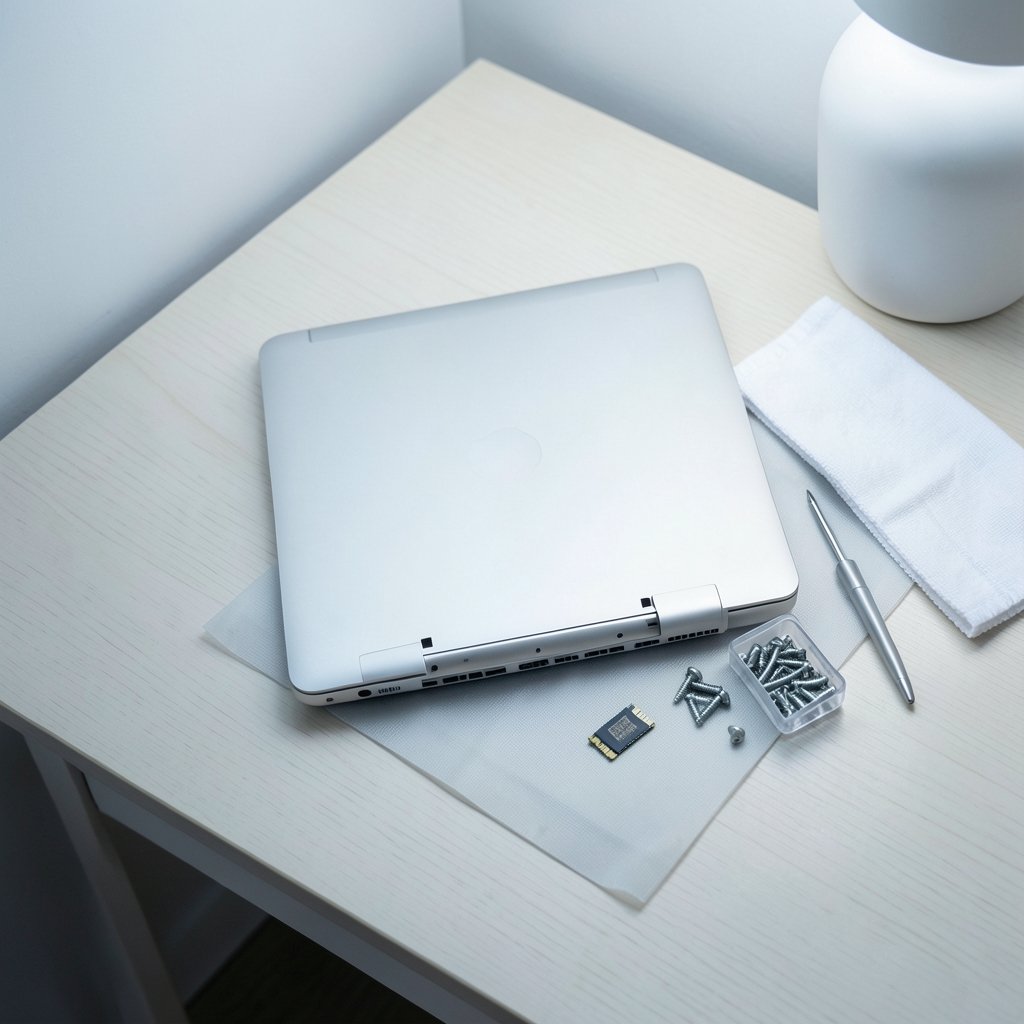
Memory (RAM) is the part students most often regret skimping on, because on thin laptops it is frequently soldered to the board and cannot be upgraded later. Eight gigabytes is a practical floor for general coursework in 2025 and 2026. Sixteen gigabytes is the safer bet for heavy browser use, engineering software, or creative work. A student who plans to keep the machine for a full three- or four-year degree should treat 16 GB as the target, not the luxury upgrade.
Storage: 256 GB Minimum, 512 GB Comfortable
A 128 GB drive fills up fast once operating system updates, Office, a few large applications, and a semester of files pile on. Two hundred fifty-six gigabytes is the sensible minimum; five hundred twelve removes the constant housekeeping.
The Processor Tier Matters Less Than the Tier Label
Students do not need to memorize model numbers. They need a modern mid-range chip from the current or previous generation. The Chromebook Plus program is a helpful example of how a label can do the work for you: it sets a concrete hardware floor, including a recent Intel Core i3-class processor, 8 GB of RAM, 128 GB of storage, and a 1080p webcam. That gives buyers a defined “good enough” line instead of vague promises.
The Screen and the Keyboard Get Used Every Day
A 13- to 14-inch screen is the sweet spot for portability; most laptops in that class weigh roughly 1.2 to 1.5 kilograms. Fifteen- and sixteen-inch models are easier on the eyes but heavier in a backpack. For students commuting daily, staying under about 1.5 kg is a common and sensible target. The keyboard deserves a test drive too, because it is the component a student touches most and the one reviewers mention least. (Best laptops college students under 800 actually works)
Battery Claims, Decoded
“Up to 14 hours” is a lab number, not a promise. Vendors often cite standardized battery tests, and results swing wildly with screen brightness, Wi-Fi use, and workload. A student streaming video at full brightness will not see the headline figure. The practical move is to read independent reviews that report real-world runtime and to assume the honest number is roughly two-thirds of the marketing one. A laptop that genuinely delivers eight or nine hours of mixed use will carry a student through a full day of classes without hunting for an outlet.
Weight, Build, and the Backpack Test
A laptop is carried more than it is admired. Two things matter here: weight and hinge quality. Cheap hinges are a classic failure point after two years of daily opening and closing. A slightly heavier machine with a sturdy chassis often outlasts a featherweight with flex in the lid.
Students who spend long hours at a desk should also think about posture. Raising the screen to eye level with an external stand and adding a separate keyboard makes a real difference over a semester, and a guide to laptop stands that actually fix posture is worth reading before neck strain becomes a habit.
Operating Systems in Plain Terms
| System | Best For | Watch Out For |
|---|---|---|
| Windows | Engineering, CAD, business, most specialized software | Bloatware; check the RAM configuration carefully |
| macOS | Creative fields, many computer science programs, long battery life | Higher entry price; some engineering software unavailable |
| ChromeOS | Writing, research, web apps, budget buyers | Limited support for heavy professional applications |
| iPadOS | Note-taking, reading, light creative work | Not a full desktop replacement for most majors |
The honest summary: pick the system the coursework requires, then optimize within it. Fighting the software requirement is the most expensive mistake in this whole process.
Repairability and Warranty: The Quiet Money Savers
A laptop that can be repaired is a laptop that can be kept. Independent teardown scores rate how easily a machine can be opened, cleaned, and fixed, and they are a far better signal than a spec sheet for anyone planning to hold onto a device for four years. France went further and made a repairability index mandatory on certain electronics starting in January 2021, which pushed manufacturers to design and document more serviceable products. (Laptop)
Warranty deserves the same scrutiny. Standard coverage is typically one year, and accidental damage protection is usually an add-on. For a device that travels in a backpack every day, pricing that protection in at purchase is often cheaper than a single repair later. Students should also check whether their school offers its own device support or loaner program, which can soften the blow of a mid-semester failure.
Budget Realities and Where to Spend
Prices move constantly; good specifications age slowly. A sensible strategy is to set a ceiling and then protect the two things that cannot be changed later: RAM and storage. Everything else, from the screen to the finish, is a preference.
There is also a strong case for buying last year’s model. A mid-range laptop from the previous generation with 16 GB of RAM will usually outperform a brand-new budget machine with 8 GB, and it will cost less. Students shopping on a tighter budget can find genuinely usable options among the best laptops for college students under 800 that actually work, provided they check the memory and storage configuration rather than the sticker price.
Student discounts are widespread and worth asking about, but the terms are time-sensitive and region-specific. Eligibility usually requires a school email address or student ID, and the discount is rarely the best deal on its own. Compare the education price against retail sales before assuming the student rate wins.
Common Mistakes That Cost Students Money
A few patterns show up again and again, and each one is avoidable.
- Buying on price without checking RAM. The cheapest configuration is often the one that feels slowest by year two.
- Ignoring the software list. Discovering in week three that a required program will not run is a costly surprise.
- Trusting the battery headline. Independent testing tells a different story than the box.
- Skipping accidental damage coverage. A dropped laptop without protection turns a small accident into a large bill.
- Overbuying for a major that does not need it. A humanities student rarely needs a discrete graphics card.
- Forgetting the accessories budget. A sleeve, a mouse, and a stand add up, and they matter more than most spec upgrades.
There is also a practical maintenance habit worth building early: cleaning the screen properly, with the right cloth and no harsh solvents, keeps a display readable for years and avoids damaging the coating that reduces glare.
Matching the Laptop to the Student
Some concrete pairings help make the abstract advice real.
A computer science student who compiles code and runs virtual machines should prioritize 16 GB of RAM and a strong processor, and should confirm whether the program leans on Windows or macOS. A design student needs accurate color and enough graphics power for rendering, which usually means spending more on the display. A business or economics student mostly needs a reliable keyboard, good battery, and a screen that handles spreadsheets comfortably. A general-education student who writes papers and browses the web can spend far less and put the savings toward a better monitor at the dorm desk. (ENERGY STAR Computers)
Students who want a single machine that covers writing, research, and light creative work without breaking the bank may find that the best laptops for students in 2026 that actually earn a place in the backpack strike that balance well, especially when the configuration includes 16 GB of memory.
When to Buy and How to Time It
Timing matters more than most shoppers expect. Retail calendars cluster around back-to-school season, major sale holidays, and the weeks when new models launch and older ones get discounted. Buying right after a new generation arrives is often the smartest window, because the previous model drops in price without losing much capability.
Students should also resist the urge to buy the moment they are accepted. Requirements can change between admission and the first week of classes, and a laptop bought in spring may be superseded by a better deal in late summer. Waiting until the course list is confirmed avoids the most common regret.
Conclusion
The best laptop for a student is not the fastest one or the cheapest one. It is the one that runs the required software, carries comfortably, survives four years of daily use, and leaves room in the budget for the accessories that make it work. Get the operating system right, protect the RAM and storage at purchase, read independent battery tests instead of marketing claims, and price in repair coverage. Do those things, and the silver rectangle in the backpack becomes exactly what it should be: a tool that disappears into the background while the actual learning happens.
Frequently Asked Questions
How much RAM does a student laptop really need?
Eight gigabytes is the practical minimum for general coursework, but 16 GB is the safer choice for anyone planning to keep the machine for a full degree. Because memory is often soldered and cannot be upgraded later, it is the one specification worth stretching the budget for.
Is a Chromebook enough for a college student?
For writing, research, and web-based coursework, yes. For engineering, CAD, or specialized professional software, usually no. Buyers can use the Chromebook Plus hardware floor as a starting point, then confirm against the course software list before committing.
Should students buy a Mac or a Windows laptop?
It depends on the major. Windows is required for most engineering and CAD work, while macOS is common in creative fields and much of computer science. The course catalog’s required-software list settles the question faster than any review.
How long should a student laptop last?
A mid-range machine with 16 GB of RAM and a current processor, chosen carefully, should remain usable through a three- to four-year degree. For longevity, hinge quality, repairability, and battery health matter as much as raw speed.
Is accidental damage protection worth the extra cost?
For a laptop carried daily, usually yes. Standard warranties typically cover one year and exclude drops and spills, so adding protection at purchase is often cheaper than a single out-of-warranty repair.
When is the best time of year to buy a student laptop?
Late summer, right before classes begin, tends to bring the strongest back-to-school discounts. The weeks after a new model launches are also good, because the previous generation drops in price without losing much capability.