
Quick Answer: How do I choose gaming keyboards?
Choosing a gaming keyboard starts with the switch type, because that single decision shapes how every key feels, sounds, and responds during play. Buyers can act on this by testing switches in person, matching the layout to their desk space, and deciding between wired and wireless based on how predictable they need the connection to be.
Mechanical boards with linear, tactile, or clicky switches are the most common choice, but hall-effect and optical models offer adjustable actuation that traditional mechanical switches cannot match. Membrane keyboards remain a cheaper, quieter alternative for casual players.
Before buying, compare switch type, actuation force and travel, layout size, keycap material, polling rate, rollover support, hot-swap sockets, connection type, and price.
Why the Switch Is the First Decision, Not the Last
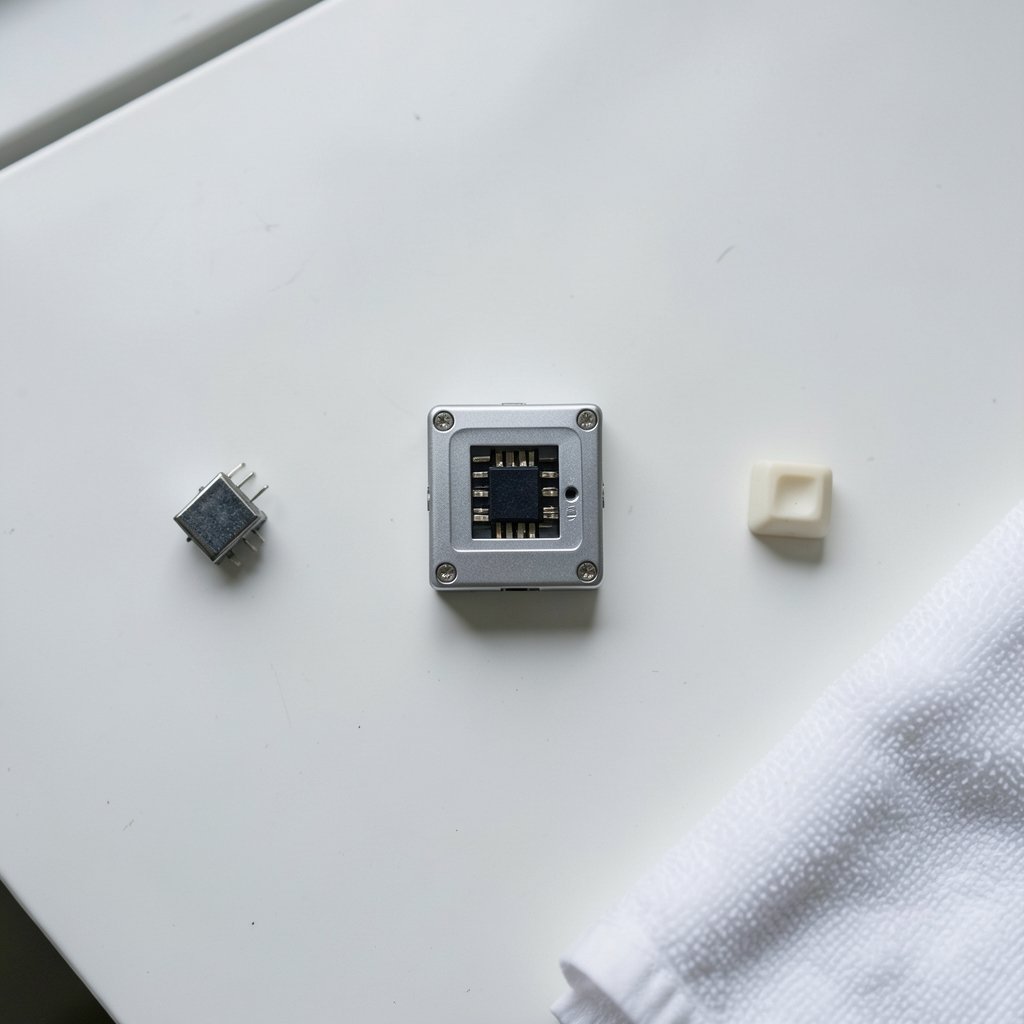
Most buyers start by scrolling through RGB photos and end up picking a keyboard for the wrong reason. The switch underneath each keycap does far more for the experience than lighting ever will. Mechanical switches come in three broad families: linear switches with no bump, tactile switches with a noticeable bump but no click, and clicky switches that add an audible snap. Cherry’s switch documentation has defined these categories for decades, and most competitors still describe their products in the same terms.
Actuation is where the gaming argument lives. A typical mechanical switch registers a press around 2 mm into a roughly 4 mm total travel, with actuation forces landing between about 45 and 60 cN depending on the model. Lighter switches feel quicker. Heavier switches resist accidental presses. Neither is objectively better, which is exactly why the “best gaming switch” debate never ends.
The practical mistake here is buying based on a spec sheet alone. A 45 cN linear switch and a 50 cN linear switch look nearly identical on paper but feel noticeably different after three hours of play. If a local store has display units, spend ten minutes typing on them. If not, order from a retailer with a generous return window and treat the first week as a trial.
Mechanical, Membrane, or Hall-Effect: What Actually Changes
The mechanical-versus-membrane question deserves a clear answer rather than a slogan. Membrane boards use a rubber dome that collapses to register a press, which makes them quieter and cheaper but gives a mushier, less consistent feel over time. Mechanical boards use individual switches, so each keypress feels the same on day one and year three. Anyone weighing the trade-offs in detail can dig into mechanical vs membrane keyboard gaming judgment before committing.
Hall-effect switches sit in a third category. They sense magnetic field changes instead of physical contact, which lets software set the actuation point anywhere from roughly 0.1 mm to 4 mm and enables rapid trigger, where a key resets the instant it starts moving upward. This is a genuine technical difference, not a marketing trick. Whether it makes anyone faster is a separate and much murkier question.
| Switch type | Feel | Noise | Adjustable actuation | Typical price tier |
|---|---|---|---|---|
| Membrane | Soft, mushy | Quiet | No | Budget |
| Mechanical linear | Smooth, no bump | Moderate | No | Mid to high |
| Mechanical tactile | Bump at actuation | Moderate | No | Mid to high |
| Mechanical clicky | Bump plus click | Loud | No | Mid to high |
| Hall-effect | Smooth, tunable | Moderate | Yes | High |
| Optical | Smooth, fast reset | Moderate | Sometimes | Mid to high |
Layout Size: The Choice Buyers Regret Most
Layout is the second decision, and it is the one people most often get wrong. A full-size board includes a number pad. A TKL (tenkeyless) drops the number pad. A 75% compresses the function row and arrow keys into a tighter block. A 60% strips out the function row, arrow cluster, and number pad entirely, relying on layers to reach those keys.
The regret pattern is predictable. Players who need a number pad for work buy a 60% board for the desk space, then spend months fighting function layers. Players who only game buy a full-size board and discover their mouse hand hits the number pad during low-sensitivity aiming. The fix is simple: measure the desk, list the keys actually used in a normal week, and buy for that list rather than for aesthetics.
Keycap material matters here too. ABS plastic is common and smooth but develops a shine where fingers rest. PBT is more textured and holds up better over years of use. Neither affects performance, but PBT boards generally feel better on the fingers long after the honeymoon phase ends.
Polling Rate, Rollover, and the Specs That Sound Bigger Than They Are
Marketing departments love big numbers, and gaming keyboards supply plenty. Polling rate describes how often the board reports to the PC. Standard gaming boards run at 1,000 Hz, or once per millisecond. Some advertise 4,000 Hz or 8,000 Hz. Independent testing has repeatedly found little measurable benefit beyond 1,000 Hz for most players, so paying a premium for 8,000 Hz is rarely money well spent.
N-key rollover, usually shortened to NKRO, means the keyboard can register every key pressed at once rather than blocking some combinations. Anti-ghosting is the related promise that simultaneous presses will not cancel each other. On USB, NKRO is common and cheap to implement, so its absence on a gaming board is a mild red flag rather than a dealbreaker.
The honest summary: these specs matter at the margins, and the margins are smaller than the marketing implies. A player will feel the difference between a mushy dome and a crisp mechanical switch long before they feel anything from a higher polling rate.
Wired or Wireless: Predictability Versus Freedom
Wired USB remains the most predictable connection. 2.4 GHz wireless dongles generally deliver low latency but can suffer interference in crowded wireless environments. Bluetooth typically adds more latency and is better suited to productivity than competitive play.
The practical guidance is straightforward. Competitive players and anyone with a cluttered desk of wireless devices should lean wired. Players who value a clean setup and mostly play single-player games can go 2.4 GHz without much worry. Avoid Bluetooth as the primary gaming connection unless the board supports a 2.4 GHz mode as well.
Battery life is the hidden cost of wireless. RGB lighting drains it fast, and a board that dies mid-session teaches a hard lesson about charging habits. Check the rated battery life with lighting on, not off, because that is the number that reflects real use.
Hot-Swap Sockets and the Long Game
Hot-swappable sockets let owners pull switches out and push new ones in without soldering. This became widespread around 2019 and has quietly changed how people buy keyboards. A hot-swap board is not locked into one switch feel forever, so a buyer who guesses wrong on switch type can correct the mistake for the price of a switch set instead of a whole new keyboard.
For first-time buyers, hot-swap support is one of the highest-value features available. It turns the switch decision from permanent to reversible. It also extends the board’s life, since a failed switch can be swapped in minutes rather than ending the keyboard’s career.
Ergonomics and the Habits That Matter More Than Hardware
No keyboard fixes bad posture. Sustained typing and gaming posture matters more for injury risk than the board itself, and public health guidance on computer workstations focuses on chair height, monitor distance, and wrist position rather than switch brands. A split or tented design can help players who already feel strain, and ergonomic keyboards that reduce wrist strain are worth a look for anyone logging long sessions.
The common mistakes are easy to list. Resting wrists on a hard desk edge instead of a pad. Angling the keyboard’s rear feet up, which bends the wrists backward. Gaming for hours without standing. A good keyboard supports good habits; it does not replace them.
Budget Realities: Where the Money Actually Goes
Budget gaming keyboards have improved dramatically. A buyer on a tight budget can find a solid mechanical board with hot-swap sockets and PBT keycaps for far less than flagship prices. The money spent above that tier tends to buy wireless modes, metal cases, adjustable actuation, and brand premiums rather than raw performance.
Spending priorities, in order: switch feel first, layout second, build quality third, connectivity fourth, lighting last. Anyone mapping out a full setup can compare options through a guide to budget mechanical keyboards chosen without waste and keep the keyboard from eating the whole budget.
It also helps to think about the whole desk. A keyboard that pairs badly with the display or the lighting in the room creates friction every session. Players building a full station often weigh gaming monitor choices against room lighting at the same time, since the two purchases shape the same experience.
A Practical Buying Checklist
- Decide the switch family by testing in person or ordering with a return window.
- Pick the layout by listing the keys actually used each week.
- Confirm hot-swap support if switch preferences might change.
- Check keycap material, favoring PBT for longevity.
- Choose wired for predictability or 2.4 GHz for a cleaner desk.
- Treat polling rate above 1,000 Hz as a bonus, not a reason to pay more.
- Set a budget and spend it in the order listed above.
Conclusion
Choosing a gaming keyboard comes down to matching hardware to habits. The switch decides how every press feels, the layout decides how the desk works, and the connection decides how predictable the setup stays under pressure. Big spec numbers sell boards, but feel, fit, and durability keep them on the desk. Buy for the games actually played and the desk actually owned, test the switch before committing if at all possible, and let hot-swap support soften the cost of guessing wrong.
Frequently Asked Questions
Are linear or tactile switches better for gaming?
Neither is universally better. Linear switches suit players who want smooth, uninterrupted key travel, while tactile switches give feedback at the actuation point that helps some players avoid accidental presses. The right pick depends on preference, and testing both is the only reliable way to decide.
Is a 60% keyboard good for gaming?
A 60% board frees up desk space for mouse movement, which many low-sensitivity players value. The trade-off is that function keys, arrows, and the number pad move to layered shortcuts, which slows down anyone who uses those keys regularly. It suits pure gaming better than mixed work and play.
Does polling rate actually matter?
Above 1,000 Hz, the measurable benefit is small for most players. Independent testing has found little real-world difference between 1,000 Hz and higher rates. A good switch and a comfortable layout will affect performance far more than an 8,000 Hz claim.
What is rapid trigger on hall-effect keyboards?
Rapid trigger resets a key the moment it begins moving upward instead of waiting for a fixed reset point. Because hall-effect switches sense position magnetically, software can set both the actuation and reset distances. It is a real feature, though its competitive benefit is debated.
Do I need N-key rollover?
For gaming, yes, in practice. NKRO lets the board register many simultaneous presses, which matters during complex inputs. It is common and inexpensive on USB gaming keyboards, so a board lacking it deserves scrutiny before purchase.
How long should a gaming keyboard last?
A well-built mechanical board with PBT keycaps can last many years, and hot-swap sockets extend that further by making failed switches replaceable. Membrane boards tend to soften over time as the domes wear. Build quality and keycap material predict lifespan better than price alone.



