
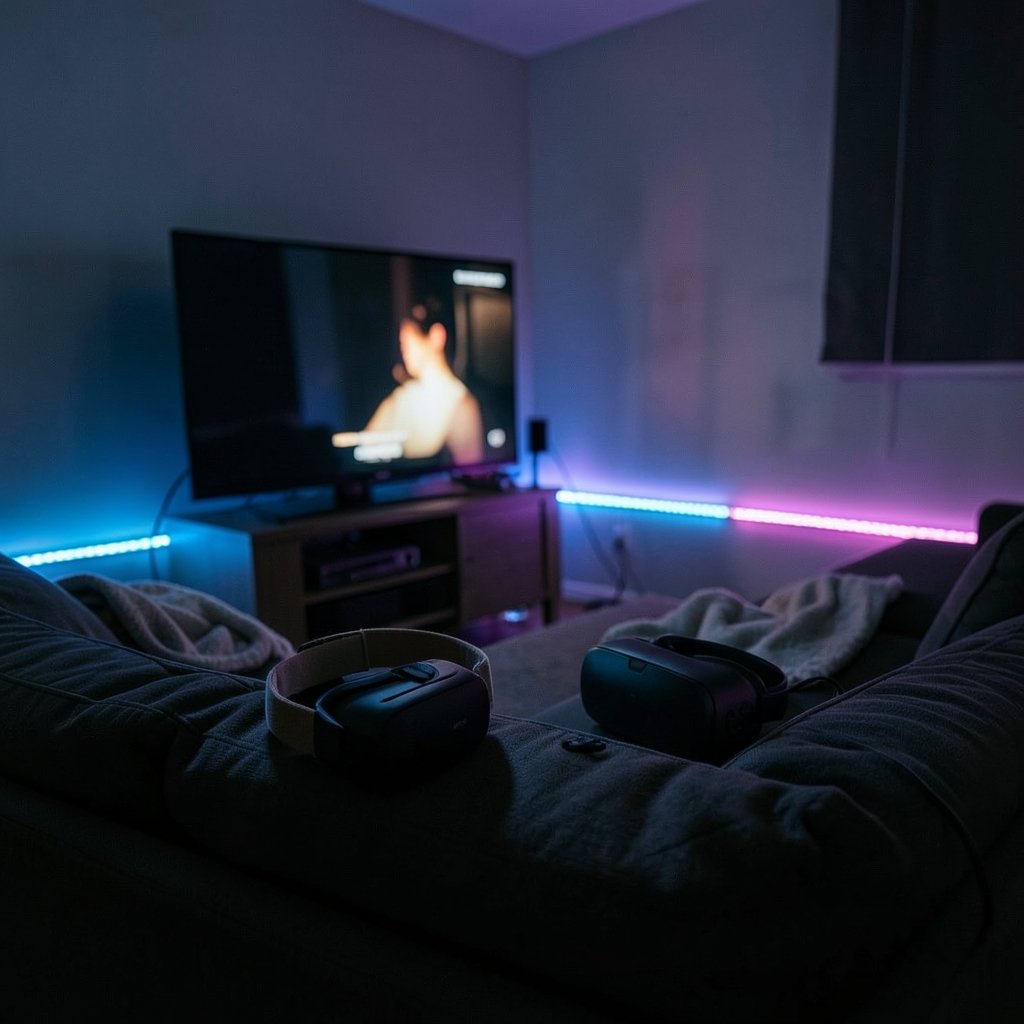
Quick Answer: How do I choose VR headsets?
Choosing a VR headset starts with one decision: standalone or tethered. Standalone headsets run everything inside the device with no PC or console, while tethered models depend on a PC or console for rendering and often deliver higher fidelity. The two paths differ in cost, setup effort, and the games you can play, so the platform matters as much as the hardware.
Before buying, compare display resolution and lens type, refresh rate, field of view, IPD adjustment, tracking method, weight and strap comfort, glasses compatibility, and the size of the content library on that platform.
Why the Headset Question Is Really a Platform Question
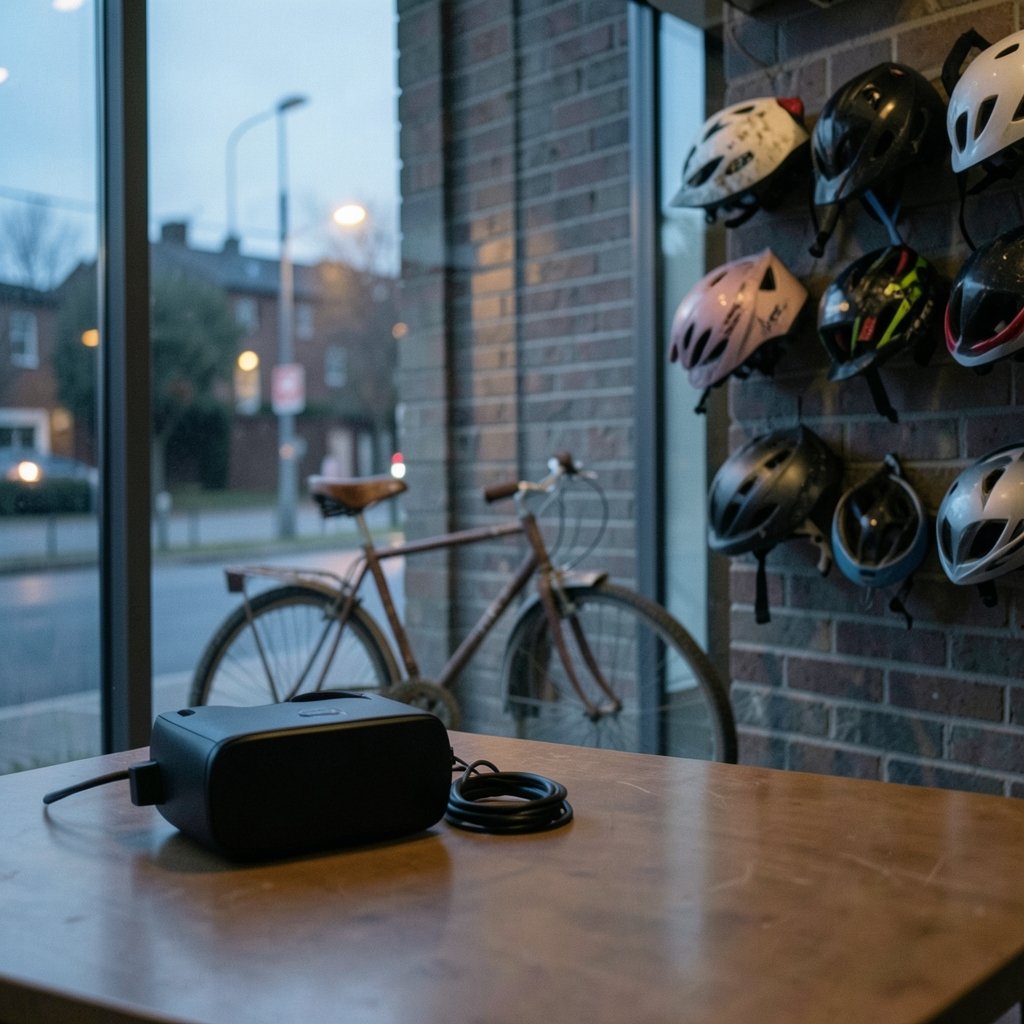
People often shop for VR the way they shop for a phone: compare specs, pick the winner, done. That approach backfires. A headset is a doorway, and what matters most is what sits behind the door. Games and apps are largely tied to a platform, whether that is the Meta Quest store, SteamVR, or the PlayStation ecosystem. A brilliant piece of hardware with none of the software you want is an expensive paperweight.
So flip the usual order. Make a short list of five experiences you genuinely want, then check which platforms carry them. That single step eliminates more bad purchases than any spec sheet. The same logic applies when you choose a bike helmet: the best-rated model in the world is useless if it doesn’t fit your head. Fit, in VR, means software fit first.
Standalone vs. Tethered: The First Real Fork
There are two broad families of headset, and they behave very differently in daily life.
| Feature | Standalone | Tethered (PC or console) |
|---|---|---|
| What renders the image | Chip inside the headset | PC or console |
| Setup | Charge, put on, play | Cables, sensors, software installs |
| Portability | High; works in any room | Low; tied to a desk or TV |
| Ceiling on graphics | Moderate | Higher, set by your PC or console |
| Typical tracking | Inside-out cameras | Inside-out or base stations |
| Best for | Casual players, first-timers, travel | Enthusiasts with a strong PC or console |
Standalone headsets became the mainstream default after 2020 because they removed every barrier: no PC, no console, no cables. Tethered headsets still win on raw fidelity, and base-station tracking on older PC systems can be extremely precise for room-scale play. The trade-off is setup friction. If a headset takes ten minutes of fiddling before every session, it will collect dust.
A quick word on tracking
Inside-out tracking uses cameras on the headset itself to map the room, so there are no external sensors to mount. It is simpler and more portable. Outside-in tracking relies on base stations placed around the room, which can be more precise in some setups but require mounting and calibration. For most buyers, inside-out is the practical choice. For competitive room-scale players, base stations still have fans.
Specs That Actually Change Your Experience
Specs matter, but not equally. Here is where to spend your attention.
Resolution and pixel density
Per-eye resolution tells you how many pixels each eye receives. Higher numbers mean sharper text and less of the “screen door” effect where you see gaps between pixels. Pixel density, measured in pixels per degree (PPD), is arguably more useful because it accounts for field of view. A high-resolution panel stretched across a huge field of view can look softer than a lower-resolution panel packed tightly. For reference, the Meta Quest 3, announced in June 2023, ships roughly 2064×2208 pixels per eye.
Lens type
Pancake lenses fold light inside the headset, allowing slim designs. Older Fresnel lenses are bulkier and can produce glare rings. Lens quality affects clarity as much as resolution does, which is why two headsets with identical panels can look quite different.
Field of view
Most consumer headsets offer roughly 90 to 110 degrees diagonal. Wider is more immersive, but it adds weight and optical complexity. Crucially, manufacturers measure field of view differently, so cross-brand comparisons are unreliable. Treat the number as a rough guide, not a ranking.
Refresh rate
Common refresh rates run from 72 to 120 Hz. Higher rates can reduce motion sickness for some users and make fast motion feel smoother. If you are sensitive to motion, prioritize a headset that can hit 90 Hz or above.
IPD adjustment
Interpupillary distance (IPD) is the gap between your pupils, and it varies a lot from person to person. Headsets with a physical IPD slider fit a wider range of users and keep the image sharp. Software-only IPD adjustment is a compromise. If your IPD sits far from average, this is a dealbreaker hiding in the footnotes.
Comfort Is Not a Soft Spec
Weight, strap design, and balance decide whether you play for twenty minutes or two hours. Manufacturers rarely publish standardized comfort metrics, so the numbers won’t save you. Try before buying if you can, and check the return policy if you can’t.
A few practical checks that catch most problems:
- Wear the headset for ten minutes, not ten seconds. Pressure points show up late.
- Look down and side to side. Does the headset shift? Nose pressure is a common complaint.
- Test with your glasses on, or plan for prescription inserts. Check eye relief and whether the face gasket accommodates frames.
- Weigh the front-heavy feel. A battery pack at the back can balance a front-loaded design.
This is the same lesson that shows up in head protection generally. When people choose a welding cap for head protection, the winner is rarely the one with the best spec sheet; it is the one that stays comfortable and secure through a long shift. VR is no different.
Health, Safety, and the Motion Sickness Question
VR can cause motion sickness, especially in games with artificial locomotion like smooth turning or free movement. Extended sessions also raise questions about eye strain and balance. Practical mitigations that work in practice:
- Start with short sessions of 15 to 20 minutes and build up.
- Prefer teleport movement and snap turning at first.
- Take breaks at the first sign of queasiness; pushing through makes it worse.
- Keep the room well lit and clear a play space before you start.
Age limits matter too. Meta’s Quest accounts have historically required users to be 13 or older. Check the manufacturer’s current safety guidance before buying for a child.
The Budget Conversation Nobody Wants to Have
The sticker price is only the beginning. Budget for the accessories that make the headset usable: a better strap, prescription lens inserts, a link cable if you plan to stream from a PC, and possibly a carrying case. Add the cost of games, which rarely go on deep discount in platform stores. A mid-range headset with a generous software budget usually beats a flagship with no games.
There is a broader lesson here about matching a purchase to your actual needs rather than the marketing. The same principle drives good decisions everywhere, from how people choose network segmentation that fits a business to how students choose a study-abroad country that fits them. Fit beats flash.
A Practical Buying Walkthrough
If you want a repeatable process, use this one.
- List five experiences you want. Games, fitness apps, social spaces, creative tools, or media. Be specific.
- Check platform availability. Which stores carry those experiences? This decides standalone vs. tethered more often than specs.
- Set a total budget. Headset plus accessories plus your first three games.
- Shortlist two or three headsets. Compare resolution, lens type, refresh rate, IPD adjustment, and tracking method.
- Check comfort details. Weight, strap, glasses compatibility, and return window.
- Read the safety guidance. Confirm age limits and motion sickness advice for your household.
- Buy from a seller with a real return policy. Comfort is personal, and a two-week trial beats any review.
That last step is the one people skip, and it is the one that saves the most money. Reviews describe someone else’s face, someone else’s IPD, and someone else’s stomach for smooth locomotion.
Mistakes That Sink First Purchases
A few patterns show up again and again among new buyers.
Buying on resolution alone is the classic error. A headset with a sharp panel and a mediocre lens, poor IPD fit, or a front-heavy strap will feel worse than a lower-spec device that sits comfortably.
Ignoring the store is the second. People fall for a headset because of one exclusive title, then discover the rest of the library doesn’t interest them.
Skipping the PC check is the third. Tethered buyers sometimes assume their laptop can handle VR. It often can’t. Verify your graphics hardware against the headset’s requirements before you commit.
Finally, underestimating setup friction. A headset that lives in a drawer because the base stations need re-aiming is a failed purchase, no matter how good the specs. The same “does this actually fit my workflow” test applies when beginners compare board tools and choose one: the tool that gets used wins. (Figma alternatives beginners choose right design tool)
What About Upgrading Later?
VR hardware ages quickly. A headset bought today will feel dated in three to four years as resolution climbs and lens designs improve. That argues for buying slightly below the flagship tier unless you have a specific reason to chase the top end. It also argues for staying within a platform with a healthy software pipeline, since your game library carries forward more reliably than your hardware does.
Accessories, by contrast, hold value well. A good strap, lens inserts, and a comfortable face gasket travel with you from headset to headset in many cases, and they improve every session in the meantime.
Conclusion
Choosing a VR headset is less about winning a spec comparison and more about matching a device to your room, your face, your budget, and the games you actually want to play. Start with the software, decide between standalone convenience and tethered fidelity, then check the handful of specs that genuinely change the experience: resolution and lens type, refresh rate, IPD adjustment, tracking method, and comfort. Try before you buy, keep the return window open, and budget for the accessories that make long sessions pleasant. Do that, and the headset you pick will be the one you keep reaching for.
Frequently Asked Questions
Is a standalone headset good enough for serious gaming?
For most people, yes. Standalone headsets handle room-scale play, fitness apps, social worlds, and a large share of popular titles without a PC. Serious sim players and graphics chasers will still notice the gap, but the convenience of no cables and no PC often outweighs the fidelity difference in daily use.
Do I need a fast PC to use a tethered headset?
Usually, yes. Tethered PC headsets push rendering onto your graphics card, so you need hardware that meets the manufacturer’s stated requirements. Check your GPU against those requirements before buying, and remember that a laptop marketed for general use often falls short of VR-ready performance.
How do I know if a headset will fit my glasses?
Look for headsets with generous eye relief and a face gasket that leaves room for frames, or plan on prescription lens inserts, which many manufacturers and third parties offer. If you wear strong prescriptions, lens inserts are usually the more comfortable long-term answer. Always test the fit during the return window.
Does refresh rate really reduce motion sickness?
It can help. Higher refresh rates, generally 90 Hz and above, make motion smoother and reduce the mismatch between what your eyes see and what your inner ear expects. Refresh rate is not a cure, though. Comfort also depends on the game’s movement style, session length, and your own sensitivity.
Should I buy the newest headset or wait?
Buy when you have a specific reason to: a game you want to play, a fitness routine you’ll stick with, or a work use case. Waiting for the next model is a losing game because something newer always arrives. Buying slightly below the flagship tier usually delivers most of the experience for meaningfully less money.
What accessories are worth buying first?
A comfortable strap and prescription lens inserts, if you need them, deliver the biggest improvement per dollar. A face gasket that suits your face and a carrying case for travel come next. Skip decorative extras until you know how often you actually use the headset.



