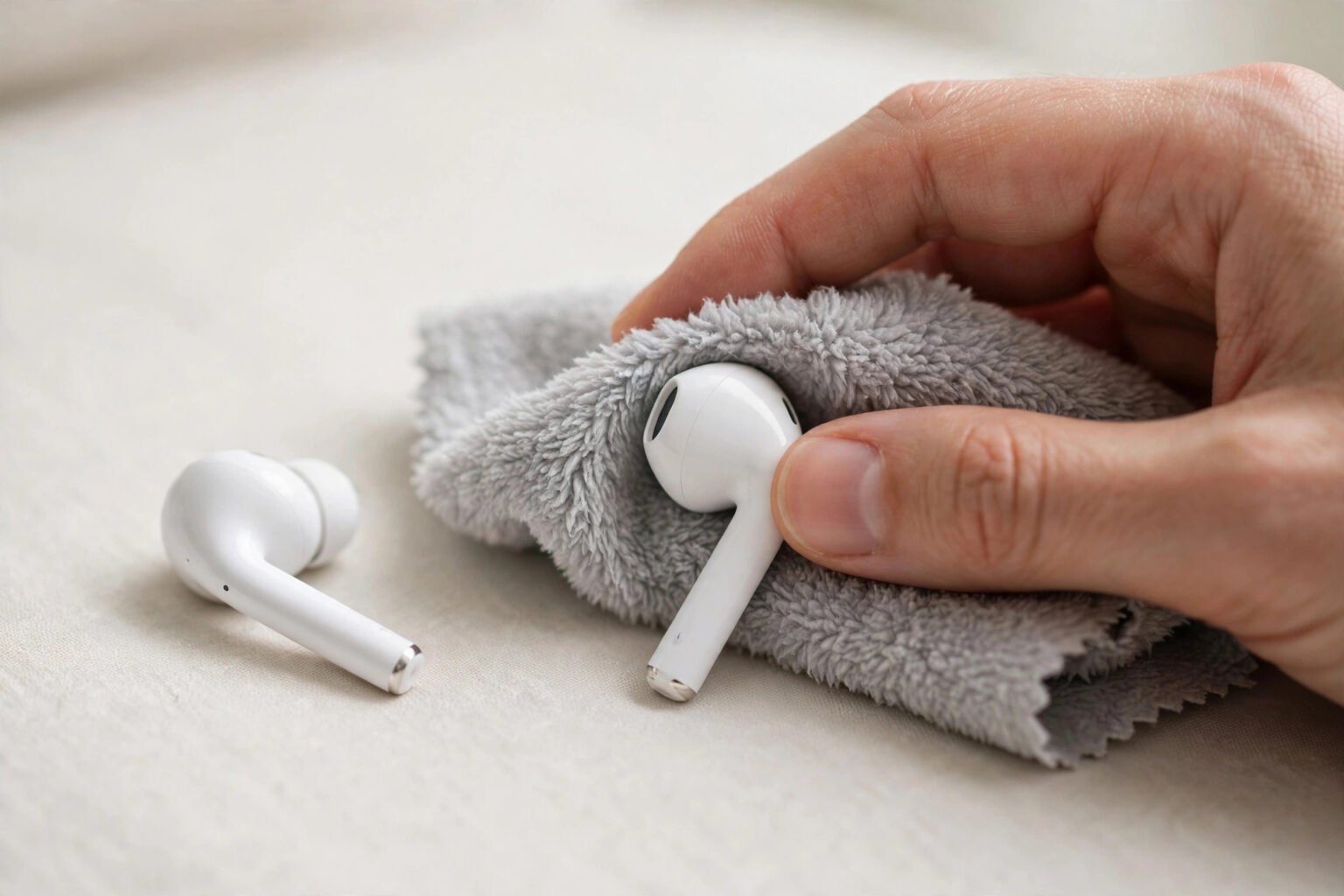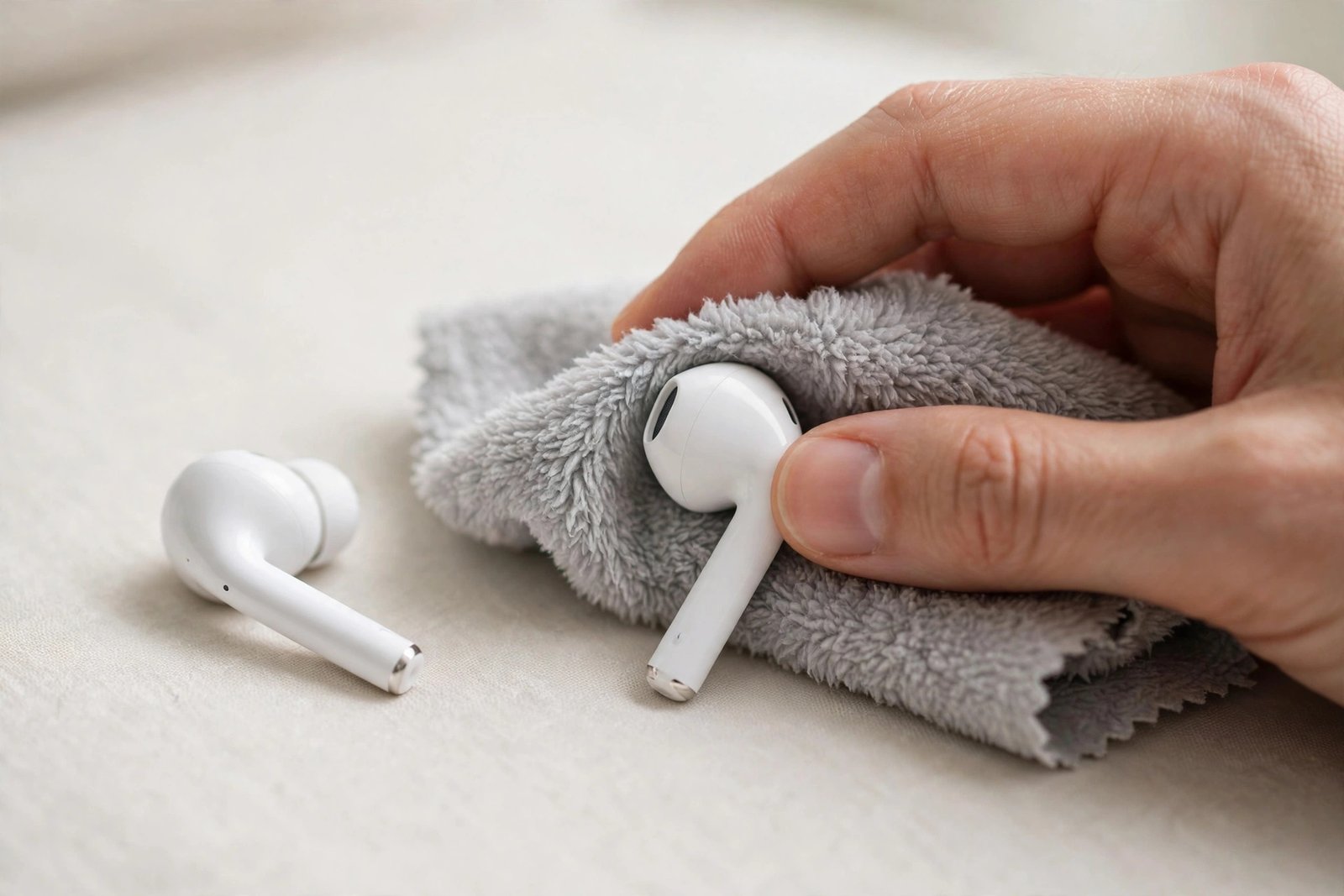
Learning how to clean AirPods safely is worth five minutes of your time, because the fix for muffled sound and grubby earbuds is usually a cloth and a soft brush, not a new pair. The safe method follows Apple’s published guidance: wipe with a soft, dry, lint-free cloth, keep all moisture out of the openings, and never use sharp objects, abrasives or solvents. Done that way, a proper clean restores volume and clarity without risking the speaker mesh or the charging contacts.
Key takeaways
- Wipe AirPods with a soft, dry, lint-free cloth; use a lightly damp cloth only for stubborn marks on the plastic body, and keep liquid out of every opening.
- Clean the speaker mesh with a dry cotton swab or a soft-bristled brush, using light pressure and never pushing debris further in.
- Remove AirPods Pro ear tips and rinse them in plain water only, with no soap or cleaning products, then dry them fully before reattaching.
- Never submerge AirPods, use sharp or metal tools, or put damp earbuds back in the charging case.
- Clean the case the same way, and keep the charging port free of lint with a dry, soft-bristled brush.
Why AirPods Get Dirty So Fast
AirPods live in two of the least forgiving places a gadget can spend its life: your ears and your pockets. Earwax, skin oils and sweat build up on the speaker mesh a little at a time, and pocket lint finds its way into the case every time the lid opens. The first sign is usually volume: one earbud sounds quieter than the other, or the bass thins out. In many cases the drivers are fine and the mesh is simply blocked.
What You Need Before You Start
You do not need a cleaning kit. Gather a soft, dry, lint-free cloth, the kind supplied with glasses or a camera lens, a few dry cotton swabs, and a clean, dry, soft-bristled brush such as a soft toothbrush or a small make-up brush. A bowl of fresh water is useful only for rinsing AirPods Pro ear tips.
Apple advises cleaning AirPods and the case with a soft, lint-free cloth, keeping moisture out of any openings, and avoiding aerosol sprays, solvents and abrasives. Leave sharp objects such as pins, needles, metal picks and SIM ejector tools in the drawer, along with abrasive materials, bleach, hydrogen peroxide and household cleaners. Never run AirPods or their case under a tap or submerge them in water, even if your model carries a water-resistance rating, since that rating covers sweat and splashes, not washing.
How to Clean AirPods Step by Step
Start with the earbuds out of the case. Hold one AirPod by the stem and wipe the plastic body with the dry, lint-free cloth, using small circular movements; most everyday grime comes off with this step alone. For stubborn marks, lightly dampen the cloth with fresh water, wipe again, then dry at once. Keep the damp cloth away from the speaker mesh, microphone openings and charging contacts. The rule is simple: damp cloth for plastic, dry tools for openings.
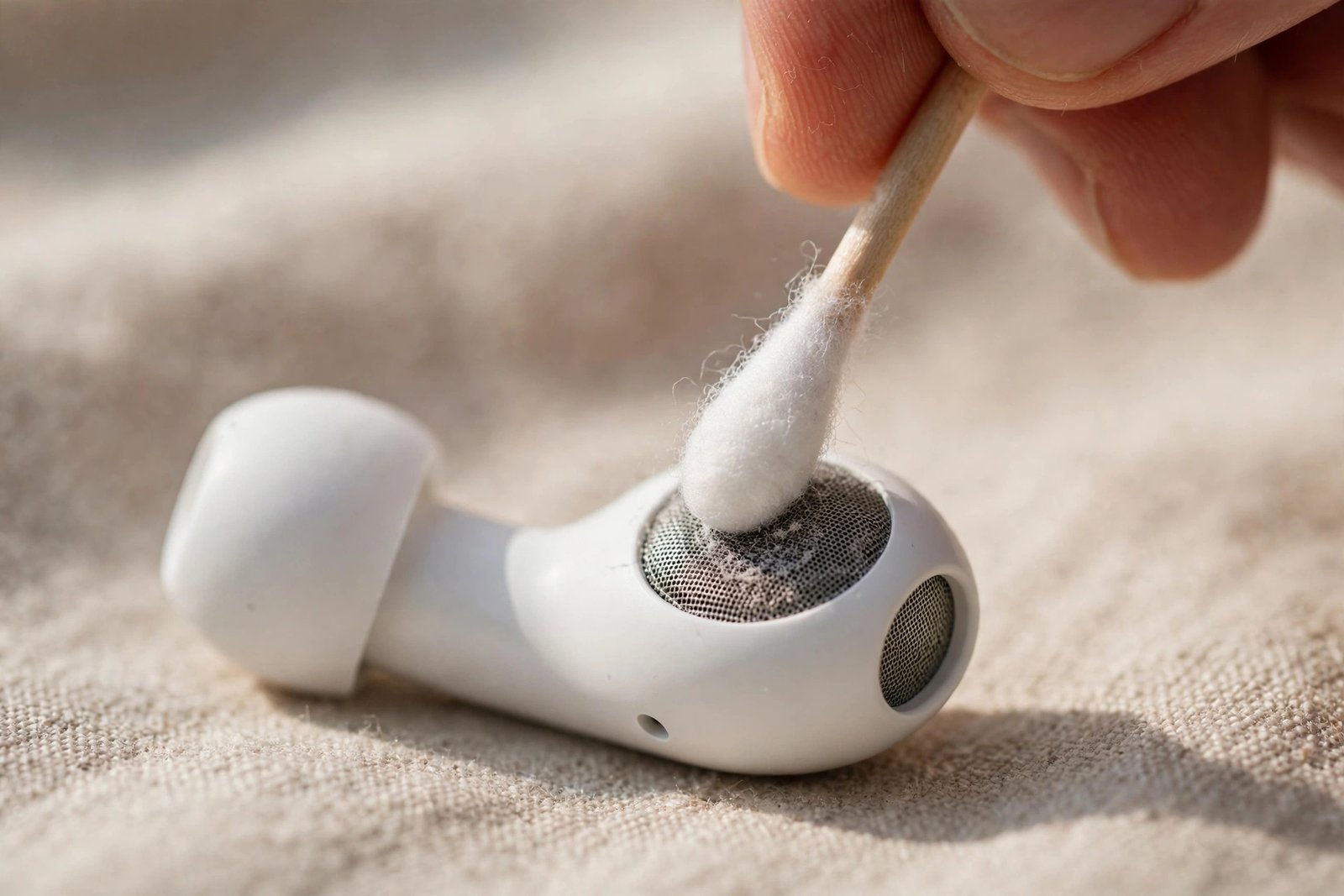
Next, deal with the speaker mesh on the inner face of each earbud. Brush a dry cotton swab lightly across it, turning the swab so you lift debris away rather than pressing it in. Use almost no pressure; a heavy hand can push wax through the mesh or dent it. A dry, soft-bristled brush works the same way. The microphone openings need the same light touch: run a dry cotton swab gently around the small holes on the outer face and at the base of the stem, and do not poke anything into them or blow into them with compressed air.
Finish by wiping the stems and the charging contacts at the bottom. These metal points carry the charge from the case, so a film of oil or lint here can stop an AirPod charging even when the case is full. A dry cotton swab twisted gently around each contact is usually enough. Let the earbuds sit on a clean, dry surface for a few minutes before putting them back, so any trace of moisture evaporates.
Cleaning AirPods Pro Ear Tips
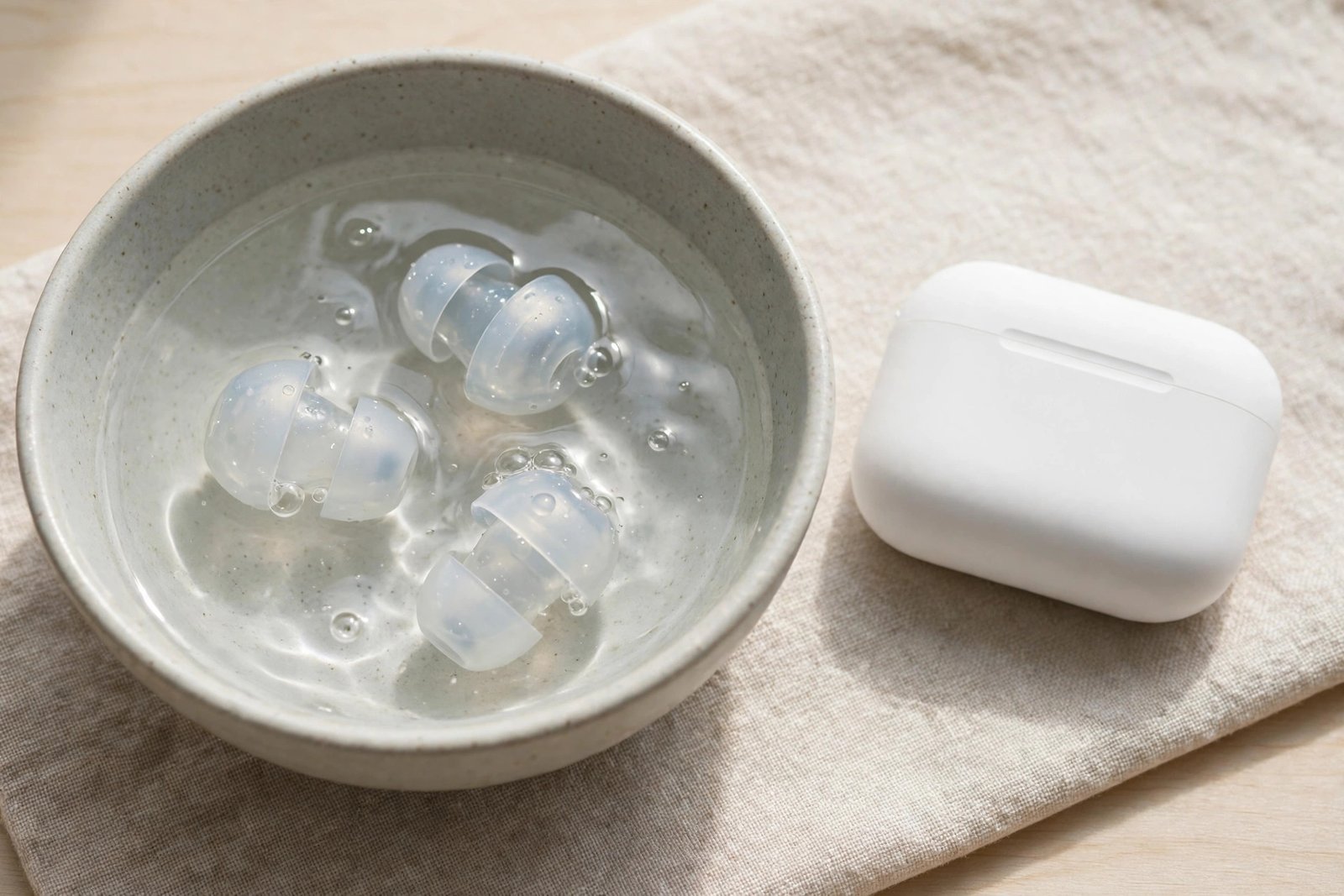
AirPods Pro add one extra part to the routine: the silicone ear tips. These come off, and they are the only part of the AirPods range that Apple says can be rinsed with water. Pull each tip off firmly and rinse it under plain water, with no soap. Shake off the excess water, wipe each tip with a soft, dry, lint-free cloth, and let them dry completely before you push them back on. Fully dry means fully dry, because moisture trapped between the tip and the earbud ends up against the speaker mesh. When you reattach them, align each tip with the oval connector and push until it clicks. If a tip is torn, stretched or no longer seals properly, replace it, since a poor seal costs you sound quality and noise cancellation.
How to Clean the AirPods Charging Case
A dirty case can stop AirPods charging or seating properly. Wipe the outside with a soft, dry, lint-free cloth, using a damp cloth for stubborn marks and drying it straight afterwards, and keep liquid away from the charging port. Open the lid and wipe the inside surfaces, including the rim, the wells and the hinge channel where lint gathers.
If lint has collected inside the Lightning or USB-C port, use a clean, dry, soft-bristled brush to coax it out, tipping the case so debris falls away. Never insert a metal object into the port, and do not use canned air, which can force lint deeper. A wooden toothpick is sometimes suggested online, but Apple advises against sharp objects, and a soft brush does the same work with none of the risk.
What to Use and What to Avoid
The choices are narrow on purpose: the wrong tool does more harm than no cleaning at all.
Table: safe cleaning tools and methods for AirPods, and the ones to avoid.
| Tool or method | Safe? | Why |
|---|---|---|
| Soft, dry, lint-free cloth | Yes | Lifts dust and oil without scratching the plastic |
| Cloth lightly dampened with fresh water | Yes, plastic only | Shifts stubborn marks; keep liquid out of openings |
| Dry cotton swab | Yes | Cleans mesh and microphones with light pressure |
| Dry, soft-bristled brush | Yes | Sweeps lint from mesh, hinge and charging port |
| Plain water rinse, ear tips only | Yes | The one part Apple says can be rinsed, with no soap |
| Sharp or metal objects | No | Can pierce the mesh or scratch contacts and the port |
| Submerging or running under a tap | No | Liquid in openings can damage drivers and microphones |
| Bleach, hydrogen peroxide, solvents | No | Damages plastic and coatings |
| Aerosol sprays and canned air | No | Can force debris and moisture deeper inside |
Cleaning Checklist: Wipe, Brush, Dry, Check
Use this checklist for a monthly deep clean, and run the first three steps weekly. Never put damp AirPods back in the case: after rain or a sweaty run, let them air-dry first.
Wipe
- Wipe each AirPod with a dry, lint-free cloth, including stem and contacts
- Damp cloth only for stubborn marks on the plastic, then dry at once
- Wipe the case inside and out, including the lid rim and hinge
Brush
- Sweep the speaker mesh with a dry swab or soft brush, lightly
- Clean around the microphone openings with a dry swab; do not poke inside
- Brush lint from the charging port and wells with a dry soft brush
Dry
- Rinse AirPods Pro ear tips in plain water only, no soap; dry fully first
- Air-dry earbuds and case for a few minutes after any damp wipe
- Never put damp AirPods in the case or charge them while wet
Check
- Check both AirPods sit flush in the case and the charging light behaves
- Play a familiar track; both earbuds should sound equally loud and clear
- If one side is still quiet, check your phone’s audio balance setting first
Mistakes That Damage AirPods
The most common mistake is impatience with the mesh. When sound finally drops, the temptation is to scrape the grille clean with a pin or a toothpick, which can puncture the mesh or push wax onto the driver, turning a cleaning job into a repair. A dry swab and a soft brush, used gently and repeatedly, remove the same wax without the risk. The second mistake is liquid: running AirPods under a tap or dunking them in soapy water puts moisture where it should never go. The third is cleaning the case with the earbuds inside, which pushes lint into the wells and traps moisture against the contacts.
If you are choosing a pair that is easy to clean and maintain, our guide to the best wireless earbuds under £75 compares affordable options with different tip and mesh designs. Runners face the same sweat and grime problem more intensely, so the best earbuds for running covers models built to cope with it. And if cleaning does not fix the sound, the problem may be the connection, so our guide on how to fix Bluetooth headphones not connecting walks through the fixes in order.
FAQs
How do I clean AirPods safely?
Wipe them with a soft, dry, lint-free cloth, clean the speaker mesh with a dry cotton swab or soft brush, and keep liquid out of the openings. Never use sharp objects, abrasives or solvents, and never submerge them. AirPods Pro ear tips can be rinsed in plain water, with no soap.
Why does one AirPod sound quieter than the other?
Earwax blocking the speaker mesh on the quieter side is the most common cause. Clean the mesh gently with a dry swab or soft brush before assuming a fault. If both sides are still uneven, check the audio balance setting on your phone.
How do I clean the AirPods charging case?
Wipe it inside and out with a soft, dry, lint-free cloth, and use a dry soft brush for lint in the charging port and wells. Keep liquid out of the port, never insert a metal object, and let the case dry fully first.
Can I wash AirPods Pro ear tips with soap?
No. Apple says to rinse the ear tips with water only, without soap or other cleaning products. Wipe them dry and let them dry completely before pushing them back on until they click.
Is it safe to use a toothpick to clean AirPods?
No, Apple advises against sharp objects, and a toothpick can pierce the speaker mesh or scratch the contacts. A dry cotton swab or soft brush removes the same debris safely. If debris will not shift, contact Apple Support rather than forcing it.
Clean Earbuds, Clear Sound
Cleaning AirPods safely comes down to restraint: a dry cloth, a soft brush, light pressure and no liquid where it does not belong. That routine takes a few minutes, costs nothing, and usually restores the volume and clarity lost under a film of wax and dust. If a clean does not fix the problem, the next step is not a harder tool, it is a check of the connection, the balance setting or Apple Support.
Safety note: stop using earbuds with a swollen or damaged battery, a cracked case, or damaged charging contacts, and do not open the earbuds or case yourself. If an AirPod overheats while charging, unplug the case and seek advice from Apple Support or an authorised service provider.