

Containers can spin up in under a second. A misconfigured workload can expose data in less time than it takes to read this sentence. That speed is exactly why cloud workload protection tools have moved from a niche security category to a core part of how modern teams defend their infrastructure. The tools exist to answer one deceptively hard question: is every workload running right now doing only what it was supposed to do?
What Cloud Workload Protection Actually Means
A workload is any unit of computing that runs your code: a virtual machine, a container, a serverless function, or a bare-metal server. Cloud workload protection platforms (CWPPs) are the tools that secure these units across all of those environments from a single control plane.
The category was coined by Gartner around 2017 to describe tools that secure workloads across physical, virtual, container, and serverless environments. That definition matters because it separates workload protection from the tools that watch the cloud around the workload.
CWPP vs. CSPM vs. CNAPP
These three acronyms get used interchangeably in vendor marketing, and that confusion costs teams real money. Here is the practical difference:
| Category | What it protects | Core question it answers |
|---|---|---|
| CWPP | The workload itself (VMs, containers, functions) | Is this workload behaving safely? |
| CSPM | Cloud configuration and posture | Is my cloud set up securely? |
| CNAPP | Both, converged into one platform | Can I see and fix everything in one place? |
CSPM tools scan configurations and flag things like public storage buckets. CWPP tools go deeper, watching runtime behavior, scanning images for vulnerabilities, and detecting threats inside the workload. CNAPP is the newer converged category that Gartner began using around 2021–2022, bundling posture management, workload protection, and identity controls together.
The practical takeaway: if a vendor pitches you a “CWPP” that only scans configurations, you are buying CSPM with a different label. Ask what it does at runtime.
Why Workload Security Got So Complicated
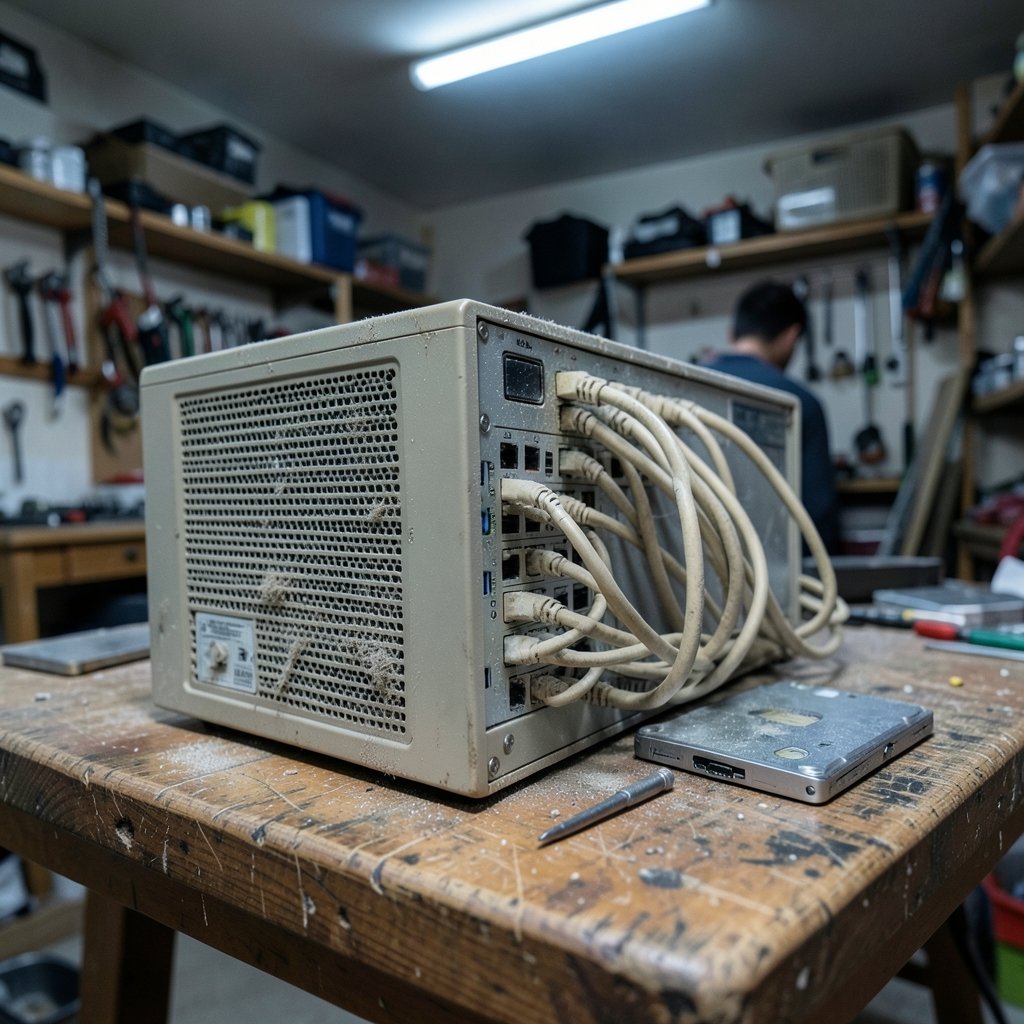
Traditional endpoint security assumed a fairly stable world. A server sat in a rack, ran one application, and changed rarely. Security teams could patch it, monitor it, and move on.
Cloud workloads broke every one of those assumptions. Containers are ephemeral, often living minutes. Serverless functions may never have a persistent host to scan. Workloads move between environments, and identity, not the network perimeter, becomes the real security boundary. That is why workload protection now overlaps heavily with how data is stored and moved; understanding what cloud storage is and how it works helps security teams reason about where sensitive data actually lives across these shifting workloads.
There is also a standards backdrop worth knowing. NIST SP 800-190, the Application Container Security Guide published in September 2017, laid out container security concerns in detail, and NIST SP 800-125 covers virtualization security. Government guidance such as the NSA/CISA Kubernetes Hardening Guide (versions from 2021–2022) gives teams concrete configuration advice. These documents are free, unglamorous, and more useful than most vendor whitepapers.
What Good Workload Protection Tools Actually Do
Strip away the marketing and capable tools cluster around a handful of functions. If a platform is missing two or more of these, it is probably not a real CWPP.
Vulnerability and image scanning
Every container image is a bundle of third-party libraries, and those libraries carry known vulnerabilities. Good tools scan images at build time and continuously at runtime, because a clean image today can be vulnerable tomorrow when a new CVE drops.
Runtime threat detection
This is the heart of workload protection. The tool watches process behavior, file access, and network connections, then flags anomalies: a web server suddenly spawning a shell, a container reaching out to an unfamiliar external address, a crypto miner consuming CPU. Behavioral detection catches attacks that vulnerability scanning never will.
Workload microsegmentation and drift prevention
Tools can enforce network rules between workloads and lock down which files and binaries are allowed to run. They also detect drift, where a running workload diverges from its approved configuration. Drift is one of the most common real-world findings, and it is usually caused by someone patching a production container by hand during an incident and never rolling the change back.
Identity and permission analysis
Modern breaches rarely start with malware. They start with an over-permissioned role. Tools that map which workload can access which resource, and flag excess permissions, close a gap that firewalls cannot.
The Practical Playbook: What Works and What Doesn’t
First-hand patterns from teams running these tools tend to repeat. Here is what separates deployments that work from ones that quietly get abandoned.
Start with visibility, not blocking. The most common mistake is switching a new tool to enforcement mode in week one. It will flag legitimate behavior, break production, and lose the team’s trust permanently. Run in monitor-only mode for at least two to four weeks and tune the baseline first.
Fix the deployment order. Teams that try to protect workloads before knowing what is running waste weeks. Inventory first, then vulnerability scanning, then runtime detection, then enforcement. Skipping steps means fighting fires you cannot see.
Assign ownership per workload. A finding with no owner is a finding that never gets fixed. Tag workloads to teams and route alerts accordingly. Tools that generate hundreds of unowned alerts get muted, and muted tools protect nothing.
Treat image hygiene as a build problem. The cheapest vulnerability is the one blocked at build time. Gate container builds on scan results so insecure images never reach a registry. Runtime scanning then becomes a safety net rather than the primary control.
Watch the noise budget. Runtime tools are only as good as their false-positive rate. If a platform cannot learn normal behavior per workload, it will drown analysts. Test this specifically during a proof of concept: deploy it on a busy staging environment and count how many alerts are real.
For teams layering automation on top of security operations, pairing workload tools with broader AI automation tools for small businesses can help route and triage findings without hiring a large security team. The same logic applies to protecting the endpoints those teams work from; solid malware protection practices remain a baseline that workload security does not replace.
Native Tools vs. Third-Party Platforms
Every major cloud provider ships its own security tooling. AWS offers Security Hub and GuardDuty, Microsoft offers Defender for Cloud, and Google offers Security Command Center. Third-party platforms include CrowdStrike, Palo Alto Networks (Prisma Cloud), Wiz, Aqua Security, Sysdig, and Trend Micro. Treat every vendor’s performance claims as marketing until you test them yourself. (Cloud computing security)
| Factor | Native cloud tools | Third-party platforms |
|---|---|---|
| Setup effort | Low, already integrated | Moderate to high |
| Multi-cloud coverage | Weak across providers | Strong |
| Depth of runtime detection | Improving, often basic | Generally deeper |
| Cost model | Bundled with cloud spend | Separate licensing |
| Best fit | Single-cloud, early-stage teams | Multi-cloud, regulated, or fast-scaling teams |
A workable middle path for many organizations: start with native tooling to get baseline visibility, then add a third-party platform when you run more than one cloud or need deeper runtime detection. Buying a full platform on day one, before you know your workload inventory, usually means paying for features you cannot yet use.
Where Workload Protection Fits in the Wider Stack
Workload security does not stand alone. It feeds into incident response, compliance reporting, and legal processes. When a workload is compromised, the investigation often overlaps with e-discovery and forensic review, which is why security teams increasingly coordinate with e-discovery tools for litigation to preserve evidence properly. Logs from workload protection platforms frequently become exhibits.
The same convergence is happening in how organizations describe their cloud architecture. Discussions about Apple’s private cloud compute and Google Cloud in 2026 reflect a broader shift: security guarantees are increasingly built into the platform layer rather than bolted on afterward. Workload protection tools are riding that same wave, moving from add-on scanners to embedded controls. (NIST SP 800-145: The NIST Definition of Cloud Computing)
How to Evaluate a Tool Without Wasting a Quarter
A proof of concept should answer specific questions, not just demonstrate a dashboard. Run it in this order:
- Deploy in monitor mode on real workloads, not a lab. Staging environments reveal more than demo tenants.
- Measure detection quality. Count true positives versus noise over two weeks. Ask the vendor to explain every alert category.
- Test multi-cloud and container coverage. If you run Kubernetes, verify runtime detection inside pods, not just at the node level.
- Check integration with your existing stack. Does it feed your SIEM, ticketing system, and CI/CD pipeline without custom glue code?
- Model the cost at scale. Per-workload pricing gets expensive fast when autoscaling spins up hundreds of short-lived containers.
One underrated step: ask the vendor’s reference customers what they stopped using after adoption. The answer tells you more about overlap and redundancy than any feature list.
Common Mistakes That Undermine Good Tools
Even strong platforms fail in weak hands. The recurring errors are worth naming plainly.
Buying on feature checklists rather than fit is the biggest one. A tool with forty features your team never configures is worse than one with ten that run automatically. Configuration debt is the silent killer of security tooling.
Another is treating workload protection as purely a security team purchase. Platform and DevOps teams own the workloads. If they are not in the evaluation, the tool will be seen as an obstacle rather than a helper. The best deployments make security findings visible in the tools developers already use, like pull requests and build pipelines.
Finally, teams forget to revisit baselines. A workload’s normal behavior changes as applications evolve. Baselines that are never retuned generate stale alerts, and stale alerts train people to ignore the tool entirely. Schedule a quarterly review of detection rules the same way you review access permissions.
Conclusion
Cloud workload protection tools solve a problem that traditional security never had to face: workloads that appear, move, and disappear faster than any human can track. The category has matured from a Gartner label into a practical necessity, and the standards bodies have caught up with free, detailed guidance that most teams never read.
The winning approach is unglamorous. Get visibility before enforcement. Scan images at build time. Tune baselines before trusting them. Match the tool to your actual cloud footprint rather than a vendor’s ambition. Whether you choose native cloud tooling, a dedicated platform, or a converged CNAPP, the tool matters far less than the discipline of running it. Speed is the whole point of cloud workloads, and protection has to keep pace with it.
FAQ
What is the difference between CWPP and CNAPP?
A CWPP protects individual workloads: scanning images, detecting runtime threats, and enforcing behavior. A CNAPP converges workload protection with cloud posture management and identity controls into one platform. In practice, most modern platforms sold as CWPPs include posture features, which blurs the line. The distinction matters mainly when comparing pricing and scope.
Do I need cloud workload protection if I already use CSPM?
Yes, if you run workloads that could be compromised at runtime. CSPM catches misconfigurations in how your cloud is set up, such as an open storage bucket. It does not detect a compromised container behaving maliciously. The two categories answer different questions and are increasingly sold together.
Are native cloud provider tools good enough?
For single-cloud environments and early-stage teams, native tools are a reasonable starting point because they are already integrated and often bundled into existing spend. They tend to be weaker for multi-cloud coverage and deep runtime detection. Many organizations start native and add a third-party platform as they scale.
How long does a typical deployment take?
Monitor-only visibility usually takes days. Full tuning, integration with CI/CD and alerting pipelines, and moving to enforcement typically takes one to three months depending on workload count and team size. Teams that rush enforcement almost always roll it back after breaking production.
What are the most common findings these tools surface?
Unpatched libraries in container images, workloads running with excessive permissions, configuration drift from approved baselines, and unexpected outbound network connections. Drift is often the most frequent finding and is usually caused by manual hotfixes applied during incidents and never reverted.
Can workload protection tools slow down my applications?
Runtime agents add some overhead, typically small but measurable, and it varies by vendor and workload type. The bigger practical risk is operational slowdown: excessive false positives that consume analyst time. Test both performance impact and alert quality on a busy staging environment before committing.



