
Quick Answer: How do I compare AI photo editing tools before subscribing?
Comparing AI photo editing tools before subscribing comes down to testing each one against your own real photos rather than trusting demo galleries, then checking what the subscription actually includes. Most major editors offer free tiers or trials, so the practical move is to run the same handful of images through every candidate and judge the output at full zoom.
Tools differ sharply in how they meter AI features, whether they allow full-resolution exports on free plans, and what rights you keep to edited files. Some charge flat monthly rates while others sell credits per generation, which changes the real cost for heavy users.
Before committing, check the free-tier export limits, the credit or usage model, commercial-use licensing, RAW and file-format support, export options for layered files, privacy and training-data policies, cancellation and refund terms, and the annual versus monthly price gap.
Why the Demo Reel Is Never the Whole Story

Every vendor’s marketing page shows a worst-case photo turned into a magazine cover. That is the point of a demo. The problem is that those demos are curated: flattering light, cooperative subjects, and outputs that were almost certainly selected from dozens of attempts.
The real test happens when you feed a tool the kind of photo you actually shoot. A dim wedding reception. A portrait with tricky skin tones. A product shot with fine text on the label. An outdoor shot with fine foliage detail that turns to mush when an upscaler overreaches.
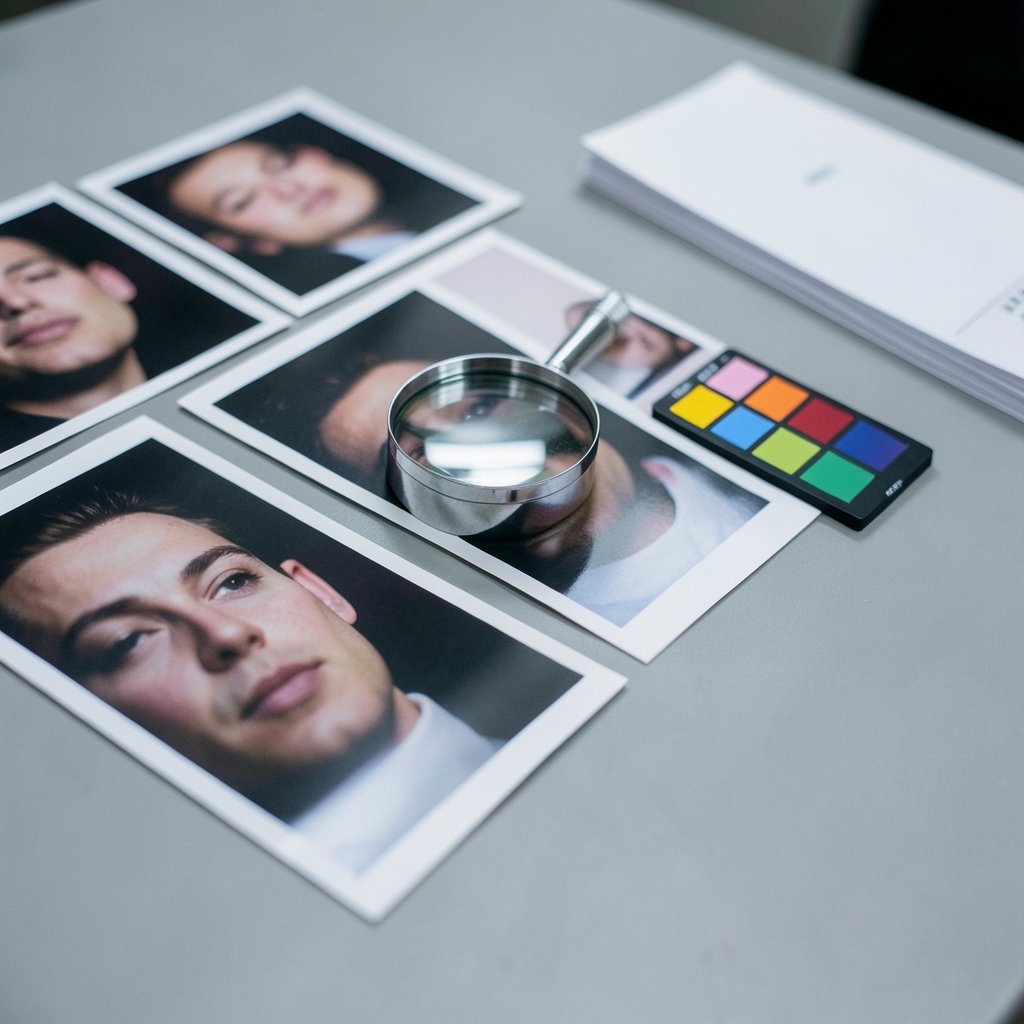
Photographers and editors who evaluate tools for a living tend to follow the same method: build a small test set of five to ten genuinely difficult images, run them through every candidate, and compare at 100 percent zoom. Not at thumbnail size, where everything looks fine. Not on a phone screen. At full resolution, side by side.
This one habit will save more money than any comparison chart. It also tells you something the spec sheet cannot: whether the tool’s AI understands your subject matter or just approximates it.
Start With the Free Tier, but Read the Fine Print
Nearly every major AI photo editor now offers a free tier, a trial, or a limited-credit plan. That is good news for anyone comparing options, because it means you can evaluate before you pay. The catch is that free tiers are not all built the same way.
The single most important question to ask about any free plan is simple: can you export at full resolution? Many tools let you edit freely and then restrict the export, either with a watermark, a resolution cap, or a format limitation. A tool that will not let you see your final file at full quality has not really been tested.
Beyond exports, watch for these free-tier traps:
- Watermarks that only disappear on paid plans
- Generation caps, where you get a small number of AI operations before the tool locks
- Feature gating, where the headline AI feature is paid-only while the free tier offers only basic adjustments
- Time limits on trials that start the moment you sign up, not when you first use the tool
A practical approach is to sign up for trials in a single week, so the clock runs in parallel rather than in sequence. Do the test edits early, before the trial expires and you are tempted to subscribe just to avoid losing access.
Understand How the Pricing Actually Works
Headline prices are where AI photo editing comparisons go wrong most often. A plan advertised at a low monthly rate can cost far more in practice if the AI features you want are metered by credits or generations.
Many tools now use a credit system: each AI generation, upscale, or background removal consumes credits, and the monthly allowance varies by tier. Adobe’s generative credit model is a well-known example, where AI features draw from a credit allocation rather than running unlimited. That structure is not unreasonable, but it means the sticker price tells you very little on its own.
The better metric is cost per finished image. Estimate how many AI operations a typical project requires for you, multiply by your monthly volume, and compare that against each plan’s allowance. A heavier user on a light plan may end up buying credit top-ups that double the effective price.
| Pricing model | What it looks like | Who it suits | What to check |
|---|---|---|---|
| Flat monthly | One price, features included | Steady, moderate use | Fair-use limits on AI features |
| Credit-based | Monthly credit allowance | Variable or occasional use | Cost of top-up credits |
| Annual prepaid | Discounted monthly rate, paid upfront | Committed long-term users | Refund window and exit terms |
| Free tier only | No payment | Hobbyists, testing | Export resolution and watermark |
Annual plans usually cost less per month, but they are harder to walk away from. If a tool is new to you, a monthly plan for two or three months is often the smarter test, even at a higher rate. You are paying a small premium for the right to change your mind.
Check Licensing, Commercial Use, and Provenance
If you edit photos for clients, publish them commercially, or sell prints, licensing terms matter as much as output quality. Free tiers frequently restrict commercial use, and some tools grant different rights on paid plans than on free ones.
Read the terms of service rather than the marketing page. Look specifically for whether the vendor claims any rights to your uploads, whether your images may be used to train models, and whether you can opt out. Privacy policies change often, so check the current version rather than relying on what you remember.
There is also the question of provenance. A growing number of tools embed metadata that signals an image was AI-edited, following the C2PA Content Credentials standard. For editorial work and client deliverables, that transparency can be an asset. For some workflows it may be a complication. Either way, it is better to know before you subscribe than to discover it in a client review.
Copyright around AI-assisted work is still unsettled in many jurisdictions, and rules differ by country. If commercial rights are central to your work, the safe path is to confirm the vendor’s terms in writing and, for high-stakes projects, get local legal advice.
Match the Tool to Your Actual Workflow
A tool can be excellent and still be wrong for you. Before comparing features, write down what your workflow actually requires. Then check each candidate against that list.
Ask yourself:
- Does it support my camera’s RAW format? Compatibility lists vary, and some AI features only work on certain file types.
- Does it run on my operating system, or is it web-only or mobile-only?
- Can it batch-process, or does every image need individual attention?
- Can I export layered files such as PSD or TIFF, or am I locked into a proprietary format?
- If I cancel, do I keep access to my edited files?
That last question is the one people forget. Some subscriptions tie projects to a cloud workspace, and cancelling can mean losing the ability to open or re-edit your own work. Export early and often during a trial, and confirm what happens to your library if you stop paying.
If your work spans video as well as stills, the comparison gets broader. There are dedicated roundups of tools built for hybrid photo and video creators, like this guide to the best AI tools for photographers and videographers, which is worth reading before you commit to a stills-only subscription.
Test on Your Own Images, Not Someone Else’s
This is the heart of the whole process, so it deserves its own section. Vendor sample images are chosen to flatter the algorithm. Your images are not.
Build a test set of five to ten photos that represent your hardest real-world cases:
- A low-light shot with visible noise
- A portrait with a range of skin tones
- An image containing text or fine typography
- A detailed outdoor photo with foliage or fabric texture
- A photo with a busy background you would want to remove
Run the same set through each tool’s trial. Then compare the outputs at 100 percent zoom, looking specifically for the failure modes that AI editors tend to produce: plasticky skin, smeared detail, invented textures, halos around edges, and text that has been “cleaned” into nonsense.
Keep notes. It is easy to lose track of which tool produced which result after a few days. A simple spreadsheet with a column per tool and a row per test image will do.
This same discipline applies beyond AI features. If you are also weighing conventional editors, the same real-image testing method works, and a guide to the best photo editing software can help you shortlist candidates before you start trialing.
Look for Independent Evidence, Not Vendor Comparisons
Vendor comparison pages exist to make the vendor look good. Independent reviews and side-by-side tests are more useful, provided you check the date. AI models update frequently, so a review from two years ago may describe a product that no longer exists in that form.
When reading any comparison, ask three questions: Who made it? When was it published? Did they test on real images and show the results? A review that shows unedited crops at full resolution is worth ten that show only finished hero shots.
Also track what reviewers complain about alongside what they praise. Recurring complaints about export limits, confusing credit systems, or slow support tend to be accurate signals.
Common Mistakes That Cost People Money
Certain errors show up again and again when people compare AI photo editors. Avoiding them is half the battle.
Subscribing before testing. The most expensive mistake. Always run the trial on real images first.
Comparing monthly prices only. A cheap plan with tight credit limits can cost more than a pricier unlimited one.
Ignoring export restrictions. A tool that watermarks or downsizes your output is not a tool you can use professionally.
Forgetting to check cancellation terms. Annual plans with no refund window are a commitment, not a trial.
Assuming AI features are unlimited. Most are metered. Read the allowance.
Skipping the privacy policy. If you would not want your images used for training, check before uploading.
Testing on easy photos. A tool that handles a well-lit portrait proves little. Test the hard cases.
When Free Tools Are Genuinely Enough
Not everyone needs a subscription. For casual editing, free tools have improved enormously, and the gap between free and paid is narrower than it was a few years ago. If your needs are basic, a free editor may cover everything.
The trick is knowing where free tools stop. Typically, the ceiling appears at high-volume batch work, advanced AI features, RAW support, and layered exports. If you can work within those limits, save the money. If you keep hitting them, that is your signal to upgrade.
For anyone testing the free end of the market, this look at free photo editing software that actually works in practice is a sensible starting point before you spend anything.
How to Run a One-Week Comparison
If you want a concrete plan, here is one that fits into a week and costs little or nothing.
- Day one: Write down your requirements. Formats, OS, batch needs, export types, budget.
- Day two: Shortlist three tools. No more, or the comparison becomes unmanageable.
- Day three: Build your test set of five to ten hard images. Save the originals untouched.
- Day four: Run the test set through tool one. Export at full resolution. Take notes.
- Day five: Repeat with tool two. Compare side by side at 100 percent zoom.
- Day six: Repeat with tool three. Check licensing, privacy, and cancellation terms for each.
- Day seven: Calculate cost per finished image for your real monthly volume, then decide.
Sign up for all trials on the same day so the clocks run together. Cancel anything you are not choosing before the trial converts to a paid plan.
Conclusion
Comparing AI photo editing tools before subscribing is less about feature lists and more about discipline. Test on your own hardest images. Read the export rules on the free tier. Work out the real cost per finished image rather than the headline monthly price. Check licensing, privacy, and what happens to your files if you cancel.
Do that, and the decision becomes straightforward. The right tool is the one that handles your real photos well, fits your budget at your actual volume, and lets you walk away with your work intact. Everything else is marketing.
FAQ
Are free trials usually enough to judge an AI photo editor?
In most cases, yes, provided you test properly. A trial long enough to run five to ten of your own images through the tool at full resolution will tell you more than any demo. The limitation is that some trials restrict exports or gate the AI features you most want to test, so check what the trial actually includes before you rely on it.
What is a credit-based pricing model?
A credit-based model gives you a monthly allowance of AI operations, such as generations, upscales, or background removals, rather than unlimited use of those features. Each action consumes credits, and running out means buying top-ups or waiting for the next cycle. It suits variable use but can raise costs for heavy users, so compare cost per finished image rather than the monthly price alone.
Do I own the photos I edit with AI tools?
Ownership depends on the vendor’s terms and your local law. Many paid plans grant broad rights to your edited output, while free tiers sometimes restrict commercial use. Separately, copyright rules for AI-generated or AI-altered content remain unsettled in many places, so check the terms of service and, for commercial work, seek local advice.
What are Content Credentials and why do they matter?
Content Credentials are provenance metadata, built on the C2PA standard, that can record whether an image was AI-generated or AI-edited. They matter for editorial work, client deliverables, and anywhere transparency about how an image was made is expected. Adoption varies by vendor, so check the tool’s documentation rather than assuming it is included.
Can I keep editing my files after I cancel a subscription?
Sometimes, but not always. Some tools store projects in a proprietary cloud workspace, and cancelling can limit your ability to open or re-edit them. Before subscribing, confirm whether you can export layered files such as PSD or TIFF, and test the export during your trial so you are not locked in later.
Is an annual plan always cheaper than paying monthly?
It is usually cheaper per month, but not always cheaper overall. Annual plans often come with limited refund windows, so if you cancel early you may lose most of what you paid. For a tool you have not used long-term, a few months of monthly billing is often the better test, even at a higher rate.



