
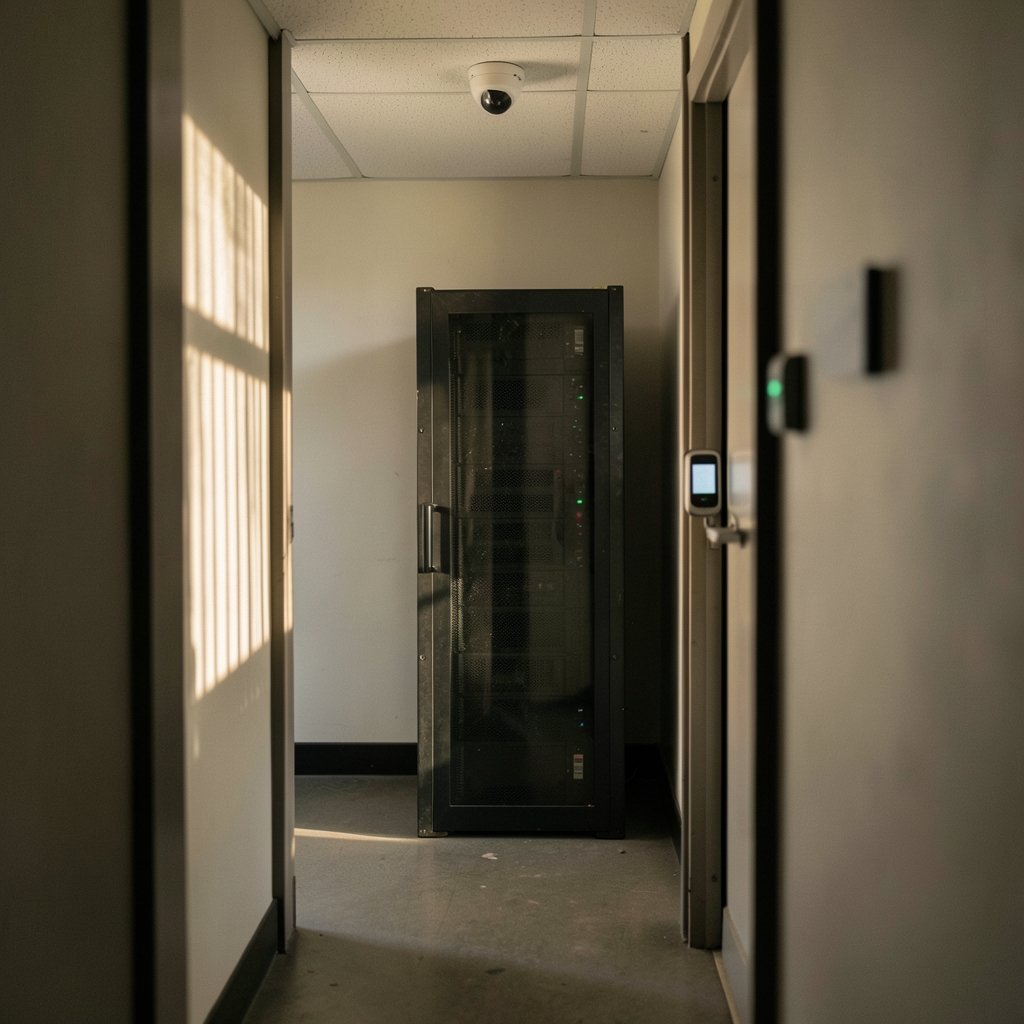
What would happen if a single spreadsheet of customer emails left your company today? Would anyone notice before a journalist called? That question is central to data loss prevention, or DLP. DLP can sound corporate and dull until it keeps a business out of a headline. This explanation covers what DLP is, how it works, where it fails, and what to do first for people new to the topic.
What Is Data Loss Prevention, Really?
Data loss prevention is a set of technologies and policies that detect and block unauthorized access, use, or transmission of sensitive data. That includes personal information, financial records, health data, and anything else an organization would hate to see on a public forum.
The important word is policies. A lot of beginners picture DLP as a magic scanner that spots secrets. In practice, DLP is closer to a traffic system. You decide which data is sensitive, where it is allowed to go, and who may send it. The software then enforces those rules and flags exceptions.
NIST’s security and privacy controls catalog, SP 800-53 Rev. 5, published in September 2020, does not treat DLP as one tidy standalone control. Instead, its access control, system and communications protection, and system integrity families cover the same ground: restricting who reaches data and how it moves. That framing is useful for beginners because it shows DLP is a practice, not a single product you install and forget. (NIST Cybersecurity Framework)
Why Beginners Keep Getting DLP Wrong

The most common beginner mistake is buying a tool before defining what counts as sensitive. A DLP engine with no data classification behind it is like a bouncer with no guest list. It will stop somebody, but probably the wrong person.
A second mistake is treating DLP as purely technical. Most real leaks are boring: someone emails a payroll file to their personal address, a contractor uploads a client list to a free cloud drive, or a laptop with unencrypted records disappears from a car. None of those events require a clever hacker. They require a rule, a reminder, or a block.
A third mistake is going too strict too early. Teams that switch on aggressive blocking in week one tend to generate a flood of false positives. Users get frustrated, help desk tickets pile up, and someone quietly disables the whole thing. Experienced administrators usually start in monitoring mode, watch what happens for a few weeks, tune the rules, and only then move to blocking.
The Three Main Types of DLP
Most vendors describe DLP in three deployment flavors. The taxonomy is descriptive rather than standardized, but it is a helpful map.
| Type | Where it watches | Typical example |
|---|---|---|
| Network DLP | Traffic crossing the network perimeter | Blocking a large file upload to an unknown site |
| Endpoint DLP | Laptops, desktops, and mobile devices | Stopping a copy to a USB stick |
| Cloud or email DLP | SaaS apps, email, and cloud storage | Quarantining an email with card numbers |
Network DLP inspects data in motion. Endpoint DLP inspects data in use, including copying, printing, and screen capture. Cloud and email DLP inspects data as it moves through services like mail and file-sharing platforms. Many organizations end up with a mix, because a gap in any one layer is where leaks slip through.
If you are still building your mental model of modern infrastructure, it helps to understand where data physically lives. A quick primer on what an AI data center actually contains makes the cloud side of DLP far less abstract.
How DLP Actually Detects Sensitive Data
Detection usually relies on a few techniques stacked together.
Pattern matching looks for recognizable formats: credit card numbers, social security numbers, passport formats. It is fast and cheap but noisy, because a random sixteen-digit number can look like a card.
Keywords and dictionaries flag words like “confidential” or “salary” near a document. Simple, but easy to fool.
Fingerprinting takes a known sensitive document, such as a merger agreement, and watches for anything resembling it leaving the network. This is powerful for protecting specific high-value files.
Exact data matching compares traffic against a database of real values, such as actual customer account numbers. It produces fewer false positives but needs clean reference data.
Machine learning classifiers attempt to judge context, such as whether a document reads like HR records. These are improving but still need human review.
In practice, the best results come from combining methods. A rule that requires both a card-number pattern and a nearby keyword will annoy far fewer people than a bare pattern match.
The Rules and Regulations That Make DLP Necessary
DLP does more than basic hygiene. Several regulations effectively push organizations toward it.
The EU’s General Data Protection Regulation (Regulation (EU) 2016/679) entered into force on 24 May 2016 and applied from 25 May 2018. Article 32 requires appropriate technical measures to protect personal data, and DLP supports that obligation by limiting where personal data can travel.
In the United States, the HIPAA Security Rule (45 CFR Part 164, Subpart C) requires safeguards for electronic protected health information. DLP helps by watching for health records leaving approved systems.
The PCI DSS standard, maintained by the PCI Security Standards Council, protects cardholder data. Version 4.0 arrived in March 2022, with v4.0.1 following in June 2024. DLP is commonly cited as a supporting control for keeping card data contained.
None of these rules say “buy a DLP product.” They say “protect the data.” That distinction matters, because a well-run policy with modest tooling beats an expensive platform nobody configured.
A Practical Starting Sequence for Beginners
If you are the person tasked with “doing DLP,” resist the urge to demo ten vendors. Work in this order instead.
- Find your sensitive data. Ask each department what they store, where it lives, and who touches it. You will discover spreadsheets nobody knew about.
- Classify it. Label data as public, internal, confidential, or restricted. Keep the scheme small enough that people actually use it.
- Write simple policies. Example: card numbers may not leave the finance system by email. One sentence per rule beats a forty-page document.
- Start in monitor mode. Log what would have been blocked. Do this for at least two to four weeks.
- Tune aggressively. Review false positives weekly. Adjust patterns, add exceptions, and document why.
- Move to blocking gradually. Begin with the highest-risk, lowest-friction rules, such as blocking card data to personal email.
- Train people. Explain the why. Staff who understand the rule report mistakes instead of hiding them.
That sequence is unglamorous, but it is what actually works. Skipping step four is the single fastest way to lose user trust.
Where DLP Fails in the Real World
DLP has a reputation problem, and it is partly deserved. Common failure modes include:
Alert fatigue. A system that fires hundreds of alerts a day gets ignored. Teams need a triage process; a dashboard alone is not enough.
Shadow IT. If the approved file-sharing tool is slow or clunky, people will use a personal account instead. DLP cannot protect what it cannot see.
Encrypted exfiltration. Files zipped with a password or sent through an encrypted channel can slip past inspection. DLP reduces risk; it does not eliminate it.
Unlabeled data. If nobody classifies documents, the engine has to guess, and guessing produces errors in both directions.
Insider nuance. Not every insider is malicious. A well-meaning employee sending a file home to finish work over the weekend is a policy problem, not a crime. Rules should reflect that.
The honest framing is that DLP is a risk-reduction tool with real operational costs. It works best alongside encryption, access control, backups, and a culture where people feel safe reporting mistakes.
DLP and the Wider Security Stack
DLP rarely stands alone. It overlaps with cloud access security brokers, which watch traffic to cloud services; with data classification tools that label documents automatically; and with endpoint detection platforms that spot unusual behavior on devices.
There is also a growing connection between data protection and artificial intelligence. As more teams run analytics on sensitive records, understanding how to use AI for data analysis without leaking raw personal data becomes part of the same conversation. The same is true for creative teams using generative tools: if you are exploring AI graphic design tools for beginners, check whether the tool trains on your uploads before you feed it client material. (Data loss prevention software)
Newer infrastructure raises new questions too. Debates like the Google data center India backlash in 2026 show that where data is stored and processed is now a public issue as well as an IT one. DLP policies increasingly need to account for geography alongside file type.
Small Teams and Solo Operators
Beginners often assume DLP is only for enterprises. Not true. A five-person consultancy can do meaningful DLP with almost no budget.
Start with three habits. First, keep a simple inventory of where client data lives. Second, turn on the built-in data protection features in the tools you already pay for, such as email rules that flag card numbers. Third, restrict sharing links to specific people instead of “anyone with the link.”
Those three steps catch a surprising share of real-world leaks. Fancy platforms can wait.
Common Beginner Questions Answered
Is DLP the same as antivirus?
No. Antivirus looks for malicious software. DLP looks for sensitive data moving somewhere it should not. They solve different problems and usually run side by side.
Can DLP stop employees from leaking data on purpose?
Partly. It raises the cost of casual exfiltration and creates an audit trail. A determined insider with legitimate access can still find ways around it, which is why access controls and monitoring matter too.
How long does DLP take to set up?
A basic monitoring deployment can be running in days if you already know where sensitive data lives. Mature programs with tuned policies and user training typically take months, not weeks.
Does DLP slow down computers and networks?
It can, especially endpoint agents that scan files on save. Modern tools are lighter than older ones, but performance testing on real machines before a full rollout is worth the effort.
What is the biggest cause of DLP false positives?
Pattern matching on numbers and names. A rule that flags any sixteen-digit sequence will catch order numbers, phone extensions, and test data. Combining patterns with context cuts the noise sharply.
Do I need DLP if I already encrypt everything?
Encryption protects data at rest and in transit, but it does not decide who may send what where. A file can be perfectly encrypted and still be emailed to the wrong person. The two controls complement each other.
Conclusion
Data loss prevention is less about buying software and more about knowing your data, writing clear rules, and enforcing them gently at first. The beginners who succeed are the ones who start in monitoring mode, tune relentlessly, and explain the reasoning to their colleagues. The ones who struggle flip every switch on day one, drown in alerts, and quietly give up.
Start small. Classify what matters, watch how it moves, and block only what you understand. That approach will not make headlines, which is exactly the point.
Two final habits round out that foundation. First, review your DLP rules quarterly, because data flows change as teams adopt new tools and old exceptions pile up unnoticed. Second, record every policy decision in one shared document so the reasoning survives staff turnover. That modest paperwork prevents a future admin from deleting a rule nobody remembers creating. With those habits in place, DLP stops being a one-off project and becomes a routine part of how your organization handles information, quietly reducing risk year after year.



