
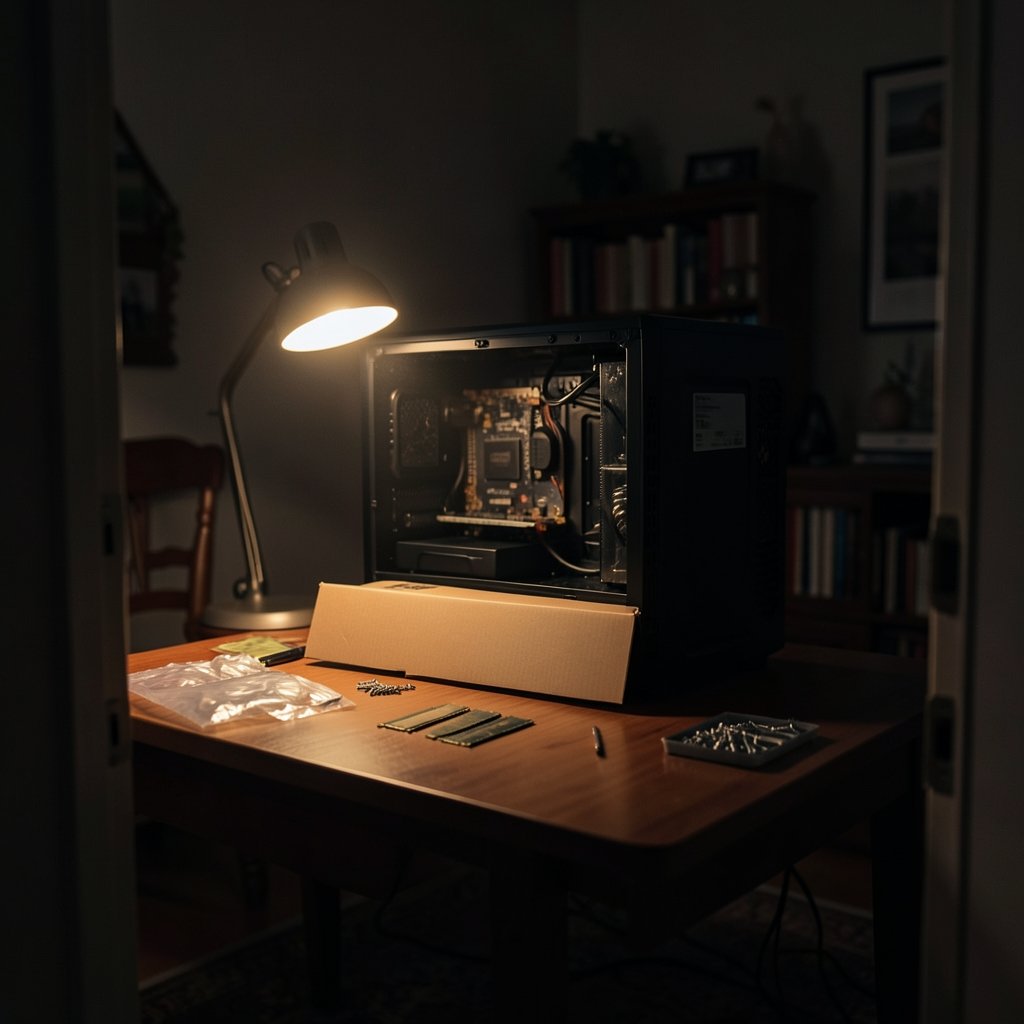
Quick Answer: Is ddr5 ram worth buying for beginners?
Yes. For almost anyone building or buying a new PC on a current platform, DDR5 is the sensible default, and in many cases it is the only memory the motherboard will accept at all. (DDR5 Memory Technology Overview)
The real question only applies to budget builders weighing a cheaper DDR4 setup or someone deciding whether to upgrade an older machine. DDR5 and DDR4 are physically incompatible, so the choice is tied to the motherboard, not to personal preference.
Before buying, check the motherboard’s supported memory standard, the qualified vendor list, the rated speed and latency, the kit capacity you actually need, and whether the platform uses Intel XMP 3.0 or AMD EXPO to reach advertised speeds.
The memory in a new PC is easy to overlook. It is not the part that gets benchmarked on a poster, and it rarely gets the applause that a graphics card does. Yet memory standards quietly shape what a machine can do, and the shift from DDR4 to DDR5 is one of the bigger generational jumps in recent years. The DDR5 standard was published by JEDEC in July 2020, defining data rates starting at 4800 MT/s, roughly double where DDR4 began. That single fact explains most of the confusion beginners run into at checkout. (DDR5 SDRAM)
What DDR5 Actually Is and Why It Exists
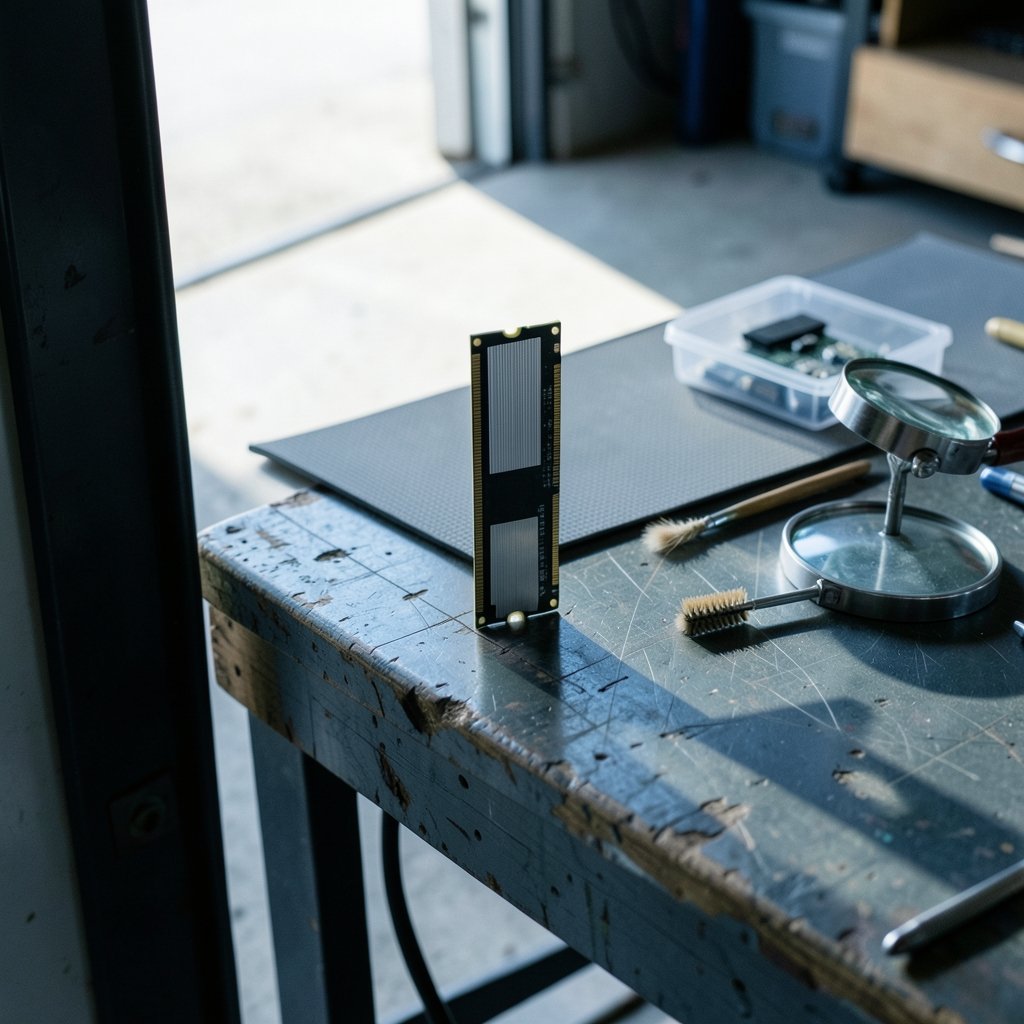
DDR5 is the fifth generation of double data rate synchronous dynamic random-access memory, the working memory a processor uses to hold data it is actively handling. It replaced DDR4 as the mainstream standard, arriving in consumer systems in 2021 when Intel’s 12th-generation Core processors launched with support for it.
Speed is one change. DDR5 also moves voltage regulation onto the memory module itself through an on-DIMM power management chip, and it adds on-module error correction for internal errors. Those two design choices matter more than most spec sheets show. Putting the power circuitry on the stick gives the module finer control over its own voltage, and the built-in error correction helps catch small faults before they become crashes or corrupted data.
For a beginner, the practical translation is simple: DDR5 is designed to be more self-sufficient and more resilient than the memory that came before it. That does not mean it never fails. It means the engineering has moved in a direction that favors stability at higher speeds.
The Compatibility Question Beginners Keep Getting Wrong
Here is the mistake that trips up more first-time builders than any other: buying DDR5 for a DDR4 motherboard, or the reverse. The two standards use different keying, the notch pattern on the stick, so a DDR5 module physically will not seat in a DDR4 slot. A motherboard supports one standard or the other, never both.
That means the “is it worth it” question is usually already answered before you open a shopping tab. If you are building on a current platform, you are buying DDR5. AMD’s Ryzen 7000 series, launched in September 2022 on the AM5 socket, was the company’s first consumer desktop line with DDR5 support, and the older AM4 socket remains DDR4-only. Intel’s 12th through 14th generation Core desktop chips support either standard depending on the board, while Intel Core Ultra desktop platforms moved to DDR5-only.
| Platform | Memory support | Beginner implication |
|---|---|---|
| AMD AM5 (Ryzen 7000 and newer) | DDR5 only | No choice to make |
| AMD AM4 (older Ryzen) | DDR4 only | Budget builds only |
| Intel 12th–14th gen Core | DDR4 or DDR5, board-dependent | Check the exact board |
| Intel Core Ultra desktop | DDR5 only | No choice to make |
If the motherboard is DDR5-only, the debate is over. The only real decision left is which kit to buy, and that is a much easier problem to solve.
When DDR5 Is Clearly the Right Call
For most beginners, DDR5 is the obvious pick for a handful of concrete reasons.
First, it is the only option on new platforms. Building on AM5 or Intel Core Ultra means DDR5 is not a preference, it is a requirement. Second, the standard has matured. The early-adopter tax and the teething problems that hit any new memory generation have largely worked themselves out. Third, buying into a current platform means a longer useful life, with room for future processor upgrades on the same board.
There is also a quieter benefit. Because DDR5 carries its own power management and error correction, the modules are engineered to run at their rated speeds with less fuss than early DDR4 kits, provided the board cooperates. That does not make setup automatic, but it does reduce the guesswork.
Anyone comparing costs across a whole build should look at the full picture rather than a single component. The same logic applies when people weigh a Ram truck lease deal against buying outright: the sticker price is only one line in a longer calculation. Computer builds work the same way.
When DDR4 Still Makes Sense
DDR4 is not dead, and there are honest situations where it is the smarter buy.
If someone already owns an AM4 board or an Intel 12th or 13th generation setup with a DDR4 motherboard, upgrading the memory is far cheaper than replacing the platform. A used or discounted DDR4 kit can breathe new life into an older machine for a fraction of the cost of a new board, processor, and RAM together. For a student on a tight budget or a household PC used for browsing and office work, that path is entirely reasonable.
The catch is availability. As platforms shift to DDR5, DDR4 stock tends to shrink and prices can become less predictable over time. A DDR4 build that looks cheap today may be harder to expand later. That is a trend worth weighing, not a dealbreaker.
The other honest caveat is that performance gains vary by workload. Someone editing video or running heavy simulations will notice the difference more than someone writing documents. Beginners should resist the urge to chase a single headline number and instead match the memory to what the machine will actually do.
How to Pick the Right DDR5 Kit
Choosing a kit is where beginners can either save money or waste it. A few practical rules go a long way.
- Confirm the standard. Check the motherboard’s specification page and confirm it lists DDR5. This takes thirty seconds and prevents the most common return.
- Check the qualified vendor list. Most board makers publish a QVL of tested memory modules. A kit on that list is far more likely to run at its rated speed without drama.
- Match capacity to use. For general use and gaming, a 16GB kit is a sensible floor and 32GB gives comfortable headroom. Video editing and heavy multitasking benefit from more.
- Enable the rated profile. Advertised speeds are not active by default. Intel XMP 3.0 and AMD EXPO are the one-click profiles that activate the speed printed on the box.
- Do not overpay for extreme speeds. The fastest kits cost disproportionately more and deliver diminishing returns on most beginner workloads.
That fourth step is the one people skip most often. A beginner can buy a fast kit, install it, boot up, and never realize the memory is running at a slow default speed because the profile was never enabled in the BIOS. It is a two-minute fix that makes the purchase actually worth it.
Common Mistakes and What Actually Works in Practice
A few patterns show up again and again when beginners build their first DDR5 system.
Buying two separate sticks instead of a matched kit. Kits are tested together. Mixing individual modules, even of the same brand and speed, can cause instability. Always buy a matched pair.
Ignoring the motherboard’s memory support page. Board vendors list maximum supported speeds, and exceeding them can force the system to fall back to slower defaults or refuse to boot.
Forgetting the BIOS update. Newer memory kits sometimes need a current BIOS to run at full speed. Checking for an update before installing memory saves a headache later.
Assuming more speed always means more performance. In real-world use, the difference between a mid-range and a top-tier DDR5 kit is often small. Capacity and stability usually matter more.
There is a parallel in other buying decisions. Someone shopping for a Dodge Ram dealer learns quickly that the trim and package matter more than the badge on the hood. Memory works the same way: the spec that fits the job beats the spec that looks best on paper.
DDR5 and the Rest of Your Build
Memory does not exist in isolation. It works with the processor, the motherboard, and the cooling in the case. A fast DDR5 kit paired with a weak power supply or a cramped case with poor airflow will not deliver what it promises.
Beginners should think of the build as a system. If the budget is tight, spending a little less on memory and a little more on a reliable power supply or a better cooler is usually the wiser trade. The memory can be expanded later; a failing power supply takes the whole machine with it.
The same principle of matching parts to purpose shows up in plenty of beginner projects. Someone picking up a new hobby learns that the best ukulele for beginners is rarely the most expensive one, and the same is true of a first 3D printer. The right entry point is the one that fits the budget and the actual use, with room to grow.
Conclusion
For the vast majority of beginners, DDR5 is worth buying, and the reason is refreshingly simple: on current platforms, it is the only memory that will fit. The standard has matured since its 2020 publication and 2021 consumer debut, the modules carry their own power management and error correction, and the platform support is now broad and stable.
The genuine exceptions are narrow. Someone with an existing DDR4 system who wants a cheap upgrade, or a builder deliberately targeting a budget DDR4 platform, can still make a defensible case. Everyone else should buy a matched DDR5 kit that appears on the motherboard’s qualified vendor list, install it, and remember to switch on XMP or EXPO.
The memory will not be the part that gets admired. It will be the part that quietly does its job for years, which is exactly what a beginner should want.
Frequently Asked Questions
Can I put DDR5 in my old DDR4 computer?
No. DDR5 and DDR4 use different keying and are physically incompatible, so a DDR5 module will not fit a DDR4 slot. The motherboard determines which standard the system supports.
Do I need to change any settings after installing DDR5?
Yes, in most cases. Advertised speeds are not active by default. Enabling Intel XMP 3.0 or AMD EXPO in the BIOS applies the rated profile and lets the memory run at its advertised speed.
How much DDR5 memory does a beginner actually need?
For general use and gaming, 16GB is a comfortable starting point and 32GB provides headroom for heavier multitasking. Video editing and demanding workloads benefit from more capacity.
Is faster DDR5 always better?
Not always. The fastest kits cost disproportionately more and deliver smaller real-world gains for typical beginner workloads. Capacity, stability, and a kit on the motherboard’s qualified vendor list usually matter more than the top speed rating.
Will DDR5 work with an Intel 12th generation processor?
It depends on the motherboard. Intel’s 12th through 14th generation Core desktop chips support either DDR4 or DDR5 depending on the board, so the specific motherboard model decides which memory you need.
Do I have to buy DDR5 as a matched kit?
It is strongly recommended. Matched kits are tested together and are far more likely to run at rated speed without instability. Mixing separate modules, even of the same brand, can cause boot problems and crashes.



