

Quick Answer: What is dlss and fsr explained?
DLSS and FSR are image upscaling technologies that let a graphics card render a game at a lower internal resolution and then scale it up to your monitor’s native resolution, boosting frame rates without a full-quality hit. DLSS is Nvidia’s version, powered by dedicated AI hardware called Tensor Cores, while FSR is AMD’s version, built to run on a much wider range of graphics cards. (NVIDIA DLSS Technology Overview)
The two share a goal but differ in approach: DLSS leans on machine learning models trained on Nvidia hardware, and FSR has historically used hand-tuned algorithms that work on almost any GPU, including Nvidia’s. Newer versions of both have added frame generation, which inserts extra frames to smooth motion further.
Before choosing, compare GPU generation support, image quality at each quality preset, added latency, game compatibility, and whether frame generation is available on your specific card.
In September 2018, Nvidia launched a feature that sounded almost like a magic trick: render a game at a lower resolution, let a neural network fill in the missing detail, and hand players a sharper image at a higher frame rate. That feature, Deep Learning Super Sampling (DLSS), kicked off a quiet revolution in how PC games are built and benchmarked. AMD answered three years later with FidelityFX Super Resolution (FSR), and since then the two technologies have become the single biggest lever for performance in modern PC gaming, sometimes worth more than a full GPU upgrade.
Understanding what each one does, where they differ, and when they actually help is now essential knowledge for anyone building or buying a gaming PC.
What Is DLSS?
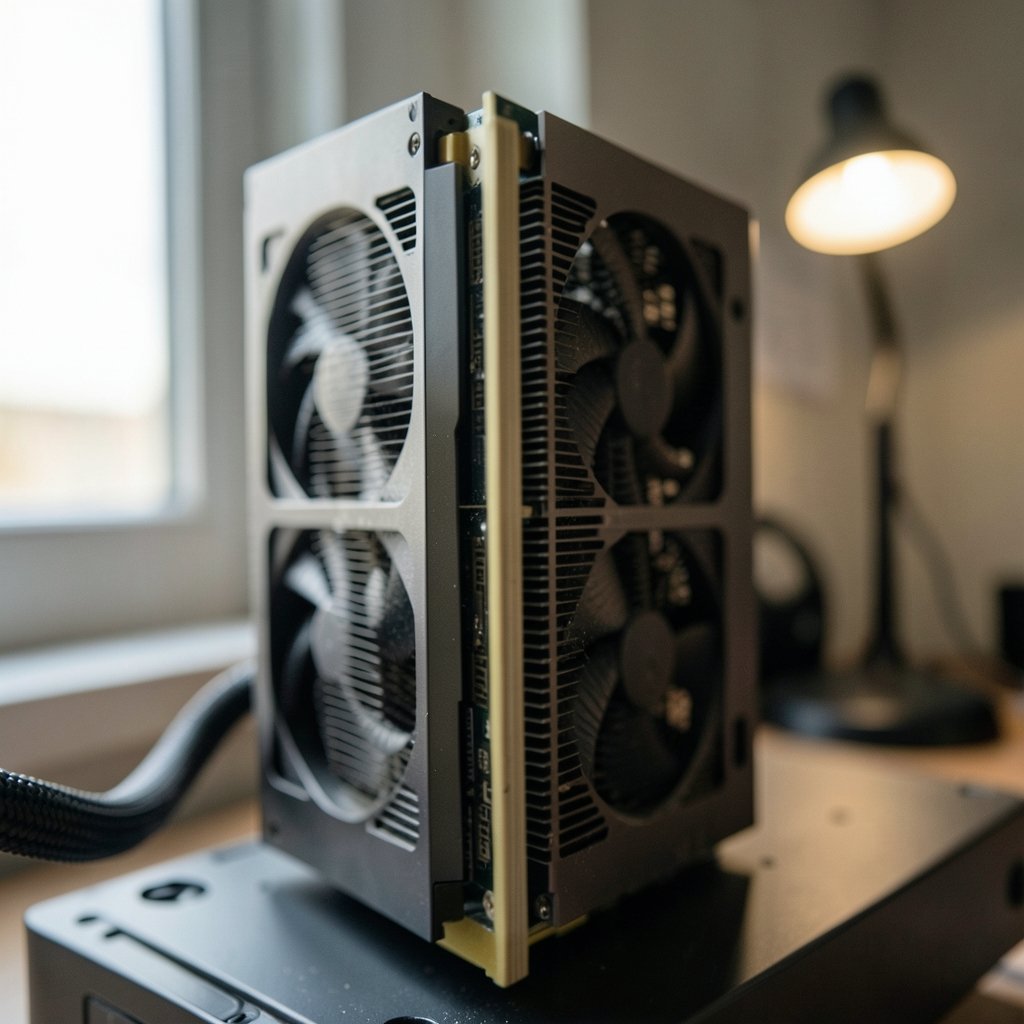
DLSS is Nvidia’s AI-driven upscaler. It runs on the Tensor Cores found in GeForce RTX graphics cards, using a trained neural network to reconstruct a high-resolution image from a lower-resolution render. The original 2018 version required per-game training, which limited how many titles supported it and sometimes produced soft or shimmering results.
DLSS 2.0, arriving around March 2020, changed the game. It replaced per-game models with a more general model, added quality and performance modes, and dramatically improved image stability. Most games today that advertise DLSS use this foundation or something newer built on it.
Then came DLSS 3 in September 2022 alongside the RTX 40-series. Its headline feature was Frame Generation, which inserts AI-generated frames between traditionally rendered ones. That is a fundamentally different trick from upscaling: instead of making one frame cheaper to render, it manufactures entirely new frames. Frame Generation is hardware-locked to RTX 40-series cards and newer, a restriction that frustrates owners of older RTX GPUs.
At CES in January 2025, Nvidia announced DLSS 4, adding Multi Frame Generation (up to three generated frames per rendered frame) and a transformer-based model for Super Resolution and Ray Reconstruction. The transformer model was reported to be backported to older RTX generations for some features, though the frame generation extras remain tied to newer hardware.
What Is FSR?
FSR is AMD’s upscaling technology, launched on June 22, 2021. Its original pitch was radical openness: it worked on a huge range of GPUs, including Nvidia’s, because it relied on shader-based spatial upscaling rather than dedicated AI accelerators. The trade-off was image quality. FSR 1 could look noticeably softer or shinier than DLSS, especially in motion.
FSR 2 arrived in May 2022 and moved to temporal upscaling, using motion vectors and data from previous frames. That closed much of the quality gap with DLSS 2 and made FSR a genuinely competitive option rather than a fallback.
FSR 3, shipping from late 2023 into 2024, introduced Fluid Motion Frames, AMD’s answer to frame generation, again designed to work across a broad hardware range including non-AMD GPUs. Then FSR 4, announced in early 2025, marked a philosophical shift: it is a machine-learning-based upscaler exclusive to RDNA 4 (RX 9000 series) GPUs. AMD’s most open technology became, at its highest tier, hardware-specific.
DLSS vs FSR: The Core Differences
The cleanest way to understand the split is to look at what each technology assumes about your hardware.
| Feature | DLSS (Nvidia) | FSR (AMD) |
|---|---|---|
| First release | September 2018 | June 2021 |
| Upscaling method | AI model on Tensor Cores | Shader-based, later temporal and ML |
| Hardware requirement | RTX GPUs (Tensor Cores) | Very broad for FSR 1–3; RDNA 4 for FSR 4 |
| Frame generation | DLSS 3+ (RTX 40-series and newer) | FSR 3 Fluid Motion Frames (broad hardware) |
| Works on rival GPUs | No | Yes, for FSR 1–3 |
| Quality reputation | Generally strong, especially newer versions | Improved sharply with FSR 2 and later |
Two distinctions matter more than any spec sheet. First, upscaling and frame generation are not the same thing. Super Resolution renders at lower internal resolution and upscales; Frame Generation synthesizes extra frames. Both vendors now offer both, but the latency and artifact trade-offs differ. Second, hardware lock-in cuts both ways: DLSS delivers strong results but only on Nvidia cards, while FSR’s openness made it the default option for millions of players on older or competing hardware.
Upscaling vs Frame Generation: Why the Difference Matters
A common mistake is treating “DLSS on” or “FSR on” as a single toggle. In practice, modern implementations bundle several features, and each has its own cost.
Super Resolution is the safest win. You render at, say, 1440p internally and output 4K. Frame rates rise, and image quality at the Quality preset is often close to native. This is the setting most players should try first.
Frame Generation is more divisive. It makes motion look smoother on a high-refresh display, but it adds latency and can produce artifacts around fast-moving objects or UI elements. It also works best when your base frame rate is already decent. Generating frames from a 30 fps baseline tends to feel worse than it looks on a frame counter.
In practice, frame generation is a smoothing tool, not a rescue tool. If a game runs poorly without it, turning it on rarely fixes the underlying problem.
How to Choose the Right Setting in Practice
Most players get this wrong in predictable ways. Here is what actually works.
- Start with the Quality preset. For both DLSS and FSR, Quality usually offers the best balance. Only drop to Balanced or Performance if you are chasing a specific frame rate target on a high-refresh monitor.
- Match the preset to your output resolution. Performance modes make more sense at 4K than at 1080p, where the internal resolution can get uncomfortably low.
- Test in motion, not in screenshots. Shimmer, ghosting, and smearing show up when the camera moves. Walk through a busy scene before deciding.
- Check latency with frame generation on. Use a competitive shooter or fast-paced game to feel whether the added input lag bothers you.
- Verify support per game. Feature support varies by title and patch. A game may offer DLSS but not Frame Generation, or FSR but an older version.
The most common mistake is assuming the newest feature is always better. A well-implemented DLSS Quality preset often beats frame generation stacked on a shaky baseline. The second most common mistake is ignoring the in-game sharpening slider, which can rescue or ruin an upscaled image depending on the title.
The Bigger Picture: Why This Matters Beyond Gaming
The upscaling war is a useful window into a broader shift. The same pattern, dedicated AI hardware plus trained models, is reshaping everything from data centers to scientific research. Nvidia’s cloud and AI infrastructure strategy, for instance, now sits at the center of debates about privacy and compute, as explored in this breakdown of Apple private cloud compute and Google cloud in 2026. The AI accelerator arms race that produced Tensor Cores is the same race driving those headlines.
That shift is visible in research funding too. The Zuckerberg Chan CZI Biohub AI biomedical shift shows how machine learning models are becoming core scientific infrastructure, much as they became core gaming infrastructure after 2018. Even consumer pricing reflects it: the cost of AI-accelerated hardware shapes what you pay for a GPU, a dynamic visible in how Leonardo AI structures its pricing plans and features.
For gamers, the practical takeaway is simpler: the GPU you buy now is partly a bet on which vendor’s AI ecosystem wins developer attention. Nvidia’s lead in DLSS adoption reflects its broader AI position, and AMD’s FSR strategy reflects a bet on openness and ubiquity. Both approaches have merit, and both are evolving fast.
Common Myths and Misconceptions
A few claims circulate so often that they deserve direct correction.
“Upscaling is just lowering settings.” Not quite. Traditional resolution scaling blurs everything uniformly. Modern temporal upscalers reconstruct detail using motion data, which is why DLSS Quality can look sharper than native resolution with certain anti-aliasing.
“FSR always looks worse than DLSS.” That was closer to true in 2021. Since FSR 2, the gap has narrowed considerably, and implementation quality varies more between games than between technologies.
“Frame generation doubles your frame rate, so it doubles performance.” It doubles the displayed frame count, not the underlying simulation rate. Input responsiveness still depends on the real rendered frames.
“You need the newest GPU to benefit.” FSR 1–3 runs on a huge range of hardware, and DLSS Super Resolution works on RTX 20-series cards from 2018. The newest features are locked, but the core benefit is not.
Conclusion
DLSS and FSR both solve the same problem: modern games demand more pixels than GPUs can comfortably deliver, so both technologies render fewer pixels and reconstruct the rest. DLSS does it with dedicated AI hardware and a quality reputation built over several generations. FSR does it with openness, reaching hardware that DLSS cannot touch, and has closed much of the quality gap along the way.
The smart approach is not to pick a side but to understand the trade-offs. Try the Quality preset first. Test in motion. Watch your latency when frame generation is on. And remember that the version number matters as much as the brand name, since a well-implemented older feature often beats a poorly implemented new one. The best setting is the one you stop noticing while playing.
FAQ
Does DLSS work on AMD graphics cards?
No. DLSS requires Nvidia RTX hardware with Tensor Cores, so it is exclusive to GeForce RTX GPUs. AMD cards cannot enable it in any game.
Does FSR work on Nvidia graphics cards?
Yes, for FSR 1 through FSR 3. Those versions were designed to run on a broad range of hardware, including Nvidia and Intel GPUs. FSR 4 is the exception, as it requires RDNA 4 hardware.
Is DLSS better than FSR?
It depends on the version and the game. DLSS has generally held a quality edge, especially in motion, but FSR 2 and later narrowed the gap significantly. Implementation quality in a specific title often matters more than the brand.
What is the difference between upscaling and frame generation?
Upscaling renders the game at a lower internal resolution and reconstructs a higher-resolution image. Frame generation inserts entirely new frames between rendered ones. Upscaling reduces the cost per frame; frame generation increases the number of displayed frames, with added latency.
Does frame generation increase input lag?
Yes, typically. Because generated frames are inserted between real ones, the responsiveness you feel still depends on the underlying rendered frame rate. It works best when your base frame rate is already comfortable.
Do I need to enable DLSS or FSR in every game?
No. Support varies by title, and some games implement only one technology or specific versions of it. Check the graphics settings menu, and test each preset in motion before settling on one.



