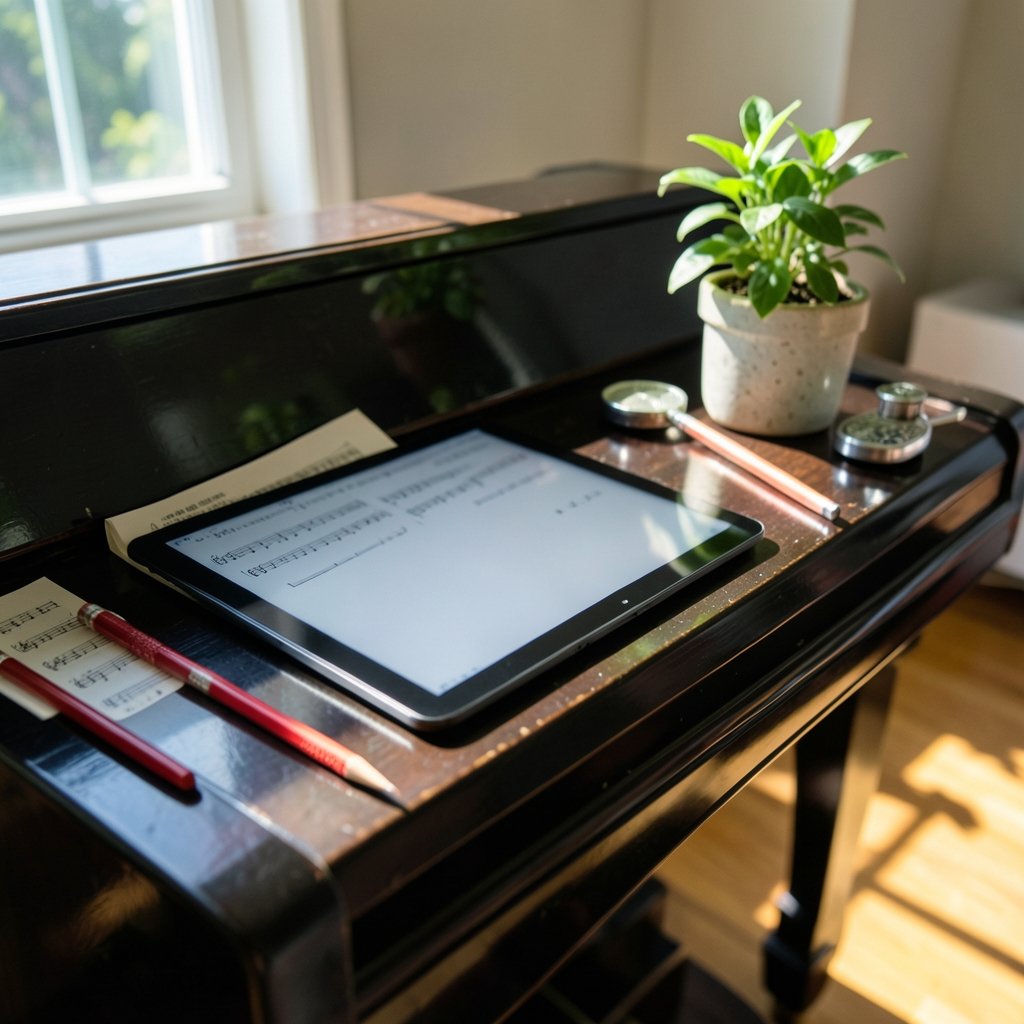
Can a screen that refreshes like a slow-turning page really replace a beat-up binder of printed scores? That is the question every pianist, cellist, and choir director asks before spending several hundred dollars on an e ink tablet for sheet music. The promise is tempting: weeks of battery life, no glare under stage lights, and a library of hundreds of scores in a device thinner than a paperback. The reality is more nuanced, and it depends heavily on how you play, what you read, and how much patience you have for a technology that was never designed with musicians in mind.
This guide breaks down what works, what frustrates people, and how to choose a device you will not regret.
Why E Ink Appeals to Musicians in the First Place
The core technology behind these devices is electrophoretic display, a system where tiny charged particles move within a fluid to form text and images. The best plain-language overview of how this works is on Wikipedia’s electronic paper page, which explains why the display holds an image without drawing power. That is the entire reason a musician can leave a score open for a three-hour rehearsal and lose almost no battery.
Compare that to an LCD or OLED tablet, which glows, reflects, and drains quickly. For an orchestra player reading the same page for twenty minutes, an e ink screen is genuinely easier on the eyes. There is no backlight glare bouncing off a music stand, and no blue light fatigue during a late-night practice session. Many players who already own a conventional tablet for other tasks end up keeping a separate e ink device purely for scores, the same way some listeners keep a dedicated player separate from their phone.
The Screen Size Question Nobody Agrees On
Here is the single most important practical decision: screen size. Standard sheet music is roughly A4 or US Letter. Shrinking that onto a 10-inch screen means notes get small, and small notes mean squinting.
| Screen size | Typical use | Real-world verdict |
|---|---|---|
| 10 to 10.3 inches | Single staves, chord charts, lead sheets | Fine for pop and jazz charts, cramped for dense classical scores |
| 13.3 inches | Full-page A4 scores | The practical sweet spot for most musicians |
| 13.3 inches and larger | Two-page spreads, conductor scores | Best for pianists and conductors, heaviest to carry |
Community convention holds that 13.3 inches is the minimum for full-page classical repertoire, but this is anecdotal rather than any official standard. A guitarist reading chord charts will be perfectly happy on a 10-inch device. A pianist working through Rachmaninoff will not.
Page Turns, Ghosting, and the Refresh Problem
This is where e ink shows its seams. Every time the screen changes, the display must redraw, and that redraw is slower than an LCD. Manufacturers offer fast or partial refresh modes to speed up page turns, but those modes often leave faint traces of the previous page, a phenomenon called ghosting.
In practice, most players find page turns acceptable in fast mode once they adjust expectations. The bigger issue is annotation. Writing on the screen with a stylus works on many models, but the ink can lag behind the pen tip, which feels wrong when you are marking a fingering in real time. If heavy marking is central to how you learn music, test this before you buy.
A workaround many performers use is the Bluetooth page-turn pedal, a foot switch that advances the score hands-free. Devices from AirTurn and PageFlip are the common choices. The catch is compatibility: the e ink tablet must support Bluetooth keyboard emulation, and support varies by model and firmware. Always confirm the pedal works with the specific device before relying on it in a performance.
Software: The Reader Matters as Much as the Hardware
The device is only half the story. The app that displays your PDFs determines whether the experience feels smooth or maddening.
On Android-based e ink tablets, MobileSheets is the most widely used score reader, offering setlists, annotation, and pedal support. On iPadOS, forScore is the reference standard, though of course that runs on LCD rather than e ink. Some manufacturers build their own readers, and quality varies widely.
A few practical habits make any of these apps work better:
- Convert scores to PDF at high resolution so text stays crisp when zoomed.
- Crop white margins before loading files; this makes the staff larger on a smaller screen.
- Build setlists in advance so you do not scroll through a library mid-concert.
- Test the pedal and the app together in the actual performance space and at home.
Anyone serious about their setup should also think about the reading environment itself. A decent pair of headphones for music listening helps during practice sessions when you are working with backing tracks or recordings alongside the score, and it is an easy upgrade that pays off immediately.
Battery Life and Portability: The Real Wins
If there is one area where e ink crushes the competition, it is endurance. Because the screen only draws power when it changes, a single charge can last weeks of normal reading. For a touring musician, a choir director juggling multiple services, or a teacher moving between classrooms, that reliability is transformative. No hunting for an outlet before a gig. No dead tablet halfway through the second set.
The trade-off is weight. Large-format e ink tablets with glass panels and metal bodies can feel substantial on a music stand, and some stands struggle to hold them at a comfortable angle. A sturdy, adjustable stand is not optional equipment; it is part of the purchase.
Annotation, Stylus, and the Paper Feel
Many musicians want to mark up scores the way they would with a pencil. E ink devices with stylus support can do this, and the writing feel is closer to paper than any glass screen. But there are caveats worth knowing before you commit.
Latency, the delay between pen and pixel, varies dramatically between models. On the best devices it is barely noticeable for handwriting; on cheaper ones it feels like writing through syrup. Erasing and layering annotations can also be clunky. If marking is a core part of your workflow, prioritize a model with a mature note-taking layer rather than the cheapest option.
What E Ink Is Not Good At
Honesty matters here. E ink tablets are poor choices for several tasks musicians sometimes assume they will handle:
- Video or animated content, which looks terrible on a slow-refresh screen.
- Fast scrolling through long scores, which produces visible smearing.
- Color-coded annotations, since most e ink panels are grayscale.
- Multitasking, because switching apps is slower than on LCD.
If your workflow depends on any of these, a conventional tablet is the better tool. The best tablet roundups often include models that handle scores well enough while doing everything else too, and for some players that flexibility outweighs the battery advantage.
How to Choose Without Regret
The decision comes down to matching the device to your actual playing life. A few guiding principles:
- Classical pianists and conductors: go large, 13.3 inches or bigger, and accept the weight.
- Guitarists and singer-songwriters: a 10-inch device handles chord charts beautifully and travels light.
- Choir and ensemble singers: prioritize a model with reliable pedal support and a clear setlist workflow.
- Teachers and students: battery life and durability matter more than screen size.
Budget-conscious buyers should look at the best cheap tablet options as a starting point, though note that budget e ink devices often compromise on screen size or stylus support. It is worth reading independent reviews rather than relying on spec sheets, because refresh performance is rarely captured in marketing materials.
The Bigger Picture: A Niche Tool That Fits a Real Need
E ink tablets will never be mainstream consumer devices. They are too slow, too expensive, and too specialized. But for a specific slice of musicians, they solve a genuine problem: reading dense scores for hours without eye strain or battery anxiety.
The technology is also improving. Refresh rates are getting faster, color e ink is maturing, and software support for musicians is deepening. It is reasonable to expect that in a few years, the ghosting complaints that dominate forum discussions today will feel dated. For now, the smart approach is to buy for the workflow you have, not the one you hope to have.
If you are also building out the rest of your practice setup, the same logic applies: match the tool to the task. A subscription service comparison like Apple Music vs Spotify matters for listening, while a best free music app for iPhone guide helps when you want background music without another bill. None of these replace a good score reader, but they round out a working musician’s toolkit. (IMSLP Petrucci Music Library)
Conclusion
An e ink tablet for sheet music is not a universal upgrade. It is a focused instrument for a focused job: displaying static pages for long stretches with minimal power and minimal eye strain. Buy one because your playing life involves lots of reading, long rehearsals, and a preference for paper-like calm. Do not buy one expecting it to replace a general-purpose tablet, and do not buy the smallest screen you can afford if you read dense classical scores.
Test the page-turn pedal, confirm stylus latency, and check the return policy before you commit. Do that, and the device will quietly earn its place on your music stand for years.
Frequently Asked Questions
What size e ink tablet do I need for sheet music?
Most musicians find 13.3 inches is the practical minimum for full-page A4 classical scores, because smaller screens shrink the staff to an uncomfortable size. A 10-inch device works well for chord charts, lead sheets, and simpler repertoire. This is a community convention rather than an official standard, so try before you buy if possible.
Can I use a Bluetooth page-turn pedal with an e ink tablet?
Often yes, but compatibility is device-specific. The tablet must support Bluetooth keyboard emulation for pedals from brands like AirTurn or PageFlip to work. Support varies by model and firmware version, so confirm the pairing works with your exact device before relying on it in a performance.
Do e ink tablets show ghosting when turning pages?
Yes, ghosting is common, especially in fast refresh modes. Faint traces of the previous page can remain after a turn. Most players find it acceptable once they adjust expectations, and switching refresh modes can reduce it, though usually at the cost of speed.
Can I write on sheet music with a stylus on an e ink tablet?
Many models support stylus annotation, and the writing feel is closer to paper than glass. However, latency varies widely between devices, and cheaper models can feel sluggish. If heavy marking is central to your workflow, prioritize a model with mature note-taking software.
Is an e ink tablet better than an iPad for reading scores?
It depends on your priorities. E ink wins on battery life, glare, and eye comfort during long sessions. An iPad wins on speed, app maturity, color, and versatility. Players who read for hours often prefer e ink; players who need one device for everything usually stick with LCD.
How long does an e ink tablet battery last for musicians?
Battery life is the technology’s biggest advantage, since the screen only draws power when the image changes. A single charge can last weeks of normal reading, which makes it far more reliable for long rehearsals and touring than a conventional tablet.