Roughly one in three U.S. households now owns at least one smart home device, and the average connected home runs on four or five separate apps. That fragmentation is exactly why platform choice matters so much. Home Assistant and SmartThings sit at opposite ends of the smart home market: one is an open-source project built by tinkerers and privacy advocates, the other is a polished platform backed by Samsung. Choosing between them shapes how your devices talk to each other, how much you spend, and how much control you hand to the cloud. (Best smart speakers for home automation)
This comparison walks through how each platform actually behaves in daily use, where each one stumbles, and which type of household each suits best.
What Each Platform Actually Is
Home Assistant is a free, open-source home automation platform that runs locally on your own hardware. It started as a side project and grew into one of the largest open-source automation communities in the world, with thousands of community-built integrations. The core idea is simple: your smart home should work even when the internet doesn’t, and your data should stay on your network.
SmartThings is Samsung’s consumer smart home platform. It began as a Kickstarter project and was acquired by Samsung in 2014. It combines a mobile app, optional hub hardware, and deep integration with Samsung appliances like washers, TVs, and refrigerators. It is designed for people who want a smart home that mostly sets itself up.
The difference in philosophy shows up immediately. Home Assistant asks you to configure things; SmartThings asks you to sign in.
Local Control vs. Cloud Dependency
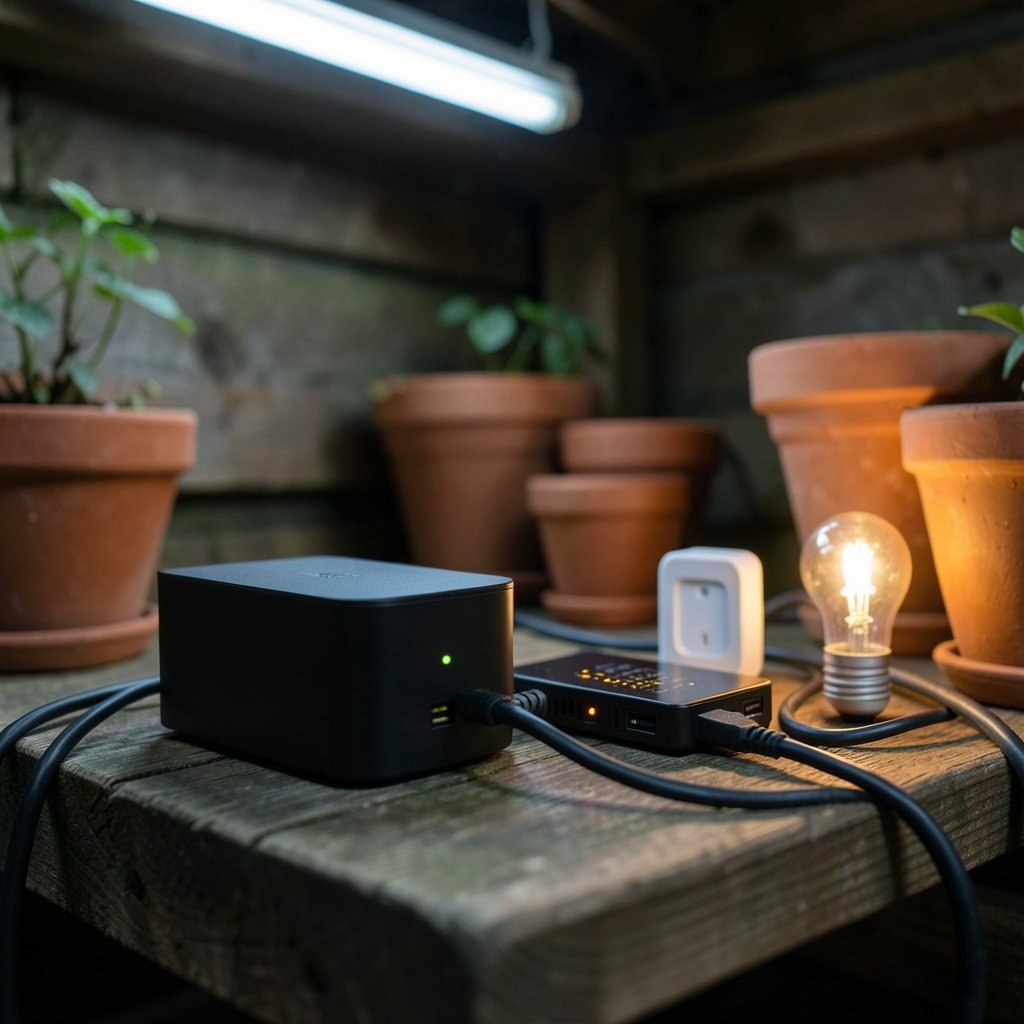
This is the single most consequential difference between the two platforms, and it affects privacy, reliability, and speed.
| Feature | Home Assistant | SmartThings |
|---|---|---|
| Primary processing | Local on your hardware | Cloud-first, with growing local support |
| Works during internet outage | Yes, for local devices | Partially, depending on device and hub |
| Data stored where | Your device | Samsung cloud |
| Account required | No | Yes |
| Automation speed | Near-instant locally | Depends on cloud round-trip |
Home Assistant’s local-first design means a motion sensor can trigger a light in well under a second, because the command never leaves your house. SmartThings routes many automations through Samsung’s servers, which adds latency and means an outage can leave your routines dead. Samsung has moved more execution onto local hubs over time, but the scope of that local support varies by device and hub generation, so it pays to check current documentation before buying.
If you care about privacy, the contrast is stark. Home Assistant stores your usage data on your own hardware. SmartThings collects data in Samsung’s cloud as part of normal operation.
Setup Difficulty: The Real-World Experience
The most common mistake people make with Home Assistant is underestimating the setup. It is not hard, exactly, but it is unforgiving. You will need to flash an image onto a Raspberry Pi, mini PC, or dedicated device, then configure integrations through a web interface. Most mainstream devices are detected automatically now, but anything unusual requires reading documentation.
A practical tip: start with a small, boring setup. One light, one sensor, one automation. Get that working before adding twenty devices. People who try to migrate their entire home in a weekend usually end up frustrated and revert to their old app.
SmartThings is dramatically easier. You download the app, create an account, and scan device QR codes. Most Samsung appliances pair in under a minute. The trade-off is that when something breaks, your troubleshooting options are limited to what the app exposes.
For households that want a gentle on-ramp, the best smart home devices for beginners tend to work well with both platforms, so you can start simple and migrate later.
Device Compatibility and Platform Breadth
Home Assistant‘s compatibility list is enormous, spanning Wi-Fi, Zigbee, Z-Wave, Matter, Thread, Bluetooth, and hundreds of proprietary protocols through community integrations. If a device exists and someone has written an integration for it, Home Assistant can probably control it. The catch is quality varies: official integrations are rock solid, while community ones may lag behind firmware updates.
SmartThings supports Matter, Zigbee, and Z-Wave through its hubs, plus Wi-Fi devices and Samsung’s own product line. Compatibility is curated rather than exhaustive, which means fewer surprises but also fewer exotic devices.
Both platforms now support Matter, which is gradually reducing the lock-in problem. A Matter device paired with one platform can generally be shared with the other, which softens the stakes of choosing.
Cost: What You Actually Pay
Home Assistant is free software, but it is not free to run. You need hardware: a Raspberry Pi, an old laptop, a mini PC, or a purpose-built device. Budget anywhere from about $60 for a basic Pi setup to several hundred dollars for a fancier box. There is also an optional cloud subscription for remote access and voice assistant integration, but the core platform works without it.
SmartThings requires a Samsung account and, for full functionality, a hub. Hubs range from budget models to premium versions with built-in Thread radios. There is no subscription for basic use, though some legacy services have been retired over the years.
Over five years, the costs land in a similar range. The difference is when you pay: Home Assistant front-loads hardware costs, while SmartThings spreads them across hub purchases and appliance tie-ins.
Automation Power and Flexibility
Here is where Home Assistant pulls far ahead for power users. Its automation engine supports conditions, templates, variables, and scripts that can chain dozens of steps. You can build automations that react to weather forecasts, calendar events, phone location, or the state of another automation. The learning curve is real, but the ceiling is essentially unlimited.
SmartThings offers a solid routine builder plus “Routines” that handle everyday scenarios well: lights on at sunset, thermostat down when you leave. Advanced logic is possible through the Rules API, but it is aimed at developers rather than typical users.
A common practical mistake: building overly clever automations that fire at the wrong time. A motion-triggered light that turns off after two minutes sounds great until someone sits still reading a book. Both platforms let you add conditions to prevent this, but Home Assistant gives you finer tools to fix it.
If you are building out a security setup, the best smart locks for home security work with both platforms, though Home Assistant exposes more granular lock states and event triggers.
Voice Assistants and Remote Access
SmartThings integrates natively with Bixby, Google Assistant, and Alexa, and remote access is built in. Home Assistant requires a bit more work: you can expose devices to Google or Alexa through a cloud subscription or a self-hosted bridge, and remote access needs either a subscription or a VPN setup.
For families where multiple people need to control the home from their phones without thinking about it, SmartThings wins on convenience. For someone who wants voice control without any third-party cloud in the loop, Home Assistant’s local voice options are steadily improving.
Reliability and Long-Term Maintenance
SmartThings has a history of platform shifts. Samsung has retired older hubs and changed how local execution works more than once, which means devices you bought five years ago may not be supported forever. That is normal for consumer tech, but it is worth knowing before you commit.
Home Assistant’s open-source nature means no company can shut it down. The flip side is that you are the maintainer. Updates occasionally break integrations, and you need to be comfortable reading release notes. The community is genuinely helpful, and the documentation is thorough, but nobody is going to fix your setup for you.
Which Platform Suits Which Household
Choose Home Assistant if you want local control, care about privacy, enjoy tinkering, have a mix of device brands, or want automations that go beyond simple triggers. It rewards patience.
Choose SmartThings if you own Samsung appliances, want fast setup, prefer a supported product with a phone number to call, or simply want lights and thermostats that work without a hobby attached.
A hybrid approach is increasingly common: SmartThings for everyday convenience and Home Assistant for advanced logic, bridged together. It is more complexity than most people need, but it works.
Practical Tips Before You Commit
Start with one room, not the whole house. Test whether your existing devices appear in each platform’s compatibility list before buying hardware. Keep a written record of your automations so you can rebuild them after a platform change. And resist the urge to automate everything on day one; the best smart homes grow slowly, one annoyance solved at a time.
For anyone expanding into other categories, the best smart speakers for home automation pair well with both platforms, and a dedicated hub like the Home Center Lite can simplify mixed-brand setups.
Conclusion
Home Assistant and SmartThings are not really competitors so much as different answers to the same question. Home Assistant asks how much control you want and answers “all of it,” at the cost of your time. SmartThings asks how little effort you want to spend and answers “almost none,” at the cost of cloud dependency and platform shifts you don’t control.
Neither is objectively better. The right choice depends on whether you would rather configure your home or simply live in it. Most people land on SmartThings first and graduate to Home Assistant later, once they hit a limitation that convenience can’t solve. Whichever you pick, the goal is the same: a home that quietly does what you need without demanding attention every week.
Frequently Asked Questions
Is Home Assistant free to use?
Yes. The software itself is free and open source. You pay only for the hardware it runs on, plus any optional cloud subscription if you want easy remote access or voice assistant integration. There are no license fees or per-device charges.
Can SmartThings work without the internet?
Partially. Samsung has expanded local execution for some devices and automations, but many routines still depend on the cloud. If your internet goes down, expect some devices to keep working and others to stop responding. Check current documentation for your specific hub and devices.
Which platform is easier for beginners?
SmartThings is significantly easier to set up. You create an account, scan device codes, and start building routines within minutes. Home Assistant requires installing software on hardware and configuring integrations manually, though most mainstream devices are now detected automatically.
Does Home Assistant work with Samsung devices?
Often, yes, through community-built integrations. Support quality varies by device model, and some Samsung appliances expose limited functionality. SmartThings offers deeper native control of Samsung products, which is a real advantage if your home is built around that brand.
Can I use both platforms together?
Yes. Many enthusiasts run SmartThings for everyday convenience and bridge it into Home Assistant for advanced automations. Matter support makes this easier, since devices can be shared between platforms. Be prepared for some duplication and extra troubleshooting.
Which platform is more secure?
Home Assistant keeps your data on your own network, which limits exposure to cloud breaches. SmartThings stores data in Samsung’s cloud and depends on account security. Neither is inherently unsafe, but Home Assistant gives privacy-focused users more control over what leaves the house.
For anyone still weighing the decision, a useful exercise is to list the five automations you actually want and check whether each platform handles them without workarounds. Most households find SmartThings covers three or four out of five, while Home Assistant covers all five but demands setup effort for each. That gap, more than any spec sheet, usually decides the matter. Whichever path you take, revisit the choice after a year; both platforms evolve quickly, and the limitations that pushed you one way may have disappeared by then.