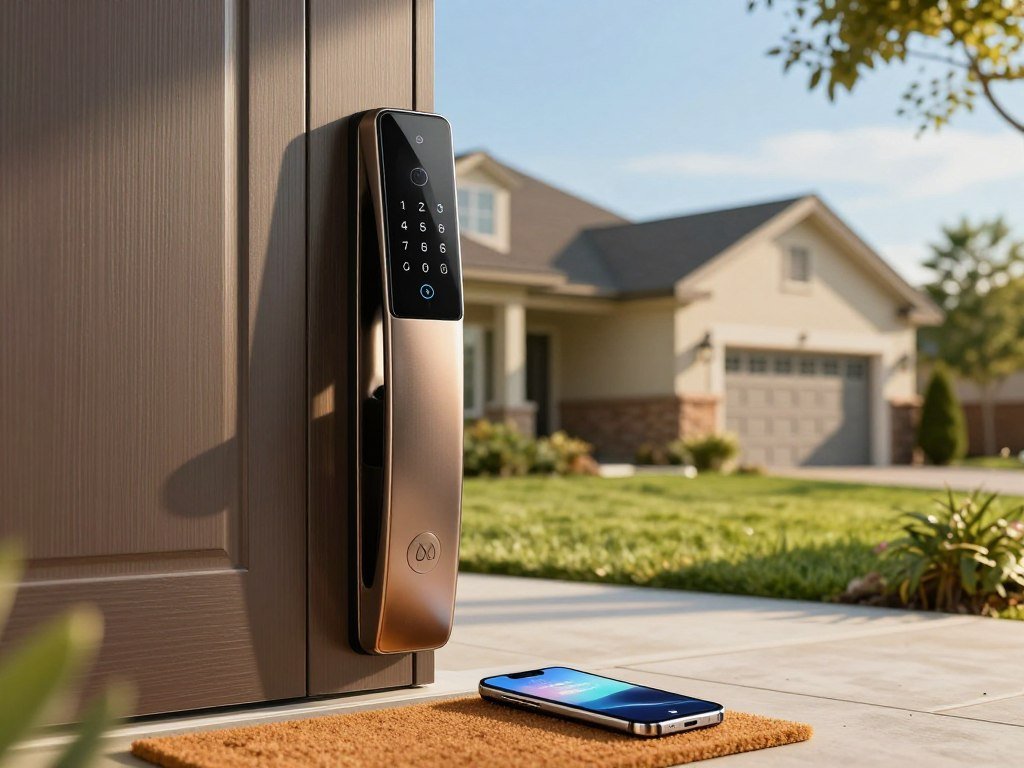
If you have ever wondered whether you locked the front door after leaving, remote status checks and automatic locking can make that routine easier. A smart lock can cut key-handling hassles with access codes and phone control, while a strong deadbolt and a door that closes properly remain essential. Your choice depends on the entry methods your household needs and the smart home devices you already use.
Some locks fit over existing hardware; others replace the deadbolt and add a keypad or touchscreen. You can also choose fingerprint entry, Apple Home Key, or a connection to a Thread network hub. These options can save time during a busy day, but they do not all work with every phone or smart home setup.
The right choice starts with matching the lock’s entry methods and connectivity to your household.
Key Takeaways
- Choose a retrofit lock to keep compatible outside hardware.
- Pick a replacement lock for a new keypad or touchscreen.
- Check the deadbolt’s physical strength separately from smart features.
- Match the lock’s connection to your smart home platform.
- Measure your door before you order a model.
Which Smart Locks Make the Shortlist?
August is the strongest starting point for value and integrations, while Yale and Schlage suit readers prioritizing touchscreen access and simple installation. The best smart lock depends on whether you want to keep existing hardware, use Apple Home Key, or add more ways to enter.
SafeHome named August its best overall value smart-lock company in 2026, with a SecureScore of 9.4/10. It named Yale its best touchscreen company at 9.1/10 and Schlage its easiest-to-install company at 9.0/10. SafeHome tested dozens of smart locks on its front door for those recommendations.
SafeHome’s 2026 smart-lock scores offer one way to compare models, but each test has its own methods. Security.org tested 15 smart locks over five months, ran more than 150 simulated break-ins, and assessed 28 BHMA smart-lock strength reports for its 2026 recommendations.
Use test scores as a starting point, not a stand-in for checking door fit and smart-home support.
August WiFi Smart Lock offers a retrofit format, Wi-Fi, and use with an existing key. Yale Assure Lock 2 gives you keypad and touchscreen options. Schlage Encode Plus suits Apple Home Key users who want a replacement lock.
Aqara U400 supports several entry methods and Matter over Thread. Yale Approach is another retrofit choice that retains the existing deadbolt, with app access and an optional keypad.
| Model | Best fit | Lock format | Notable access or connection |
|---|---|---|---|
| August WiFi Smart Lock | Value and integrations | Retrofit | Wi-Fi and existing key |
| Yale Assure Lock 2 | Touchscreen choice | Replacement | Keypad or touchscreen, optional Wi-Fi module |
| Schlage Encode Plus | Apple Home Key | Replacement | Wi-Fi and Apple Home Key |
| Aqara U400 | Varied entry methods | Replacement | Matter over Thread, keypad, fingerprint, UWB |
| Yale Approach | Retrofit | Existing deadbolt retained | App and optional keypad |
What is the best smart lock for your house? August is a useful starting point for broad integrations, while Apple Home Key, touchscreen, or retrofit needs can change the best fit.
Treat test scores as one input, then confirm the exact model’s fit and supported smart-home platform.
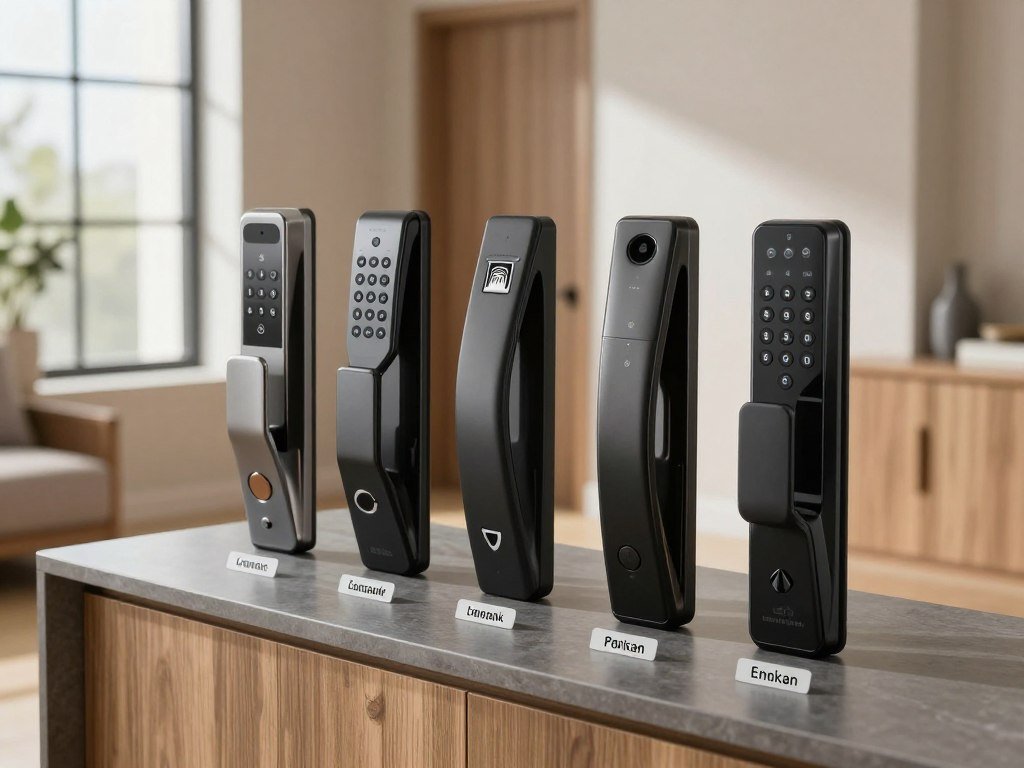
How to Choose the Best Smart Locks for Home Security
A retrofit lock changes the interior mechanism, while a replacement lock swaps out the deadbolt hardware on both sides. Choose by the hardware you want to keep and the entry method you need.
Backset is the distance from the edge of a door to the center of the lock bore. Door thickness, bore size, and backset affect compatibility, so check the exact model’s fit requirements before buying.

Retrofit locks keep existing exterior hardware
A retrofit lock mounts over the interior side of an existing deadbolt. The outside keyhole and trim stay in place, which suits homeowners who want to preserve the front door’s current look.
The August Wi-Fi Smart Lock mounts inside the door and retains the existing deadbolt and exterior keyhole. A retrofit lock still depends on a compatible deadbolt and thumb turn. If those parts do not work with the new device, the retrofit will not fit.
Replacement locks change the deadbolt
A replacement lock removes the old deadbolt and installs new hardware on both sides. Many models add an exterior keypad or touchscreen. Yale Assure Lock 2 comes in keypad, touchscreen-only key-free, and touchscreen versions.
| Format | What changes | Existing exterior key | Best fit |
|---|---|---|---|
| Retrofit | Interior mechanism | Kept | Keep outside hardware |
| Full replacement | Deadbolt on both sides | May be kept | Add new exterior controls |
| Key-free replacement | Deadbolt on both sides | Removed | Use electronic entry only |
Full replacement locks may suit a door whose exterior hardware you want to change. A key-free version removes the mechanical keyway, while a keyed version keeps a physical backup.
Measure door thickness, backset, and bore before buying, then compare those measurements with the exact lock’s fit requirements.
How Much Physical Security Does a Smart Lock Add?
A smart lock can help you secure and monitor entry, but its electronics do not automatically strengthen the bolt or door frame. The deadbolt, its grade, and the surrounding door determine much of its resistance to forced entry.
The U.S. burglary rate in 2024 was 229.2 per 100,000 residents, the lowest rate since at least 2005. There were 779,542 reported burglaries that year. Homes or residences accounted for 405,776, or 52% of the total.
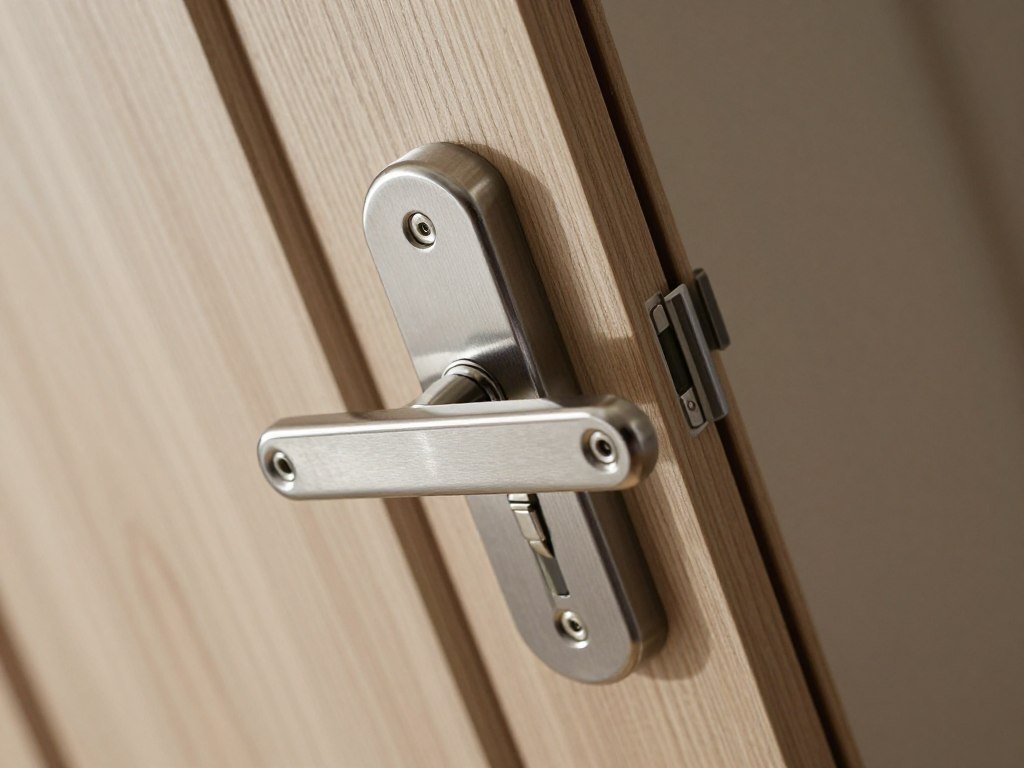
More burglaries occurred during daytime than at night in 2024. A connected lock may help you manage access, but a motor, keypad, or phone link does not make a deadbolt stronger by itself.
BHMA Grades 1, 2, and 3 mark progressive performance levels, with Grade 1 the highest. Check the actual lock’s published grade rather than assuming every smart model has the same strength.
- Look for the lock’s actual BHMA Grade.
- Confirm that the deadbolt engages fully.
- Assess the strike plate and door frame.
What do burglars hate the most? Visible deterrence, controlled entry, and a door that resists forced entry matter more than any single device. No one feature guarantees that a burglar will stay away.
A properly installed, high-grade deadbolt paired with a reinforced frame is a stronger choice among the best door locks to prevent break-ins. A wireless outdoor security camera can add alerts or recordings, but it does not make the door harder to force open.
Choose the strongest lock grade that fits your door and budget, then treat the frame as part of the same security system.
Which Access Features Are Worth Paying For?
A keypad is the simplest way to give a guest a code without handing over a physical key. Choose access features around the people who use your door every day.
A PIN code can work well for family, guests, or a service worker who needs entry at set times. Fingerprint entry can help when your hands are full, while a phone app gives you control when you are away.

Codes and keypads simplify shared access
Codes let you share entry without copying a key. Some models let you set and remove guest codes, while others offer fewer controls. Check those details if you expect to change access often.
Some retrofit options need a separately purchased keypad. A lock with app control does not always include an outside keypad, so consider how guests will enter when you are not home.
Apps, auto-lock, and biometrics change daily use
An app can help you check or manage the lock from your phone. Auto-lock can help if you forget to secure the door, provided the door closes and latches as intended. Fingerprint entry can speed up access, but only if household members want to use it.
Yale Assure Lock 2 comes in keypad and touchscreen choices. Lockly Visage Zeno Series offers fingerprint and face-recognition entry, as well as a keypad and mechanical key.
- Can you create and remove guest codes?
- Does the lock keep an activity history?
- Can you set an auto-lock delay that suits your routine?
- Is there a backup entry method you can use?
Prioritize entry methods your household will actually use, rather than paying for biometrics or automation that will stay switched off.
Will the Lock Work With Your Smart Home?
Check the exact model against the smart-home platform you already use before choosing based on a logo on the box. Support can vary by model, even within one product line.
Wi-Fi, Bluetooth, and Matter over Thread handle connections in different ways. Matter is designed to support compatibility across Apple Home, Google Home, Amazon Alexa, and Samsung SmartThings, but the exact features still depend on the lock and platform.

Wi-Fi enables direct remote access
Wi-Fi can let you control a lock remotely through its app. Check whether the lock has built-in Wi-Fi or needs a separate module or bridge. That difference can affect the setup you need at home.
Matter over Thread needs a nearby network hub
Matter over Thread requires a Thread Border Router. The Border Router links the Thread network to your broader smart-home setup. Thread smart locks need one for operation.
Matter can help devices work across major platforms, including Google Home and Amazon Alexa. It does not mean every feature in a maker’s own app transfers to another platform. Some app tools may remain tied to that maker’s system.
| Connection | What it enables | What to check | Example |
|---|---|---|---|
| Wi-Fi | Remote access through an app | Built-in radio or separate module | Direct home network link |
| Bluetooth | Control at close range | Phone proximity | Nearby phone connection |
| Matter over Thread | Smart-home network access | Thread Border Router | Thread network hub |
Check the supported devices and functions for your exact lock, rather than relying on a general promise of compatibility. A platform may support basic control but not every alert or setting.
If the lock uses Thread, confirm that a Thread Border Router is already available or include one in the setup.
What Should You Budget for a Smart Lock?
The listed ranges for three popular models span $150 to $329, with the final configuration affecting what you pay. Compare the full setup, not just the lock’s starting price.
A model’s price can change with the keypad bundle, Wi-Fi module, bridge, or smart-home hub it needs. Those parts are not included with every package, so a low base price may not reflect the cost of your planned setup.
| Model | Listed price range | Potential configuration consideration |
|---|---|---|
| Yale Assure Lock 2 | $199-$299 | Keypad or Wi-Fi module choice |
| Schlage Encode Plus | $229-$329 | Package and entry features |
| Kwikset Halo Wi-Fi | $150-$200 | Wi-Fi and keypad configuration |
The Yale Assure Lock 2 was listed at $199-$299 in a 2026 locksmith guide. The Schlage Encode Plus was listed at $229-$329 in a 2026 smart-lock guide. A 2026 locksmith guide listed Kwikset Halo Wi-Fi at $150-$200.
These ranges describe the listed models, not every lock from each brand. A keypad bundle, separate Wi-Fi module, bridge, or smart-home hub can change the total. Accessories are not included in every range.
For example, a lock that needs an added module may cost more to set up than its base listing suggests. A package that includes the entry method you want may cost more at first but need fewer add-ons.
Compare the complete setup, including any required module or bridge, instead of comparing a base lock with a fully equipped package.
August WiFi Smart Lock: A Strong Value for Connected Homes
August is a useful value pick for a household that wants app control and broad smart-home integrations without replacing the exterior key hardware. The August WiFi Smart Lock keeps the existing key usable while adding connected access.
SafeHome named August its best overall value smart-lock company in 2026 and gave it a SecureScore of 9.4/10. The August WiFi Smart Lock was listed at $199.99, a price tied to that specific model, not every August product.
The device supports Alexa, Google Home, Apple, and other smart-home integrations. That breadth can suit a home with more than one type of connected device. Check which controls work with the platform you use.
August’s retrofit design leaves the exterior key hardware in place. You can continue using the existing key, which gives household members a familiar way to enter if they do not want to use the app.
The August WiFi Smart Lock supports auto-lock and auto-unlock. Auto-lock can secure the door after a set routine, while auto-unlock is designed to let you enter with the app as you arrive. Your experience depends on the way you want to use your phone and the app.
Some August models offer a keypad as an extra rather than an included feature. That matters if guests need a code or if a household member does not carry a phone. App access alone may not meet every person’s needs.
It is a strong match when your existing deadbolt works with the retrofit unit and you want to retain the outside key. The listed $199.99 price applies to the August WiFi Smart Lock, not to every package or August model.
Confirm whether the particular August package includes a keypad before assuming guests can use a code.
Yale Assure Lock 2: Which Configuration Fits?
Yale Assure Lock 2 suits buyers who want a choice between keypad entry and a clean, key-free touchscreen. Choose the version by deciding whether you want a keypad and a physical keyway.
The lock comes in keypad, touchscreen-only key-free, and touchscreen versions. A keypad gives you a place to enter codes. The touchscreen-only key-free configuration removes the physical keyway, while a keyed version offers a mechanical fallback.
The Yale Assure Lock 2 was listed at $199-$299 and described as supporting 250 PIN codes and Matter. That range and code capacity refer to the Yale Assure Lock 2 listing, not every Yale lock.
The separate Wi-Fi module was listed at $70-$90. Keep that module cost distinct from the lock price when planning the full setup. A module may be needed for the connection you want.
For a keyless entry door lock with a deadbolt, the touchscreen-only key-free version removes the physical key slot. It still uses electronic entry options, such as supported PINs or connected credentials. If you want a physical fallback, choose a keyed version instead.
The Yale Smart Lock with Matter is ANSI/BHMA Grade 2 certified and uses Matter over Thread. That model detail can help buyers who want a certified lock and a Thread connection, but confirm the exact Assure Lock 2 package and connection before choosing.
Buyers who prefer a keypad should check whether their chosen version has one built in. A touchscreen alone does not mean the lock includes a separate keypad. Compare the entry controls with how each person in your home will use the door.
Before ordering, verify whether the exact package includes Wi-Fi hardware and whether the chosen version has a keyway.
Schlage Encode Plus: Built-In Wi-Fi and Apple Home Key
Schlage Encode Plus is the clearest pick here for Apple Home Key users who still want a physical keyway. An iPhone or Apple Watch can tap to unlock, and the lock also retains a physical key.
The model supports Apple Home and Apple home keys, plus up to 100 access codes. Its built-in Wi-Fi enables remote control through the Schlage Home app without extra accessories. The lock needs a 2.4 GHz Wi-Fi network for that connection.
The Encode Plus was listed at $229-$329 in a 2026 smart-lock guide. Schlage’s manufacturer-listed price was $329, which is the top of that guide range. The two figures refer to different listings.
The model has ANSI/BHMA A156.40-2015 Grade AAA in Security, Durability and Finish, and ANSI/BHMA A156.36 Commercial Grade 1. It has a limited lifetime mechanical and finish warranty, plus a limited three-year electronics warranty.
- Fit: 1-3/8- to 1-3/4-inch doors, with a 2-3/8- or 2-3/4-inch backset.
- Wi-Fi band: 2.4 GHz for Wi-Fi connectivity.
- Batteries: Four AA alkaline batteries, with up to six months under typical use.
- Code capacity: Up to 100 access codes.
It includes one physical backup key and a 5-pin tumbler with a C keyway. A customizable alarm can respond to door movement and forced-entry attempts. These details suit buyers who want both app access and a keyed deadbolt.
Is Schlage or Kwikset more secure? Compare the specific model and its published certification, rather than treating a brand name as proof of strength. The Encode Plus’s stated grades give you a concrete basis for comparison.
Check the door measurements and 2.4 GHz network before installation.
Kwikset Halo: Keypad Access and Matter Options
Kwikset Halo Wi-Fi is a practical keypad choice, while Halo Select is the version to consider for Matter over Thread. They are distinct models with different features.
Halo Wi-Fi has built-in Wi-Fi and a keypad, with a listed price range of $150-$200. That makes it a direct option for homes that want keypad entry and a connected lock in one model.
Halo Select is a separate model. It supports Matter over Thread and includes a door sensor for intrusion detection. Do not assume a feature listed for Halo Select is also included with Halo Wi-Fi.
For a best keypad deadbolt, Halo Wi-Fi is the keypad-led choice among these two options. Its keypad provides a way to enter without a physical key, and its built-in Wi-Fi connects the lock to a home network.
Is Schlage or Kwikset more secure? Compare each exact lock’s published grade and physical design. The brand name alone cannot show which model offers greater resistance to forced entry.
- Exact Halo version: Wi-Fi or Select.
- Supported platform: Confirm the platform for the model you plan to use.
- Included parts: Check for the keypad or door sensor you expect.
Compare the full model name, since accessories and supported features can differ. A purchase based on “Halo” alone could lead you to expect a sensor or connection the chosen model does not have.
Confirm the full model name before comparing specifications or buying accessories.
Aqara Smart Lock U400: Many Ways to Unlock
The Aqara U400 stands out when one household wants to choose among a keypad, fingerprint, phone tap, key card, and mechanical key. Its range of entry methods can suit households with different daily routines.
Credentials you carry include a phone, NFC key card, or compatible Apple device for Apple Home Key. The lock supports Matter over Thread and a touchscreen keypad, along with a mechanical key slot.
Credentials you enter or present include a PIN on the keypad and a fingerprint on the reader. Those choices let one person use a code while another prefers a key card or fingerprint.
The lock also supports UWB hands-free entry. The feature set is broad, but it depends on the compatible smart-home setup and connected devices. Check that setup before making UWB a key part of your routine.
Aqara describes up to six months of rechargeable-battery life when the lock is used with a compatible Border Router and Matter Controller. That estimate includes a specific setup condition, so it does not apply without those compatible devices.
The mechanical key slot gives you a physical entry option alongside electronic credentials. Households can choose a method that feels familiar, but more options also mean more settings and credentials to manage.
The U400 makes sense when the home can support its Matter over Thread connection and the household will use more than one entry method. A long feature list is less useful if some of its credentials do not suit your routine.
Verify that your Matter Controller and Thread Border Router are compatible before relying on UWB or remote smart-home functions.
Level Bolt: A Minimal Exterior With Long Battery Life
Level Bolt suits homeowners who want smart control without adding a prominent keypad to the outside of the door. Its retrofit-style design installs within existing lock hardware.
The exterior can keep the look of a conventional deadbolt, rather than showing a touchscreen or keypad. That discreet approach works for people who want connected access without changing the door’s appearance.
Level Bolt’s smart features rely on a phone or compatible smart-home setup. The exact entry methods depend on the configuration, so a keypad may need to be purchased separately.
The Matter version of Level Bolt uses one CR2 lithium battery. It is described as lasting up to a year with typical use of 8-10 events per day. That estimate depends on the stated daily use.
A conventional exterior can be a benefit if you prefer a simple look. It can also mean there is no keypad for someone who wants to enter without a phone or physical key. Think about the people who use the door before choosing this format.
The lock’s interior placement keeps the outside hardware familiar, but the smart functions still depend on a working phone or compatible setup. A household member without either should have another entry method available.
Check which entry methods are included in the exact kit before assuming you can enter without a phone or key.
Can a Keyless Lock Work Without a Physical Key?
A keyless lock can still offer PIN entry, but it removes the familiar mechanical-key fallback. Keyless means no physical key slot, not just one way to operate the lock.
A key-free lock can use a PIN or other supported electronic credentials. The Nest x Yale is a keyless smart lock with PIN entry and no key slot. Yale Assure Lock 2 also comes in a touchscreen-only key-free version.
With a key-free touchscreen, household members enter using a code or another supported electronic method. A keyed model keeps the option of a mechanical key, which may feel more reassuring if a phone is unavailable.
Some homes may prefer to remove the keyway and use codes instead. Others may want a physical backup for family members who do not use a phone or who find code entry easier to manage.
A keyless lock does not mean every person must use a phone. PINs can provide another route, and supported credentials may offer further options. The exact choices depend on the lock model.
People without a compatible phone or a reliable way to manage codes should choose a lock with an entry method they can use independently. Otherwise, a key-free design could leave them without a dependable way inside.
Choose a key-free model only after deciding how every household member will enter if a phone is unavailable.
Lockly Visage Zeno: Fingerprint and Face Recognition
Lockly Visage Zeno is the biometric pick for households willing to pay for fingerprint and face-recognition entry. Its listed price is $339, and it offers several ways to enter.
The Lockly Visage Zeno Series offers fingerprint and face recognition, plus a keypad and mechanical-key entry. It also supports Apple Home Key, giving users another electronic entry option.
The infrared sensors have an approximate range of 2.6 feet. That short range means you should think about how close a person needs to stand for face recognition to work as expected.
Biometric entry can save the step of entering a code or taking out a phone. It should not replace checking the lock’s physical grade or door fit. Fingerprint and face features describe access, not resistance to forced entry.
The listed $339 price is a product listing, not a promise that every retailer offers that price. The extra entry methods may appeal to a household with varied preferences, but they do not make every person want to use a biometric feature.
A keypad can help guests who do not use fingerprint or face recognition. The mechanical key offers another way in. Decide which of these methods matter to your household before paying for biometric features.
Consider whether a keypad or physical key is still needed for guests and household members who do not want biometric access.
What Should You Check Before Installing a Smart Lock?
A capable lock cannot compensate for a weak strike plate, a shallow bolt engagement, or exposed hinge pins. Check the door and frame as well as the lock before relying on connected entry.
A smart lock can secure a door only when the hardware lines up and the door closes cleanly. If the door sticks or fails to latch, auto-lock may not work as expected.
Reinforce the strike plate and frame
A door-security guide recommends replacing the two short strike-plate screws with 3-inch screws that reach the wall stud. The longer screws help attach the strike plate to stronger framing behind the door trim.
The deadbolt should extend at least 1 inch into the door frame. A bolt that does not reach that far may have less engagement with the frame than intended.
Check hinges on outward-swinging doors
An outward-swinging door can expose hinge pins to outside attack if its hinges are not pinned or reinforced. Inspect the hinge side, especially when the pins can be reached from outdoors.
- Replace two short strike-plate screws with 3-inch screws that reach the wall stud.
- Confirm that the deadbolt extends at least 1 inch into the frame.
- Inspect exposed hinge pins on outward-swinging doors.
These checks focus on the physical parts that hold the door shut. They are separate from app settings, automatic schedules, or remote alerts.
Test the door’s latch and locking action by hand before enabling automatic locking.
Conclusion
A smart lock is a better fit when its physical design, daily entry method, and smart-home connection all match your household. Choose a lock that fits your door and offers an entry method each person can use. Treat smart-home compatibility as a separate check from physical security.
Before choosing a model, measure the door and identify your preferred backup entry method. That small step can rule out a poor fit and help you avoid a lock that leaves someone without a reliable way inside. Measure your door, settle on a preferred backup entry method, and then choose the model that meets both needs.
FAQ
Is Schlage or Kwikset more secure?
The specific model’s published BHMA Grade and physical design matter more than its brand. Schlage Encode Plus has ANSI/BHMA A156.36 Commercial Grade 1 and an ANSI/BHMA A156.40-2015 Grade AAA rating in Security, Durability and Finish. Compare those details with the exact Kwikset model you are considering. Also consider how the deadbolt fits and engages with the door frame.
What door locks do police recommend?
There is no universal police endorsement that makes one brand or model the right choice for every home. A well-installed deadbolt with a strong published grade is a sound starting point. Pair it with a reinforced strike plate and frame, since a strong lock still depends on the door around it. Choose hardware that fits your door and works for everyone in your household.
Are smart door locks safer?
Smart locks can improve access control and monitoring, but their electronic features do not automatically make a door harder to force open. Physical resistance depends on the deadbolt, its grade, its fit, and its installation. Codes and alerts can help you manage who enters. A strong deadbolt and frame remain central to the door’s physical security.
Which type of lock is best for a home?
A properly fitted deadbolt is the baseline for a home door. Choose a retrofit lock if you want to keep compatible existing hardware, or a replacement lock if you want new exterior controls. Then choose an entry method that suits your household, such as a key, code, or phone. A lock that fits the door and daily routine is more useful than one with unused features.
What are the best locks to keep burglars out of your house?
A high-grade deadbolt, strong strike-plate attachment, and full bolt engagement make a stronger choice than connectivity alone. The door frame matters because it helps hold the deadbolt when force is applied. Smart features can help manage access, but they do not replace solid hardware. Check the lock’s published grade and make sure the deadbolt extends fully into the frame.
What’s the hardest lock to break into?
No single lock can be called the hardest to break into in every setting. A higher BHMA Grade signals higher performance under the standard’s tests, and Grade 1 is the highest level. The door and frame still matter: a strong lock on a weak frame may not provide the protection you expect. Compare the exact model and installation, not just its brand.
Do smart locks deter burglars?
Smart locks can support controlled access and alerts, but they are not a guaranteed deterrent. A keypad or app can help you manage who has entry, while alerts may show activity. Those features do not replace a deadbolt that resists forced entry or a reinforced frame. Treat connected controls as one part of home security, not as a promise that a burglary will not happen.



