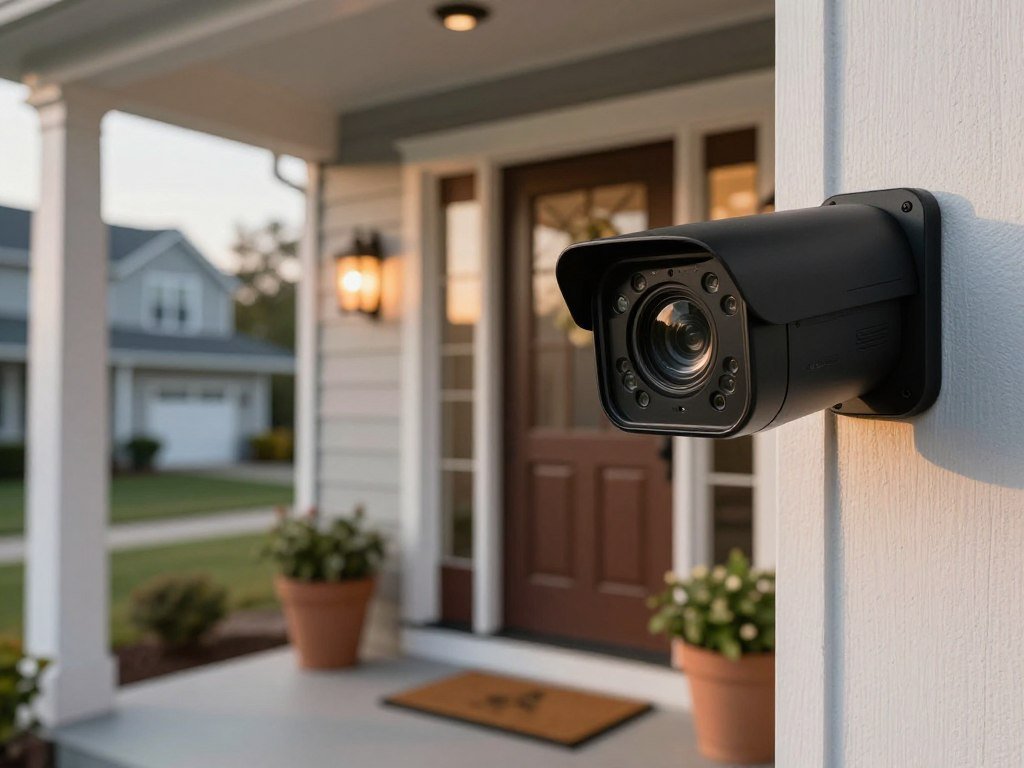
Arlo Pro 5S is the best fit for most homes with reliable Wi-Fi, while other cameras make more sense when local recording, cellular coverage, or active deterrence matters most. For a typical entryway or driveway, the best wireless outdoor security camera must balance useful detail with steady power and clear alerts. An activity zone is a user-drawn area of the image that triggers motion alerts only when activity occurs within the selected boundaries.
Your choice depends on power, internet access, video quality, alerts, and how you want to save recordings. eufyCam S4 suits buyers who prefer local storage. Reolink cellular models can work where Wi-Fi does not reach, while SimpliSafe offers active deterrence through a monitored service. Each choice brings a tradeoff, such as charging needs, weaker remote access, or a recurring fee.
Decide first whether the camera must work without Wi-Fi or a monthly recording plan, since either requirement can narrow the shortlist quickly. That choice will help you focus on the features you will use, not just the longest list of specifications.
Key Takeaways
- Arlo Pro 5S is the balanced choice for most Wi-Fi homes.
- eufyCam S4 offers local recording without a mandatory cloud plan.
- Reolink cellular cameras suit sites with LTE but no Wi-Fi.
- SimpliSafe pairs a camera with monitored active deterrence.
- Check power, connection, storage, and fees before you buy.
Best Wireless Outdoor Security Camera for Most Homes
For a home with dependable Wi-Fi and a need to watch a broad entry area, Arlo Pro 5S is the most balanced starting point. Its 2K video and 160-degree field of view suit a typical entryway or driveway. Broad coverage can help you see more of an approach, while 2K video gives you more detail than basic 1080p.
Arlo Pro 5S is the pick for buyers who want a feature-rich wireless camera, not a fully fee-free setup. It lists at $179.99 and uses a rechargeable battery with Wi-Fi. Its mix of video quality, field view, and battery power makes it a practical fit for many homes.
A wide image does not guarantee readable detail at every distance. A person near the edge of a large driveway may appear smaller than someone close to the camera. Think about where you need to recognize a face, package, or vehicle, not only how much ground the lens can show.
Arlo works best when your network reaches the mounting spot and you accept that some recording features may depend on cloud storage. That tradeoff matters if you want long-term video access without a recurring plan. Compare the camera’s included functions with the recording tools you expect to use.
Before mounting, check the live view from the intended height so the lens covers the approach without aiming mostly at the street.

How Do the Top Picks Compare?
The clearest difference among these five choices is whether they prioritize deterrence, local recording, cellular access, or a flexible camera system. Each fits a different home security setup. Start with the connection and recording route, since those can rule out a camera before its other features matter.
The table separates a single camera from a system and shows where each option records. It offers a quick way to compare power and the job each product suits.
| Model | Power and connection | Recording route | Best fit |
|---|---|---|---|
| Arlo Pro 5S | Battery, Wi-Fi | Cloud-focused recording | Broad everyday coverage |
| SimpliSafe Outdoor Camera | Battery, Wi-Fi | Cloud recording with a plan | Active deterrence |
| eufyCam S4 | Battery and solar support | Built-in and expandable local storage | No-plan local recording |
| Reolink Go PT Ultra | Rechargeable battery, 4G LTE | microSD recording | Locations without Wi-Fi |
| Lorex battery system | Battery, Wi-Fi/Ethernet/PoE options | Local or cloud storage | Multi-camera system |
Arlo, SimpliSafe, eufy, and Reolink each offer a camera choice for a particular setup. Lorex is a system option, so it may suit a property with several cameras better than a single-camera purchase. The table does not mean every Lorex model supports every listed connection.
Treat the table as a shortlist, then verify that the connection and recording route suit the exact mounting location.
Which Camera Can Actively Deter an Intruder?
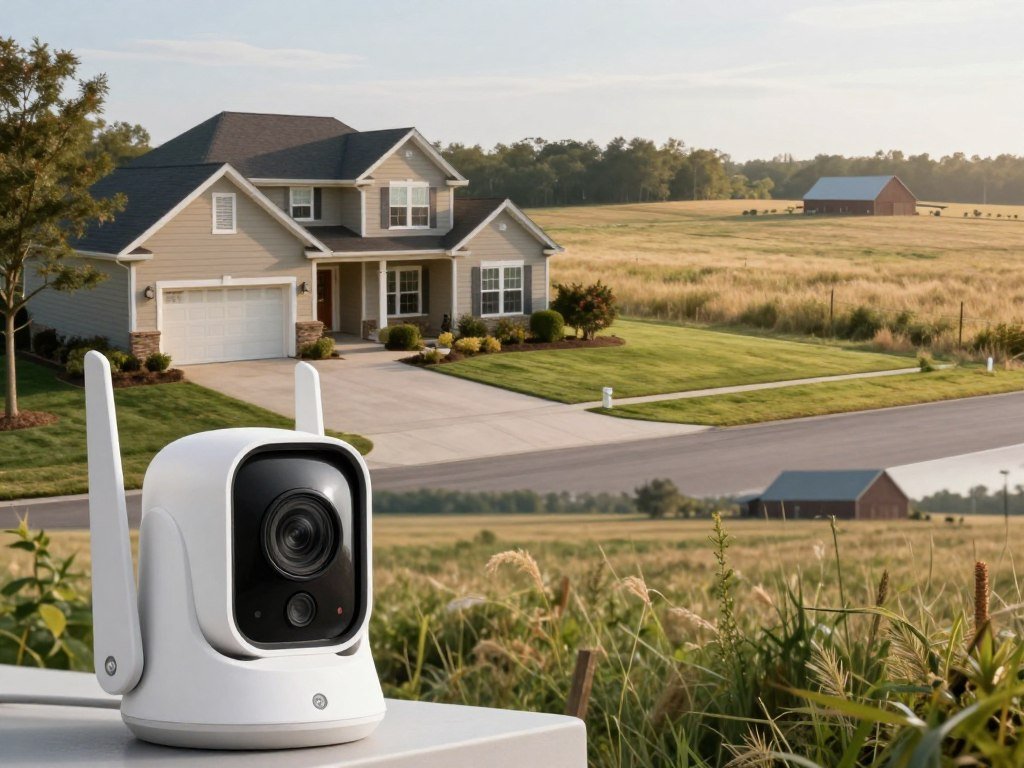
SimpliSafe is the strongest match here when you want a monitored response to a possible threat, not just a motion alert. The Wireless Outdoor Camera costs $199.99 and has 1080p video, a 140-degree field of view, 10x zoom, and a spotlight. Its built-in siren reaches 90 decibels.
Active Guard adds agent intervention, but it requires SimpliSafe’s Pro monitoring plan at $49.99 per month. The camera’s spotlight, siren, and two-way audio give you ways to address activity yourself. Active Guard adds a human review and response, which goes beyond a camera notification.
The camera is part of a monitored system, not a strong match for buyers avoiding monthly costs. Outdoor-camera cloud storage requires a subscription. SimpliSafe Core costs $32.99 per month, while Pro costs $49.99 per month. The Active Guard feature requires Pro, so the cost depends on the response you want.
Before choosing SimpliSafe, check these three points:
- Confirm that the monitoring cost fits your budget.
- Confirm that the camera can be powered as Active Guard requires.
- Decide whether agent response is worth the recurring fee.
A siren can draw attention, but it is not the same as a person reviewing a possible incident. Consider whether you want to react through two-way audio or have an agent step in.
Compare the annual monitoring commitment with the value of having an agent review and respond to a possible incident.
Which Outdoor Cameras Record Without a Subscription?
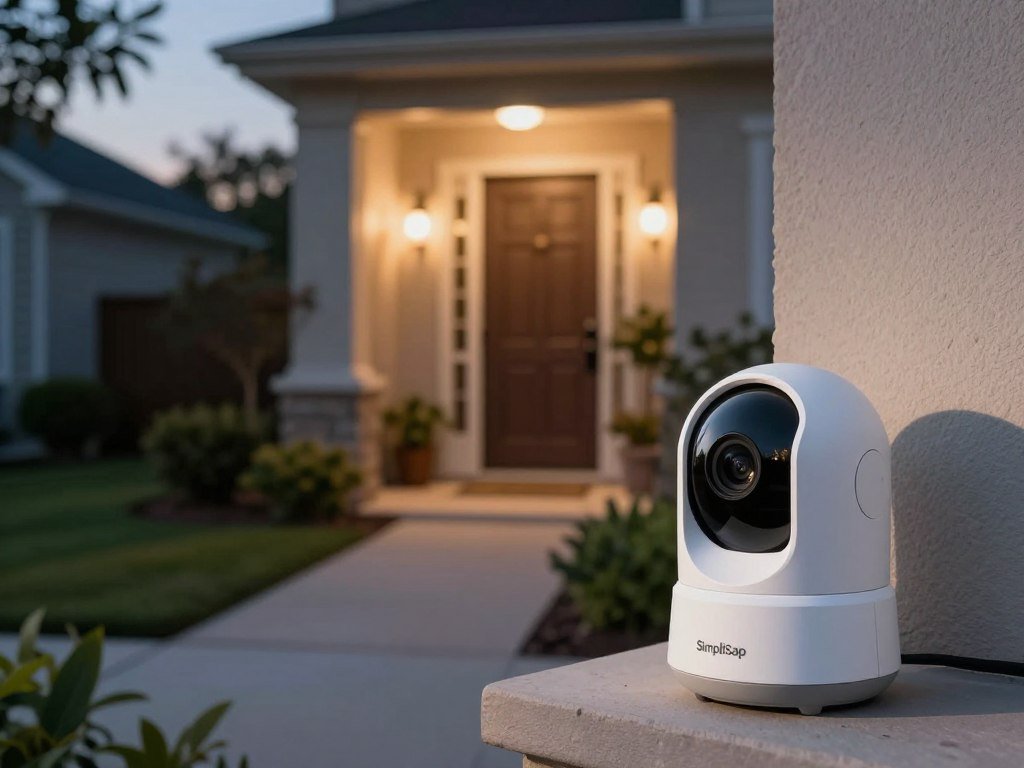
eufyCam S4 is the clearest fit for buyers who want local recording without a monthly plan, while eufyCam S3 Pro requires HomeBase S380. The S4 stores video on the camera itself, so you can begin with built-in local storage instead of a separate hub.
eufyCam S4 includes 32GB of storage, supports microSD expansion, and can reach 16TB with HomeBase S380. That gives you several ways to add space as your household needs change. The card and hub are different storage paths, so choose based on the capacity you need.
eufyCam S4 keeps recordings on the camera
The S4 is the more self-contained choice for recording at home. A local recording stays on the camera, card, or hub, rather than on a provider’s internet-connected servers. That can help you avoid a monthly cloud fee, but it does not create an off-site backup.
A local recording may remain available if your internet connection drops, depending on the model and setup. A cloud copy can be accessed away from home, but it depends on the service and plan. The best home security camera without a subscription is one whose local recording, alerts, and capacity meet your household’s actual needs.
eufyCam S3 Pro needs its HomeBase
The S3 Pro depends on HomeBase S380, which includes 16GB of local storage and supports expansion up to 16TB. You need the hub for this camera’s local recording setup. That is a different starting point from the S4, which has storage built into the camera.
Do not assume every advanced feature is fee-free across all brands. Recording and alerts may be available without a plan, while other services can still have separate requirements.
Choose storage capacity for your household
Think about how often motion occurs and how long you want to keep clips. A busy entry can fill storage faster than a quiet side gate. Keep in mind that local storage also puts the recording hardware at home, so an intruder could damage or remove it.
Estimate how quickly household footage accumulates before choosing between built-in memory, a card, and a hub.
Can a Cellular Camera Cover a Rural Property Without Wi-Fi?
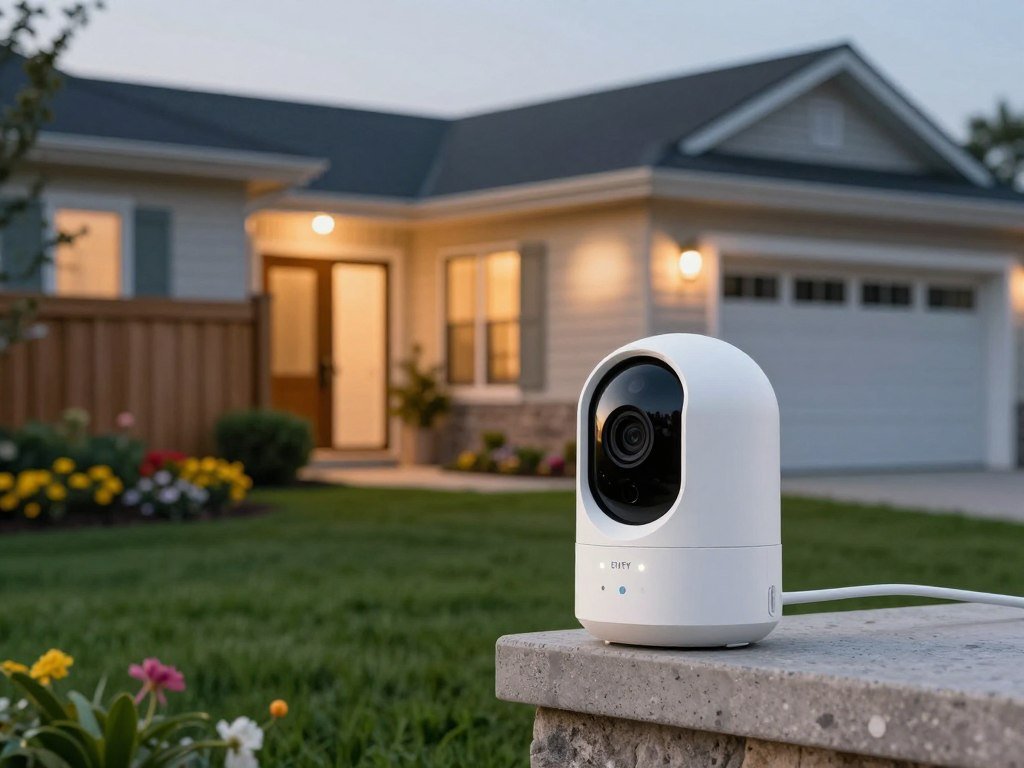
A Reolink cellular camera can monitor a shed, barn, or gate without home Wi-Fi if the selected carrier has usable 4G LTE coverage there. These outdoor security cameras use a SIM card and mobile data for remote access. LTE coverage at the camera matters more than the signal at your house.
Cellular models need an active mobile data plan for remote viewing and alerts. Many Reolink 4G models have typical-use guidance of about 2GB of data each month. Actual use changes with video bitrate and how often you view live footage.
In 2026, Go PT Ultra, Go Ranger PT, and TrackMix LTE offer up to 4K 8MP video. Go PT Ultra has a 21.6Wh rechargeable battery, 355-degree pan, 140-degree tilt, and microSD recording up to 128GB. Its wide pan can help you scan a large area from one mounting point.
Go Ranger PT has a 6000mAh battery, 355-degree pan, and 140-degree tilt. TrackMix LTE has a rechargeable battery, 355-degree pan, and 90-degree tilt. Both models support microSD recording up to 128GB. Battery watt-hours and milliamp-hours use different measures, so do not compare those figures directly.
Cellular service is not needed for local microSD recording to continue during an outage. Remote viewing and alerts do need a live cellular connection, though. That means a camera may keep saving clips locally while you cannot check them from your phone.
The best outdoor security cameras for rural areas are cellular models when a property lacks Wi-Fi but has usable LTE coverage. This is also the main answer for outdoor security cameras without Wi-Fi. Use this short site checklist before picking a model:
- Confirm usable carrier signal at the mount.
- Estimate how often you need live viewing and alerts.
- Choose a microSD card within the model’s capacity.
For a remote gate, frequent live viewing can use more mobile data than occasional event checks. Set expectations for how often you will open the app, and match the data plan to that habit.
Test the cellular signal at the exact mounting point before relying on remote alerts.
Reolink’s cellular camera specifications list the pan, tilt, battery, and microSD details for these models.

How Long Do Battery-Powered Cameras Usually Last?
Blink has the longest listed battery interval in this comparison, while several other brands list runtimes of about six months or less. These numbers describe different models and use patterns, not a promise for every camera. Motion and recording habits can shorten the time between charges.
Listed battery life ranges from up to 24 months for Blink to 3-6 months on average for Arlo. Use the figures to compare broad expectations, then check the battery estimate after your camera is running.
| Brand | Listed battery life | Power type | Practical interpretation |
|---|---|---|---|
| Blink | Up to 24 months | Battery-powered | Longest listed interval in this comparison |
| Lorex | 6-9 months average | Battery-powered | System option |
| Arlo | 3-6 months average | Battery-powered | Plan for usage-dependent charging |
| Ring | Up to 6 months | Battery-powered | Check motion and recording settings |
| Reolink | Up to 6 months | Battery-powered | Separate cellular models from Wi-Fi models |
Motion frequency affects runtime because more events can trigger more clips. Live viewing also uses power, and a weak signal can make a camera work harder to stay connected. Cold weather, recording length, and other settings can change results too.
Do not treat a long brand-level estimate as a guarantee for your own driveway. A camera facing a busy sidewalk may record more often than one watching a quiet backyard. The model and its settings both matter.
Use the camera’s own battery estimate after installation, then adjust activity settings if charging becomes too frequent.
When Does a Multi-Camera Wireless Security System Make Sense?
A multi-camera system is worth considering when one app and a shared recording setup are more useful than a single camera at the front door. It can cover several approaches, entryways, or detached areas with one recording point. One coordinated setup can make it easier to find clips from different parts of a property.
Lorex battery-powered camera systems offer up to 1TB of internal storage with no monthly fees. Lorex supports local and cloud storage, and system options can include Wi-Fi, Ethernet, or PoE. Not every battery model uses every connection type, so treat these as system choices rather than features on each camera.
One standalone camera may be enough for a small home with a single entry to watch. A larger property can benefit from shared storage when you need to check several views together. Detached garages and side gates may need a different connection path than cameras close to the house.
Use this checklist before choosing a wireless outdoor security system:
- Count the areas that need coverage.
- Decide whether Ethernet or PoE can reach any camera.
- Confirm how many cameras the recorder supports.
- Select local-only or cloud-backed recording.
Ethernet and PoE use cabling, so they may suit fixed camera spots better than a fully wireless placement. A system that supports more than one connection type gives you room to mix setups, when its specific cameras allow it.
Map the property’s entrances and blind spots before choosing the number of cameras.
Which Outdoor Camera Works Best With Google Home?
Nest Cam is the most natural fit for a home already organized around Google Home devices and routines. The battery-powered model lists at $149.99 and records 1080p video with a 140-degree field of view. Google Home integration can make camera views and alerts easier to manage alongside other devices.
This Nest Cam has both color and infrared night vision. Color night vision can show more scene detail when visible light is available. Infrared night vision gives you another way to see in the dark, though the image may not show color.
The camera can work as a standalone device, but some cloud and advanced features may need a plan. Google Home support can help you view the camera and manage alerts from a familiar app. The exact experience depends on the model and the feature you want.
Check the device’s supported controls before adding it to a routine. Voice commands and automatic routines are not always the same thing. A camera may support viewing by voice without allowing every alert setting to change through that voice assistant.
Check that the exact Nest model supports the voice control and alert features you expect before adding it to a routine.
Can a Solar or Floodlight Camera Stay Recording?
Solar can reduce charging work, but it does not make every battery camera a continuous recorder. SolarPlus 2.0 can sustain typical eufyCam S4 use with about one hour of suitable direct sunlight each day. Suitable sunlight and placement are key, so shade or winter weather can change what the panel delivers.
eufy TrackLight Cam S1 needs separately purchased wired-power accessories for 24/7 recording. Its 15,000mAh battery and 5.5W solar panel can help support use, but the solar panel alone does not promise nonstop recording.
TrackLight Cam S1 records locally to a microSD card up to 256GB or to HomeBase S380. You must buy the card or HomeBase separately. For continuous recording, the camera needs separately purchased 5V/2A wired-power accessories.
A floodlight cam can provide light when activity occurs, but that feature does not mean the camera records every second. Most battery designs save power by using motion-triggered clips. Check the recording mode as carefully as the power setup if uninterrupted footage matters.
Direct sun can be hard to predict across seasons and mounting angles. A spot that gets an hour of sun in summer may receive less in winter. Keep that difference in mind when planning a camera for a place where missed footage matters.
Confirm the exact power accessory and recording mode before mounting a camera where missed footage would matter.
Does a Wi-Fi Camera Need a Strong Signal?
A Wi-Fi camera needs a dependable signal at its final mounting point, not merely a router somewhere inside the house. Exterior walls, distance, and building materials can weaken the connection. Test the signal outdoors before deciding where to place the camera.
The best wireless outdoor security camera with Wi-Fi needs a reliable network where it will be mounted. A camera can still detect motion when a signal fails, but remote viewing and cloud features may not work as expected.
| Connection type | Example | Internet needed for remote viewing | Best placement |
|---|---|---|---|
| Wi-Fi | Ring or Arlo | Yes, reliable home network | Near usable router signal |
| Ethernet or PoE | Lorex system | Wired network connection | Fixed runs or existing network cabling |
| Cellular LTE | Reolink cellular camera | Active mobile data plan | No home internet, but carrier coverage |
Ring and Arlo battery cameras support Wi-Fi or Ethernet. Reolink battery cameras also support Wi-Fi or Ethernet, with local and cloud storage. Reolink cellular models use 4G LTE instead of home Wi-Fi.
Ethernet or PoE can suit a camera at a fixed location where cabling already runs. Wi-Fi is easier to place, but only when the signal reaches through exterior walls. Cellular makes sense when the property has carrier service but no home internet.
Check the connection at the planned camera location before drilling or securing its mount.
What Video Quality and Field of View Matter Outdoors?
For a driveway or long approach, the useful image is the one that preserves enough detail at the distance where a person or vehicle appears. Higher resolution can help, but placement still matters. Pixels cannot recover detail lost to distance, glare, or a blocked view.
Choose resolution for the distance you need to identify, then frame the scene around that spot. Reolink’s Go PT Ultra, Go Ranger PT, and TrackMix LTE offer up to 4K 8MP video in 2026. That can help show detail, but the camera still needs a clear angle and enough light.
Match resolution to the distance you need to identify
Video quality matters most where a person or vehicle appears in the frame. A high-resolution camera aimed at a distant road may still show a small subject. A lower camera mounted closer to a doorway can capture a more useful face-sized image.
Nest Cam’s 1080p video suits a closer view of an entry or porch. Arlo Pro 5S provides 2K video for a wider range of everyday scenes. The right level depends on what you hope to recognize, not the largest number on a box.
Choose a field of view that fits the scene
A wide field view can capture a porch, driveway, and part of a walkway together. The tradeoff is that people and objects may appear smaller across the image. A narrower view can make a key area easier to inspect, but may leave nearby paths outside the frame.
Mark the area you care about before choosing a lens. If a package spot and the driveway both matter, check that the camera can show both without making either too small to review.
Check night vision in the actual lighting
Infrared night vision uses invisible light to show a black-and-white view in darkness. Color night vision needs visible light, such as a nearby lamp or a spotlight. A bright porch light can help with color, but it may also create glare on a nearby wall or window.
Review a nighttime sample from the intended angle before deciding that the daytime view is good enough.
Can a Camera Replace a Home Security System Without a Subscription?
A locally recording camera can avoid a cloud-storage fee, but it is not the same thing as a monitored home security system. Recording and monitoring are separate services. A camera can save clips without sending an agent to review an alert.
A compatible eufy outdoor camera can record locally without a mandatory cloud subscription, but that does not include professional monitoring. Storage options vary by model and may include built-in memory, microSD, or HomeBase. The recording setup can help avoid a required cloud plan while keeping clips at home.
Local recording avoids mandatory cloud plans on compatible models
Local storage keeps video on a camera, card, or hub in your home. It can offer more control over where recordings sit. Consumer Reports explains how doorbell footage may be stored and accessed, including tradeoffs between local and cloud options.
A local recording setup still depends on the camera’s features. It may not include every smart alert or remote service. Check the model’s own options before assuming the same functions work without a plan.
Cloud storage adds off-site access and recurring charges
Cloud storage sends recordings to a provider’s servers over the internet. That can help you reach clips away from home, but it often has a recurring cost. Ring camera cloud storage starts at $4.99 per month.
Review how long recordings remain available and what happens when a plan ends. Your choice also affects privacy, so learn what account and connection protections are available. A VPN privacy guide can explain how a VPN protects a connection, along with what it does not protect.
Monitoring is different from recording
The best home security system without a subscription may be a locally recording camera system if your main need is video clips without a mandatory recording fee. A monitored alarm service is a different product and may charge for agent response. The table separates those costs:
| Option | Recording arrangement | Recurring-cost consideration |
|---|---|---|
| Compatible eufy camera | Local storage | No mandatory cloud subscription |
| Ring camera | Optional cloud storage | Cloud storage starts at $4.99 monthly |
| Monitored camera system | Camera plus service | Plan required for agent response on systems such as SimpliSafe |
Compare the exact features included without a plan against the features that matter to your household.
What Weather Protection Should an Outdoor Camera Have?
A camera mounted under an eave faces a different weather burden from one exposed on a fence or gate. Wind-driven rain can reach places that stay dry during a light shower. Match protection to exposure, rather than assuming every outdoor spot is alike.
IP65 or IP67 is a sensible target for cameras exposed to heavy rain, heat, or winter conditions. An IP rating describes protection against dust and water, not image quality. A higher level of weather protection does not improve video or night vision.
Before installation, check these four details:
- Inspect the camera’s IP rating.
- Protect cable connections from water.
- Avoid aiming the camera into direct water streams.
- Choose a spot with less glare and fewer lens obstructions.
Exposure depends on the mounting place. An eave may shield the camera, while an open yard or gate can face rain from several directions. Heat and winter conditions also matter, especially where a device stays outdoors year-round.
Check cables and accessories along with the camera body. A protected camera can still have a weak point at a connector or power lead. The full setup should suit the spot you chose.
Check the full camera-and-accessory setup for outdoor suitability, not only the camera body.
Which Alerts and Smart-Home Features Are Worth Paying For?
The most useful smart alert is the one that tells you what matters without sending a notification for every passing car or moving branch. Person, pet, vehicle, and package detection can sort events when the exact model supports them. Choose alerts you will act on, not every alert a camera can send.
An activity zone can exclude sidewalks or road traffic from motion alerts. Draw the zone around the driveway or entry you care about, and leave busy areas outside it. Detection tools and zone controls vary by model.
Tune detection to the activity you care about
Person detection can help separate a visitor from other movement. Pet or vehicle detection may help in a yard or driveway, while package detection can focus on a delivery spot. These features do not work the same way across every camera.
Too many alerts can make it easier to miss one that matters. Set the camera to watch a useful area, then choose event types that match how you use the space. A sidewalk may not need the same alert level as a back door.
Make these three decisions before adjusting notifications:
- Which event types deserve an alert?
- Which areas should the camera ignore?
- Which voice assistant do you already use at home?
Match voice control to your existing smart home
Ring and Nest support Alexa and Google Home in the described outdoor-camera lineups. Blink Outdoor 4 supports Alexa, while Tapo outdoor cameras offer Alexa and Google Assistant voice control. Reolink outdoor models include Alexa and Google Home control.
Those examples do not mean every model has the same controls. Voice control may let you view a camera, but it does not promise support for every smart-home routine. Check the exact model and the task you want to trigger.
A camera can fit well into a smart home without replacing a dedicated security system. The useful features are the ones that make alerts clearer or let you check a view with less effort. Avoid paying for tools that do not match your routines.
Confirm model-level compatibility before building camera controls into a voice routine.
Which Camera Fits Your Budget and Setup?
The right budget is the full cost of the camera and the accessories or services needed for the features you intend to use. eufy SoloCam S340 lists at $159.99, while SoloCam E50 lists at $229.99. Different prices do not mean identical setups, so compare the features you need.
Ring Spotlight Cam Plus lists at $179.99 and includes a spotlight and siren. That combination may suit someone who wants light and a warning sound from one camera. It is a different choice from the two eufy SoloCam price points.
Do not judge the best security choice by the camera’s sticker price alone. A card, hub, power accessory, or service may add to the cost, depending on the model and features. Include those needs before you compare totals.
Use these three steps to set a realistic budget:
- Choose the simplest camera that covers the needed area.
- Include required storage or power accessories in the budget.
- Account for any recurring plan needed for wanted features.
Each product has its own recording setup and features. Do not assume that the SoloCam models or Ring Spotlight Cam Plus save footage in the same way. Match the exact camera to the way you want to use it.
A low listed price may still lead to a higher setup cost if required accessories are separate. On the other hand, an included siren or spotlight may matter more than a lower price. Focus on the function you will use often.
Compare the required setup cost with the specific coverage and recording features you will actually use.
Conclusion
For most Wi-Fi-connected homes, Arlo Pro 5S is the simplest all-around recommendation, while a specific storage or connectivity need can change that choice. Local storage points toward eufyCam S4, cellular access suits a site without Wi-Fi, and SimpliSafe fits buyers who want active deterrence.
The best camera is the one that can connect, stay powered, and save the footage you need. A feature-rich model may not be the right pick if it depends on a plan or connection you do not want.
Mark the camera’s exact mounting location and verify power, connection, and recording needs before making the final choice.
FAQ
Will a Wi-Fi camera keep recording if the internet goes out?
Sometimes, if the camera has local storage and its recording mode continues offline. A camera that saves clips only to cloud storage may stop saving them when the internet fails. Remote viewing and alerts can also stop without a connection. Cellular cameras have a similar limit: microSD recording may continue, but remote access needs active LTE service.
How much mobile data does a cellular security camera use each month?
Many Reolink 4G models have typical-use guidance of about 2GB per month. Your use can be higher or lower because video bitrate and live viewing affect data use. Frequent app checks can use more data than relying on event alerts. A camera watching a remote gate may need a different plan than one you check often.
Can a solar panel keep a battery camera charged through winter?
It can help, but suitable direct sunlight and placement matter, especially in winter. SolarPlus 2.0 can sustain typical eufyCam S4 use with about one hour of suitable direct sunlight per day. That is not a guarantee for every camera or season. Shade, short daylight, and poor panel placement can reduce the charge a camera receives.
How high should I mount an outdoor security camera?
About 7-10 feet is a common rule of thumb for an outdoor security camera. Adjust that height to capture faces and the approach while limiting tampering and blocked views. A camera mounted too high can make faces hard to identify. Check the live view before fixing the mount, since the best height depends on the scene.
Do battery-powered outdoor cameras record continuously?
Most battery-powered outdoor cameras save motion-triggered clips to conserve power. Continuous recording needs a steady power supply on models that support it. eufy TrackLight Cam S1 requires separately purchased 5V/2A wired-power accessories for 24/7 recording. Solar support can reduce charging work, but it does not turn every battery camera into a continuous recorder.
Can I use a microSD card instead of cloud storage?
Yes, if your camera supports microSD recording. Check the model’s card capacity limit and whether it includes a card, since some cameras require a separate purchase. Local storage keeps clips on the camera or card rather than a provider’s servers. Remote access may still need an internet connection, and a card does not create an off-site backup.



