A small retail shop can lose a sale in seconds when the till cannot keep up. A customer waits while the card reader reconnects, the stock count on screen disagrees with the shelf, and a second customer walks out. In 2027, that kind of friction is no longer a small annoyance. It is the difference between a shop that grows and one that quietly leaks money every trading day.
A point-of-sale system, usually called a POS system, is the software and hardware a shop uses to take payments, track stock, and record what sells. For a small retailer, it is not just a till. It is the daily record of the whole business, and it shapes how fast staff can serve and how much the shop pays in card fees.
This guide explains how to choose a POS system for a small retail shop in 2027 without falling for the demo. It covers the features that actually matter for a shop with one or two tills, the true cost behind the headline monthly price, and the questions to ask before signing a contract. The aim is a system that fits the shop you run today and still works when you add a second location or an online store.
Key takeaways
- Start with the shop, not the software: list what you sell, how you sell it, and how many tills you need before comparing any system.
- Total cost is the monthly fee plus card processing, hardware, and add-ons; a cheap plan with high card fees often costs more than a dearer plan.
- Stock tracking, barcode scanning, and offline mode matter more for a small shop than advanced reporting or loyalty tools.
- Test the system with your own products and your own staff during a free trial, not with the vendor’s polished demo data.
- Check the exit terms before you buy: who owns your sales data, how long the contract runs, and what it costs to leave.
What a POS system actually does in a small shop
A POS system does three jobs at once. First, it takes payment, whether by card, phone wallet, cash, or gift card, and records the sale. Second, it updates stock the moment an item is sold, so the count on screen should match the shelf. Third, it keeps a record of every transaction, which feeds into daily takings, tax records, and reports on what sells and what does not.
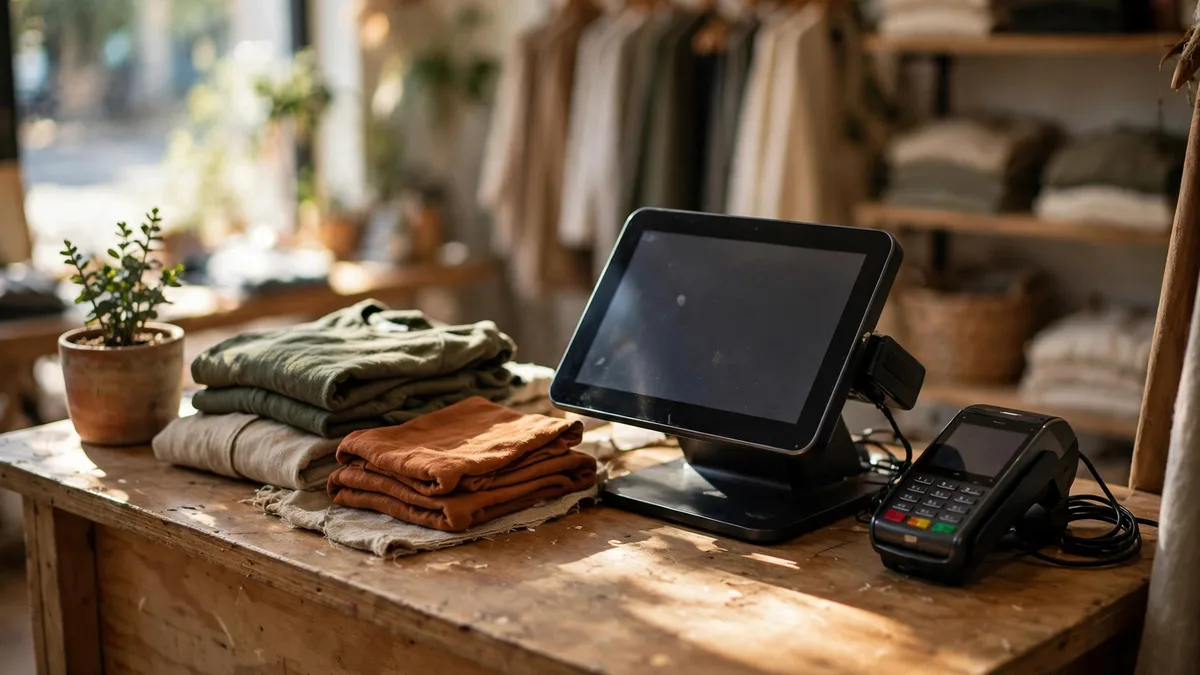
Most modern systems for small shops run on a tablet or a compact terminal, with a card reader, a receipt printer, and a barcode scanner attached. The software is usually cloud-based, which means sales data is stored online and can be checked from a phone or a laptop away from the shop. That is useful for an owner who wants to see takings without standing at the till, but it also means the shop needs a reliable internet connection, or at least a system that keeps working when the connection drops.
The difference between a basic till and a good POS system shows up in the everyday details. A good system lets staff find a product by name or barcode in seconds, apply a discount without a manager’s override every time, split a payment across two cards, and look up a past sale for a return. A weak one turns each of those small tasks into a wait, and those waits add up across a busy Saturday.
How to judge the features that matter
Begin with the sale itself. The checkout screen should be simple enough that a new member of staff can learn it in a day. Products should be easy to find, prices should be clear, and the card payment step should take seconds. If the demo needs three taps to do what your current till does in one, that is a warning sign, not a learning curve to accept.
Stock control is the second test. A small shop needs low-stock alerts, a simple way to add new products, and a stock count that can be done in sections rather than shutting the shop for a full count. Inventory software built for small sellers shows the same principle: variant-level tracking matters when one product comes in several sizes or colours, and a POS system should handle that without workarounds.
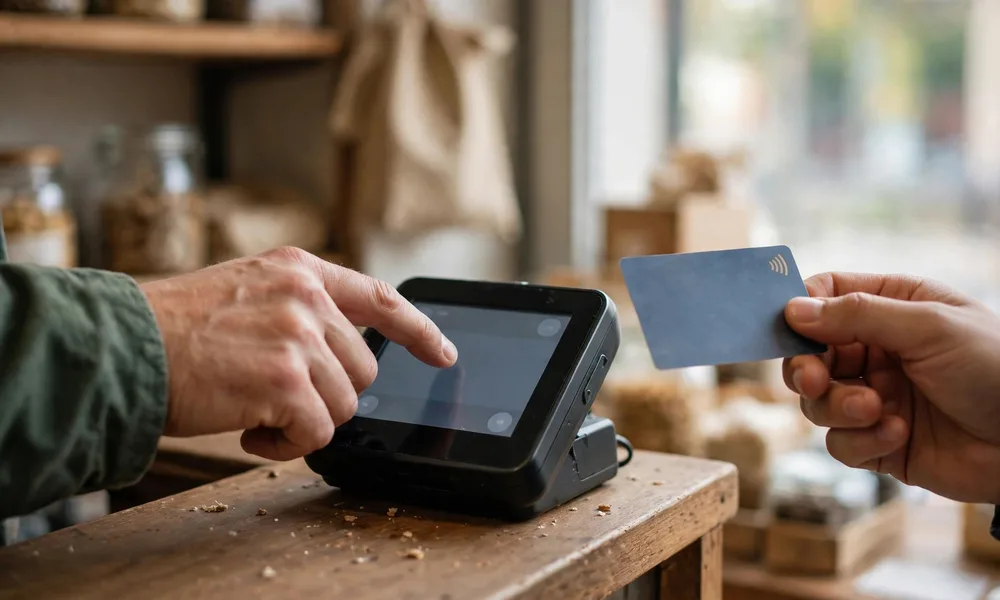
Payment options come third. Most customers in 2027 expect to tap a card or a phone, and many expect to pay by a payment link or a QR code for orders taken in store. The system should accept the payment methods your customers actually use, and it should show the processing fee clearly for each one. A system that only works well with one card provider can lock a shop into fees that rise over time.
The human side: staff, customers, and the working day
A POS system is used by people who are tired, busy, and serving a queue, so ease of use is not a luxury. Staff who trust the system serve faster and make fewer mistakes. Staff who do not trust it start keeping their own notes and quietly working around the software.
Customers notice the difference too. A smooth checkout feels professional, while a slow one feels like the shop is struggling. Features such as emailed receipts, a simple loyalty record, and the ability to look up a previous purchase without a paper receipt all make the shop feel organised. None of them needs to be complicated; they need to work every time, including at the busiest hour of the week.
The owner also needs to think about support. When the system stops working on a Saturday morning, a help page is not enough. Check what support is included in the plan, what hours it covers, and whether there is a phone number a real person answers. A system with good support and average features usually beats a system with great features and no one to call when it fails.
The caveats that matter
The table below brings the main risks together. Each one is easy to miss in a sales demo and expensive to discover after the contract is signed, so work through the list before choosing.
| Detail | What is known |
|---|---|
| Monthly software fee | The flat fee for the plan; check what is included and what is an add-on |
| Card processing fee | A percentage plus a fixed amount per sale; often the largest cost over a year |
| Hardware cost | Tablet, stand, card reader, printer, scanner; buy outright or rent, and check who repairs it |
| Setup and training | Data import, product setup, and staff training; some vendors charge for this separately |
| Offline mode | Whether sales continue when the internet drops, and how they sync afterwards |
| Contract length | Month-to-month or a fixed term; longer terms may cut the price but raise the exit cost |
| Data ownership | Whether the shop can export its products, customers, and sales history in full |
| Support hours | When help is available, by phone or chat, and whether weekend cover costs extra |
Checklist: choosing a POS system honestly
- List every product type, variant, and sales channel before looking at any vendor.
- Add up the full monthly cost, including card fees on your real average sale value.
- Run a trial with your own products and your busiest member of staff.
- Test a sale, a return, a discount, and a card payment while the internet is off.
- Read the contract for its length, its renewal terms, and its exit fee.
- Ask who owns the sales data and how it can be exported before you sign.
Frequently asked questions
How much should a small shop pay for a POS system in 2027?
There is no single right price, because the cost depends on the number of tills, the sales volume, and the card fees. As a rough guide, a small shop with one till often pays a modest monthly software fee plus card processing of roughly one to three percent per sale, with hardware as a one-off cost. The honest way to compare systems is to work out the total cost for a typical month of your own sales, not to compare the headline monthly fee alone.
Do I need to buy hardware from the POS vendor?
Not always. Many systems work with standard tablets and card readers, while others only work with their own hardware. Vendor hardware is often simpler to set up and easier to get repaired, but it can cost more and may not work with another system later. Before buying, check which hardware each system supports and whether you can reuse it if you switch.
Can a POS system work without the internet?
Many cloud systems offer an offline mode that records sales locally and syncs them when the connection returns, but the details vary. Some keep full payment processing working offline, while others only record cash sales. Test this before you commit, because a shop that loses its connection during a busy period needs to keep trading, not to turn customers away.
Should a small shop choose a free POS plan?
A free plan can be a good starting point for a very small shop, but it usually has limits, such as fewer products, no low-stock alerts, or higher card fees. The right question is not whether the plan is free, but whether it still fits when the shop grows. If the free plan charges more on card fees than a paid plan would, it can end up costing more within a few months.
How long does it take to switch to a new POS system?
For a small shop with a few hundred products, a careful switch usually takes a few days of preparation and one quiet day to go live. The work is in the product list: checking names, prices, barcodes, and stock counts before the move. Shops that rush the product import are the ones that spend weeks fixing stock errors afterwards, so it is worth doing the import slowly and checking it twice.
What is the biggest mistake small shops make when choosing a POS system?
The most common mistake is choosing on price alone, or on a feature list, without testing the system in the shop. A system that looks good in a demo can be slow at the till, confusing for staff, or expensive once card fees are added. The second most common mistake is signing a long contract before the trial has covered a busy day. A short trial on a quiet Tuesday tells you very little; a trial that includes a weekend tells you almost everything.
The bottom line
Choosing a POS system for a small retail shop in 2027 comes down to three things: a checkout that is fast on a busy day, stock records that stay accurate without extra work, and a total cost that is honest about card fees and add-ons. The system that wins on those three points is usually the right one, even if another system has a longer feature list. AI tools for retail can add useful extras later, but they cannot fix a till that is slow, a stock count that drifts, or a contract that traps the shop.
Start with a short list of what the shop needs, trial two systems with real products and real staff, and read the contract before the trial ends. A good POS system should make the working day simpler within the first week. If it does not, that is the answer, and it is better to learn it during a free trial than after signing a two-year deal. Business software for small manufacturers follows the same rule: the system has to fit the way the business already works, not the other way round.
Note: Prices, fees, and features change often, so confirm the current plan, card rates, and contract terms with each vendor before you buy.