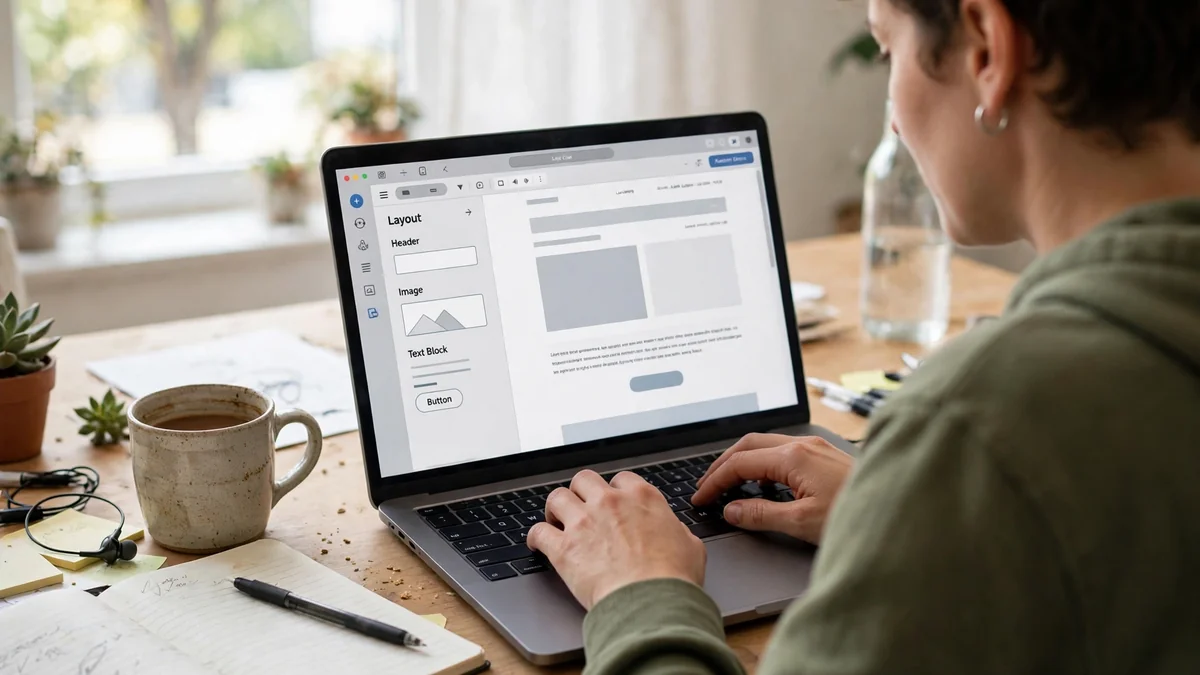
Building your first website is simpler than it looks, and you do not need to learn to code to create a website that looks professional. With a clear plan, a domain name, a hosting plan or a website builder, and a few focused pages, most beginners can go from an idea to a live site in a weekend. The hardest part is usually deciding what the site should do, not the technology itself.
When you create a website, every choice should serve one goal: helping a visitor understand what you offer and what to do next. A small business site needs a clear service list and a contact page. A portfolio needs strong examples of past work. A blog needs readable articles and a simple way to follow new posts. Start with that goal, and the rest of the decisions become much easier.
This guide walks through the full process in seven steps, from choosing a domain to testing and launching your site. Follow the steps in order, and you will finish with a live website you can keep improving.
Key takeaways
- Define the site’s one main goal before you buy a domain or pick a platform.
- Choose a short, memorable domain name and register it for at least one year.
- A website builder suits most beginners, while WordPress suits sites that need more control.
- Launch with five core pages: home, about, services or work, blog or updates, and contact.
- Test your site on a phone and a desktop before you share the link with anyone.
At a glance: building your first website
| Step | What to do | Typical time |
|---|---|---|
| 1. Plan | Define the goal, audience and main action | 1 hour |
| 2. Domain | Pick and register a short, clear name | 30 minutes |
| 3. Platform | Choose a builder or WordPress with hosting | 1 hour |
| 4. Structure | Plan five core pages and the menu | 1 hour |
| 5. Build | Write pages, add images and forms | 3 to 5 hours |
| 6. Essentials | Add speed, security and search basics | 1 hour |
| 7. Launch | Test on mobile and desktop, then publish | 1 hour |
Step 1: Define what your website should do
Start by writing one sentence that describes the site’s purpose. A bakery site might exist to take cake orders, while a freelance designer’s site might exist to win new clients. That sentence guides every later choice.
Next, name your main visitor. List the three questions they are most likely to ask, such as what you offer, what it costs, and how to reach you. If your home page answers those quickly, it is doing its job.
Finally, choose one main action for visitors to take. It might be filling in a contact form, booking a call, buying a product, or signing up for a newsletter. Put that action in a clear button near the top of the home page and repeat it at the end of each key page.
Step 2: Choose and register a domain name
Your domain name is the address people type to reach your site, such as yourname.com or yourbusiness.com. Pick a name that is short, easy to spell, and easy to say out loud. Avoid hyphens, numbers, and unusual spellings, because every one of them makes the address harder to remember and share.
Check whether your first choice is available with a domain registrar or hosting provider. If the exact .com is taken, try a shorter version of your business name or add a word such as studio or shop. Do not buy a long, confusing name just to keep the .com ending.
Register the domain for at least one year and turn on automatic renewal so you do not lose it by accident. Add domain privacy if offered, because it hides your personal contact details from public domain records.
Step 3: Pick a platform and hosting plan
Most beginners choose between two routes. A website builder such as Wix or Squarespace includes hosting, templates, and support in one monthly price, and you build pages by dragging blocks into place. WordPress with a separate hosting plan costs less over time and gives you more control, but you handle more of the setup yourself.
If you want a simple site live quickly, a builder is a sensible choice. If you want a blog, an online shop, or a site you can grow and move between hosts, WordPress is the stronger long-term option.
Compare the total cost, not just the first-year price. Hosting plans often rise sharply at renewal, and builders charge extra for removing their branding or adding e-commerce. A clear comparison of two popular builders can help here: our guide to Shopify vs Wix explains how their prices, features, and limits differ. Read it before you pay for a plan you may outgrow.
Step 4: Plan your pages and navigation
Before you write anything, sketch the site on one page. Most first websites need five core pages: home, about, services or work, blog or updates, and contact. An online shop adds product pages and a checkout, while a portfolio adds a gallery.
Keep the main menu short. Five or six links are enough, and every page should be reachable in one or two clicks from the home page. Put the most important pages first, and use plain labels such as Services, Work, and Contact instead of clever words that visitors have to guess at.
For each page, write a short outline first: the heading, the three main points, and the action you want the visitor to take. This stops pages from growing into long, unfocused walls of text.
Step 5: Build your home page and core pages
Start with the home page, because it sets the tone for the rest of the site. Open with a short headline that says what you do and who it is for, then add a button that leads to the main action. Follow that with your services or best work, a short testimonial, and a final call to action.
Write in short paragraphs and plain language. Visitors scan pages, so use clear headings and one idea per paragraph. Replace vague claims such as high quality with specific facts, such as the number of clients served or the exact services included.
Add images that show real work, real products, or real people. Compress each image before you upload it and write a short descriptive alt text. A fast page with a few strong images beats a slow page with a large gallery.
Step 6: Add the essential features
Every website needs a few features that visitors rarely notice until they are missing. Add a contact form with your email address and response time, a clear privacy note if you collect any details, and links to your social profiles only if you update them regularly. A dead social link hurts trust more than no link at all.
Set up the search basics. Give each page a clear title and a short description, use one main heading per page, and name images descriptively. Connect a free analytics tool so you can see which pages people visit and where they leave.
Speed and security matter just as much as design. Choose a hosting plan with a solid reputation, keep your platform and plugins updated, and use a strong password with two-factor authentication. If you compare hosting options, our roundup of the best web hosting services covers the plans beginners most often choose and what each one includes.
Step 7: Test, launch, and keep improving
Before launch, test the site as a visitor would. Open every page on a phone and on a desktop, click every link, submit the contact form, and check that images load quickly. Ask a friend to find your main service and your contact page without help. If they struggle, fix the navigation before you launch.
Check the details too. Proofread every page, confirm phone numbers and email addresses are correct, and check the site in a second browser.
When the site is live, share it with a small group first, fix anything they report, and then announce it more widely. After launch, update the site regularly: add new work, answer common questions, and remove pages that no longer reflect what you offer.
Troubleshooting common first-website problems
If your site looks broken on a phone, the problem is usually a wide image or a long heading. Resize the image, shorten the heading, and check the mobile preview in your builder or theme.
If pages load slowly, large images are the most common cause. Compress images to under 200KB each and remove plugins or widgets you do not use. If the site is still slow, the hosting plan may be the limit.
If nobody can find your site in search, give it time and check the basics. Search engines can take days or weeks to index a new site, so submit it to the search console of your chosen search engine, confirm each page has a unique title, and link to the site from your social profiles. If you are still weighing builders, a comparison such as Wix vs Squarespace can clarify which platform’s search and design tools fit your plans.
Checklist: before you launch your website
- Home page states what you do, who it is for, and what to do next.
- Domain is registered, renewal is on, and login details are stored safely.
- All five core pages are written, proofread, and linked in the menu.
- Contact form works, and the email address and phone number are correct.
- Images are compressed, have descriptive alt text, and load quickly.
- Site is tested on a phone and a desktop, in two browsers, with no broken links.
Frequently asked questions
How much does it cost to create a website?
A basic site usually costs between $50 and $150 in the first year for a domain and a starter hosting plan or builder subscription. Costs rise with premium themes, paid plugins, or an online shop, so check the renewal price first.
Do I need to learn to code?
No. Website builders and WordPress let you build a full site without writing code. Basic code knowledge helps for small tweaks, but it is not required to launch a professional-looking site.
How long does it take to build a first website?
Most beginners can launch a simple five-page site in one weekend, about 8 to 10 hours of focused work. Writing the content usually takes longer than building the pages, so draft the text first.
Should I use a website builder or WordPress?
Use a builder if you want the fastest setup and an all-in-one price. Use WordPress if you want lower long-term costs, more design control, and the freedom to move hosts. Both can support a blog, a portfolio, or a small shop.
What pages does every website need?
At minimum, a home page, an about page, a services or work page, and a contact page. Add a blog or updates page if you plan to publish regularly, and product or pricing pages when visitors need those details to decide.
How do people find my new website?
Share the link on your social profiles and email signature, submit the site to search engines, and publish useful content regularly. Search traffic builds slowly, so early visitors usually come from links you share yourself.
The bottom line
Building your first website comes down to a clear goal, a memorable domain, a platform that fits your plans, and five well-written pages. You do not need expensive tools or coding skills to start, and a simple site that is live beats a perfect site that stays unfinished.
Launch the first version, test it on real devices, and improve it in small steps. Add new work, answer visitor questions, and keep the content current, and your first website will grow into a useful home for your business or project.