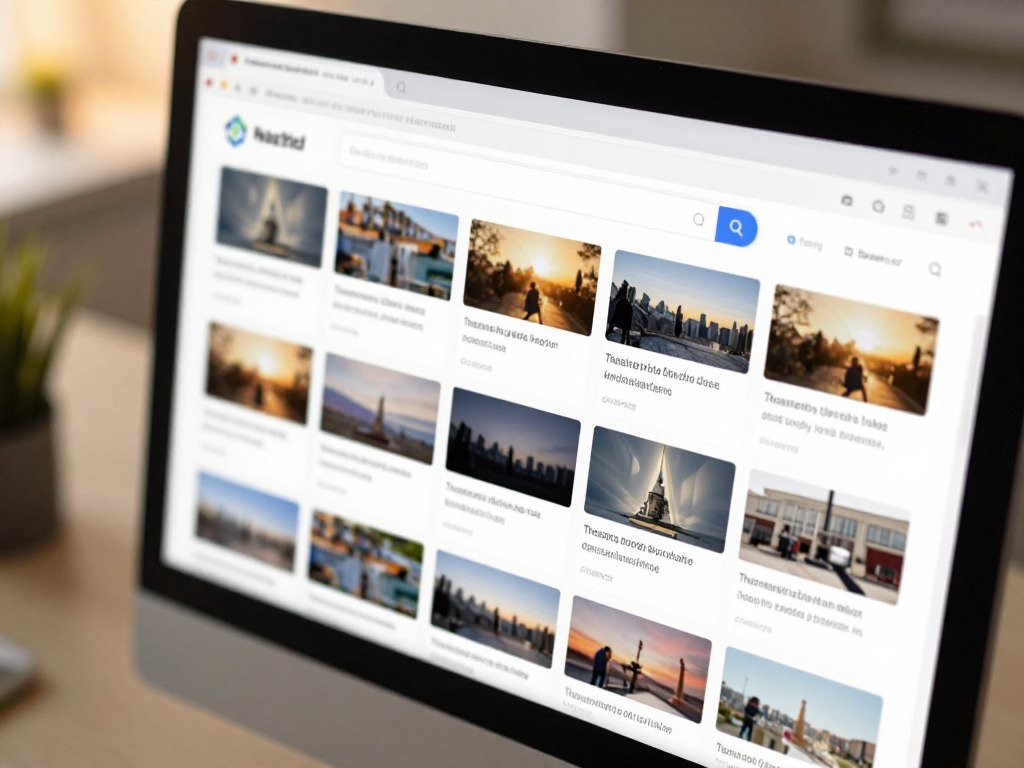
A picture can appear on several websites even when its filename and size have changed. Finding duplicate images online can help you trace where a picture appears and check its context. Reverse image search can find web pages with matching or similar images, while a local duplicate scan checks files saved on a device. This guide helps you choose a search method that fits your goal.
A web match is not the same as two copies in your photo library. The first task uses an image to search the web; the second compares files on a device. Your results can help you spot an earlier post, a new caption, or a page that credits the image creator. They may also show that a picture was cropped or edited.
Start with a copy of the image you have permission to search, especially if it contains private details.
Key Takeaways
- Use reverse image search to find web pages with matching or related images.
- Use a local duplicate scan to compare saved files.
- Try more than one search index for broader results.
- Check the page behind a match before drawing conclusions.
- Review files before removing them from a device.
How to Find Duplicate Images on the Internet
Use reverse image search when you want to locate web pages that contain an image or a close visual match. A reverse image search is a search that uses an image or image URL to find matching and visually related results on the web. It searches indexed web pages, not folders on your device.
Upload an image or paste its image URL into a search tool. The service compares visual details and returns pages or pictures that resemble the query. An image duplicate finder can help you follow a picture across public web pages, but it cannot scan your phone or computer storage.

Online matches and device duplicates are different tasks
An online image search looks for indexed web occurrences. A local duplicate scan compares files in selected device locations, such as folders or a photo library. It can find files that never appeared online, while a web search cannot inspect private folders.
Search results may lead to an earlier post, a retailer page, or a page with a different caption. They do not show every web appearance, since search tools rely on their own indexes. For context about a suspicious picture, checking an image’s earlier appearances can help you compare dates and claims.
A visual match is a lead to inspect, not proof that two files are identical or that you can reuse the image.
Exact copies and similar images are not interchangeable
An exact copy may have the same visual content and file data as another image. A similar image may be cropped, edited, resized, or changed in another way. The word “duplicate” can describe either kind in search results, so inspect the match itself.
A reverse search can show where an image appears, but it cannot settle who owns it or whether you can use it. Treat the match as a clue, then review the original page and its details.
Which Reverse Image Search Tool Fits Your Goal?
For broad web context, start with Google Lens; for a close copy that may have been altered, try TinEye. Your goal helps you choose among tools, because each one returns a different mix of pages and similar images. Use Google Lens for broad visual context, TinEye for exact or altered copies, and SauceNAO for anime, manga, and digital art.
Google Lens can search an uploaded image, an image on a website, or a selected area. It can return similar images and pages containing the image or a similar one. TinEye focuses on exact or altered copies, including cropped, edited, or resized pictures.

| Tool | Best fit | Search input | Results |
|---|---|---|---|
| Google Lens | Broad visual context | Upload, webpage image, selected area | Similar images and pages with the image or a similar one |
| TinEye | Exact or altered copies | Image search | Exact, cropped, edited, or resized copies |
| Bing Visual Search | Web and shopping matches | Upload, image URL, photo, selected part | Similar images, webpages, shopping matches |
| Pinterest Lens | Ideas and products on Pinterest | Image or selected object | Similar ideas and products within Pinterest |
| SauceNAO | Anime, manga, and digital art | Image lookup | Source matches for frames, panels, illustrations, and art |
Bing Visual Search accepts an upload, image URL, photo, or selected part of a picture. Pinterest Lens looks for similar ideas and products within Pinterest, and lets you select one object. SauceNAO specializes in source lookups for anime frames, manga panels, illustrations, and digital art.
These results can help you locate a source, but they do not grant reuse rights. The U.S. Copyright Office explains what photographers should know about copyright, including that original photos gain protection when fixed. Tool reviews can help compare features, but the kind of match matters more than a broad rating.
Check the original page and its rights information before using a result elsewhere.
How to Get Better Reverse Image Search Results
A crop around a logo, face, or unusual object can surface matches hidden by a busy background. Small details may stand out when a full picture includes text, borders, or other distractions. A free online duplicate-photo finder can search from an uploaded image or an image URL.
A duplicate image finder online may return exact matches as well as similar images. To find duplicate images on the internet for free, try more than one search index and inspect the pages behind promising results. A second index can find a match that the first tool missed.

- Search the full image first, so the tool can use its overall visual pattern.
- Crop to a distinctive detail, such as a logo or unusual object, then search again.
- Try a second index, such as Yandex Images, for another visual-match pass.
- Inspect the pages attached to promising results, including their captions and dates.
Pic Detective accepts JPG, PNG, WebP, GIF, AVIF, BMP, and ICO files up to 25MB. It separates Exact Matches from Similar Images and offers a crop tool. Those labels can help you sort results, but the page still needs your review.
Pic Detective’s upload limits and file formats include its 25MB cap. Pic Detective says it automatically deletes uploaded images after a search and does not use them to train machine-learning models. Google may store images uploaded for search for seven days or more.
Check the privacy terms of any upload service before sending a picture. The terms explain how an image is handled after you submit it, and can differ from one service to another. If an image is sensitive, choose a search method only after checking how it handles uploads.
Where Can You Find Duplicates on Your Devices?
The fastest place to check depends on whether the files are in an Android folder, Apple Photos, or a cloud-backed Google Photos library. Start with the app that stores the pictures, since its duplicate tools may already fit the job. Built-in duplicate tools and third-party cleaners do different things.
An Android file scanner checks selected saved files, while Apple Photos can group duplicates in its library. Google Photos handles some repeat uploads through metadata, but it has no user-enabled duplicate finder. Browser extensions and other cleaner apps are separate tools.
Use the Android file scanner for saved copies
Files by Google marks the original item in a duplicate group with an “Original” badge. To find the scanner, open Menu > Clean > Duplicate files. Review the group before you remove duplicate photos, so the badge helps you keep the original file.
Check Apple Photos after its library finishes indexing
Starting with iOS 16, iPhone Photos can detect duplicate photos and videos in the Duplicates album under Utilities. Apple Photos may need to index the library while the iPhone is locked and connected to power. The album can take up to a few days to appear.
- Open Utilities in Photos, then open Duplicates.
- Keep the iPhone locked and connected to power while it indexes.
- Allow up to a few days for the album to appear.
If the album is missing, Apple Photos may still be indexing. For a cleaner that works on the phone, Smart Cleaner AI Pro requires iOS 15.1 or later and says it processes photos directly on the iPhone without cloud uploads.
Treat Google Photos and browser extensions as separate options
Google Photos has no user-enabled duplicate-finder feature. It uses metadata to avoid uploading a file when its metadata matches a photo already in the library, but manual uploads, separate edited copies, or sync issues can still create duplicates.
Check a photo’s information panel for upload details, then see whether multiple devices back up to the same library. Burst shots and subtle edits may be separate images rather than exact duplicates. You can organize photos in small batches while keeping meaningful frames and versions.
Google Photos Duplicate Remover is a third-party browser extension, not a Google Photos feature. It analyzes up to 100 photos or videos free, with unlimited analysis in Pro, and processes files locally in the browser.
Compare the full-size files before removing a pair, since a burst frame or lightly edited copy may be intentional.
Which Duplicate Photo Finder Should You Use?
For a small Windows folder, VisiPics is a free basic option; for a Mac Photos library, look at Duplicate File Finder Remover’s free version. Library size and location shape the best fit. Choose a tool that scans the folders or photo library where your files actually live.
Visual similarity scanning can group edited, rotated, flipped, or resized copies that an exact-match scan may miss. A preview and selection step matters before deletion, especially when the scan finds similar photos rather than identical files. Software to identify duplicate photos should show you what it plans to remove.
| Tool | Platform or library | Matching scope | Free or trial details |
|---|---|---|---|
| Visual Similarity Duplicate Image Finder | Windows 7-11, network drives, Lightroom catalogs | JPG, PNG, TIFF, WebP, 300+ RAW formats; visual matches | Evaluation shows names for first 5 duplicate groups; cannot move or delete selected images |
| Duplicate Cleaner | Windows folders | Basic duplicate matching; similar-image detection in Pro | 7-day trial; Free version for basic personal or home use |
| PhotoSweeper | Finder, Apple Photos, Capture One, Lightroom Classic | Photo matches and over 30 Auto Mark rules | Version 5.5.4 released June 2026 |
| Cisdem Duplicate Finder | macOS 10.11 El Capitan or later; folders and Apple Photos | Identical and similar images | Version 6.5.0 |
| Duplicate File Finder Remover | Mac folders, disks, and Photos libraries | Multiple locations in one scan; identical and similar-photo management | Free version; Pro adds bulk selection and similar-photo tools |
Visual Similarity Duplicate Image Finder scans locally and can compare network drives and Lightroom catalogs. Its evaluation version limits what you can do with selected images, so check that limit before planning a cleanup.
Disk Drill includes a free duplicate-photo finder for Mac folders, but its scan does not cover the Apple Photos library. Duplicate File Finder Remover can scan several folders, drives, and Photos libraries in one session. It can send items to Trash, delete them permanently, or move them to a chosen folder.
VisiPics suits basic duplicate detection in smaller Windows libraries. Mac users who need a Photos library scan can consider Duplicate File Finder Remover. Check the tool’s scan coverage and removal choices before you start a large job.
Never let a similarity score make the deletion choice for you; inspect each marked group first.
Before a bulk cleanup, confirm the scan location and removal action, then review the marked files one group at a time.
Conclusion
Choose an online visual search for web appearances and a local scanner for copies stored on your devices. The right tool depends on where the image lives and what kind of match you need. A promising result can point you toward a source, while a local scan can compare saved files.
Start with the page’s image-search tool using an image you are comfortable uploading. Then open promising results at their original pages and check the context. Run a search with a suitable image, then verify any useful match at its source.
FAQ
How to see duplicate pictures in photos?
Check your photo app’s duplicate album or duplicate-files utility. On iPhone, open Photos, then Utilities and Duplicates. The album may not appear until the phone finishes indexing its library, which can take up to a few days. Keep the iPhone locked and connected to power during indexing, then review each group before merging or deleting files.
How to reverse image search?
Upload an image or enter its image URL in a reverse image search tool, then inspect exact and similar results. Some tools let you search an image already open on a website or select one part of it. Open promising results at their original pages, since a search result alone may not show the image’s full context or rights.
What is the easiest way to delete duplicate photos?
Use a built-in duplicate tool when your photo app or file manager offers one. Review each group to confirm that the images are truly redundant, since a cropped copy or burst frame may be useful. When possible, choose a recoverable Trash option before permanent deletion. That gives you a chance to restore a file if you marked the wrong one.
Can Google Photos clean up duplicates?
Google Photos has no user-enabled duplicate finder. Its metadata checks can prevent some repeat uploads, but manual uploads, separate edited copies, and temporary sync issues can still leave duplicates. Check a photo’s information panel for upload details and see whether several devices back up to the same library. Google Photos does not replace a scan of device folders.
What is the best free duplicate finder?
VisiPics is a free basic choice for smaller Windows libraries. Mac users scanning Apple Photos libraries can consider the free version of Duplicate File Finder Remover. The best fit depends on where your files are stored and whether you need to find only exact copies or similar images. Preview matches before removing anything from a large collection.
Should I delete duplicate photos?
Remove only copies you have confirmed are redundant. Separate burst frames, edits, or versions may have a reason to remain, even when they look much alike. Compare full-size images and check their dates or edits before deleting. If you are unsure, move a copy to Trash first rather than permanently removing it.
What is the best app for finding duplicate photos in Google Photos?
Google Photos has no native user-enabled duplicate finder, but a browser extension can help compare items in its library. Google Photos Duplicate Remover offers free analysis for up to 100 photos or videos, with unlimited analysis in Pro. The extension processes files locally in the browser. It is a third-party tool, so check its permissions before using it.



