A picture that appears in a search result is not automatically cleared for your website or social post. Finding the right image matters, but using it without permission can lead to complaints or removal requests. A download button does not tell you what the rights holder allows.
A careful process can help you choose a fitting image and avoid that guesswork. First, find a candidate through a search tool or image collection. Then check the license for your planned use and save a record of its terms. That record can help if you need to explain why you used the image later.
This guide offers a practical way to check an image before publishing it. The right information can help you decide whether a license covers your blog, business page, or personal post. It also helps you spot limits on credit, editing, or commercial use.
Choose an image only when you can identify both its source and the terms that allow your intended use.
Key Takeaways
- Finding an image online does not grant permission to use it.
- Search filters point to license details, but they do not replace them.
- Check the exact image page and the license terms for your use.
- Free images may still have limits on editing or commercial use.
- Keep the image URL and a dated record of its terms.
When Does Copyright Apply to an Image?
In the United States, an original photograph or illustration is protected as soon as it is fixed in a tangible form. Tangible form means a fixed, perceptible form, such as a saved digital file, photograph, or painting.
Copyright protects original expression, not an idea by itself. Photographs, paintings, and illustrations are common protected work types. The U.S. Copyright Office’s copyright overview explains that protection starts when an original work is fixed.
An image can show a familiar idea, such as a sunset or a cup of coffee. Copyright can still protect the creator’s choices, including the composition, colors, and details. A different creator may make a new image of the same subject.
An image’s presence on a website does not place it in the public domain.
Public domain means copyright no longer applies or never applied to a work. A license, by contrast, sets out uses that a rights holder allows. Some licenses permit broad reuse, while others set limits or require permission.
Copyright owners can control certain uses of their work, including copying and sharing it. An exception may apply in some cases, but the facts matter. For an AI image creation guide, check both the tool’s terms and any reference image rights.
Easy access to a file is not evidence that its rights holder has allowed you to use it.
How to Search for Images Without Copyright Issues
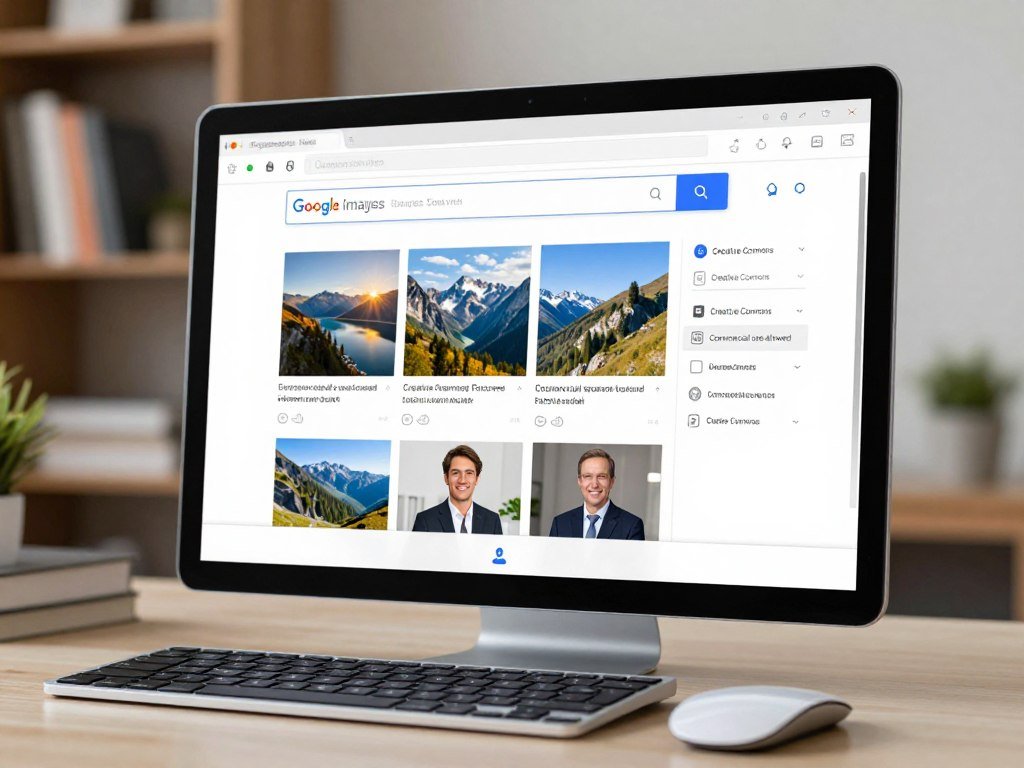
Google Images can narrow a search to images with license information, but the filter does not clear an image for reuse. Check the license itself, since a free result can still have conditions.
Open the image page and read its license details before using it. A search filter is a starting point, not permission. Google Images no longer offers “Labeled for reuse.”
Filter Google Images by usage rights
In Google Images, choose Tools, then Usage rights. The available categories include Creative Commons licenses and Commercial or other licenses. The latter can include free and paid licenses.
To search for images without copyright issues for free, select the Creative Commons filter and inspect each result. Creative Commons licenses may require credit or limit commercial use or changes. Google Images can also help you find images by subject, but the host site’s details decide what you may do.
Open the result and follow its license details to the provider and host site. If you are comparing tools for making or analyzing pictures, this free ChatGPT tools comparison covers a related use of AI.
Try license-focused image collections
Openverse lets you filter images by Creative Commons license. Those filters narrow the options, but each image still has its own license to read. Check the provider’s terms and the host site’s page.
| Route | License signal | Cost clue | What to check |
|---|---|---|---|
| Google Images Creative Commons filter | Creative Commons license | Free access may have conditions | Provider license and host-site details |
| Google Images Commercial or other licenses filter | Commercial or other license | Free or paid options | Provider terms, fees, and host site |
| Openverse Creative Commons filter | Creative Commons license type | Free access may have conditions | Individual license and image page |
A filtered result may look ready to use, but its terms can still limit how you publish or edit it. Treat the license details on the image’s host site as the check that determines whether the result fits your project.
How Can You Verify an Image’s License and Owner?
Start by locating the page that first published the image and identifying the named creator or rights holder. Trace the image back before deciding whether its license covers your use.
Compare the exact image’s terms with the use you have in mind. A license for one image may not cover another image from the same site. Details such as commercial use, edits, and required credit can change the answer.
Trace the image to its original source
Look for an image credit, creator profile, or contact link on the host site. A watermark can identify a person or company that may hold rights. Do not assume the page that reposted an image owns it.
Available EXIF data, the information stored with some digital files, may name a creator or copyright owner. A reverse image search with Google can reveal other appearances and may help you find an earlier source. Neither clue proves who can grant permission.
Use these checks to build a useful record:
- Inspect the image credit and any contact details.
- Note any watermark and identify the person or group named.
- Inspect available EXIF metadata for creator or owner details.
- Run a reverse image search to find other appearances.
- Search the public catalog by creator or title when useful.
Check the record and license terms
Compare the host-site terms with the license provider’s details. Make sure they apply to the same image and cover your planned format, audience, and purpose. Save the terms you rely on.
The U.S. Copyright Office’s public records system can be searched by a photographer’s name or image title. A registration may help confirm details, but copyright registration is not required for protection. No catalog result does not prove an image is unprotected.
When a credit line points to a different page, follow it and compare that page’s terms with the host site. If you still cannot identify the source or confirm the license, leave that image out.
Which Free Image Sites Fit Your Project?
For a standard free stock-photo option, Unsplash covers most commercial, personal, and editorial projects without requiring attribution. Each platform has limits, so match the terms to what you plan to publish.
Free access does not remove rules about brands, people, or standalone files. Check the individual image’s terms, especially if it shows a recognizable person or product.
| Platform | Stated use scope | Attribution | Key restriction |
|---|---|---|---|
| Unsplash | Most commercial, personal, and editorial projects | Not required, appreciated | Check the applicable terms for Unsplash+ images |
| Pexels | Commercial or noncommercial use | Not required | No standalone resale or false endorsement |
| Pixabay | Free use and modification under its license | Not required | No standalone resale or commercial brand use |
Unsplash and Unsplash+
Standard Unsplash images are free for most commercial, personal, and editorial projects. You do not have to credit the creator, though credit is appreciated. Do not assume these standard terms apply to an Unsplash+ image; check that image’s applicable terms.
For a business post, a photo of a product may seem like a simple choice. A visible logo or person can bring separate rights into play, even when the image license allows broad use.
Pexels photos and videos
Pexels lets you use, copy, modify, or adapt photos and videos for commercial or noncommercial purposes, subject to prohibited uses. You cannot sell or distribute content substantially in its original form as a standalone item.
Cropping or resizing alone does not turn a Pexels file into a new creative work. Combining it with other media and making edits can create a new work. You also cannot claim authorship or exclusive rights, or imply an unapproved endorsement or affiliation by a depicted person or brand.
Pexels content showing a trademark, logo, or brand cannot support commercial goods or services, including merchandise for sale. A photo license does not grant every right held by a person or brand shown in the frame.
Pixabay images and other content
Pixabay allows free use and modification without author attribution, subject to its prohibited uses. Its full Content License is legally binding, so do not treat a short summary as the complete set of terms.
Pixabay’s non-CC0 license grants worldwide, perpetual, non-exclusive, royalty-free commercial or noncommercial use, subject to prohibited uses. Content published before January 9, 2019, is identified as CC0 content and follows CC0 terms.
You cannot sell or distribute Pixabay content as a standalone item in substantially the same form without creative effort. Do not use recognizable brands commercially for goods or services, or use content as a trademark, business name, or service mark. Wikimedia Commons is another collection, but review the license on each individual file.
Pixabay also bars misleading, illegal, or immoral use, and you must check for third-party rights that need consent or a license. For merchandise or other goods for sale, do not use an image showing a recognizable brand unless the necessary rights are cleared.
What Restrictions Still Apply to Free and Public Domain Images?
An image described as free can still carry limits on attribution, commercial use, or editing. Read the license terms before you use images in a paid project or change the file.
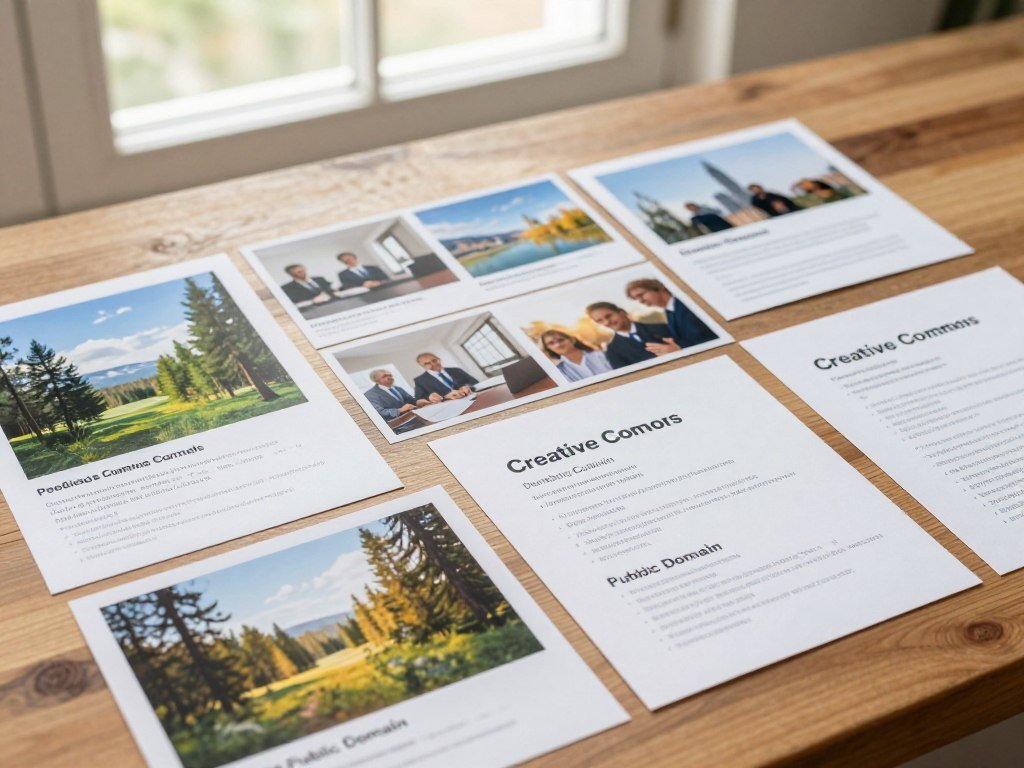
“Copyright-free” is not a reliable promise of unrestricted use. Public domain and Creative Commons are different: public domain work has no active copyright restrictions, while a Creative Commons license grants specific uses with conditions.
Do not treat a free label as permission for every use, edit, or sale.
Use this short check when a standard stock license is not a fit:
- Confirm the image is genuinely in the public domain.
- Check whether its Creative Commons license requires attribution.
- Avoid commercial use under a BY-NC license.
- Do not modify an image under a BY-ND license.
Public domain images may suit commercial work, but confirm their status instead of relying on a label. A BY license requires attribution. BY-NC restricts commercial use, while BY-ND does not allow modifications.
Fair use is a case-specific legal analysis, not a license or automatic exception. It weighs the purpose and character of the use, the work’s nature, the amount used, and the effect on its market. The Georgetown University Library’s image guidance explains these limits for publications.
“Copyright-free images for commercial use” still need a clear grant for commercial use or verified public-domain status. In some presentation contexts, linking to or embedding an image may be an alternative. The format and context matter, so this does not grant blanket permission to download or redistribute it.
For AI-generated work, the U.S. Copyright Office’s January 2025 report says copyrightability depends on human authorship. Do not rely on credit alone to turn a restricted license into permission for commercial use.
Conclusion
Use an image only when its license clearly covers the way you plan to publish it. A free label matters less than clear terms for your specific use.
Keep a record while the image page and its terms are easy to find. Save the image URL and a dated copy or screenshot of the license details that allowed your use.
Before publishing, save the image URL and a dated record of the license terms you relied on.
FAQ
Which photo app is 100% free?
No photo app makes every image unrestricted. Unsplash, Pexels, and Pixabay offer content for free use, but conditions vary by image and license. A free download may still require credit, limit commercial use, or restrict how you edit or resell the file. Check the terms for the exact image, especially when it shows people, logos, or artwork.
How can I avoid copyright infringement?
Identify the original source, compare the exact license with your planned use, meet any credit rules, and get required third-party permission. Check whether the license allows commercial use and edits before you publish. A person, logo, or artwork in the image may carry separate rights. Save the image page and license terms so you can show what allowed your use.
How to filter royalty-free images on Google?
In Google Images, choose Images, then Tools, then Usage rights. Select a license category and open the image’s License details. Check the terms with both the provider and host site, since a filter only narrows results. Royalty-free does not always mean free of charge or free of conditions. Some licenses allow reuse after payment or require credit.
How can I search for an image?
Search by subject in Google Images or a license-focused collection, then trace promising results to their host pages. Use a few clear terms, such as “red bicycle in city park,” to narrow the results. Before publishing, read the exact image’s license and confirm that it covers your use. A thumbnail or search result alone does not show all terms.
What is the best website for image search?
For ready-to-use stock photos, start with Unsplash, Pexels, or Pixabay. For cross-site discovery, Google Images or Openverse can help you find possible choices. No single site gives every image the same terms, so check the license on each image page. For photos with people or brands, look for limits beyond the image license before using them commercially.
Is Google image search free?
Yes, searching Google Images is free, but individual images may have paid licenses or other reuse limits. A result can lead to a site that charges for commercial use or requires credit. Open the host page and read its terms before downloading or publishing the file. Google’s search filters help you sort results, but they do not grant reuse permission.



