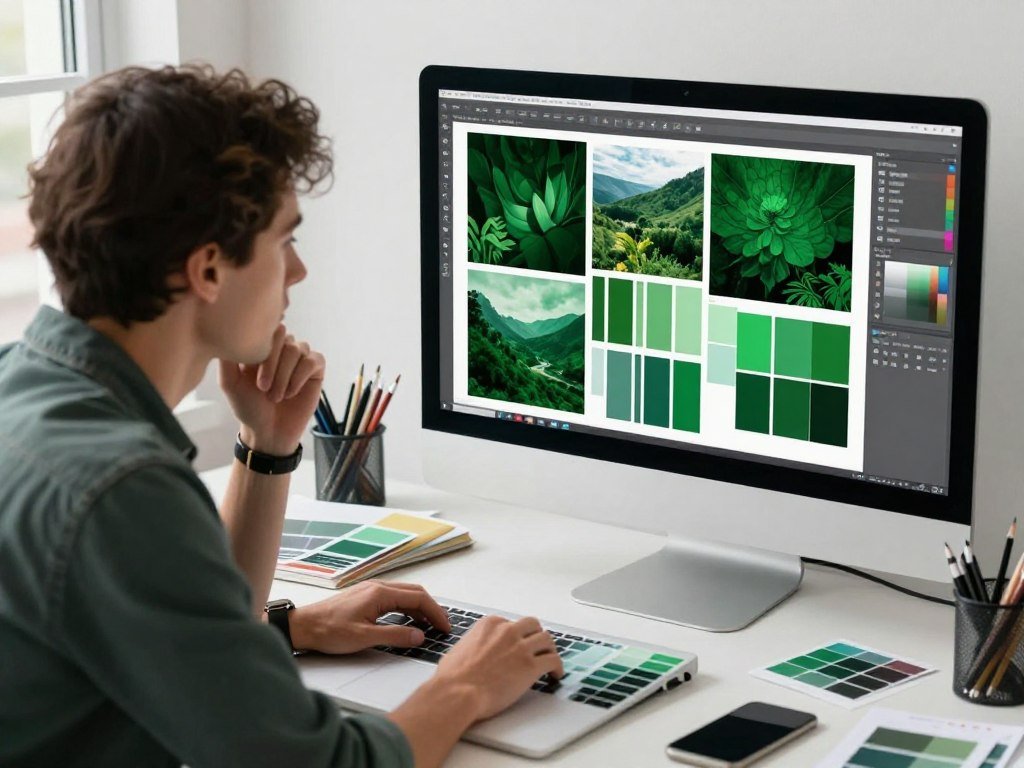
Start with the practical answer: to search images by color, enter a subject, choose a color control where available, and inspect the narrowed results. This helps you quickly find content for projects, from stock photos to backgrounds that fit a brand. Predictive search means narrowing results by anticipating a feature the wanted image may share, such as a green field behind sports action.
Color can guide people toward images that suit a layout, but filtering only refines results. It cannot guarantee an exact shade or subject. A little trial and error can still save time and spark creativity when your first search feels too broad.
Key Takeaways
- Pair a subject term with one color clue to narrow results.
- Use HEX values when a platform allows an exact color entry.
- Choose multi-color search tools for images with a palette.
- Use a reference picture to find related visuals or sample colors.
- Check the license before using stock images in commercial work.
A remembered background color can be as useful as a remembered subject when you are trying to locate a specific visual.
How to Search Images by Color Online
A keyword plus a color clue can narrow a broad set of results to visuals that better fit a layout or brand palette. A color filter works best when the subject and the hue both matter.
Color filters refine a search, but they do not promise an exact match. Free online searches can be a useful starting point, though not every platform or control is free.

Narrow a keyword search with a color filter
Use these steps to search images by color online, whether you need stock photos or a design reference:
- Enter a subject in the search field.
- Open the color controls, if the platform offers them.
- Pick a swatch or enter a HEX value when available.
- Scan the results, then adjust the color or other available filters.
A football search with green turf can surface action shots where the field fills much of the background. A diagram of a Tesla coil on a white background may appear when white is the main color clue.
Judge the thumbnail as a whole: a matching hue may come from the background, not the subject.
That distinction matters when you need a specific object rather than a scene with the right overall color.
Choose a platform for exact or multi-color control
Adobe Stock lets you select a swatch or enter a HEX value, a six-digit hexadecimal color code. Its Vivid Color slider ranges from Low for muted or monochromatic images to High for brighter colors, and works only in image search. Depth of Field ranges from More Blur to Default.
TinEye Multicolr Search checks Flickr with up to five colors and text tags. Designspiration searches its image archive using up to five colors, which suits a palette-based search.
| Platform | Color selection | Other refinement |
|---|---|---|
| Adobe Stock | Choose a swatch or enter HEX | Vivid Color and Depth of Field |
| TinEye Multicolr Search | Up to five colors | Text tags |
| Designspiration | Up to five colors | Color-based archive search |
If a filter matches the overall hue but not the subject, add a more specific search term before changing the color.
What Can You Learn From an Existing Image?
If you already have a reference picture, use visual search to find related designs or sample a pixel to identify its color. Visual search by image means using a supplied picture to find related visuals.
Use visual search for related images and a pixel picker for color codes. In 2026, Google Lens can refine a visual search with text to find versions of an item in different colors, patterns, or sizes. Bing Visual Search lets you upload an image to find related visuals, patterns, or designs.

A free way to find a color name from an image is to sample its pixel with an online picker, then compare the code with a color-name reference. The picker returns codes, not a guaranteed name.
| Tool | Starting input | Useful result |
|---|---|---|
| Google Lens | Visual search refined with text | Item versions in different colors, patterns, or sizes |
| Bing Visual Search | Uploaded image | Related visuals, patterns, or designs |
| Online pixel picker | Uploaded, pasted, or linked image | Pixel-level HEX, RGB, and HSL values |
An online pixel picker can read an uploaded image, pasted image, or URL and return HEX, RGB, and HSL values. Its palette can hold up to 12 colors.
An AI color identifier from an image should provide both a readable color name and code values; those are different outputs. The iPhone Color Identifier app reports a sampled pixel’s color name and RGB, CMYK, and HEX values. A reference image can also guide AI image colors and style by showing which visual qualities to carry into a new design.
Sample a flat, evenly lit area rather than an edge or shadow for a more useful color reading.
How Can You Identify Colors From a Phone or Build a Palette?
For a color reading while you point your phone, choose a camera tool; for a consistent project palette, start with an image and extract its dominant colors. The right tool depends on whether you need one sampled shade or several colors for stock photos and backgrounds.
A camera color identifier reads a sampled value, while a palette generator gathers several dominant colors. Those outputs serve different jobs, even when they start with the same picture.
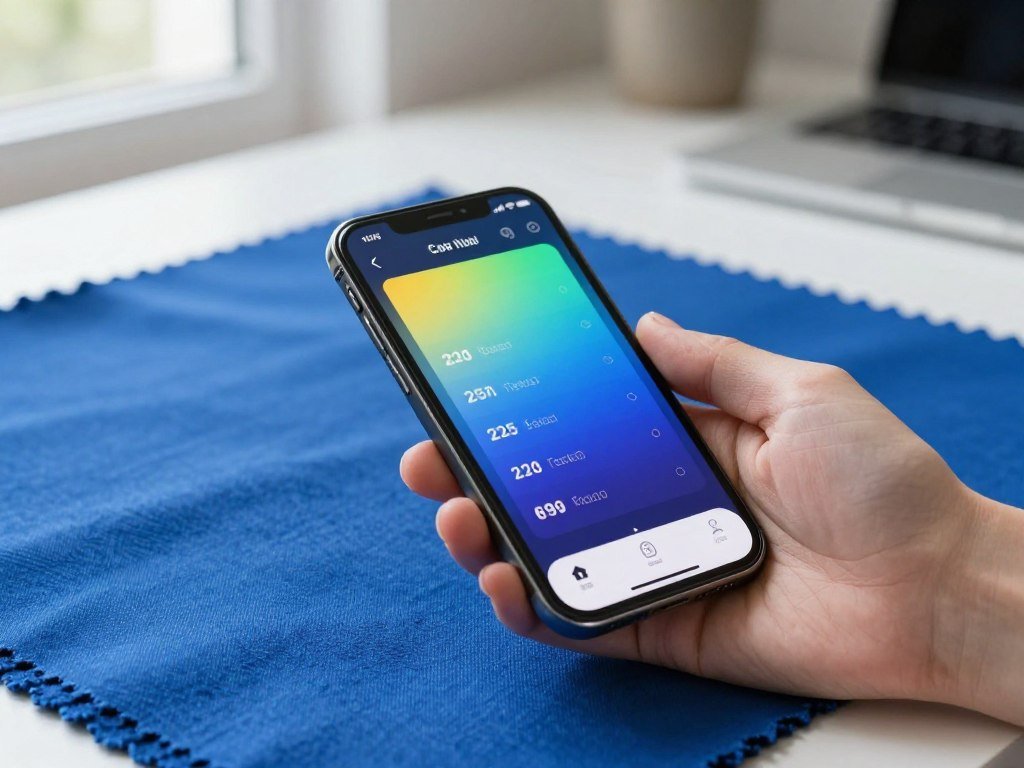
Use an iPhone or Android color finder
For how to search images by color on iPhone, Color Grab offers live camera color detection, photo color extraction, color-name recognition, and palette generation. It supports RGB, HEX, HSV, HSL, LAB, CMYK, XYZ, LCH, and YUV. Color Grab requires iOS 15.6 or later and is free to download with in-app purchases.
Camera Color Picker detects colors from a camera or image on Android and gives RGB and HEX values. It also includes thousands of color names and can import and analyze gallery images. The app was updated on September 24, 2026.
An online color identifier from a camera can help when you want a quick reading without building a full palette. Camera Color Picker is one Android color finder from a camera; it detects colors in real time or from an image.
The Android Color Identification app says its database includes over 1,500 hues with RGB and CSS codes. These tools can help match a shade in fabric, packaging, or a printed design.
Turn sampled colors into a reusable palette
Adobe Express extracts dominant colors from an uploaded image and generates a palette. Its editable swatches show HEX, RGB, or HSL values, so you can adjust a color before using it.
Most Adobe Express palettes use three to five core colors, often with neutral shades for support. Saving a palette to a Brand Kit is a Premium feature in 2026. Adobe Express lets you edit palette swatches before saving them.
Keep a palette compact: three to five core colors, supported by neutrals, are usually enough for a project.
Try the dominant colors on a mockup before using them across stock images, backgrounds, and other brand features. A sample from a phone camera can shift under uneven light, so compare it with the image you will use.
Before building a brand palette, check that the saved HEX values match the colors used in the project.
Conclusion
The fastest approach is to start with the kind of clue you already have: a hue, a reference image, or a color sample. A subject term plus a visual clue gives your search a clear starting point.
Use a reference picture when you need related designs, and sample a color code when a project needs a closer match. That code can help keep a design consistent across photos, backgrounds, and other project pieces.
Try one subject and one color filter first, then save the HEX value of any shade you want to reuse.
FAQ
Does searching by color guarantee an exact shade?
No, color filters return close visual matches rather than a guaranteed exact shade. Results can vary because the chosen color may cover only part of an image. Enter a HEX value when a platform offers one, then inspect the thumbnails. A sampled code can guide your search, but images may still show the shade differently due to lighting or display settings.
Why do color-filtered results include images where the subject is not that color?
The matching hue may come from a background or another large part of the image, not the subject itself. A blue filter, for example, can bring up a person standing near blue walls. Add a clear subject term and check each thumbnail before choosing it. The filter sorts by color clues, not by your full idea of the scene.
Can I use more than one color in an image search?
Yes, TinEye Multicolr Search and Designspiration both support searches with up to five colors. This can help when you need a picture to fit a palette rather than one dominant hue. Add text tags where TinEye offers them to make the subject clearer. Multi-color results still need a visual check for the right content and layout.
Can I identify a color from a screenshot without installing an app?
Yes, a browser-based pixel picker can take an uploaded or pasted screenshot and return HEX, RGB, and HSL values. Some tools also accept an image URL. The picker gives you a code for the selected pixel, not necessarily a plain-language color name. Choose a flat area of the screenshot for a more useful reading.
Does lighting affect the color a phone camera detects?
Yes, shadows and uneven light can change the color value a phone camera detects. A dark patch may read differently from the same material in bright, even light. Point the camera at a flat area rather than an edge, shine, or shadow. For a palette, compare readings from the image you plan to use.
Can I use a found stock image in a commercial project?
Sometimes, but the specific asset’s license sets its permitted uses. Check the license before publishing, selling, or distributing your project. A stock image may have limits on commercial use, audience size, or how you can change it. Keep the license details with your project files so you can confirm the terms later.



