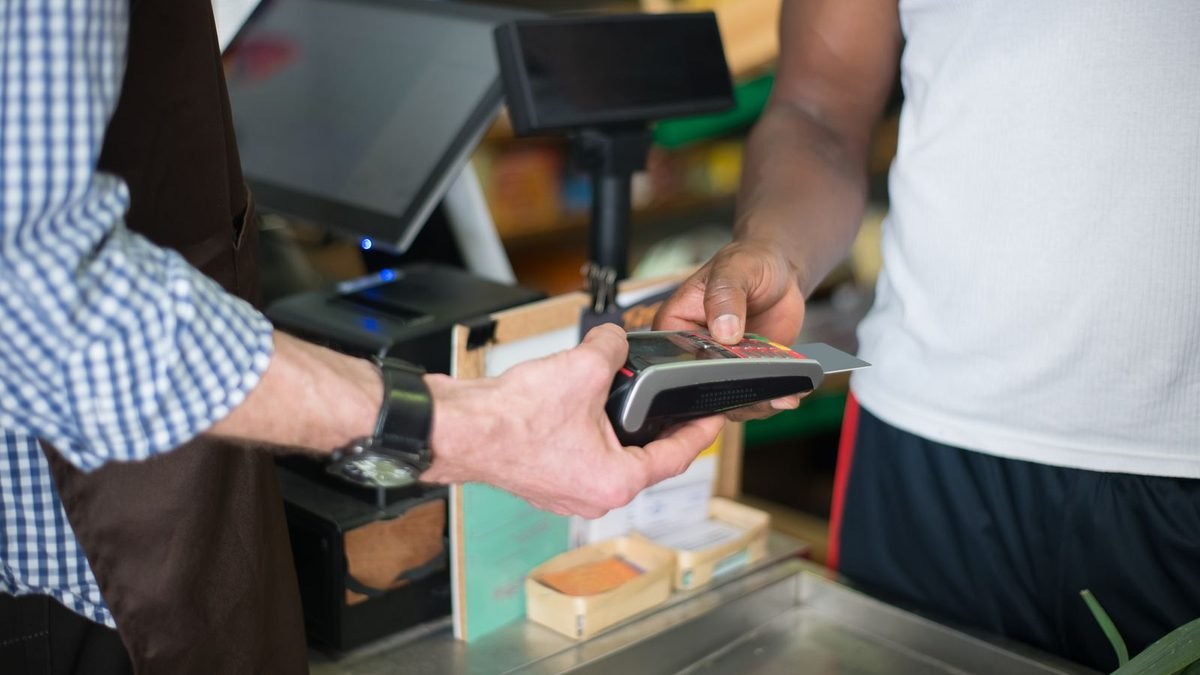
Setting up a business payment system in 2027 means deciding how money reaches your bank account every time a customer pays, whether that payment happens at a counter, on a website, over the phone, or through a recurring invoice. It is a small stack of connected parts: a way to take the payment, a processor to move it, a business bank account to receive it, and software that records it and reconciles it.
Most small businesses get this wrong in one of two ways. Some leave it until the first customer asks to pay by card and then accept whatever reader or checkout a sales call offers that week. Others buy every tool at once, pay three overlapping monthly fees, and still have to copy sales figures into a spreadsheet by hand at month end. Both routes cost money.
Done properly, the setup takes a few days, not a few months, and it should be boring once it is running. A customer pays, the money arrives on a predictable schedule, and the sale appears in the accounts. This guide walks through that setup step by step, in the order that avoids rework, with the costs and the checks that matter most.
Key takeaways
- A business payment system is a stack, not one product: a payment method, a processor, a business bank account, and accounting software that talk to each other.
- Separate business money from personal money before taking the first payment, and use a dedicated business bank account for every payout.
- Compare the total cost, including transaction fees, monthly fees, hardware, and payout timing, not just the headline percentage.
- Offer the payment methods your customers actually use, in store and online, and test the full checkout yourself before going live.
- Turn on fraud checks, refunds, and failed-payment retries on day one, and reconcile payouts against sales every week.
What a business payment system actually is
At its simplest, a business payment system answers four questions. How will a customer pay you? Who moves that money? Where does it land? And how do you know it arrived? Every tool you buy should answer one of those questions clearly.
The parts fit together in a chain. A customer taps a card, clicks a checkout button, or pays an invoice link. A payment gateway or card reader encrypts those details and passes them to a payment processor. The processor asks the customer’s bank whether the money is there, and if the answer is yes, it holds the funds and later deposits them, minus its fee, into your business bank account in a batch called a payout.
For an online-only business, the chain is shorter: a checkout page, a gateway, and a bank account. For a shop or a service business that visits customers, add a card reader. For a business that bills monthly, add invoicing and subscription billing, so renewals happen without anyone remembering to send a reminder.
How to set it up, step by step
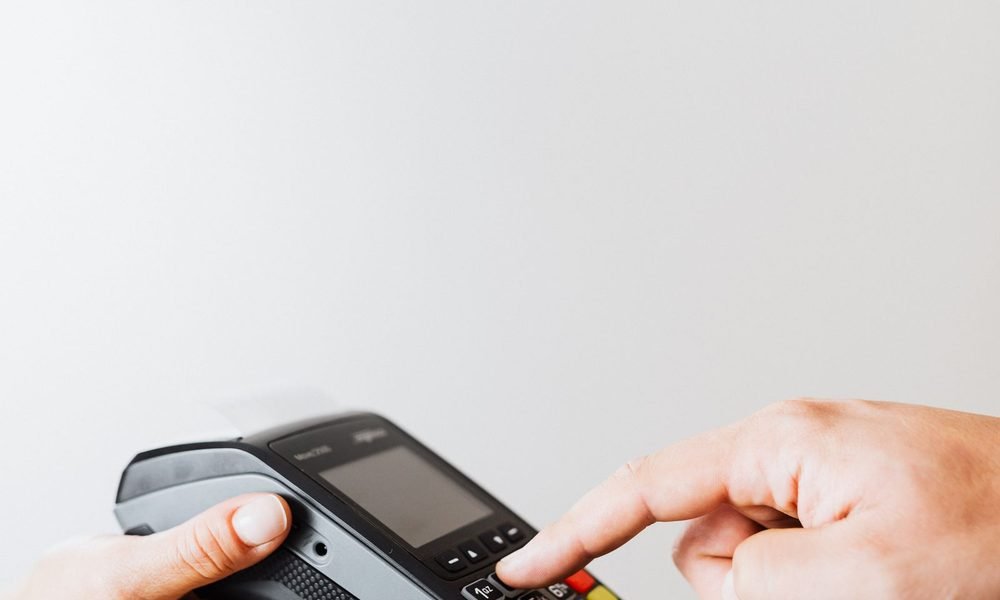
Start with the money going in, because that is where customers notice mistakes first. List every way a customer might want to pay: card in person, contactless phone payment, online card payment, bank transfer, direct debit for repeat bills, and buy-now-pay-later for larger purchases. Then check which of those your provider actually supports for your kind of business.
Choosing the processor is the one choice worth slowing down for, because switching later means changing checkout pages, card readers, and payout details all at once. How to Choose a Payment Processor for a Small Business in 2027 walks through the comparison in detail, including flat-rate pricing against interchange-plus pricing and the contract terms that catch people out. The short version is this: a small business with modest volume usually does better on simple flat-rate pricing, while a business taking large volumes or large average orders should ask for an interchange-plus quote and do the arithmetic on real sales figures, not on the provider’s example.
For online sales, the same thinking applies to the checkout page itself. Best Tools for Online Payments for Small Businesses in 2027 compares the checkout tools small businesses actually use, and it is a useful cross-check before committing to one. Look for a checkout that loads quickly on a phone, asks for as little as possible, and shows the customer a clear confirmation, because every extra field is a reason to abandon the sale.
Once the processor is chosen, set up the business bank account and connect it before taking a live payment. Payouts usually arrive one to three working days after the sale, and some providers offer next-day or same-day payouts for a fee. Check the payout schedule in writing, and check what happens on weekends and public holidays, because a Friday sale that lands on Tuesday can still catch a business short if rent is due on Monday.
Then connect the accounting side. Most modern processors connect directly to common accounting software, and that connection is worth more than a slightly lower fee. When a payout lands, the software should split it back into sales, fees, refunds, and tax, instead of leaving one lump sum that nobody can explain at year end. Test this with a small real payment, not a demo.
Why the old way stops working
Before 2027, many small businesses ran payments on habit: cash in a tin, a card reader bought years ago, invoices sent as email attachments. That worked while customers paid the same way every time. It breaks now because customers do not: one taps a phone, the next wants bank transfer, and the next expects a payment link in a text message.
The other change is expectation. Customers now expect a receipt instantly, a refund without a phone call, and a checkout that works on a phone in under a minute. A clumsy checkout does not just lose one sale; it teaches that customer to buy elsewhere next time.
Regulation and fraud have moved the same way. Strong customer authentication, known as SCA in Europe and similar rules elsewhere, means some online payments now need an extra check from the customer’s bank. A good provider handles that check inside the checkout, so the customer is not sent away to another screen and lost. Ask any provider how it handles authentication, chargebacks, and disputed payments before you sign.
The caveats that matter
Most payment setups do not fail because of a bad provider. They fail because of a small detail nobody checked: a payout account with the wrong name, a checkout that works on a laptop but not on a phone, or a refund process that takes a week. The table below lists the points that cause the most trouble, and what a working setup looks like at each one.
| Detail | What is known |
|---|---|
| Business bank account | Separate account in the business name, used only for business money |
| Payment processor | One main provider, fee schedule in writing, no hidden monthly charge |
| Card reader or terminal | Tested in person, accepts contactless, chip, and phone wallets |
| Online checkout | Works on a phone, loads fast, asks only for details it needs |
| Invoicing and billing | Invoices carry a payment link, due dates, and automatic reminders |
| Fraud and security checks | Address and card checks on, suspicious payments flagged, not blocked blindly |
| Refunds and chargebacks | Refund process tested, time limits known, evidence kept for disputes |
| Reconciliation | Payouts matched to sales weekly, fees and tax split out in the accounts |
One more point deserves emphasis: Best Tools for Managing Subscriptions for Small Businesses in 2027 is worth reading if any part of your income repeats monthly, because subscription billing has its own failure modes, from expired cards to failed renewals. Set up retry rules and a clear email when a renewal fails, so a lapsed card does not quietly cancel a customer who wanted to stay.
Checklist: before you call the setup finished
Use this checklist before you call the system finished. Every item should be a clear yes, tested with a real payment, not a yes in theory.
- Pay yourself, or a colleague, one pound or one dollar through every payment method you offer, and confirm the money, the receipt, and the accounting entry all appear.
- Check that a refund works, and that you know how long it takes and what the customer sees while it is processing.
- Confirm the payout schedule in writing, and check that weekend and holiday sales land when you expect them to.
- Read the contract for early-exit fees, minimum monthly charges, and what happens to your customer data if you leave.
- Make sure two people in the business know how to take a payment, issue a refund, and find a missing payout, so one holiday does not stop trading.
- Write down the support number, the account number, and the login details in a safe place, and turn on two-factor authentication on every payment account.
Frequently asked questions
How long does it take to set up a business payment system?
Most small businesses can set up a basic system in two to five working days. The slow parts are usually the business bank account and the processor’s identity checks, which can take a day or two.
Do I need a business bank account before I take payments?
Yes, in practice. Processors pay out to a bank account in the business name, and mixing business money with a personal account makes tax, refunds, and disputes far harder.
What does a payment processor actually charge?
Usually a percentage of each sale plus a small fixed fee, for example around 2.9% plus 30 cents on a card payment, though rates vary by country, card type, and volume. On top of that there may be a monthly fee, a charge for the card reader, and extra fees for international cards, chargebacks, or faster payouts.
Can I take card payments without a physical shop?
Yes. A phone-based terminal, a payment link sent by text or email, or an online checkout all take card payments without a shop.
What happens if a customer disputes a payment?
The processor will hold the money while it asks for evidence, such as a receipt, a delivery note, or a signed agreement. You usually have a set number of days to respond, and if you do not, the money is returned to the customer automatically.
Should I offer buy-now-pay-later?
Only if your customers ask for it and your average order is large enough to justify the fee, which is usually higher than a card payment. It can lift sales for furniture, electronics, courses, and other higher-priced items, but it adds a third party to the sale and can encourage returns.
The bottom line
A business payment system is finished when it is boring: money comes in, it lands on time, the accounts match, and nobody has to think about it during a busy week. That is the test to apply before moving on. If taking a payment still needs a workaround, a phone call, or a spreadsheet fix, the system is not finished yet, and fixing it now is cheaper than fixing it after a hundred sales have gone through it.
Start with the bank account and the processor, add the payment methods your customers actually use, connect the accounting, and test everything with real money. Then leave it alone and review it once a quarter, when you have real figures to judge it by. A payment system that is reviewed on evidence, not on sales calls, tends to stay cheap, fast, and honest about what it costs.
Note: Fees, payout times, and payment rules vary by country and provider, and they change often. Treat the figures in this guide as typical examples, check the current terms with your own provider before signing, and get any promise about fees or payout timing in writing.