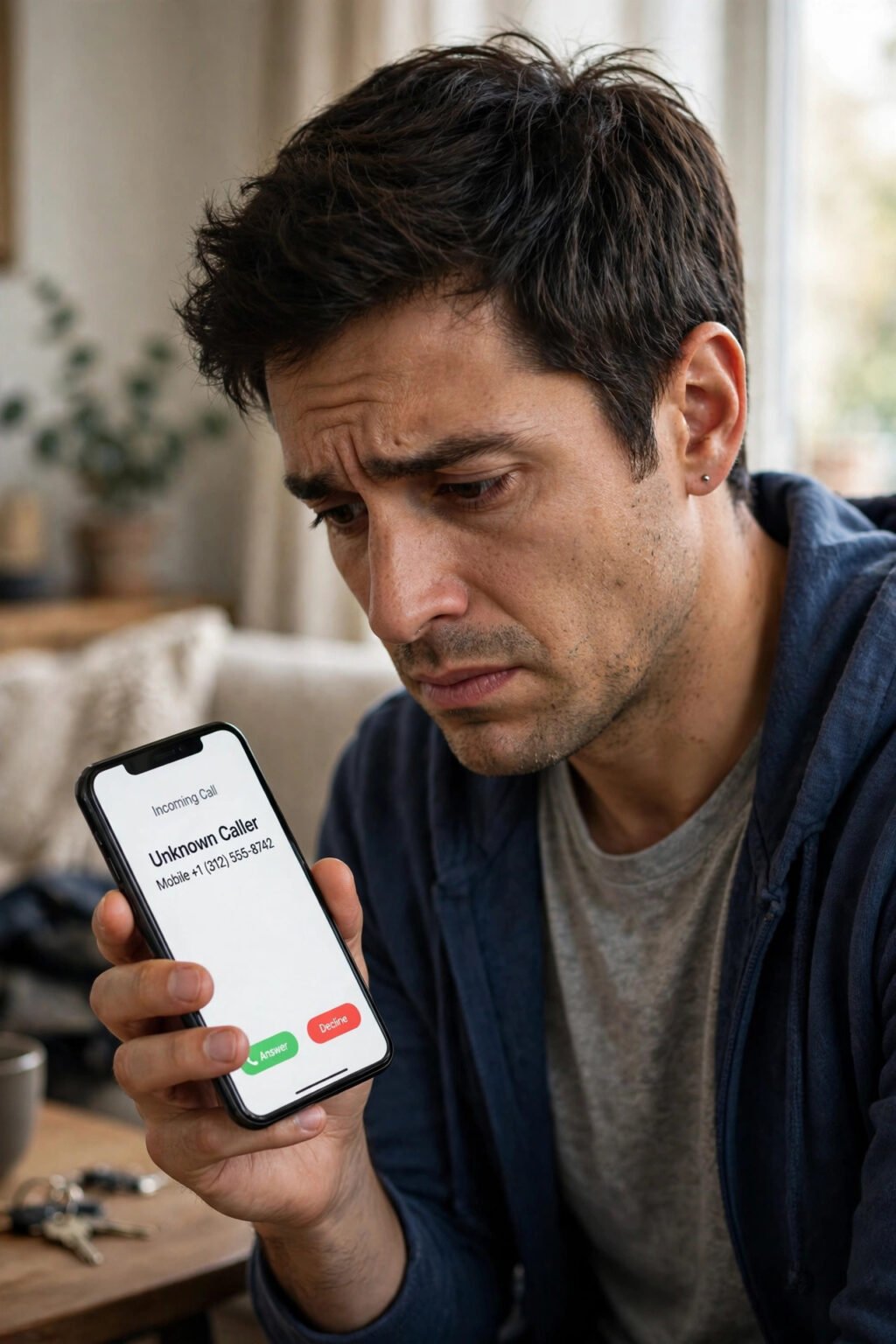
How to spot AI-generated images and deepfakes is now a practical skill, not a job for specialists. A photo of a flooded street or a celebrity endorsement can travel across the world before anyone checks whether it is real. Can you tell the difference by looking closely? Sometimes, yes. Often, no.
The short answer is to check where an image came from before you trust what it looks like. A deepfake is an image, video or audio clip made or changed with AI so that it resembles a real person, place or event and would falsely appear authentic. That is the definition in Article 3(60) of the EU Artificial Intelligence Act. Your job is to run a short, repeatable set of checks, in the right order, and refuse to share an image that fails them.
Key takeaways
- Check the source first, the pixels last. Provenance and a second source tell you more than zooming in on a face.
- A missing label proves nothing. Screenshots and social platforms can strip watermarks and metadata.
- Look for several errors together. One odd hand may be a coincidence. Garbled text, wrong shadows and melting jewellery together are a pattern.
- Reverse image search is your fastest free check. It can find the original, an older copy, or a fact-check in seconds.
- If an image asks for money, anger or an urgent share, pause. The request is often the clearest warning sign.
What counts as a deepfake?
A deepfake is not only a video of a politician saying words they never said. It can be a still photo of an event that never happened, or a profile picture for a person who was never born. Some AI images are labelled as art, and there is nothing wrong with that. The problem starts when an image is presented as evidence, news, or a real person.
An unlabelled image that claims to show a real event, a real person, or a real offer needs verification — see AI voice cloning scams. Treat surprising images as unverified until you have checked them.
The newest generators are remarkably good at faces, skin and lighting. Research summarised in 2026 guides notes that people cannot reliably spot AI faces by eye alone — see what AI hallucination is. One benchmark reported in 2026 found detection accuracy of about 75% against generators from 2020–2021, but only about 18–30% against current models such as Flux Dev and Midjourney v6.
The 7-step check
Use this order every time. It gives you a clear answer quickly, without special software.
- Read the caption and context. Who posted it? Does the caption make a specific claim — a place, a date, a name — that you can check elsewhere? A vague caption and a new account are reasons to slow down.
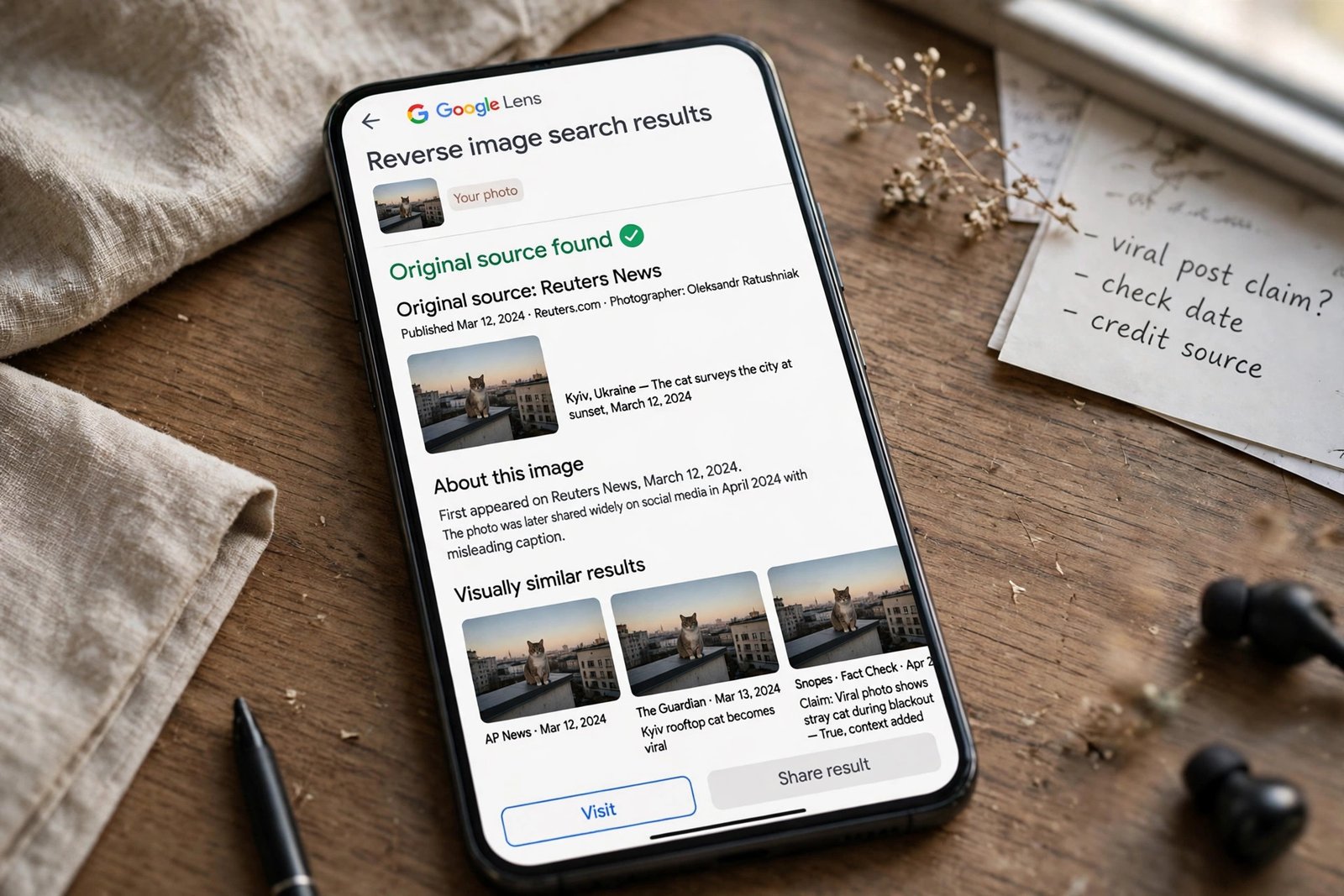
- Reverse-search the image. Upload it to Google Lens or TinEye. Look for an original, an older copy, or a fact-check. If the same image appeared years ago under a different story, it is being reused out of context.
- Check for a label or provenance record. Look for an AI-generated label on the platform, then check Content Credentials where the file allows it. Content Credentials, based on the C2PA standard, can show which tool created an image and what edits were applied.
- Read the text in the image. Signs, book spines, licence plates and logos are still the weakest point for many generators. Letters that do not form real words are a fast warning sign.
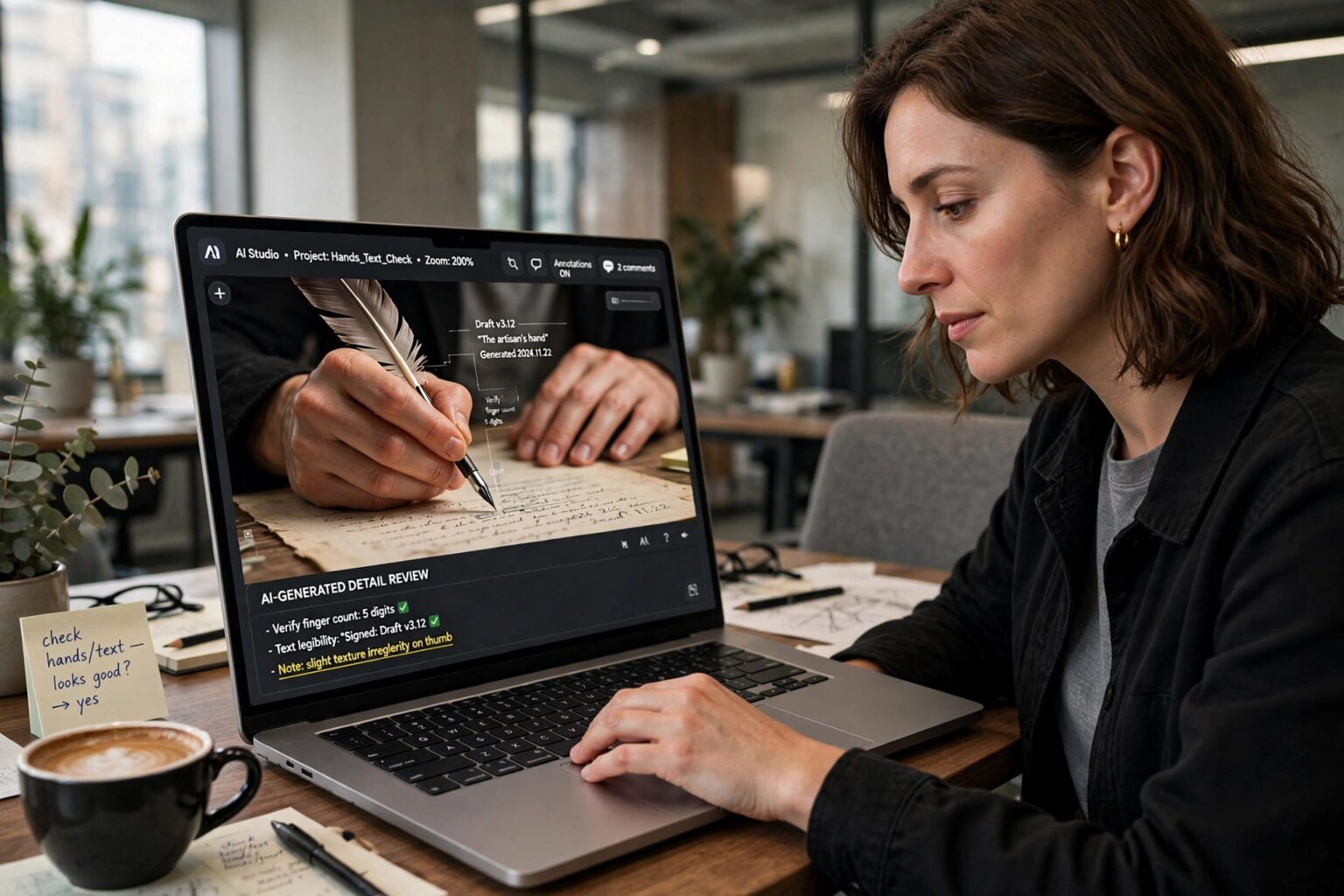
- Zoom in on hands, eyes and edges. Count fingers. Check for fused knuckles, teeth that merge into a band, and earrings that do not match. Check one detail at a time, at 200% zoom or more.
- Check light and physics. Do shadows fall in the same direction? Do reflections match the scene? Do objects float or merge? Real cameras obey physics, even in a messy photo.
- Ask what the image wants from you. Urgency, money, outrage and a request to share before you think are warning signs. A genuine news photo does not need you to act in ten seconds.
The visual signs that still matter
Hands remain a useful place to start, because anatomy is hard to fake consistently. Look for extra or missing fingers, or a hand that fades into a sleeve. Teeth are another tell: too even, too white, or merged into a single band. Jewellery often melts into skin or changes shape between ears. One of these alone is weak evidence. Two or three together deserve attention.
Text is the fastest visual check in most images. A shop sign, headline or book cover should be readable and consistent. AI generators often produce letters that look plausible at a glance but dissolve into nonsense when you read them. A familiar logo that is slightly wrong is also a strong sign.
Light should be consistent across a scene. Check reflections in eyes, windows and mirrors: do they show the same room and the same light?
For video, pause and watch the edges. A face may shimmer along the jawline when the head turns, and lips may lag behind the sound.
Provenance tools: what they can and cannot prove
Provenance is the strongest idea in detection in 2026. Instead of guessing whether pixels look fake, it asks whether the file carries a trustworthy record of where it came from.
C2PA Content Credentials are cryptographically signed metadata that travel with a file. They can record who captured or generated an image, which software was used, and what edits were made. Adobe Firefly, OpenAI’s DALL-E 3 and ChatGPT image tools, Google Gemini, Microsoft Designer and the Flux API embed C2PA manifests. Midjourney does not set a manifest, according to documentation checks published in November 2026.

SynthID is Google DeepMind’s invisible watermark, embedded in the pixel data itself. In May 2026, Google said it was expanding its SynthID check from the Gemini app to Search and Chrome. It can currently only recognise content created by Google AI tools. A missing result is not proof of authenticity: the Washington Post tested eight platforms in October 2025 and found that all eight removed Content Credentials.
Comparison table: the main ways to check an image
| Method | What it checks | Cost | Strength | Main limit |
|---|---|---|---|---|
| Reverse image search (Google Lens, TinEye) | Where the image appeared before | Free | Finds originals and fact-checks | Cannot help if the image is new |
| Content Credentials Verify (C2PA) | Signed provenance record | Free | Shows tool, edits and AI involvement | Stripped by screenshots |
| SynthID Detector (Google) | Invisible SynthID watermark | Free | Survives cropping better than metadata | Only recognises Google AI content |
| Hive Moderation / AI or Not | Statistical pixel patterns | Free demo | Always returns a score | Can be wrong in both directions |
| Manual visual check | Hands, text, light, physics | Free | Fast, needs no upload | Good fakes may show no errors |
| Second source | Whether a trusted outlet confirms it | Free | Most reliable for news images | Takes a minute longer |
Table caption: Provenance answers “where did this come from?” Statistical detectors answer “does this look generated?” Those are different questions.
Best for a quick first check: Google Lens. Best for a labelled AI image from a major generator: Content Credentials Verify. Best for a Google Gemini or Imagen image: SynthID Detector. Best for an image with no metadata: reverse image search plus a second trusted source.
A practical decision framework
Answer these questions in order, and stop at the first “no” that matters.
- Is the source named and traceable? A real outlet or an account with a visible history is a good sign. A new account or a screenshot of a screenshot is not.
- Does a second source confirm the claim? Search the place, name and date without the image. If no trusted source reports it, wait.
- Does provenance say AI was involved? If Content Credentials or SynthID says the image was AI-generated, believe it.
- Do several visual signs point the same way? Garbled text plus wrong shadows plus odd hands is a pattern. A single odd detail is not.
- What happens if you share it and you are wrong? If it could mislead people or move money, do not share it until steps 1 and 2 pass.
What to do when you find a fake
Do not repost it to warn people, unless you clearly label it as fake. Report it on the platform, and if it impersonates a real person or asks for money, report it to Action Fraud in the UK or the FBI’s Internet Crime Complaint Center at ic3.gov in the US. Keep a screenshot with the account name, date and link.
If you have already shared it, delete the share and post a short correction. From 2 August 2026, transparency obligations under Article 50 of the EU AI Act apply to certain AI-generated content, including labelling AI images of realistic-looking people, places or events in many commercial contexts.
FAQs
How can I tell if an image is AI-generated for free?
Use Google Lens or TinEye for a reverse image search, then check Content Credentials Verify and SynthID Detector. Those three free checks cover source, provenance and watermark in a few minutes.
Can AI image detectors be trusted?
They can help, but they should not be your only check. Statistical detectors can be wrong in both directions, especially against current models. Provenance tools are more reliable when they give a positive result, but a missing result proves nothing.
What is the easiest sign of an AI image?
Garbled text is often the fastest sign. Read signs, logos and licence plates. If the letters do not form real words, the image is very likely AI-generated.
Do screenshots remove AI watermarks?
Screenshots and many social media uploads remove C2PA metadata. SynthID is designed to survive cropping and compression better, but no watermark survives every change. Check the original file where you can.
What should I do if I see a deepfake of a real person?
Do not share it. Report it on the platform, keep a screenshot, and report it to Action Fraud in the UK or the FBI’s Internet Crime Complaint Center in the US if it is used for fraud.
The bottom line
You do not need to outsmart the newest image generator. You need a habit that is stronger than a good fake: check the source, check provenance, reverse-search the image, and look for several errors together. The source check will not go out of date, because a real event leaves traces — other reports, other photos, other witnesses. Start with the next surprising image you see, run the seven steps, and notice how often the answer comes from the source, not the pixels. More in the AI Atlas.