
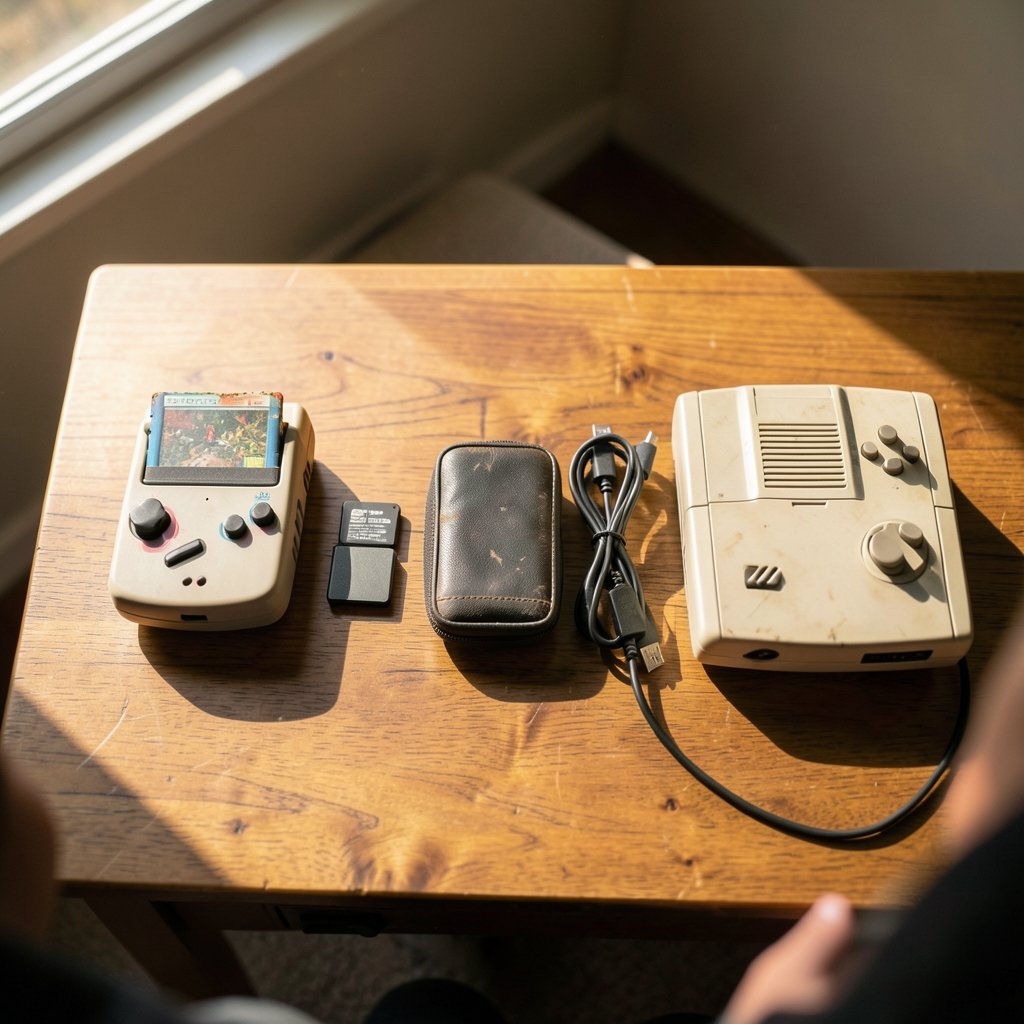
What if the biggest difference between three retro gaming devices isn’t the hardware at all, but what you do before you press the power button?
That question drives the Hyperkin SupaBoy vs Analogue Pocket vs FXPAK Pro debate. On paper, all three promise access to classic Super Nintendo games. In practice, they ask very different things of you. One wants cartridges. One wants firmware and cores. One wants ROM files and a real console. Pick the wrong one for your habits, and you’ll spend more time managing files than playing games.
This guide breaks down the workflow differences, not the marketing specs. It covers what each device actually demands from the person holding it, where people trip up, and what to expect as the 2027 buying cycle approaches.
Three Devices, Three Different Jobs
The first thing to understand is that these products don’t belong to the same category. Comparing them directly is a bit like comparing a toaster, a multi-cooker, and a bag of flour.
The Hyperkin SupaBoy is a handheld console with a built-in screen and controls that plays original SNES and Super Famicom cartridges. Hyperkin has shipped several revisions over the years, so model names and specs vary. The core idea stays the same: cartridge in, power on, play.
The Analogue Pocket is a handheld FPGA console. Analogue describes it as built around a field-programmable gate array, a chip that can be reconfigured to recreate hardware logic rather than emulate it in software. It has a high-resolution display and supports cartridges through adapters, plus community-developed “cores” that let one device imitate many systems.
The FXPAK Pro, formerly known as the SD2SNES and made by krikzz, is not a console at all. It’s a flash cartridge. You load ROM files onto an SD card, insert the cartridge into a real SNES or Super Famicom, and play on original hardware.
That distinction matters because each form factor creates a different daily routine. A handheld asks nothing of your TV. A flash cartridge asks everything of your console. An FPGA handheld asks you to learn a small set of tools and settings.
The SupaBoy Workflow: Cartridge In, Play Anywhere
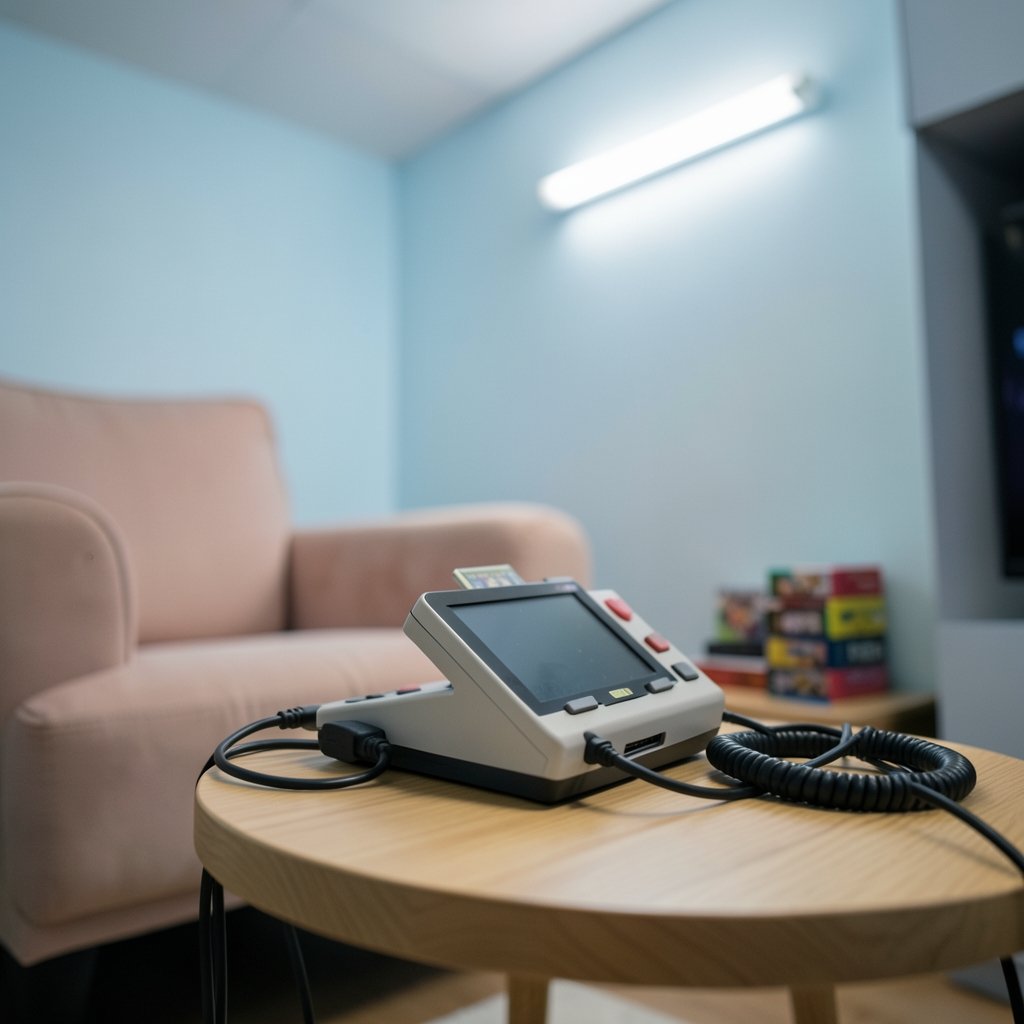
The SupaBoy has the simplest workflow of the three, and that simplicity is its whole pitch.
Here’s what using one looks like:
- Pick a physical SNES cartridge from your shelf.
- Insert it into the SupaBoy’s cartridge slot.
- Power on and play on the built-in screen, or output to a TV depending on the model.
- Charge the battery when it runs down.
That’s it. No SD card, no firmware menu, no core library. If you grew up blowing into cartridges, this is the closest thing to that muscle memory in handheld form.
The catch is equally simple: your library is whatever cartridges you own. If you have twenty SNES games, you have twenty games. Want to play something else? Buy it. Battery life, TV-out support, and screen quality differ between SupaBoy revisions, so verify the exact model before buying rather than assuming features carry over.
Common mistake: People buy a SupaBoy expecting it to play ROM files. It doesn’t. It’s a cartridge player. If your collection lives on a hard drive, this is the wrong device.
The Analogue Pocket Workflow: Firmware, Cores, and Adapters
The Pocket sits at the opposite end of the effort spectrum. It can handle a wide range of tasks and setups, but it expects you to learn its tools.
A typical Pocket session involves:
- Keeping the device’s firmware updated, since features and compatibility arrive through updates.
- Loading cores onto an SD card. These are FPGA implementations of individual systems, many developed by the community through Analogue’s open developer platform.
- Choosing a core from the device menu before launching a game.
- Optionally using cartridge adapters for Game Boy, Game Boy Advance, and other formats, which are sold separately.
The payoff is range. One handheld can behave like several different consoles, and the FPGA approach is prized by enthusiasts who care about timing accuracy and low input latency. The Pocket’s display is also a genuine standout, with a resolution high enough to render classic pixel art cleanly.
The cost is cognitive overhead. You’re a player and a small-time system administrator. Firmware updates change behavior. Core quality varies. Adapters add expense and clutter. And because core capabilities change with each release, any feature list you read should be date-stamped.
Common mistake: Buying a Pocket and expecting a plug-and-play experience like the SupaBoy. It can be simple once configured, but the setup phase is real. People who enjoy tinkering thrive here. People who just want to play might find it fussy.
If you’re weighing handheld and desktop workflows more broadly, the same trade-off between setup effort and flexibility shows up in the one com vs hostinger workflow differences guide, where environment choices shape daily habits more than raw specs do.
The FXPAK Pro Workflow: ROMs on SD, Real Hardware
The FXPAK Pro is the purist’s option, and its workflow reflects that.
Here’s the routine:
- Copy SNES ROM files onto a microSD card using a computer.
- Insert the microSD card and the FXPAK Pro cartridge into a real SNES or Super Famicom.
- Navigate the on-screen menu to pick a game.
- Play on original hardware, with support for features like save states and cheat codes depending on firmware.
The FXPAK Pro also handles special chip emulation for certain titles, which is a meaningful detail for games that shipped with extra hardware inside the cartridge. Firmware updates periodically refine compatibility, so check current release notes rather than relying on older reviews.
What you get is the authentic controller feel, the original video output, and zero reliance on a built-in screen or battery. What you need is a working SNES, a display that accepts its output, and a comfort level with file management.
Common mistake: Assuming the flash cartridge replaces the console. It doesn’t. Without a functioning SNES, the FXPAK Pro is a very expensive piece of plastic. Buyers sometimes forget this and end up shopping for a console they didn’t budget for.
Side-by-Side: What Each Device Asks of You
| Factor | Hyperkin SupaBoy | Analogue Pocket | FXPAK Pro |
|---|---|---|---|
| What it is | Handheld console | FPGA handheld console | Flash cartridge |
| Game source | Original cartridges | Cores and cartridge adapters | ROM files on SD card |
| Setup effort | Very low | Moderate to high | Moderate |
| Requires a TV | No | Optional, via dock | Yes |
| Requires a SNES | No | No | Yes |
| Firmware updates | Rarely relevant | Central to the experience | Periodic, feature-driven |
| Best for | Cartridge collectors on the go | Tinkerers who want many systems | Purists with real hardware |
Read that table as a personality test. Each row describes a habit and a spec.
Where the Workflows Collide
The interesting part is what happens when these devices overlap in someone’s life.
A collector might own a SupaBoy for travel, an FXPAK Pro for the living room setup, and a Pocket for everything else. That’s not redundant. Each device covers a different context: couch, commute, and curiosity.
But the overlap also creates confusion. Someone who already owns a Pocket with SNES cores may wonder why they’d buy an FXPAK Pro. The answer is authenticity. The Pocket recreates hardware logic in a reconfigurable chip; the FXPAK Pro feeds data into the actual silicon of a real console. Whether that difference matters is a personal judgment, and accuracy claims on both sides are contested and hard to verify independently.
The same pattern appears in software tooling. The cline vs cursor workflow differences piece shows how two tools with similar outputs can demand very different daily routines, and the kiro vs cursor workflow differences breakdown makes a similar point about setup philosophy shaping long-term satisfaction.
Legal and Ethical Context Worth Knowing
ROM loading is central to the FXPAK Pro workflow and plays a supporting role in the Pocket’s core setup. That raises copyright questions that vary by country.
In the United States, the Digital Millennium Copyright Act governs circumvention of technical protection measures, and case law around emulation and ROMs has developed over decades. The rules are not uniform globally. Some jurisdictions permit personal backups under specific conditions; others are stricter.
The practical guidance is straightforward: understand your local rules, prefer dumping ROMs from cartridges you own where that’s legal, and don’t treat any single country’s law as universal. This is context, not legal advice, and the details matter if you plan to build a large library.
Practical Tips That Actually Help
A few habits separate people who enjoy these devices from people who fight with them.
Label your SD cards. The FXPAK Pro and the Pocket both rely on removable storage. A card full of unlabeled folders is a weekend lost. Keep one card per device and name folders clearly.
Update firmware before you complain. Most “this game doesn’t work” reports trace back to outdated firmware. Check release notes for both the FXPAK Pro and the Pocket before assuming a compatibility problem is permanent.
Test your display chain early. The FXPAK Pro depends on your SNES output reaching your screen. Scaler and cable issues cause more frustration than cartridge issues. Confirm the whole chain works with a known cartridge first.
Match the device to the moment. The SupaBoy wins for a flight. The FXPAK Pro wins for a dedicated retro setup. The Pocket wins when you want variety in one bag. Buying against your actual habits is the most common expensive mistake.
Budget the hidden costs. Adapters for the Pocket, a working SNES for the FXPAK Pro, and cartridges for the SupaBoy all add up. The sticker price is rarely the real price.
The same principle applies across tech purchases generally. The sql vs nosql workflow differences comparison makes the point that the “better” option depends on how you’ll actually use it, not on a spec sheet.
What Changes by 2027
Here’s where honesty matters. There is no confirmed 2027 product roadmap for any of these devices. Treat any specific 2027 claim as a projection.
What can be said with confidence is directional. FPGA ecosystems tend to mature through community cores and firmware updates, so the Pocket’s flexibility likely grows rather than shrinks. Flash cartridge firmware follows a similar pattern, with compatibility refinements arriving over time. Handheld hardware revisions, like the SupaBoy line, tend to change in fits and starts, so model details are worth rechecking at purchase time.
The workflow differences themselves are unlikely to invert. A cartridge player will still be a cartridge player. A flash cartridge will still need a console. An FPGA handheld will still ask you to manage firmware and cores. Buy for the workflow, and the year matters less.
Conclusion
The Hyperkin SupaBoy, Analogue Pocket, and FXPAK Pro aren’t rivals fighting for the same slot on your shelf. They’re three answers to three different questions.
Do you want to grab a cartridge and play on the train? The SupaBoy is your device, and its workflow is almost invisible. Do you want one handheld that can imitate many systems, with a gorgeous screen and a community building new cores? The Pocket rewards the effort you put into it. Do you want original hardware, original controllers, and a library on an SD card? The FXPAK Pro is the purist’s path, provided you already own the console.
The smartest buyers in 2027 will choose based on the routine they want, not the specs they can recite. Workflow is the feature you use every single day.
Frequently Asked Questions
Can the Hyperkin SupaBoy play ROM files from an SD card?
No. The SupaBoy is a cartridge-based handheld. It plays original SNES and Super Famicom cartridges inserted into its slot. If your library exists as digital files, you need a flash cartridge or an FPGA device instead.
Is the Analogue Pocket a direct replacement for a Super Nintendo?
Not exactly. The Pocket is a multi-system FPGA handheld that can run SNES games through community-developed cores. It recreates hardware behavior in a reconfigurable chip rather than using original console hardware, so the experience is close but not identical to a real SNES.
Does the FXPAK Pro work without a Super Nintendo console?
No. The FXPAK Pro is a flash cartridge, not a console. It requires a functioning SNES or Super Famicom to operate, since it feeds game data into the console’s actual hardware. Budget for a console if you don’t already own one.
Which device has the simplest setup?
The SupaBoy, by a wide margin. Insert a cartridge, power on, and play. The FXPAK Pro requires file management and a working console. The Analogue Pocket requires firmware updates and core management, making it the most involved of the three.
Are ROM files legal to use?
It depends on your jurisdiction. In the United States, the Digital Millennium Copyright Act and related case law shape what’s permitted, and rules differ internationally. Many enthusiasts dump ROMs from cartridges they own, but you should check your local laws rather than assuming any single standard applies.
Do firmware updates really change how these devices work?
Yes, meaningfully. Pocket cores and FXPAK Pro firmware both evolve, adding compatibility and features over time. Any feature list you read should note its date, because capabilities from an older review may no longer reflect current releases.



