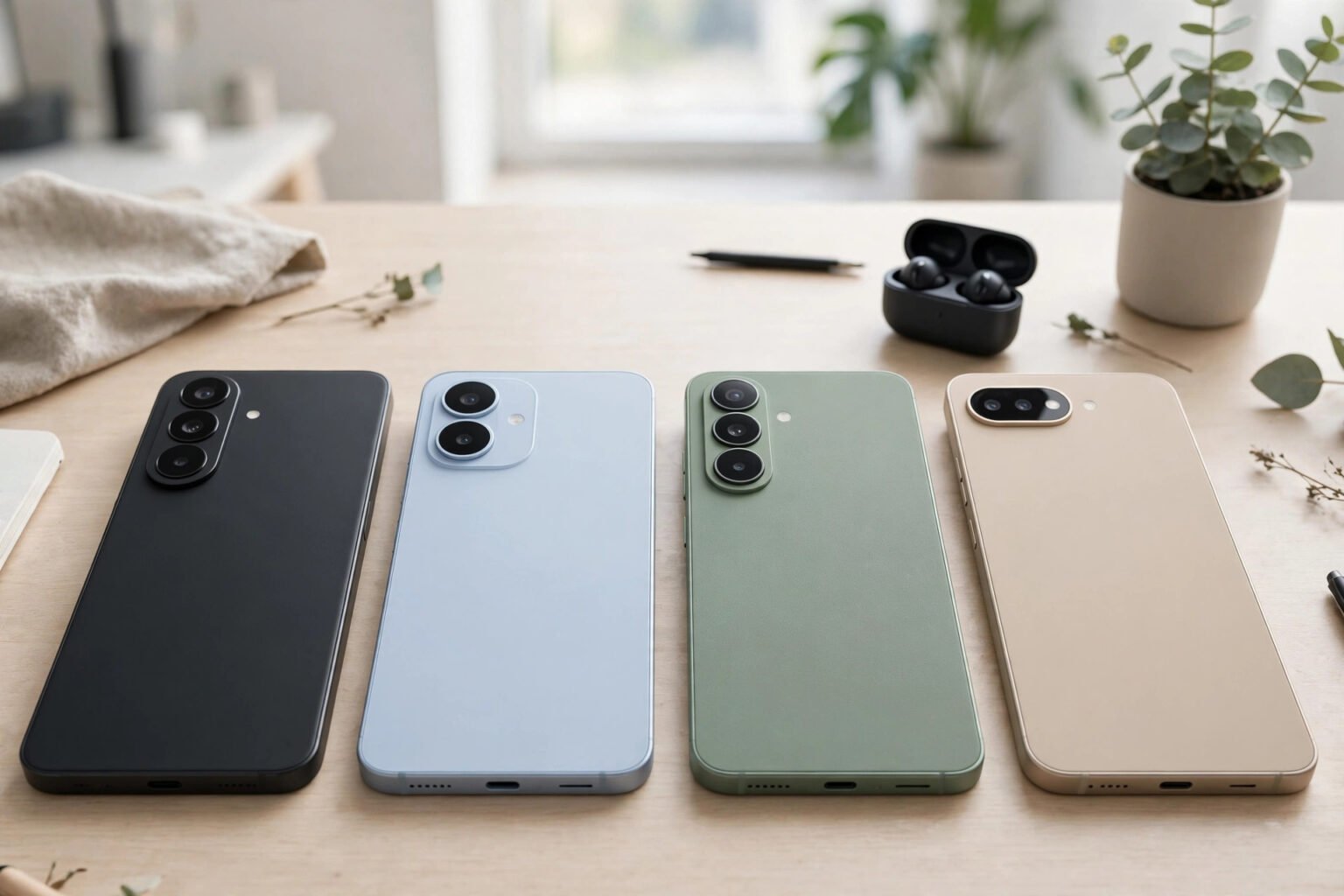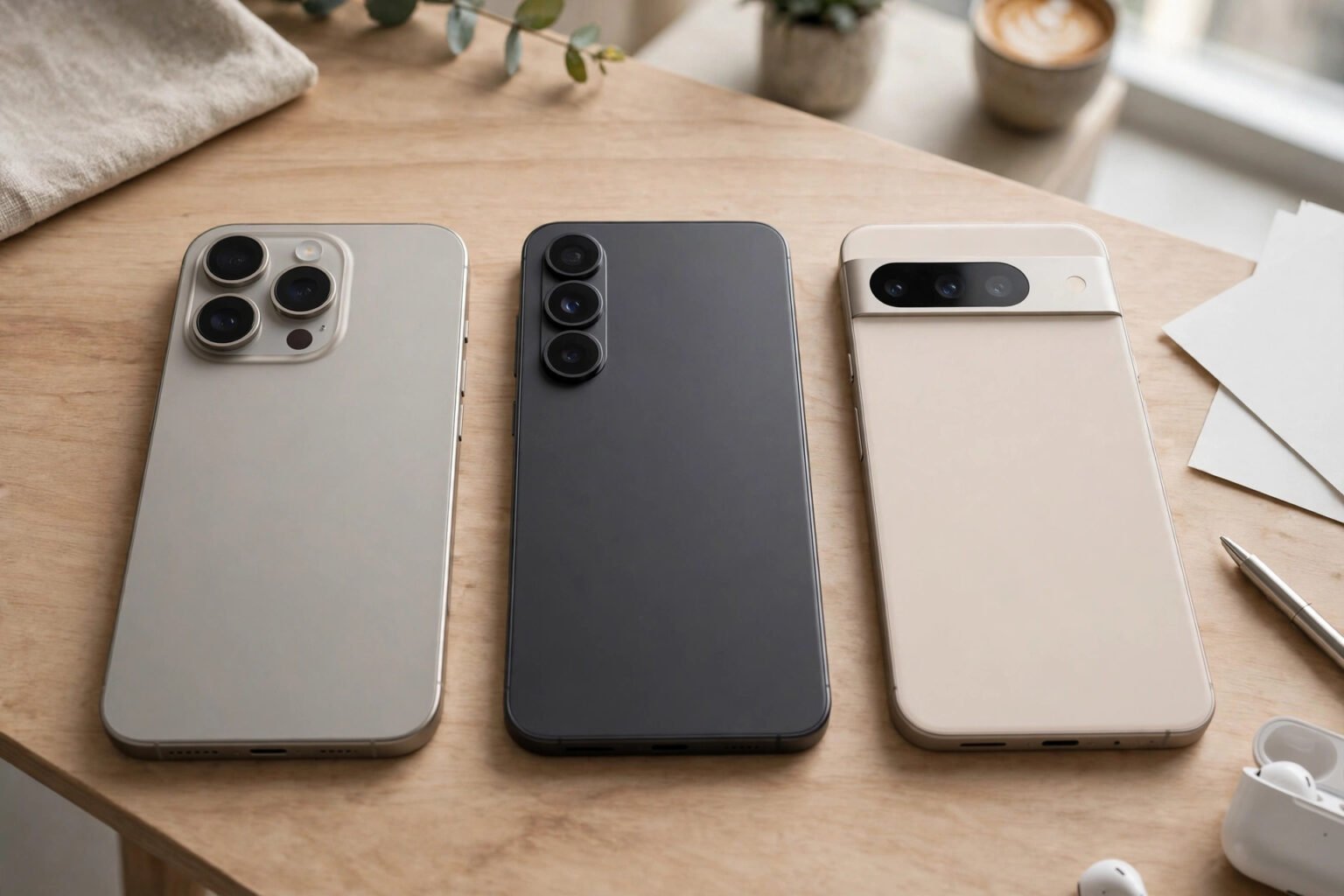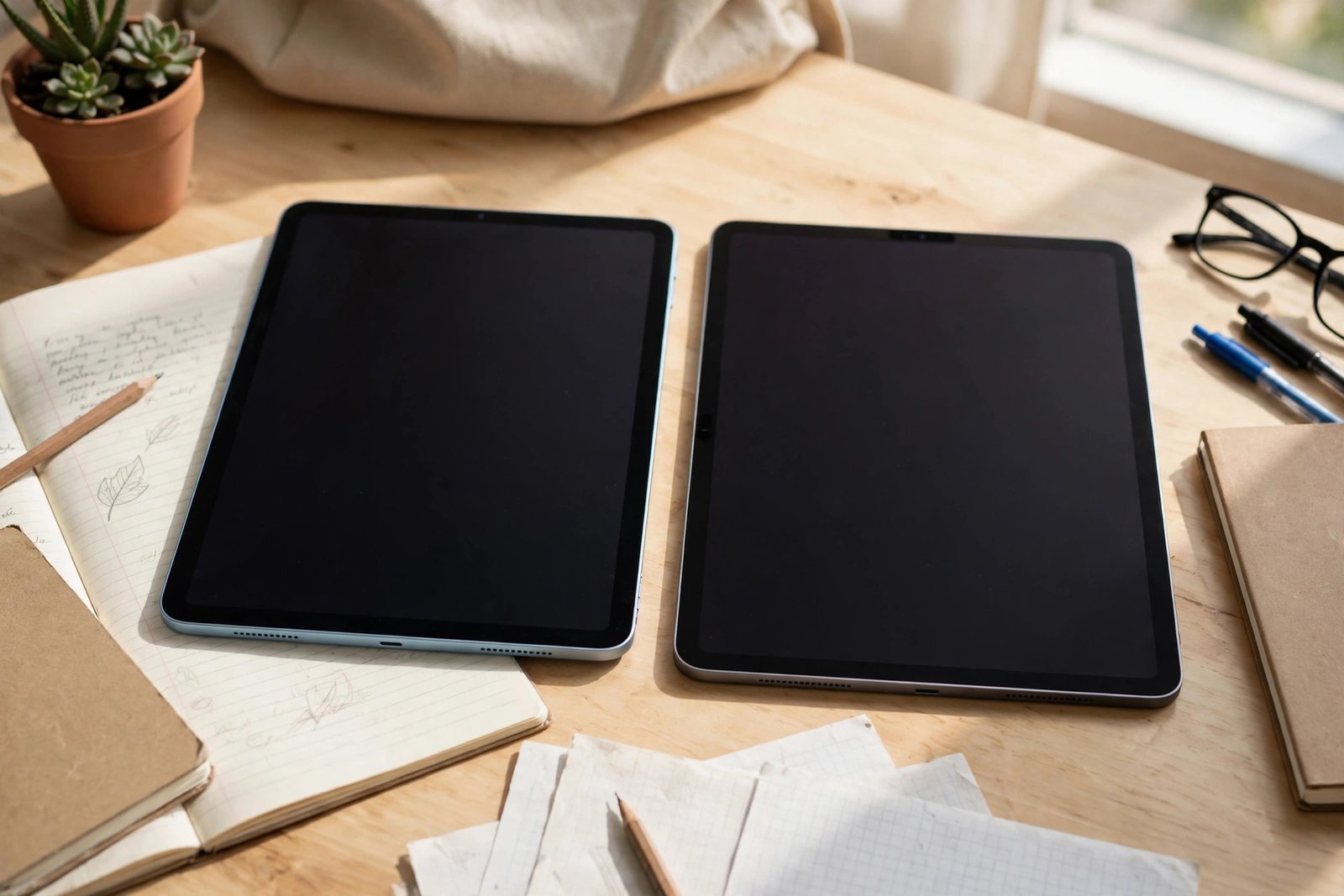
Choosing between the iPad Air and the iPad Pro for students in 2027 comes down to one question: is the Pro’s better screen and faster chip worth several hundred pounds more than the Air, when both run the same apps and both work with the same Apple Pencil? For most students, the answer is no — the iPad Air does the student job, which is notes, reading, essays, research and video calls, just as well as the Pro, and the money saved buys the Pencil and keyboard that actually change how you study.
That is the short version. The longer version matters if you study design, film, photography or engineering, because that is where the Pro earns its price. This guide compares the iPad Air (M3 and M4, 11- and 13-inch) with the iPad Pro (M4, OLED) and ends with a verdict for each type of student.
Key takeaways
- Most students should buy the iPad Air: same Pencil, same apps, same 10-hour battery, much lower price.
- The Pro’s real advantages are its tandem OLED display, 120Hz ProMotion, Thunderbolt 4 and faster M4 chip.
- Both iPads come in 11-inch and 13-inch sizes and both support Apple Pencil Pro.
- The Air starts at 128GB of storage; the Pro starts at 256GB.
- Buy the Pro only if your course genuinely needs its screen, speed or ports.
iPad Air vs iPad Pro at a glance
| Feature | iPad Air (M3 / M4) | iPad Pro (M4) |
|---|---|---|
| Sizes | 11-inch and 13-inch | 11-inch and 13-inch |
| Chip | Apple M3, then M4 from March 2026 | Apple M4 |
| Display | Liquid Retina LCD, 60Hz, around 500 nits | Ultra Retina XDR tandem OLED, 120Hz ProMotion, up to 1,600 nits peak HDR |
| Starting storage | 128GB | 256GB |
| Storage options | 128GB, 256GB, 512GB, 1TB | 256GB, 512GB, 1TB, 2TB |
| Apple Pencil | Apple Pencil Pro and Apple Pencil (USB-C) | Apple Pencil Pro and Apple Pencil (USB-C) |
| Port | USB-C, up to 10Gb/s | Thunderbolt 4 / USB 4 |
| Unlock | Touch ID in the top button | Face ID |
| Battery | Up to 10 hours of Wi-Fi browsing or video | Up to 10 hours of Wi-Fi browsing or video |
| Launch price (Wi-Fi) | From $599 (11-inch), $799 (13-inch) | From $999 (11-inch), $1,299 (13-inch) |
Apple refreshed the Air to the M4 chip in March 2026 and the Pro line to the M5 chip later, with reported price rises in June 2026. Treat prices here as launch prices and check current pricing before you buy.
Price: the gap is the whole decision
Price is where this comparison is won and lost. At launch, the iPad Air with the M3 chip started at $599 for the 11-inch model and $799 for the 13-inch model, with education pricing from $549 and $749. The iPad Pro with the M4 chip started at $999 for the 11-inch model and $1,299 for the 13-inch model. That is a gap of $400 on the smaller size and $500 on the larger one, before accessories.
Accessories widen the gap. Both iPads need an Apple Pencil Pro for handwritten notes, and most students also want a keyboard. A complete Air setup has been costed at roughly $928 at launch prices, while the equivalent Pro setup comes to roughly $1,427.
The gap narrows only when you compare like with like on storage: the Air starts at 128GB and the Pro at 256GB. Even so, the Air stays clearly cheaper at every matching storage level.
Best for most students on price: iPad Air, by a wide margin.
Display: the Pro’s biggest advantage
The display is the one difference you will notice every single day. The iPad Pro uses a tandem OLED display, which Apple calls Ultra Retina XDR. Two OLED layers are stacked together, giving true blacks, very high contrast, 1,000 nits of full-screen brightness and up to 1,600 nits of peak HDR brightness. It also runs at up to 120Hz with ProMotion, so scrolling and Pencil strokes feel smoother.
The iPad Air uses a Liquid Retina LCD at 60Hz, with around 500 nits of brightness. It is a good screen: sharp, accurate enough for essays and reading, and fine for video. For reading and note-taking, that difference is cosmetic. For photo editing and HDR video, it is the difference between guessing and seeing.
Size matters as much as panel quality. Both iPads come in 11-inch and 13-inch versions: the 11-inch models are lighter and easier to carry, while the 13-inch models give far more room for split-screen work. If you can only afford one upgrade, a 13-inch Air usually helps a student more than an 11-inch Pro.
Best for display quality: iPad Pro, clearly. Best for screen size per pound: 13-inch iPad Air.
Performance: fast, and faster than most students need
Both iPads are far faster than the student workload demands. The Air launched with the M3 chip (8-core CPU) and moved to the M4 in March 2026, with 12GB of unified memory. The Pro’s M4 has a 9- or 10-core CPU and a 10-core GPU, with 8GB of memory on lower storage models and 16GB on 1TB and 2TB models. In CPU benchmarks the M4 Air runs close behind the Pro, while the Pro keeps a graphics lead.
Both iPads open apps instantly, run split-screen research and notes without stuttering, and edit 4K video. The Pro pulls ahead on sustained heavy work: long 4K exports, complex 3D scenes, large Photoshop files and code compilation.
For essays, reading, notes, spreadsheets and video calls, the M3 Air is already more than enough. Performance is not a reason for most students to buy the Pro; it is a reason for film, design and engineering students to consider it.
Best for performance: iPad Pro, but the Air is already faster than most student work requires.
Apple Pencil, battery and storage
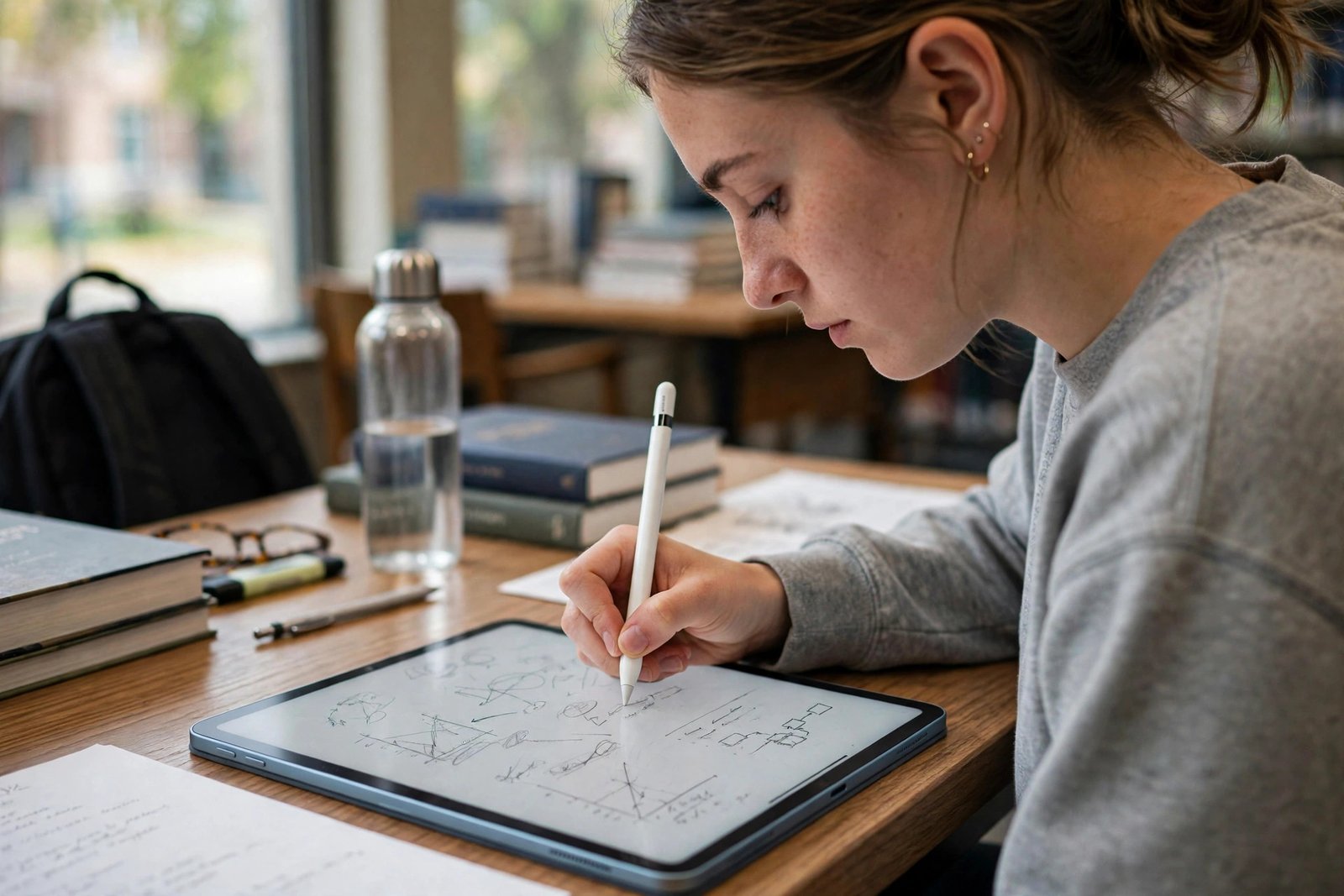
Both work with Apple Pencil Pro, which supports squeeze, barrel roll and hover, and both work with the cheaper Apple Pencil (USB-C). The writing experience is the same pen on a different screen: the Pro’s 120Hz display makes strokes look slightly smoother, but the Air is already excellent for notes, diagrams and annotation. Neither iPad includes a Pencil, so budget for one.
Battery life is effectively identical: Apple rates both at up to 10 hours of Wi-Fi browsing or video, and up to 9 hours over cellular. Either iPad lasts a full teaching day, and both charge over USB-C. The Air ships with a 20W adapter; the Pro charges faster with a higher-wattage adapter, sold separately.
Storage deserves thought. The Air starts at 128GB — enough for notes, readings and apps, but tight if you store lecture recordings and video projects locally. The Pro starts at 256GB and goes to 2TB. Buy at least 256GB on either iPad if you keep media offline, and use cloud storage for the rest.
Best for note-taking: a tie — same Pencil, same apps, same battery. Buy the Air and spend the saving on the Pencil itself.
Accessories, ports and everyday student life
Accessories decide how useful an iPad is as a study machine. Both iPads have first-party Magic Keyboards, but they are different models at different prices, and the Pro’s costs more. Both also work with third-party keyboards and cases, which are usually far cheaper; see our guide to the best keyboards for iPad Air before paying Apple’s price, and protect your iPad with one of the best iPad cases.
The port is the Pro’s quiet advantage. The Air has USB-C at up to 10Gb/s with DisplayPort output; the Pro has Thunderbolt 4, for much faster external drives and docking stations. Most students will never use Thunderbolt. Film and photography students moving large files will notice it every week.
The Air uses Touch ID in the top button; the Pro uses Face ID, which is faster when your hands are full. Connecting an iPad to a larger screen for group work is easy on both, and our guide to how to connect an iPad to a TV covers the wired and wireless options.
Verdict by student type
This is the part to read if you skimmed the rest. Match yourself to a type, not to a specification sheet.
Humanities, law, business and social sciences: Buy the iPad Air, 11-inch if you carry it everywhere, 13-inch if you live in split-screen. Add Apple Pencil Pro and a keyboard. You will never miss the Pro.
Medicine, science and maths: Buy the iPad Air, ideally the 13-inch model with 256GB. The large screen helps with diagrams, papers and annotation, and the Air’s chip handles every app your course uses.
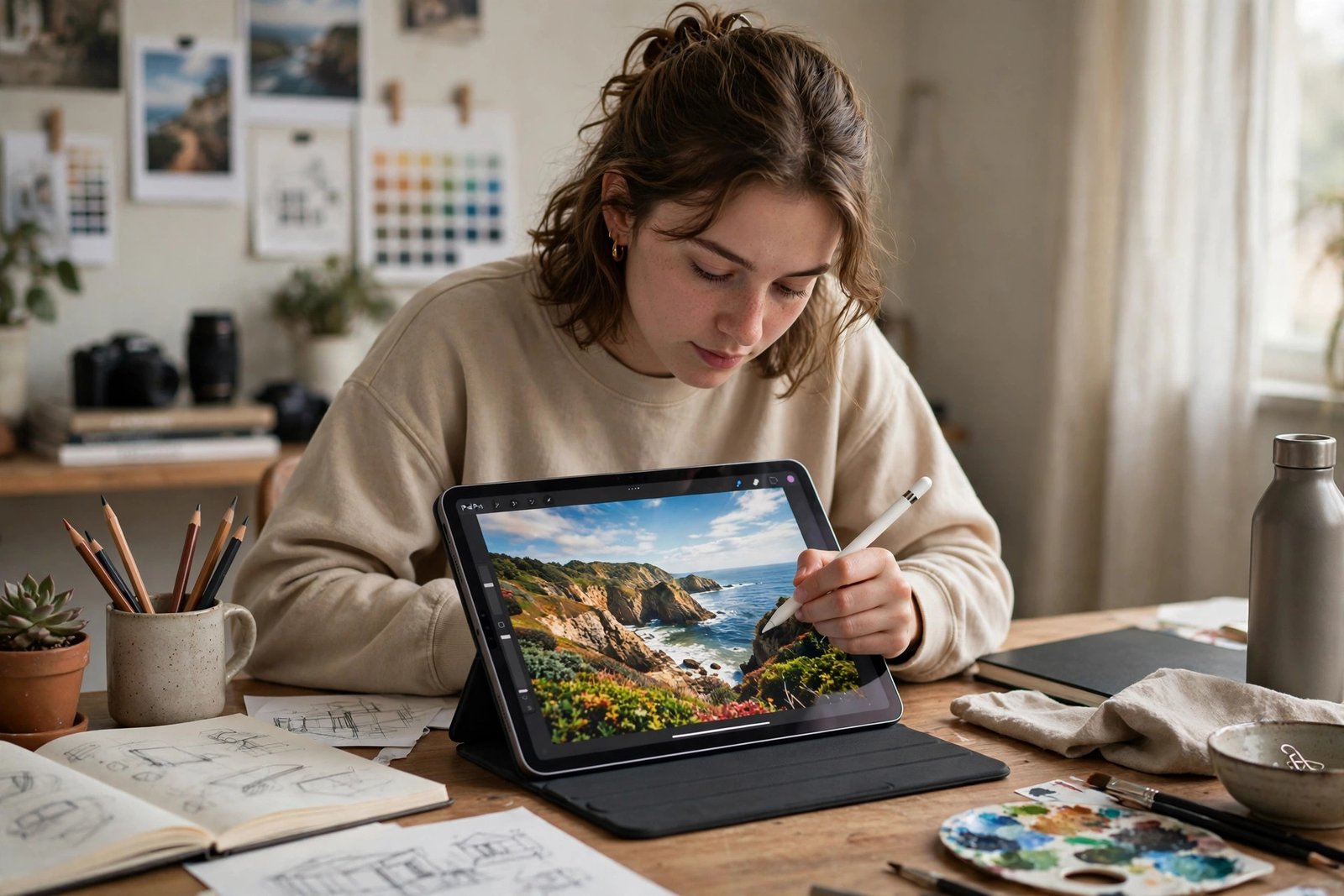
Design, illustration and photography: Buy the iPad Pro if your budget allows it. The OLED display, ProMotion and colour accuracy genuinely help your work, and the M4 chip speeds up large files.
Film, animation and 3D: Buy the iPad Pro. The OLED screen, faster GPU, Thunderbolt 4 and extra memory on higher storage models all earn their keep in your workflow.
Engineering and computer science: Buy the iPad Air and keep a laptop for compiling code and running desktop software. An iPad is a superb second device for notes and reading, but it is not a replacement for a proper development machine.
Tight budget, any subject: Buy a discounted M3 Air, and spend the saving on Apple Pencil Pro. A discounted Air with a Pencil beats a bare Pro without one.
Frequently asked questions
Is the iPad Air enough for university?
Yes, for most courses. The Air handles note-taking, reading, research, essays, presentations and video calls with ease, and it works with the same Apple Pencil Pro as the Pro. Students in film, design and 3D are the main exception.
Is the iPad Pro worth it for students?
Only if your course uses its specific strengths: the OLED display for colour-critical work, the M4 chip for heavy rendering, or Thunderbolt 4 for fast external storage. For general study, the Air gives you the same experience for much less money.
Do students get a discount on iPads?
Apple offers education pricing through its education store, which at launch cut the 11-inch Air to $549 and the 13-inch Air to $749. Check Apple’s current education store for your country, and check whether your university offers additional discounts.
Can an iPad replace a laptop for students?
For many humanities and social science students, an iPad with a keyboard covers most daily work, but some courses need desktop software that only runs on a laptop. Check your course requirements before deciding, and keep a laptop for anything the iPad cannot run.
Which Apple Pencil should students buy?
Apple Pencil Pro is the best choice for most students, thanks to squeeze, barrel roll and hover. The cheaper Apple Pencil (USB-C) is fine if you only annotate occasionally and do not need pressure sensitivity or hover.
The bottom line
For most students in 2027, the iPad Air is the right buy. It runs the same apps, works with the same Pencil, lasts the same 10 hours, and costs several hundred pounds less than the Pro — money better spent on the Pencil, a keyboard and a case. The iPad Pro is the better tablet, and for design, film and 3D students it is genuinely worth the premium. For everyone else, it is a luxury, not a necessity.
Your next step: check Apple’s education store for current Air pricing, add Apple Pencil Pro and a keyboard to the total, and compare that complete price with the equivalent Pro setup. Buy the complete Air kit, not a bare Pro.