
Can a flagship phone costing well over a thousand dollars write files more slowly than a twenty-dollar memory card? That question drives a 2026 rumor about the iPhone 18 Pro Max and its storage. The claim is bold, the headlines are dramatic, and the evidence is thinner than most people realize. This article explains what QLC storage is, why comparing it with an SD card misleads, and what buyers should watch.
Where the QLC Rumor Comes From
The chatter centers on QLC NAND, short for quad-level cell flash memory. Each cell in QLC stores four bits of data, compared with three in TLC (triple-level cell) and one in SLC. Packing more bits into the same physical space lowers the cost per gigabyte, which is exactly why manufacturers love it for high-capacity drives.
The logic of the rumor then goes something like this: if Apple shifts the iPhone 18 Pro Max to QLC to keep prices down at larger storage tiers, sustained write speeds could drop, and a fast SD card might beat it in some tests. It is a plausible-sounding chain of reasoning. The problem is that every link in that chain is unverified, and several are misleading even if true.
As of this writing, Apple has not announced an iPhone 18 Pro Max, has not confirmed any storage cell technology, and has published no benchmarks. Any specific speed number floating around should be treated as speculation until it comes from a teardown or an official spec sheet. For context on how Apple has handled storage and pricing in prior generations, it helps to look at how rumors about upcoming models circulate, such as the discussion around the Apple iPhone 18 Pro Max price. (Apple iPhone overview)
What QLC Actually Means for Speed
To judge the claim fairly, you need to understand how flash storage behaves. The Wikipedia entry on flash memory is a solid primer, but here is the short version.
QLC NAND generally has lower sustained write throughput and lower endurance than TLC. Writing four bits per cell requires more precise voltage control, and the cells wear out faster. That is a real trade-off, and it is why enthusiasts often prefer TLC drives for heavy workloads.
But raw cell type is only one piece of the puzzle. Real-world speed depends on several factors:
- The storage controller. A good controller with smart caching can mask many of QLC’s weaknesses.
- SLC cache size. Most QLC drives write at high speed until a cache fills up, then slow down. The size of that cache and how it is managed matter enormously.
- Thermal throttling. Phones are fanless. Sustained writes heat the chip, and performance drops.
- The workload itself. Sequential writes (like copying a huge video file) behave very differently from random reads (like launching apps).
A blanket statement that QLC is “slower than an SD card” ignores all of this. It is like saying a car is slower than a bicycle because you once saw a bike beat a car in a traffic jam.
Why the SD Card Comparison Falls Apart
SD cards are not a single performance class. The SD Association’s speed class system defines multiple tiers, from basic Class 2 cards to UHS-II and UHS-III cards rated V60 or V90 for professional video. A cheap UHS-I card might sustain 30 MB/s on a good day. A premium V90 card can hit 250 MB/s sequential reads.
So which SD card is the iPhone supposedly slower than? Without naming a specific card and a specific benchmark, the comparison is meaningless. It also conflates two different use cases. An SD card is optimized for removable, sequential media capture. A phone’s internal storage is optimized for random access, low latency, and durability across millions of small read/write operations. These are not the same job.
Here is a rough comparison of what each storage type prioritizes:
| Storage Type | Typical Strength | Typical Weakness |
|---|---|---|
| Phone internal (TLC) | Fast random reads, low latency | Cost at high capacity |
| Phone internal (QLC, rumored) | Cheaper high capacity | Slower sustained writes, lower endurance |
| Premium SD card (V90) | High sequential read/write | Poor random performance, fragile |
| Budget SD card (UHS-I) | Very cheap | Slow across the board |
The lesson is simple: sequential speed numbers do not tell you how a device feels in daily use. A phone with modest sequential writes but excellent random reads will still launch apps and load photos instantly.
The Endurance Question Matters More Than Speed
If there is a legitimate concern buried in the QLC discussion, it is not speed. It is write endurance. QLC cells tolerate fewer program/erase cycles than TLC before they degrade. For a device you keep for three to five years, that matters.
That said, modern controllers use wear-leveling, over-provisioning, and error correction to stretch lifespan considerably. Most users will replace a phone long before its storage wears out. The people who should pay attention are heavy content creators who shoot and edit 4K or 8K video directly on the device, day after day. If that describes you, storage technology is worth tracking closely, and so is protecting the device itself, which is why many pros pair a flagship with a durable best iPhone 17 Pro Max case while waiting for the next generation to arrive.
What Actually Works in Practice: Tips From the Field
Rather than panic over a rumored spec, focus on what reliably improves storage performance and longevity. These practical habits work regardless of whether your phone uses TLC or QLC.
- Leave headroom free. Flash storage slows down when it is nearly full. Keep at least 10 to 15 percent of capacity empty so the controller has room to manage writes and wear-leveling.
- Batch large transfers. Copying thousands of small files is far slower than moving a few large ones. Zip folders before transferring if you can.
- Avoid sustained heavy writes on a hot phone. Shooting long 4K clips while charging in direct sun is the worst-case scenario for any flash chip. Let the device cool between long recording sessions.
- Use cloud or external offload for archives. Do not treat internal storage as a permanent vault. Offload finished projects to a computer or cloud service.
- Benchmark before you believe. If you want to know how your own device performs, run a real storage benchmark rather than trusting a headline.
A common mistake is assuming that a higher capacity tier is automatically faster. In reality, larger drives sometimes use different NAND and can behave differently from smaller ones. Another mistake is judging a phone by a single sequential write test. Day-to-day responsiveness comes from random read performance, which those tests barely touch.
How to Read Storage Rumors Without Getting Fooled
The 2026 rumor cycle is a good case study in media literacy. Here is a checklist for evaluating any “iPhone storage is slow” story you encounter.
- Is there a named product? If the article discusses an unannounced phone as if it shipped, treat it as speculation.
- Is there a named benchmark? “Slower than an SD card” means nothing without the test tool, file size, and card model.
- Is the source primary? Teardowns, chip identifiers, and official spec sheets carry weight. Aggregated blog posts usually do not.
- Is the comparison fair? Sequential versus random, cached versus uncached, hot versus cool: these distinctions change everything.
For broader context on how flash memory is manufactured and why cell density drives cost, the Wikipedia overview of NAND flash is a useful starting point. The key takeaway is that cell type is a design trade-off, not a verdict on quality.
Who Should Actually Care About This
Not everyone needs to lose sleep over storage cell technology. Here is a quick way to sort yourself.
| User Type | Should You Worry About QLC? | Why |
|---|---|---|
| Casual user (social, photos, apps) | No | Random reads dominate; cell type rarely noticeable |
| Mobile gamer | Mildly | Large game installs and updates stress writes |
| Video creator | Yes | Sustained writes and endurance matter most |
| Long-term keeper (4+ years) | Somewhat | Endurance and capacity headroom deserve attention |
If you fall into the “yes” or “somewhat” column, the smart move is to buy more capacity than you think you need and keep it partially free. That single habit does more for real-world performance than any spec sheet debate.
The Bottom Line on the 2026 Claim
The idea that the iPhone 18 Pro Max could be “slower than an SD card” is a headline built on an unverified premise and a flawed comparison. QLC NAND does have real trade-offs, particularly in sustained writes and endurance, but those trade-offs are managed by controllers, caching, and software in ways that a single number cannot capture. And until Apple announces the device and independent testers publish real benchmarks, any specific speed claim is guesswork dressed up as fact.
The smarter approach is to stay informed, understand the underlying technology, and focus on habits that genuinely improve performance. If you are weighing an upgrade, it also helps to look at how the broader lineup is shaping up, including coverage of the best iPhone 2026 options, so you can compare real devices rather than rumors.
FAQ
Is QLC storage actually slower than TLC?
In sustained write scenarios, yes, QLC is generally slower than TLC because it stores more bits per cell and requires more precise programming. However, with a well-designed controller and a large SLC cache, the difference in everyday tasks like opening apps or viewing photos is often negligible. The gap widens mainly during long, continuous writes.
Can a phone really be slower than an SD card?
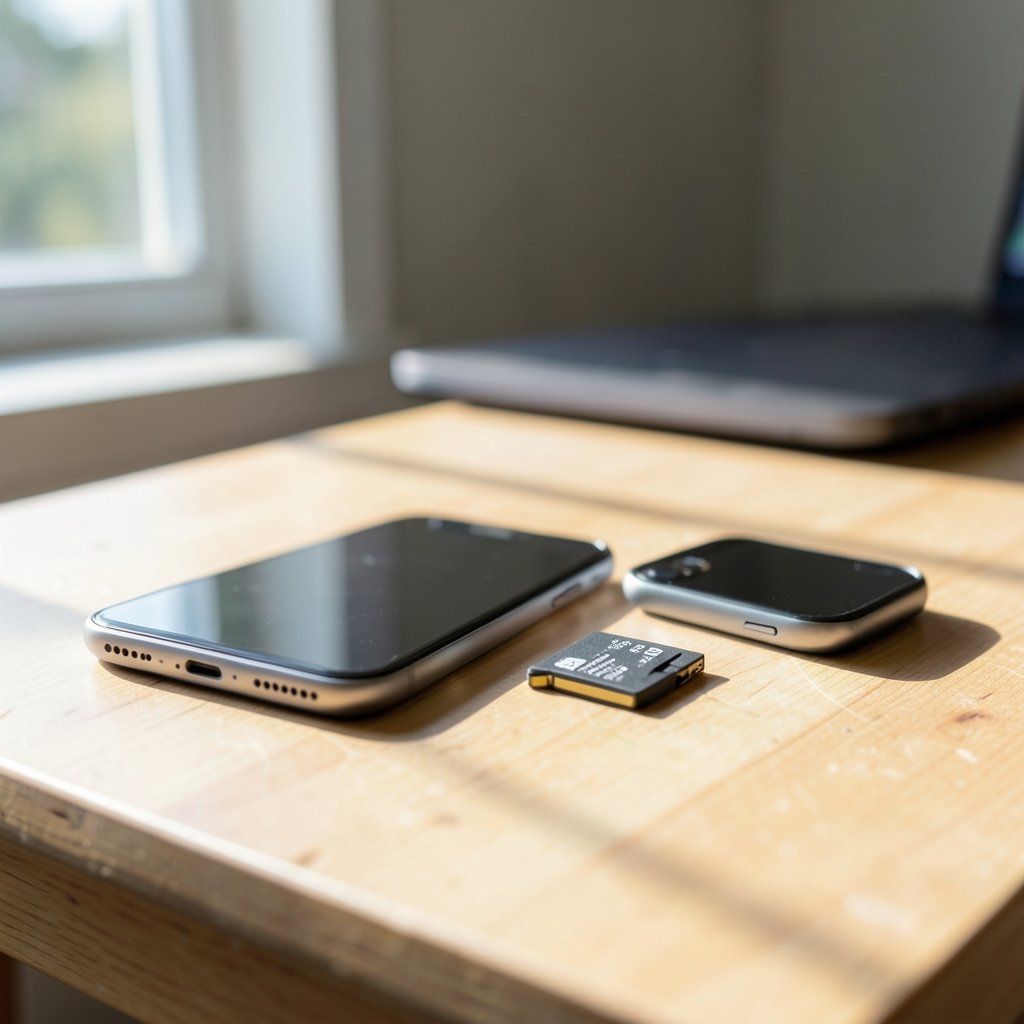
It depends entirely on which card and which test. A premium V90 SD card can hit high sequential speeds that a phone’s internal storage might not match in a single benchmark. But phones are optimized for random access and low latency, where SD cards perform poorly. Comparing the two without specifying the workload is misleading.
Has Apple confirmed any iPhone 18 Pro Max storage details?
No. Apple has not announced the iPhone 18 Pro Max or confirmed its storage technology. Any claims about QLC NAND, specific speeds, or comparisons to SD cards should be treated as unverified speculation until official specifications or independent teardowns are published.
Does QLC storage wear out faster?
QLC cells tolerate fewer write cycles than TLC before degrading, so endurance is lower on paper. In practice, wear-leveling, error correction, and over-provisioning stretch lifespan considerably. Most users will replace their phone long before storage wears out, though heavy video creators should pay closer attention.
How can I keep my phone’s storage fast?
Keep at least 10 to 15 percent of capacity free, avoid long sustained writes on a hot device, offload large archives to cloud or external storage, and batch large file transfers. These habits help any flash storage perform closer to its peak, regardless of whether it uses TLC or QLC.
Should I wait for the iPhone 18 Pro Max or buy now?
That depends on your needs. If your current phone handles your workload well, waiting for verified benchmarks is the safer bet. If you need a device now, focus on capacity headroom and real-world reviews rather than rumored specs. A well-chosen current model with enough storage will serve most people better than an unproven future one.
Conclusion
The “iPhone 18 Pro Max QLC storage slower than an SD card” story is a textbook example of how a plausible technical detail can snowball into a scary headline. QLC NAND does involve real trade-offs in sustained write speed and endurance, and those trade-offs deserve honest discussion. But the specific claim that a flagship phone is slower than an SD card collapses under scrutiny, because it ignores controller design, caching, thermal behavior, and the vast performance range of SD cards themselves.
Until Apple announces the device and independent testers publish real numbers, the wisest response is curiosity rather than alarm. Understand the technology, keep your storage healthy, and make purchase decisions based on verified performance rather than rumor. That approach will serve you well in 2026 and every year after.



