
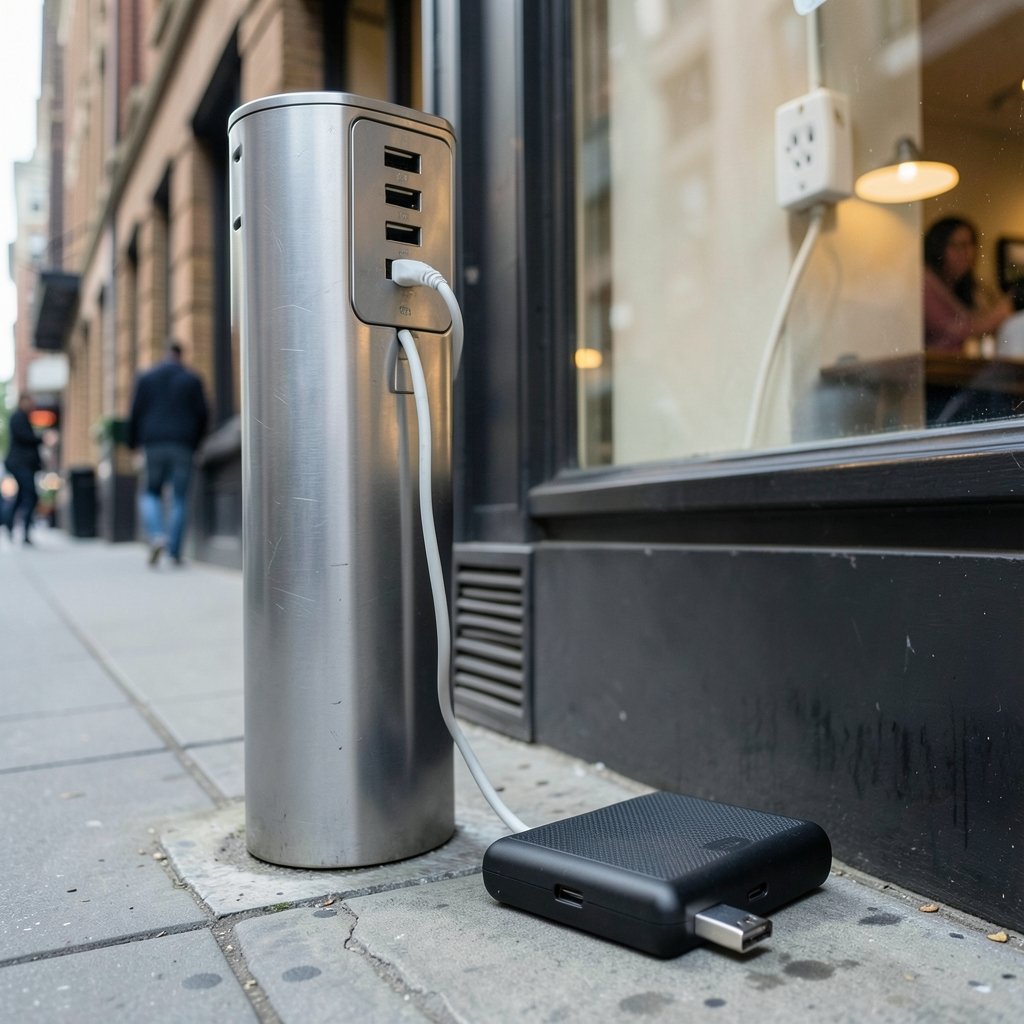
Quick Answer: What is juice jacking and how to avoid it?
Juice jacking is a cyberattack in which a public USB charging port does more than deliver power: it can try to install malware on your phone or copy data from it. The practical defense is simple: carry your own charger and use a wall outlet, or charge through a power bank or a data-blocking adapter.
Not every public port is dangerous, and documented real-world attacks are rare, but the hardware needed to rig a charging kiosk is cheap and widely available. A USB port can carry both electricity and data, and that dual role is the whole problem.
Before you plug in anywhere in public, check the power source, whether you control the cable, whether the port carries data, your phone’s trust and debugging settings, and your backup power options.
Every airport, hotel lobby, and coffee shop has become a charging station. That convenience hides a real security question: when you plug your phone into a strange USB port, are you getting power, or are you also opening a two-way data connection to a machine you don’t control? That question is the heart of juice jacking, a term that has bounced around security circles for more than a decade. The threat is real enough that law enforcement agencies have issued public warnings, yet some researchers argue the fear has outrun the evidence. Both things can be true at once. What follows is a grounded look at how the attack works, where you’re actually exposed, and the habits that keep your phone and your data safe without turning every charging cable into a source of anxiety.
Where the Term Comes From and What It Actually Means
Juice jacking describes an attack where a public USB charging port, or a compromised cable plugged into one, is used to deliver malware to a connected device or to siphon data off it instead of simply supplying electricity. The name is a pun on “juice,” slang for electrical power. The concept was demonstrated publicly around 2011 at a security conference, where researchers showed that a rigged charging setup could interact with a phone’s data connection. The demonstration was a proof of concept, not a widespread criminal campaign, and that distinction matters when you’re deciding how worried to be.
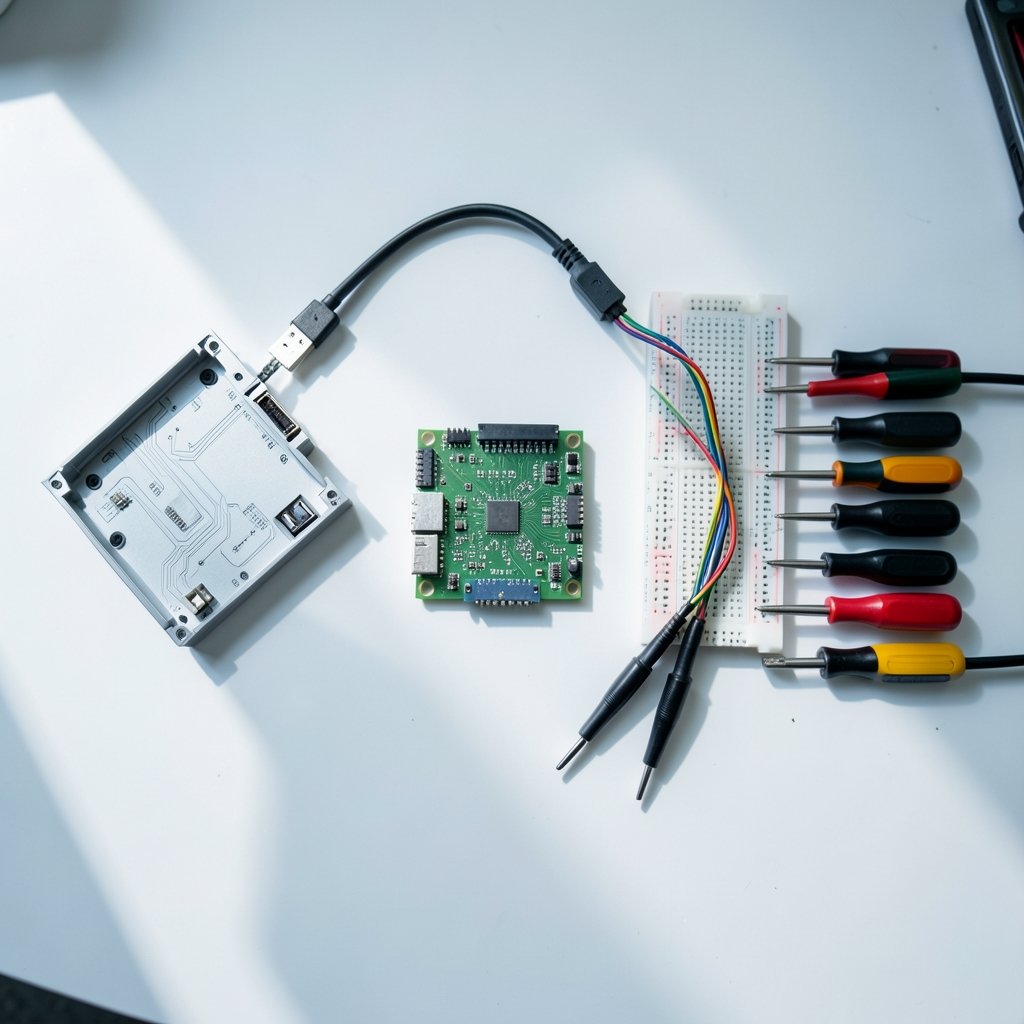
The core mechanism is straightforward. A standard USB connection has power pins and data pins. Most people assume a charging port only uses the power pins. But a port wired to a computer, a small embedded computer like a Raspberry Pi, or a modified kiosk can use the data pins too. Once data flows, the host machine can attempt to sync with the phone, push files, or exploit a vulnerability in the device’s software. A second variant involves implanted hardware: a malicious cable or a tampered charging station that contains a tiny computer acting as a USB host. A third, more theatrical variant sometimes called “video jacking” has shown charging setups capturing screen activity on certain phones, though the real-world prevalence of this is unclear and largely demonstration-level.
How Juice Jacking Attacks Actually Work
Understanding the attack surface helps you judge risk. There are three broad ways a charging setup can turn hostile.
The Hidden Host
The simplest version is a port connected to a computer or embedded device that tries to establish a data relationship with your phone. When an iPhone connects to an unfamiliar computer, iOS asks whether you trust it. When an Android phone connects, the USB mode may default to charging only, or it may offer file transfer. The attack depends on the phone granting access, either through a prompt the user taps or through a setting that was left open.
The Tampered Cable or Kiosk
A malicious cable can contain a small computer that acts as a host. A tampered charging kiosk can hide the same hardware inside its casing. These setups are cheap to build, which is why security researchers keep demonstrating them. The catch is that planting one requires physical access to a public space, and the kiosk has to survive in plain sight.
Exploiting Software Flaws
The most sophisticated version relies on a vulnerability in the phone’s operating system or in the software that handles USB connections. This is where keeping your device updated matters most. A patched phone closes doors that an unpatched one leaves open.
| Attack Method | What It Needs | What It Can Do | How Hard to Pull Off |
|---|---|---|---|
| Hidden host computer | A port wired to a PC or embedded device | Attempt data sync, push files, exploit flaws | Moderate; needs physical access |
| Tampered cable or kiosk | Modified hardware in a public space | Act as a USB host, capture data | Moderate; hardware is cheap |
| Software exploit | An unpatched vulnerability | Full compromise in theory | High; requires a known flaw |
| Video jacking | Specialized capture hardware | Record screen activity | Demonstration-level; unclear in practice |
How Common Is Juice Jacking, Really?
Here is where a balanced view matters. Documented real-world juice jacking incidents are rare. Much of what the public knows comes from demonstrations, vendor warnings, and law enforcement advisories rather than from confirmed criminal cases. Some security researchers have publicly argued that the risk is overstated relative to the fear it generates, pointing out that a criminal who wants your data has easier routes, and that modern phones require user approval before a USB connection can access data. The FBI and other agencies have issued consumer warnings about public charging stations, which is a reasonable signal that the scenario is worth guarding against, even if the case count is thin.
The honest framing is this: juice jacking is a low-probability, potentially high-impact event. You are unlikely to encounter a rigged port on any given day. But the cost of protection is low, and the downside, a compromised phone with access to your email, banking, and photos, is high. That asymmetry is why the advice to avoid public USB ports persists even among skeptics.
Practical Ways to Avoid Juice Jacking
The defenses are simple, cheap, and mostly about controlling the connection.
- Carry your own charger and use a wall outlet. A standard power adapter plugged into a normal electrical socket delivers electricity without a data path. This is the single most effective habit.
- Use a portable power bank. Charge the bank from a trusted source at home, then charge your phone from the bank. No public port, no public data path.
- Use a power-only cable or a USB data blocker. A USB data blocker, sometimes called a “USB condom,” is a small adapter that physically removes the data pins, leaving only power. A charge-only cable does the same job. Both are inexpensive and fit on a keychain.
- Decline trust prompts. If your iPhone asks whether to trust a computer, tap “Don’t Trust.” On Android, keep the USB connection set to charging only and turn off USB debugging unless you actively need it.
- Keep your phone updated. Operating system updates patch the kinds of flaws an attacker would need. Both Apple and Google publish guidance on USB accessory and trust behavior in their support documentation.
- Avoid unknown cables and free kiosks. A cable you didn’t bring is a cable you don’t control. The same goes for a charging station bolted to a wall in a busy terminal.
A useful rule of thumb: if the port is built into a piece of furniture, a kiosk, or a public terminal, treat it as a data port until proven otherwise. If it’s an electrical outlet you can see, it’s just power.
Common Mistakes People Make
Even careful people slip in predictable ways. The most common mistake is assuming that a USB port in a nice hotel or a modern airport is automatically safe. Physical location says nothing about who wired the port or what’s behind the panel. Another frequent error is borrowing a cable from a stranger or a front desk without thinking; the cable itself can be the attack vector. People also leave USB debugging enabled on Android after a one-time use and forget about it, or they tap “Trust” on an iPhone out of habit because the prompt is familiar.
A subtler mistake is overcorrecting. Some travelers refuse to charge anywhere but home, which is impractical and can push them toward riskier workarounds like draining the battery to zero. The goal is not avoidance of all charging; it is control over the connection. A data blocker in your bag solves the problem more reliably than vigilance alone, because it works even when you’re tired and distracted.
What to Do If You’ve Already Plugged In
If you charged from a public port and something feels off, act quickly. Unplug immediately. On iPhone, open Settings and check whether any unfamiliar configuration profiles or apps appeared. On Android, review recent app installs and confirm USB debugging is off. Run a security scan with a reputable mobile security tool, change passwords for sensitive accounts from a different, trusted device, and watch for unusual account activity. If you use a password manager, rotate the credentials that matter most.
In most cases, nothing will have happened. Modern mobile operating systems are built to require explicit permission before a USB host can access data, which is a meaningful barrier. But if you did grant trust or enable debugging, a factory reset is the conservative option. Back up your data first, and remember that a backup made after a suspected compromise could carry the problem forward.
The Bigger Picture: Convenience Versus Control
Juice jacking sits at the intersection of two trends: our devices are our lives, and public spaces are designed to keep us tethered. The attack exploits a design feature of USB, not a bug. That is why the fix is behavioral as much as technical. Carrying a power bank, keeping a data blocker in your bag, and defaulting to wall outlets are small changes that remove an entire category of risk. They also make you a less attractive target, since attackers count on convenience winning out over caution.
It helps to think in terms of trust boundaries. Your phone trusts a charger to provide power. The moment that charger can also send and receive data, the trust boundary has moved, and you should know where it sits. A wall outlet keeps the boundary clean. A public USB port blurs it. A data blocker restores it. That mental model is more durable than memorizing a list of dangerous locations, because new locations appear every year. (Cybersecurity)
Conclusion
Juice jacking is a real technique with a modest real-world footprint. The scenario, a rigged public USB port delivering malware or copying data, has been demonstrated repeatedly and warned about by authorities, but confirmed criminal cases are rare. The sensible response is neither panic nor dismissal. It is a handful of habits: bring your own charger, prefer wall outlets, charge from a power bank, use a data blocker or power-only cable, decline trust prompts, and keep your phone updated. None of these requires technical skill, and together they close the door that juice jacking depends on. Convenience is worth having, but not at the cost of handing a stranger’s hardware a direct line into your digital life.
Frequently Asked Questions
Can a phone charger steal my data through a normal cable?
A standard charging cable has data pins, so a cable connected to a hostile host can carry data as well as power. That is why power-only cables and data blockers exist. The cable itself is usually passive, but the device on the other end decides what happens.
Is juice jacking only a risk at airports?
Airports get the most attention because travelers are captive and low on battery, but any public USB port carries the same theoretical risk: hotel rooms, cafés, trains, rental cars, and conference venues. The setting matters less than who controls the port and the cable.
Does a USB data blocker really work?
A data blocker works by physically removing the data pins from the connection, so only power can pass. It is a simple, mechanical defense that does not depend on software settings. Quality varies, so choose a reputable brand and inspect it for damage over time.
Are iPhones safer than Android phones against juice jacking?
Both platforms require user approval before a USB host can access data, and both have improved those safeguards over time. Neither is immune. The deciding factors are your settings, your operating system version, and whether you tap through trust prompts without reading them.
Can I get infected just by plugging in for a few seconds?
A brief connection is enough for a host to attempt a handshake or push a file, but a full compromise usually needs more: granted trust, an enabled debugging mode, or an unpatched vulnerability. Short charges lower exposure but do not eliminate it.
What is the single best habit to prevent juice jacking?
Carry your own power. A charged power bank or a wall charger with your own cable removes the public port from the equation entirely, which is more reliable than any on-the-spot judgment call.



