So you have an Anbernic in your hand, a spare microSD card on your desk, and a nagging feeling that the stock launcher is holding the hardware back. The first real fork in the road for most H700 owners is simple: Knulli or muOS? Both are free, both replace the factory software, and both run on the same RG35XX family devices. Yet they chase very different ideas of a good handheld, and picking the wrong one usually means reflashing within a month.
This comparison puts the two side by side on the criteria that actually decide the answer: interface, speed, setup, features, and who each one suits.
Knulli vs muOS at a Glance
| Criterion | Knulli | muOS |
|---|---|---|
| Interface | EmulationStation frontend with box art | RetroArch-first, minimal launcher |
| Philosophy | Console-like, feature-rich | Fast and lean |
| Boot time | Roughly 15 seconds | Roughly 8 seconds |
| RAM overhead | Around 150 MB | Around 60 MB |
| Box art scraping | Built in | Manual |
| Per-game settings | Native GUI overrides | Through RetroArch menus |
| PortMaster | Pre-installed | Available under Apps > Tools |
| OTA updates | Yes | Yes |
| WiFi file transfer | Samba share | Samba share |
| Best for | Visual browsing, multi-device owners | Speed, simplicity, RetroArch fans |
Those numbers come from published setup guides for both systems, and they tell the story better than any marketing page. Knulli spends more memory and boot time to give you a graphical frontend. muOS spends almost nothing and gets you into a game faster.
Two Different Ideas of a Handheld
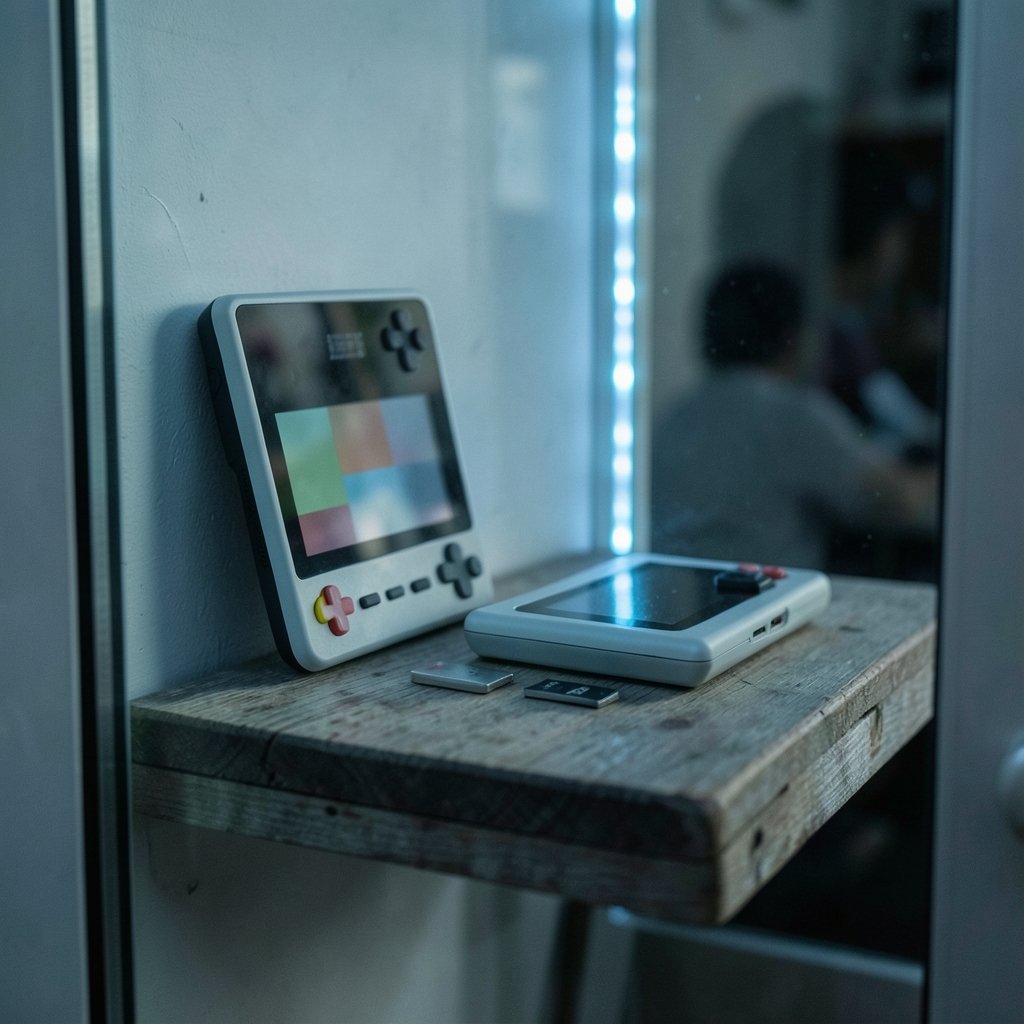
Knulli is built on Batocera, the Linux retro-gaming distribution that PC emulation veterans already know. That lineage matters. It means an EmulationStation interface, theme support borrowed from the Batocera world, and a large community whose guides transfer directly. When you boot Knulli, you get a console-like experience: systems laid out in carousels, box art scraped automatically, and a settings menu that lets you override options per game or per system without diving into RetroArch’s menus.
muOS started life as firmware for the Anbernic RG35XX and grew into one of the most polished community systems in the space. It uses RetroArch as both its emulation engine and its interface. That sounds spartan, and in a way it is, but it keeps everything fast and direct. Boot times land under ten seconds, menu navigation is instant, and there is almost no delay between launching a title and playing it.
Neither approach is wrong. The question is whether you want a frontend that presents your library or a launcher that gets out of the way.
Speed and Resource Use
This is where the gap is widest. According to published setup guides, muOS carries roughly 60 MB of RAM overhead against Knulli’s roughly 150 MB, and boots in about 8 seconds versus about 15. On a device with limited memory, that headroom can matter for heavier emulation cores.
In practice, the boot difference is the one you feel every day. Fifteen seconds is not painful, but it is long enough that you notice it when you want a five-minute session on the bus. muOS feels immediate in a way that suits a pocket device. Knulli feels like a small console, with a short startup ritual before the carousel appears.
A common mistake here is judging performance by boot time alone. Once a game is running, both systems lean on the same RetroArch cores, so raw emulation speed is broadly comparable on identical hardware. The real difference is the overhead around the game, not the game itself.
Setup and Day-to-Day Use
Both systems live on their own microSD card, which makes experimentation cheap. You can flash one card with Knulli, keep your games on a second card, and swap between systems by changing Card 1. Nothing on your game library is lost in the process. That setup also lets you try both before committing, and it is the single best piece of advice for anyone torn between them.
Getting games onto the device
Knulli and muOS both offer a Samba share over WiFi, so you can drop ROMs from a PC without pulling the card. There is a catch worth knowing before you start: Knulli’s second-card format is EXT4, which means adding games from Windows or Mac generally goes through the network share or a Linux machine. If you plan to manage files by pulling the card and plugging it into a Windows laptop, that is a real friction point. muOS is friendlier to that workflow.
Scraping and presentation
Knulli scrapes box art automatically, and the visual payoff is immediate. A library with cover art is easier to browse, especially for younger players or anyone with a large collection. muOS handles scraping manually, so you either do the work or accept a text-based list. Plenty of muOS users never bother, because they launch games from memory rather than browsing.
Ports and extras
PortMaster is pre-installed on Knulli, so you can browse and install ports directly from the device. On muOS it sits under Apps > Tools and works fine, just one step further away. Both systems support OTA updates, so keeping current does not require reflashing.
If you are weighing how each system handles updates, file transfers and launcher layers, the breakdown of Rocknix vs muos vs arkos workflow differences that matter is a useful companion read, because workflow habits carry over between firmware families.
Device Compatibility Comes First
Before any of the above matters, check that the firmware runs on your exact handheld. This is the filter that eliminates most wrong turns.
muOS targets Allwinner chipsets, primarily the H700 found in the RG35XX family. Its official device list covers selected Anbernic and TrimUI handhelds, and it does not run on everything. If you own an R36S, for example, muOS is not an option at all; that device runs ArkOS, and the other popular names target different hardware entirely.
Knulli supports a wide range of systems across Allwinner, Rockchip and Amlogic chips. That breadth is its quiet superpower. If you own several handhelds and want one consistent operating system across all of them, Knulli is the obvious pick.
Chip family is the shortcut. Allwinner devices suit muOS, Rockchip devices suit ROCKNIX, and Knulli covers most things if consistency across a drawer full of handhelds is what you want. Owners of Rockchip hardware sometimes compare Knulli against ROCKNIX rather than muOS, and that is a different decision with different trade-offs.
Who Should Choose Knulli
Choose Knulli if any of these sound like you:
- You want a console-like browsing experience with box art and themes.
- You own more than one handheld and want the same interface everywhere.
- You like per-game and per-system overrides without opening RetroArch menus.
- You want PortMaster ready out of the box.
- You are comfortable with a slightly longer boot and a heavier memory footprint.
The trade-off is maturity. Knulli is still actively developing, and newer builds occasionally show rough edges. The Batocera community is large and helpful, but you may hit a quirk that a muOS user never sees.
Who Should Choose muOS
Choose muOS if these fit better:
- You want the fastest possible boot and the leanest overhead.
- You are already comfortable navigating RetroArch with hotkeys.
- You do not need box art or a graphical frontend.
- You value a minimal, no-nonsense launcher that stays out of the way.
- You own an H700 device and want the most direct path from power-on to gameplay.
The trade-off is presentation. A text list is functional, not glamorous, and manual scraping is work you may never get around to doing.
Common Mistakes That Cost a Reflash
A few patterns show up again and again among people trying both systems.
The first is flashing the wrong image. Each project publishes images for specific devices, and a mismatch produces a card that will not boot. Look up your exact model on the project’s device list rather than assuming the RG35XX family shares one build.
The second is formatting the game card before checking what the firmware expects. Knulli’s EXT4 requirement trips up Windows users who are used to dragging files onto a card. Decide how you will move games before you commit.
The third is judging a system in the first ten minutes. Knulli’s carousel takes a moment to populate while scraping runs, and muOS looks bare until you add content. Give each one an evening.
The fourth is ignoring BIOS files. On muOS, content on a core that cannot run without a BIOS stops at launch and lists the files it needs, which is helpful but easy to misread as a crash. It is a prompt, not a failure.
Finally, keep your game library on a separate card from the start. Swapping system cards is trivial when games live elsewhere and painful when they do not.
The Verdict
There is no universal winner, only a better fit.
Pick Knulli if you want your handheld to feel like a console, if you care about box art and themes, or if you want one operating system across several devices. Pick muOS if you want speed, simplicity, and a launcher that disappears the moment you press a button.
If you genuinely cannot decide, flash both onto separate cards and live with each for a week. The cost is a couple of cards and an evening, and the answer will be obvious long before the week is out. For a deeper look at how these systems handle updates, ports and file management in daily use, the Rocknix vs muos vs arkos workflow comparison covers the practical details that reviews usually skip.
Frequently Asked Questions
Does Knulli run on the same devices as muOS?
Not entirely. Both run on Anbernic H700 hardware such as the RG35XX family, but Knulli also supports a wide range of Allwinner, Rockchip and Amlogic devices, while muOS focuses on Allwinner chipsets and selected Anbernic and TrimUI handhelds. Always check each project’s device list for your exact model.
Which one boots faster, Knulli or muOS?
muOS boots faster. Published setup guides put it at roughly 8 seconds against roughly 15 seconds for Knulli, largely because muOS skips the graphical frontend that Knulli loads at startup.
Can I try both without losing my games?
Yes. Both systems install to their own microSD card, so you can keep your game library on a separate card and swap the system card to switch between them. Nothing on the game card is erased in the process.
Does muOS support box art?
Not automatically. Box art scraping on muOS is manual, whereas Knulli builds scraping into its EmulationStation frontend. If cover art matters to you, that difference is worth weighing.
Is Knulli heavier on memory than muOS?
Yes. Knulli carries roughly 150 MB of RAM overhead compared with roughly 60 MB for muOS. On a handheld with limited memory, that headroom can matter for heavier emulation cores, though both rely on RetroArch for the actual emulation.
Can I install ports on both systems?
Yes. PortMaster is pre-installed on Knulli and available under Apps > Tools on muOS. Both also support OTA updates and a Samba share for moving files over WiFi.
The final question worth asking is what you want the device to be. A handheld that boots in eight seconds and drops you straight into a game is a tool; one that opens a carousel of cover art is a tiny console. Neither is wrong, and most people discover their preference only after living with both for a few days. Whichever you choose, keep the game card separate, check your chipset first, and give the system an evening before you judge it.