
Which custom firmware should you put on a retro handheld? That question sounds simple until you realize the answer depends less on raw performance and more on how you actually use the device. Three names come up constantly in 2027 discussions: ROCKNIX, muOS, and ArkOS. They are not interchangeable, and picking the wrong one for your habits can turn a fun handheld into a weekly chore.
This comparison focuses on workflow. Not benchmark scores, not boot splash screens, but the boring stuff that decides whether you enjoy the device six months from now: how updates land, where your ROMs live, which frontend greets you, and how much manual fiddling each system demands.
Why These Three Firmware Options Get Compared So Often
All three are Linux-based distributions built to run emulators on ARM handhelds. That shared foundation is why people lump them together. Under the hood, though, they target different hardware families and different philosophies. (Comparison of Linux distributions)
ArkOS was built around RK3326-class devices, the chip inside the RG351 family and similar handhelds. Its documentation walks users through flashing an image to an SD card and keeping ROMs on a separate partition. muOS targets Anbernic’s RG35XX series and installs by flashing an image, with updates applied through the SD card rather than over the air. ROCKNIX descends from JELOS, a handheld Linux distribution whose development record lives in its public repository, and it ships per-device builds for a wide spread of ARM handhelds and single-board computers.
That lineage matters. ROCKNIX inherits JELOS conventions, muOS built its own conventions for a narrower device list, and ArkOS settled into a workflow shaped by older RK3326 hardware. Three different ancestries produce three different daily experiences.
The Update Workflow: Reflash, In-Place, or Something In Between
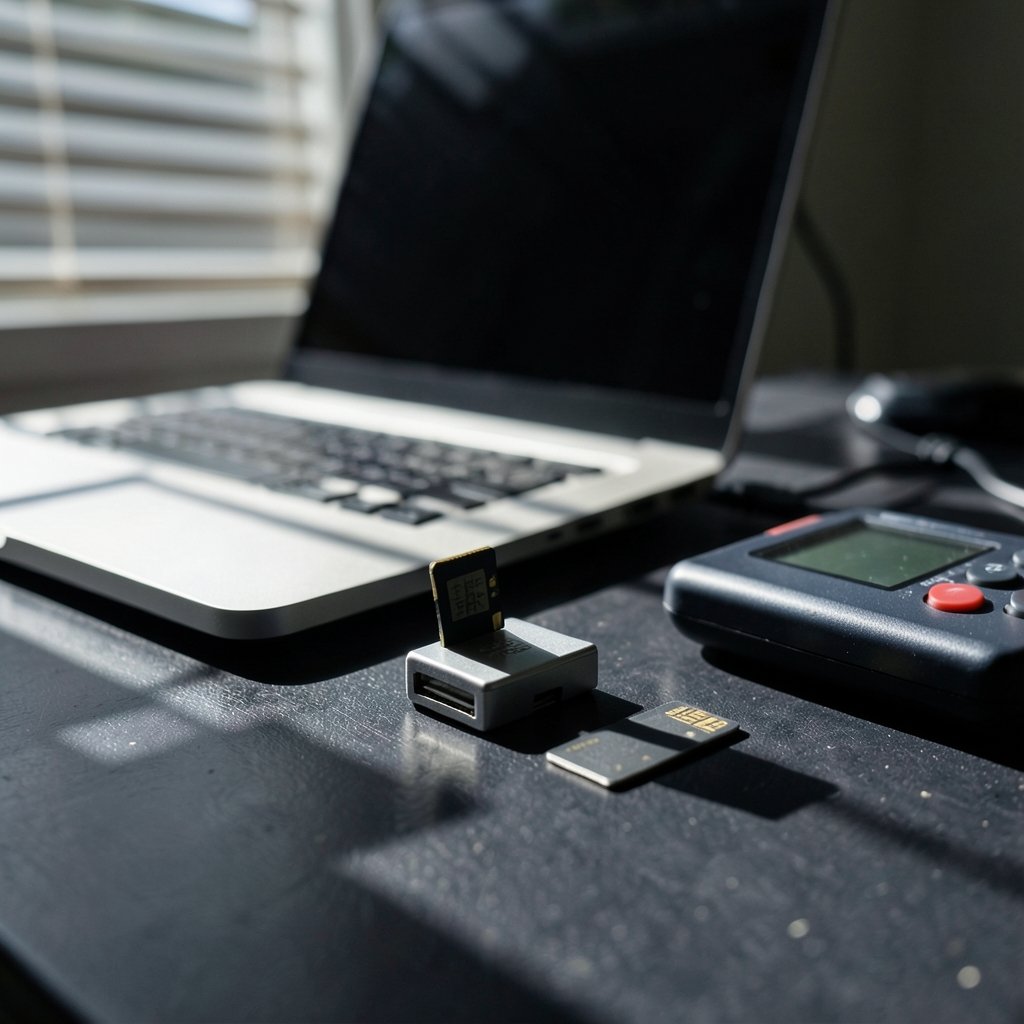
Updates are where workflow differences hit hardest, because you repeat them for years.
| Firmware | Typical update path | What it means for you |
|---|---|---|
| ArkOS | Reflash the OS image, keep ROMs on the separate partition | Plan for a card-reader session each time; your games survive, your settings may not |
| muOS | Apply updates via the SD card | Less friction than a full reflash, but still a manual, card-based routine |
| ROCKNIX | Per-device builds with published release notes | You follow release channels and match builds to your exact device |
The practical lesson: before you commit, ask how often you are willing to pull the SD card out. If the answer is “rarely,” favor whichever option on your device offers the least disruptive update path. If you enjoy tinkering, reflash-style updates are fine and arguably cleaner, since a fresh image wipes away accumulated cruft.
A common mistake is treating an update as a backup. It is not. Copy your saves and config folders to a computer before any update, on any of the three. People lose hundreds of hours of progress this way every year, and no firmware design saves you from skipping that step.
ROM Storage and Partition Layout
Where your games live shapes everything downstream: scraping, save files, and how painful a rebuild becomes.
ArkOS documentation describes a dedicated easyroms partition, which keeps games separate from the OS. That separation is genuinely useful. Reflash the system, and your library sits untouched on its own partition.
muOS and ROCKNIX handle storage differently, and the details vary by build and version. The honest advice is to read the install notes for your exact device before formatting anything. Handheld firmware projects move fast, and a guide written for last year’s release can quietly steer you wrong.
Whichever system you choose, a simple habit pays off: keep a second SD card with a clean copy of your ROM library. Card failures are the single most common disaster in this hobby, and a spare card turns a catastrophe into an inconvenience.
Frontend and Interface: ES-DE Versus Custom Shells
The frontend is the menu system you stare at every session. Several handheld distributions use EmulationStation Desktop Edition (ES-DE), and its usage documentation explains the ROM directory layout and scraper workflow that shape day-to-day navigation. If your firmware uses ES-DE, skills transfer: the folder structure, the scraping routine, and the theme system all behave the same way across devices.
Custom shells, by contrast, often trade flexibility for speed and simplicity. Some users love a lean interface that boots straight to a game list. Others feel boxed in when they cannot reorganize systems or tweak metadata.
Here is a test worth running before you decide: imagine adding a new console to your library. On an ES-DE-based setup, you create a folder, drop in ROMs, and scrape. On a custom shell, you may need to check whether the system is supported and where the folder goes. If you add systems often, frontend conventions matter more than raw boot speed.
Config Files, Saves, and the RetroArch Layer
Underneath every frontend sits RetroArch, the emulation frontend and backend these distributions rely on. Its documentation covers core selection, save states, and config overrides, which is exactly where the three systems diverge in ways that bite later.
Each distribution stores RetroArch configuration in its own place. Core options, per-game overrides, and save state folders can all live at different paths. The consequence is real: a tutorial written for one firmware may tell you to edit a file that does not exist on another, or exists somewhere else entirely.
Practical rules that hold across all three:
- Find your config directory on day one and write the path down.
- Test a save state, then reboot, then load it. Do this before you invest hours in a game.
- Change one setting at a time so you know what broke when something does.
- Back up config folders alongside your saves, not instead of them.
This is unglamorous work, but it is the difference between a handheld you trust and one you are afraid to update.
Hardware Compatibility Decides More Than Any Feature List
No firmware comparison survives contact with the wrong chipset. The RG35XX family and RK3326 devices differ in hardware, and that constrains which firmware can run at all. Device-specific compatibility lists are the practical reference, not marketing pages.
The workflow implication is blunt: your hardware shortlist comes first, firmware second. Someone who already owns an RG35XX is choosing among the options that support it. Someone with an RK3326 device faces a different menu. Buying a handheld and then discovering the firmware you wanted does not support it is a genuinely common mistake, and it is entirely avoidable with ten minutes of reading.
If you are weighing a new device anyway, broader upgrade questions tend to dominate daily satisfaction more than firmware minutiae, as a look at the iPhone 17 vs iPhone 16 upgrade differences that matter daily illustrates for phones. The same principle applies here: match the tool to your routine.
Which Workflow Fits Which Kind of User
Feature tables rarely settle this. Habits do. Three rough profiles cover most people:
The set-and-forget player. You want to add games occasionally and play them. You update rarely and dread breaking things. Favor the firmware with the least disruptive update path on your specific device, and set up a spare SD card from day one.
The tinkerer. You enjoy themes, scrapers, and per-game overrides. An ES-DE-based setup with a documented folder layout rewards that curiosity, because your knowledge transfers when you switch devices.
The multi-device collector. You own several handhelds and want consistency. A distribution with per-device builds and public release notes makes it easier to track what runs where, even if each device needs its own image.
None of these profiles is better. They just point at different firmware, which is why “which is best” arguments online go nowhere.
Documentation Quality Is a Feature
Here is the underrated criterion: how good is the project’s documentation? ArkOS keeps install notes and device guidance on its project wiki. muOS maintains official documentation covering installation and updates. ROCKNIX publishes builds and release notes through its public repository, and JELOS’s repository preserves the upstream lineage those conventions came from.
Good docs do three things. They tell you the update procedure without guesswork. They state which devices are supported. They explain where files live. When a project’s docs are thin, you end up relying on forum posts of unknown age, and that is where most broken setups begin.
A habit that saves hours: read the official install page end to end before touching an SD card, even if you have flashed firmware before. Procedures change between releases, and skimming is how people format the wrong partition.
The Backup and Migration Workflow Nobody Talks About
Eventually you will switch firmware, change cards, or move to a new device. The people who suffer least are the ones who planned for migration on day one.
Keep three things portable: your ROM library, your save files, and your config notes. A plain folder structure on your computer, mirrored to the SD card, makes any future switch a copy job instead of an archaeology project. This is the same discipline that makes cloud storage migrations bearable, as covered in this guide to Dropbox alternatives by use case that actually fits your workflow. Local-first thinking applies to handhelds too, and if you want a deeper look at note systems built around local files, there is a solid breakdown of Obsidian vs Logseq local-first notes compared by workflow.
One more practical tip: label your SD cards. Physically. A strip of tape with the device name and firmware version prevents the classic mistake of flashing the wrong card at 11 p.m.
Conclusion
ROCKNIX, muOS, and ArkOS are all capable, and none of them wins outright. The differences that matter in 2027 are workflow differences: how updates arrive, where ROMs and configs live, which frontend you navigate, and how well the documentation answers your questions before you break something.
Pick the firmware that matches your hardware first, then your habits. Read the official install notes. Back up saves before every update. Keep a spare card. Do those three things and any of the three systems will serve you well for years.
FAQ
What is the main difference between ROCKNIX, muOS, and ArkOS?
They are separate Linux-based firmware projects for handheld gaming devices, built around different hardware families and conventions. ArkOS grew around RK3326-class devices, muOS targets Anbernic’s RG35XX series, and ROCKNIX descends from JELOS and ships per-device builds. The practical differences show up in update methods, ROM storage layout, and frontend choice.
Can I install any of these on any handheld?
No. Hardware compatibility decides which firmware can run, and the RG35XX family and RK3326 devices use different chipsets. Always check the project’s official device list for your exact model before downloading an image.
How do updates work on these systems?
ArkOS typically updates by reflashing the OS image while ROMs stay on a separate partition. muOS applies updates through the SD card rather than over the air. ROCKNIX publishes per-device builds with release notes. In every case, back up saves and configs first.
Will my save files survive a firmware switch?
Only if you move them yourself. Save files and save states live in locations that differ between distributions, so copy them to a computer before switching. Treat any firmware change as a migration, not an upgrade.
Do all three use EmulationStation?
Not necessarily. Several handheld distributions use EmulationStation Desktop Edition, but custom shells are common too. Check your specific build, because the frontend determines how you organize systems and scrape artwork.
What should I do before flashing firmware for the first time?
Read the official install documentation for your exact device and firmware version, format a known-good SD card, keep a backup card, and test a save state after setup. Skipping the reading step is the most common cause of broken installs.



