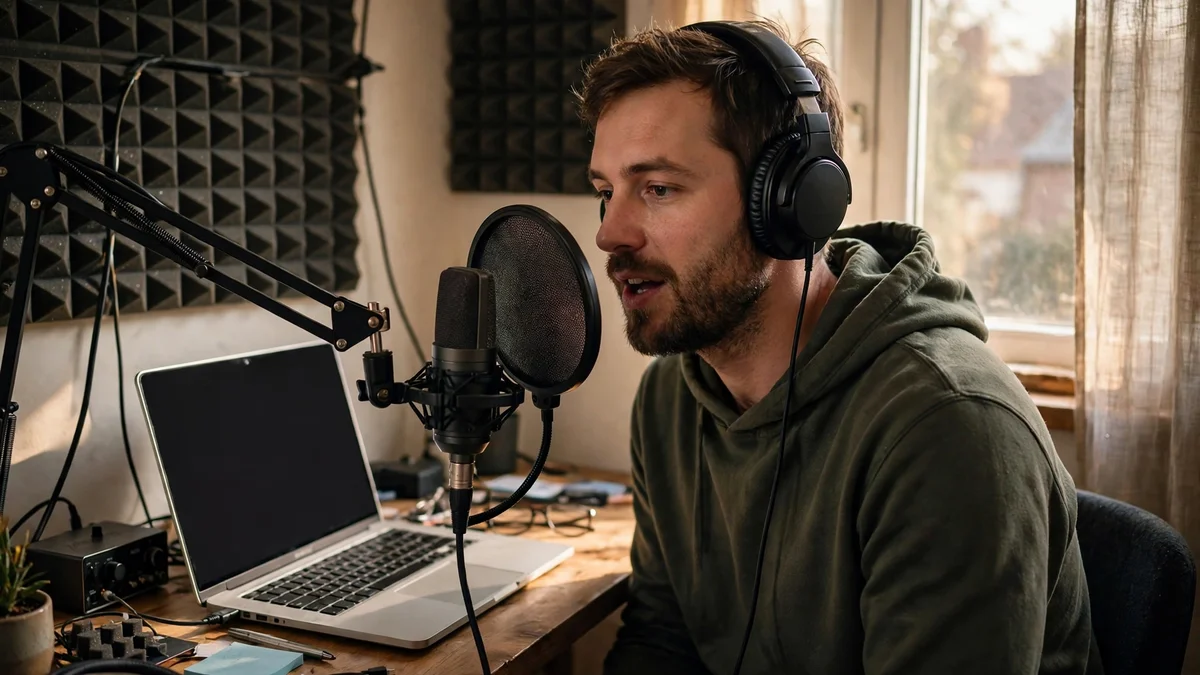
Krisp vs Otter.ai for Meeting Audio in 2027
Krisp and Otter.ai both promise better meetings, but they solve opposite problems. Krisp cleans up the sound going in and out of your calls: it removes the dog, the keyboard, the street noise, and the echo, so everyone hears a clear voice. Otter.ai listens to the meeting and writes it down: a live transcript, a summary, and action items you can search later. One fixes how you sound; the other remembers what was said.
That difference decides the winner for most people before any feature list matters. If your calls are noisy, your microphone is average, and people keep asking you to repeat yourself, Krisp is the tool you feel working in the first minute. If your problem is forgetting decisions, chasing notes after the call, or onboarding someone who missed the meeting, Otter.ai is the one that pays off. Many teams end up using both, but if you are choosing one, this comparison will help you pick the right one first.
This head-to-head compares Krisp and Otter.ai on the things that matter for meeting audio in 2027: real-time sound quality, transcription accuracy, summaries, pricing and free plans, integrations, privacy, and who each tool suits best.
Key takeaways
- Krisp wins on live audio quality: the best real-time noise cancellation and echo removal of any meeting tool.
- Otter.ai wins on notes and memory: live transcription, searchable transcripts, and summaries with action items.
- Krisp works inside any call app without a bot joining; Otter.ai usually joins as a visible participant to record.
- Both have usable free plans, but the paid tiers are where the real value sits for daily users.
- Pick Krisp if people struggle to hear you; pick Otter.ai if people struggle to remember what was decided.
At a glance: Krisp vs Otter.ai
| Area | Krisp | Otter.ai |
|---|---|---|
| Main job | Noise cancellation and voice clarity | Transcription, summaries, and notes |
| Live audio | Excellent: removes background noise both ways | No audio cleanup; records what it hears |
| Transcription | Basic transcripts on higher plans | Excellent: live, searchable, speaker-labelled |
| Meeting summaries | Short AI notes on higher plans | Strong: summaries, action items, outlines |
| How it joins | Runs on your device; no bot in the call | Usually joins as a visible bot participant |
| Free plan | Free tier with daily limits | Free tier with monthly minute limits |
| Best for | Noisy rooms, calls, and support teams | Notes, decisions, and searchable meetings |
What each tool actually does
Krisp sits between your microphone and your call app. It processes your voice on your own device, stripping out background noise before anyone else hears it, and it can do the same for the voices coming back to you — so a colleague calling from a busy office sounds clear too. It also removes echo and room reverb, which is why people in bare rooms and open offices notice the difference immediately. Newer versions add meeting transcription and AI notes, but audio cleanup is still the reason to buy it.
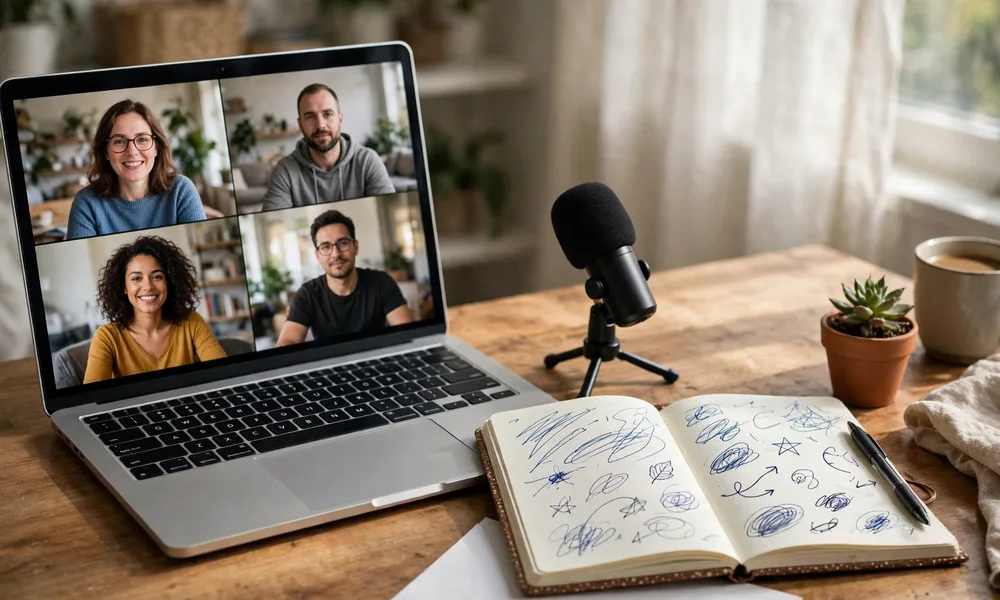
Otter.ai is a note taker first. It joins your Zoom, Meet, or Teams call, transcribes everything live, labels who said what, and then produces a summary with decisions and action items. After the meeting you can search the transcript for a name, a number, or a phrase, and jump to the exact moment it was said. It can also transcribe in-person meetings from a phone, and it plugs into calendars so it joins automatically. Otter.ai does not clean up your audio — if the call is noisy, the transcript suffers — which is exactly where the two tools complement each other. If you want the wider field, the best AI meeting note takers in 2027 roundup puts Otter.ai alongside its closest rivals.
Meeting audio quality head-to-head
For pure sound, Krisp wins by a wide margin, and it is not close. Its noise cancellation handles the sounds that ruin calls — dogs, children, sirens, keyboard clatter, air conditioners, coffee shop chatter — while keeping the voice full and natural. Cheaper noise filters make voices sound thin or robotic when they work hard; Krisp is unusually good at keeping the voice intact. It also cancels noise from the other side, so you hear the other person clearly even when their environment is loud, and it removes the echo that happens when someone uses speakers instead of headphones.
Otter.ai does none of this. It records and transcribes the audio as it arrives, noise included. In a quiet room with a decent microphone, that is fine, and the transcript will be accurate. In a noisy room, accuracy drops, speakers get confused, and the summary can miss the point of a sentence it half-heard. Otter.ai does have some tolerance for imperfect audio, but it cannot rescue a call the way Krisp can. The practical answer is simple: if audio quality is the problem you are trying to solve, Krisp is the purchase. If you already have a quiet room and a good headset, you may never need it. For the noise side of the equation in more depth, see the best AI tools for noise removal, where Krisp leads the live-call category.
Transcription and notes
Here the result flips completely. Otter.ai is one of the best transcription tools available: live captions during the call, speaker identification, searchable transcripts, and summaries that pull out decisions and next steps with owners attached. The transcript is the product, and it shows — you can share it, comment on it, and search across months of meetings to find the one time a budget figure was mentioned. For teams that run on decisions, that searchable memory is hard to give up once you have it.
Krisp’s transcription is a newer addition and it shows. On its higher plans you get transcripts and AI meeting notes, and they are serviceable for a quick recap, but they lack the depth of Otter.ai’s summaries, the speaker handling, and the search experience. Krisp’s notes are a bonus on top of audio cleanup, not a rival product. If your main need is a record of the meeting, Otter.ai wins this section clearly, and it is the reason most buyers choose it over Krisp.
Pricing and free plans
Both tools offer a free tier that is genuinely useful for trying them out, and both charge per user per month on paid plans. Krisp’s free tier gives you a daily allowance of noise cancellation, which is enough to test it on a few calls a day but not enough for a full day of meetings. Its paid plans unlock unlimited noise cancellation, and the higher tiers add transcription and AI notes.
Otter.ai’s free tier gives you a monthly allowance of transcription minutes, which covers occasional meetings but runs out fast for daily users. Paid plans raise the minute allowance, add advanced summaries, and unlock team features such as shared workspaces and custom vocabulary. Neither tool is expensive on its own; the cost question is really whether one subscription solves your problem or whether you need both.
Integrations and platforms
Krisp works at the device level, which is its quiet superpower: because it sits between your microphone and any app, it works with Zoom, Meet, Teams, Slack calls, and even phone apps without a specific integration. Install it once and every call on your computer is cleaner. That also means there is no bot to invite, no calendar permission to grant, and no meeting link to change. It runs on Windows and Mac, with mobile support for calls on the go.
Otter.ai takes the opposite approach: it integrates deeply with your calendar and your meeting platforms, joining calls automatically and syncing notes to tools such as Slack, Salesforce, and HubSpot. That depth is what makes the notes useful — a summary that lands in the right channel or CRM record without anyone copying it. The trade-off is that it needs access to your calendar and meetings, and it appears as a participant, which some guests find intrusive. If your team lives in Zoom all day, the best AI tools for Zoom in 2027 roundup is worth a look alongside this comparison.
Privacy and recordings
Privacy is where the two tools differ most in how they feel. Krisp processes your audio on your device, so your voice does not need to leave your computer for noise cancellation to work. That is a meaningful advantage for regulated industries, confidential calls, and anyone who dislikes the idea of a third party listening in. Transcription features, where used, do send audio for processing, so check which features you have switched on.
Otter.ai, by design, hears everything: it has to, in order to transcribe. Recordings and transcripts are stored on its servers, and you should review the retention settings, who can access shared notes, and whether your company policy allows a third-party bot in client meetings. Some clients and some industries will say no, and that alone can settle the choice. In both cases, tell participants when a meeting is being recorded or transcribed — it is polite, and in some places it is the law.
Who should pick which
Pick Krisp if your calls sound bad: you work from a noisy home, a shared office, or the road; you take support or sales calls all day; or your clients keep asking you to repeat yourself. It is also the better pick when you cannot have a bot in the meeting — with clients who dislike recording, or in regulated settings where transcription is off the table. The improvement is instant and obvious to everyone on the call.
Pick Otter.ai if your meetings are forgotten: decisions get lost, action items have no owner, new joiners cannot catch up, or you spend your evenings writing up notes. It is the better pick for managers, project leads, researchers, and anyone whose job is remembering what was agreed. If you run interviews, standups, or planning sessions, the searchable transcript becomes a second memory for the whole team.
Pick both if you can: Krisp cleans the audio, Otter.ai transcribes the clean audio more accurately, and the combination is better than either tool alone. That is the setup many remote teams settle on after trying each one separately.
The verdict
Krisp vs Otter.ai is not really a fight, because they are built for different jobs. Krisp is the best tool for how your meetings sound, and Otter.ai is the best tool for what your meetings mean. If you can only buy one, choose by your biggest pain: noisy calls mean Krisp, forgotten decisions mean Otter.ai. If your budget stretches to both, the pair covers the whole meeting — clear going in, remembered coming out.
Frequently asked questions
Can Krisp replace Otter.ai? Not for notes. Krisp’s transcription is a useful extra, but Otter.ai’s transcripts, summaries, and search are far stronger. Krisp replaces a good microphone and a quiet room, not a note taker.
Can Otter.ai replace Krisp? Not for audio. Otter.ai transcribes what it hears, noise included, so a noisy call still sounds noisy to everyone on it. It cannot clean up your microphone.
Do I need a bot in my meetings to use Otter.ai? Usually, yes: Otter.ai joins as a visible participant to record and transcribe. Krisp needs no bot, since it runs on your device.
Do Krisp and Otter.ai work together? Yes, and they work well together. Krisp cleans the audio before Otter.ai hears it, which usually improves transcription accuracy, especially in noisy rooms.
Which is better for a quiet home office? Otter.ai, in most cases. If your audio is already clean, Krisp adds little, while Otter.ai’s notes and searchable transcripts keep paying off after every meeting.