
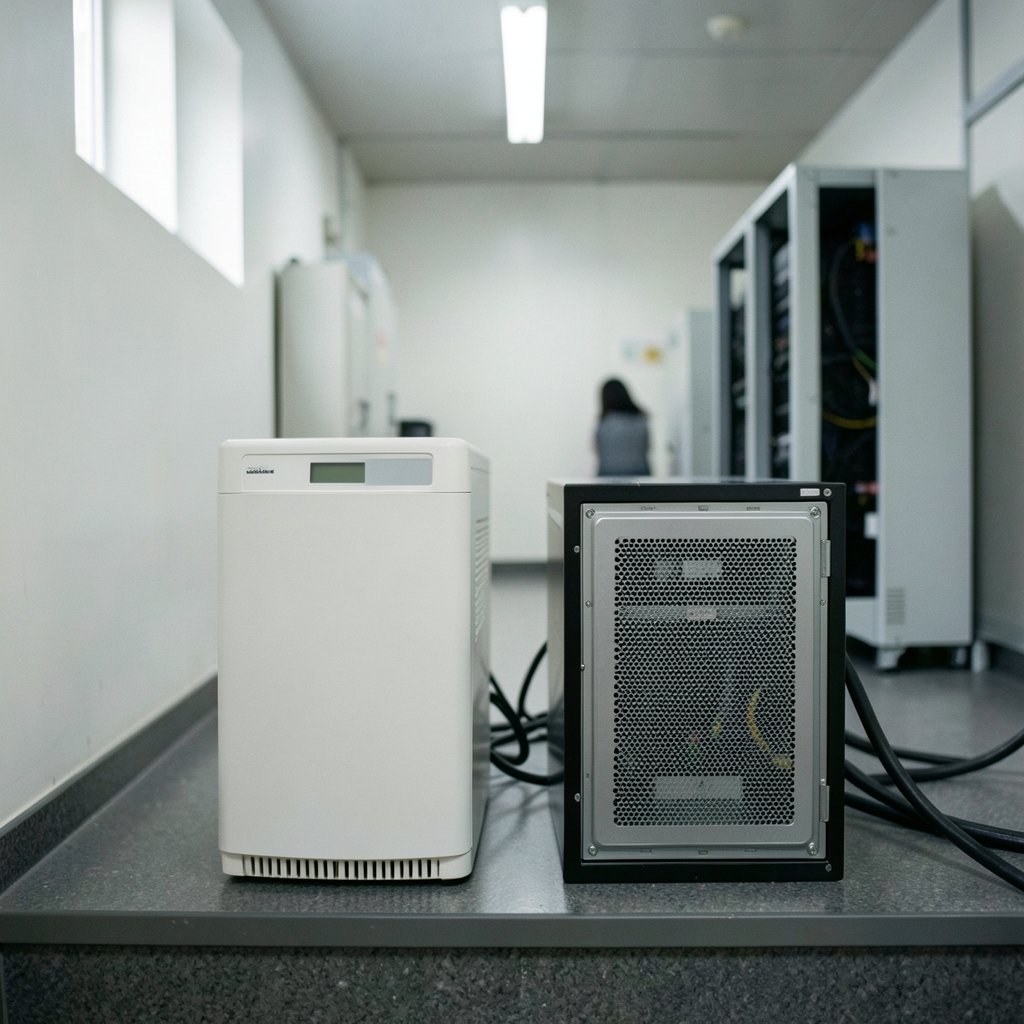
What happens to your servers, lab equipment, or point-of-sale system when the power flickers for a tenth of a second? For some loads, nothing. For others, a reboot, a corrupted file, or a stalled production line. That gap between “probably fine” and “absolutely cannot fail” is exactly where the choice between a line-interactive UPS and an online UPS gets made. Both keep equipment running during an outage. They protect very differently the rest of the time, and that difference drives cost, efficiency, heat, and battery wear. This guide breaks down how each topology works, where each one earns its keep, and the mistakes buyers make when they treat the two as interchangeable. (Image search techniques for finding images online)
The Three UPS Topologies, Briefly
Standards work such as IEC 62040-3 sorts uninterruptible power supplies into three broad families: passive or standby (off-line), line-interactive, and double-conversion (online). The classification hinges on how much the output voltage depends on the input. That single idea explains almost every practical difference below.
A standby UPS stays out of the way until the input sags or fails, then switches to inverter power. A line-interactive UPS adds voltage regulation to that design. An online UPS runs the load through a rectifier and inverter continuously, so the load never sees raw utility power at all.
Most buyers comparing “line interactive vs online” are really asking one question: how much power conditioning does this load actually need, and what am I willing to pay in money and efficiency to get it?
How a Line-Interactive UPS Works
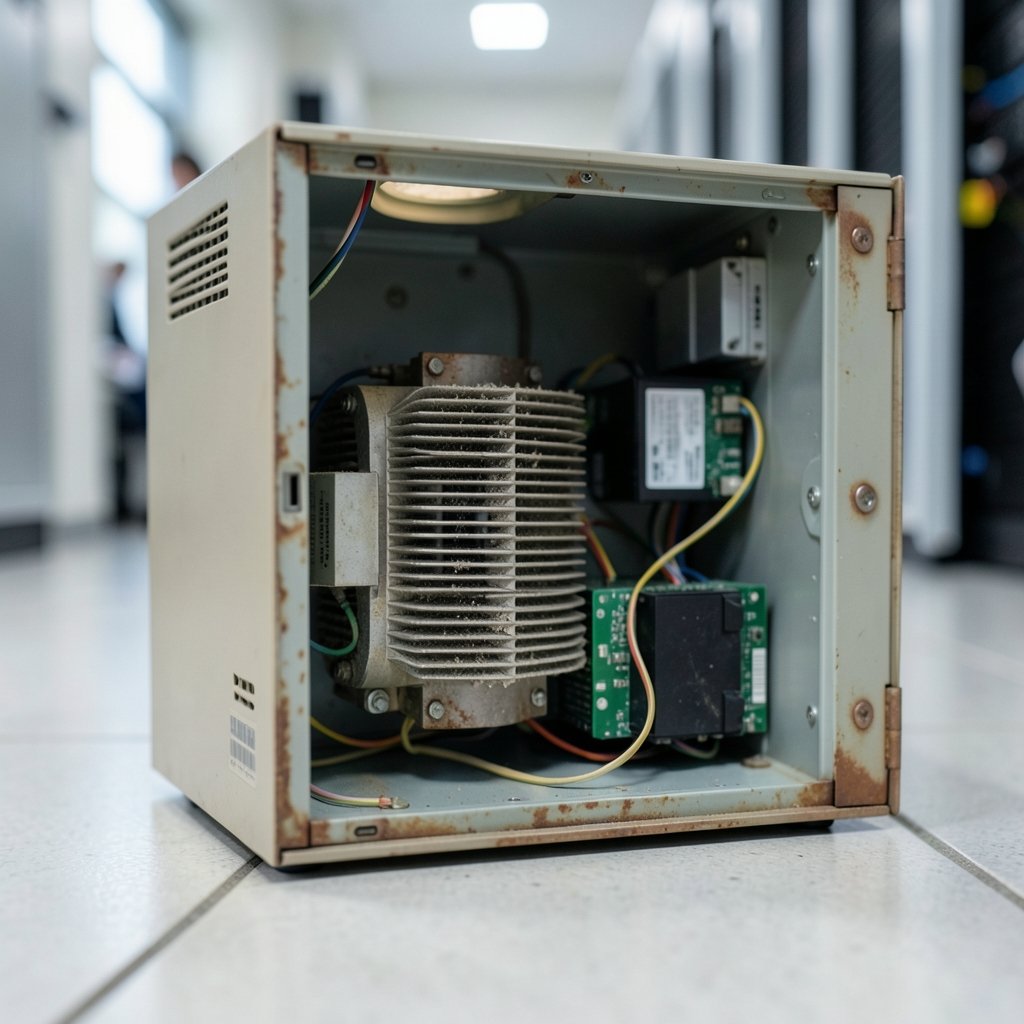
Inside a line-interactive unit, the load normally runs from the utility feed, with an automatic voltage regulator (AVR) in the path. That AVR, often built around a buck/boost transformer, nudges the output up or down when the input drifts outside a set window. Brownouts and moderate swells get corrected without draining the battery, which is a real advantage in areas with soft or unstable voltage.
When the input fails outright, the unit transfers the load to its inverter and battery. That transfer is fast, commonly cited in the low single-digit milliseconds, but it is not zero. Most IT equipment rides through it without noticing. Some sensitive loads do notice, and that is where the conversation shifts.
The practical strengths are straightforward:
- Higher efficiency at partial load than a double-conversion design, which matters if the UPS runs 24/7 for years.
- Lower cost per kVA and a smaller, lighter chassis.
- Less heat dumped into the room, which quietly reduces cooling load.
- Simple maintenance and widely available service.
The limits are equally clear. Output is corrected, not regenerated. Frequency variation and waveform distortion on the input can pass through. And there is that brief transfer window on every outage.
How an Online UPS Works
An online, or double-conversion, UPS rectifies incoming AC to DC, uses that DC rail to charge the battery, and then re-inverts DC back to clean AC for the load. The load sits behind the inverter at all times. When utility power disappears, the rectifier stops feeding the DC bus and the battery takes over instantly. There is effectively zero transfer time because no transfer occurs.
That architecture buys several things at once. The load is isolated from sags, swells, frequency shifts, harmonics, and waveform problems on the input. Output voltage and frequency are regenerated to a tight tolerance. The cost shows up in efficiency, physical size, weight, price per kVA, and often in battery duty cycle, since the battery sits on continuous charge and inverter support.
Modern high-efficiency online models narrow the efficiency gap, and many offer an “eco” or high-efficiency mode that partially bypasses conversion when input quality is good. Read the datasheet carefully: eco mode can trade away some of the very protection you bought the online unit for. (Tap Road Game: Play Online With Engaging Challenges)
Side-by-Side Comparison
| Feature | Line-Interactive | Online (Double-Conversion) |
|---|---|---|
| Normal operation | Load runs from utility through AVR | Load runs from inverter continuously |
| Transfer time on outage | Brief, typically a few milliseconds | Effectively zero |
| Voltage regulation | Corrected via AVR within a window | Fully regenerated output |
| Frequency and waveform isolation | Limited | Full |
| Efficiency at partial load | Generally higher | Lower, though high-efficiency models narrow the gap |
| Cost per kVA | Lower | Higher |
| Size and weight | Smaller, lighter | Larger, heavier |
| Heat output | Lower | Higher |
| Typical fit | Workstations, network gear, small servers | Data centers, medical, industrial controls |
| Battery duty | Cycling on outages and deep sags | Continuous charge and inverter support |
Treat the numbers in that table as directional. Transfer times, efficiency percentages, and “best for” claims vary widely by vendor, model, and load level. There is no single authoritative numeric comparison across the market. The specific datasheet for the specific unit is the only figure that counts.
Where the Efficiency Gap Actually Bites
Efficiency sounds like a footnote until you run the math on a unit that operates every hour of every day. A few percentage points of conversion loss become continuous heat inside the rack or the room, and that heat becomes cooling load. Over a multi-year service life, the difference can matter more than the sticker price gap.
This is the strongest argument for line-interactive in small installations. A branch office with a handful of switches, a firewall, and two servers rarely needs regenerated output. It needs ride-through, surge protection, and enough voltage regulation to survive a shaky feeder. A line-interactive unit delivers that at a fraction of the cost, footprint, and heat.
The counterargument is that efficiency figures at 100 percent load flatter both designs. Real loads often sit at 30 to 50 percent of rated capacity, where efficiency curves sag. Always compare datasheets at your expected load level, not the headline number.
Where Online UPS Earns Its Price
Some loads simply cannot tolerate a transfer window or a distorted input waveform. Think of an MRI suite, a semiconductor tool, a hospital isolation room, or a control cabinet running a continuous process. In those settings, the online UPS is not a luxury; it is the only design that meets the requirement.
Online units also shine where the utility itself is the problem. In regions with frequent frequency swings, harmonic-heavy neighbors, or generator-backed feeds with unstable output, double conversion turns messy input into clean output. A line-interactive unit can only correct so much before it gives up and transfers to battery, which then cycles the battery far more often than the owner expects.
That battery cycling point deserves attention. A line-interactive UPS in a chronically bad voltage area may switch to battery repeatedly, quietly consuming battery life. An online unit in the same location handles the disturbance in conversion rather than in the battery. The right answer depends on how dirty the supply really is, which is why a power quality survey before purchase beats guesswork.
Common Mistakes Buyers Make
Sizing by wattage alone. VA and watts are not the same thing, and power factor matters. A UPS rated generously in VA can still be overloaded by a hungry load with a poor power factor.
Ignoring startup inrush. Motors, compressors, and some lab instruments draw a surge on power-up. Size for the surge as well as the steady state.
Assuming all UPS units protect equally. A cheap standby box and a double-conversion unit are different animals. If a vendor quotes “UPS” without a topology, ask.
Skipping the battery plan. Batteries are consumables. VRLA strings typically need replacement every few years depending on temperature and cycling, and a UPS without a battery replacement budget is a countdown timer. Keep the room cool; heat is the quiet killer of battery life.
Forgetting the bypass. Maintenance bypass lets you service the UPS without dropping the load. It is cheap to add at design time and painful to retrofit.
Overbuying online capacity for loads that do not need it. Double conversion on a workstation is usually money burned on heat and efficiency for protection the load cannot use.
Practical Selection Guidance
A simple decision path works for most buyers. Start with the load’s tolerance, then work backward to topology.
- List what the UPS actually feeds and mark each item as “must never reboot” or “can tolerate a brief transfer.”
- Measure the supply. Log voltage and frequency for a week if the site has a history of problems. Dirty supply pushes you toward online.
- Check the load’s power factor and inrush and size for both as well as for steady-state watts.
- Compare datasheets at your real load level, not at 100 percent.
- Budget for batteries and service over the full life of the unit, and include the purchase.
- Confirm the maintenance bypass and monitoring options before you sign.
For teams also managing the softer side of facility work, the same discipline of comparing options before committing applies elsewhere. The logic behind a home equity loan vs line of credit comparison, for instance, mirrors the UPS decision: match the tool to the need, then check the long-run cost. The parallel is worth keeping in mind whenever a purchase looks simple on the surface.
Matching Topology to Real-World Loads
Small offices and home setups usually land on line-interactive, and rightly so. A workstation, a router, and a NAS do not need regenerated power. The money saved buys a better battery or a second unit for another room. (Electricity 101)
Server rooms and edge closets sit in the middle. A line-interactive unit with solid AVR handles most of them, but if the site has generator backup with wobbly output or a history of frequency problems, online becomes the safer call.
Data centers, medical facilities, and industrial controls belong in online territory. The load’s cost of a single glitch dwarfs the efficiency penalty. In those environments, the UPS is part of the process, not an accessory to it.
Conclusion
The line-interactive versus online question has a clean answer once you stop comparing spec sheets in the abstract and start comparing them against your load. Line-interactive wins on efficiency, cost, size, and heat, and it handles the vast majority of everyday equipment without drama. Online wins on isolation, zero transfer time, and clean output, and it is the only defensible choice when a single disturbance carries real consequences. Neither is “better” in a vacuum. The right unit is the one whose protection level matches what the load can tolerate, sized correctly, with a battery plan and a bypass in place. Get those four things right and the topology choice stops being a gamble.
Frequently Asked Questions
Is an online UPS always better than a line-interactive one?
No. Online UPS units offer stronger protection, but they cost more, run hotter, take up more space, and are generally less efficient at partial load. For workstations and small network gear, a line-interactive unit delivers everything the load needs at a lower total cost.
How long is the transfer time on a line-interactive UPS?
It is typically a few milliseconds, though the exact figure varies by model and should be read from the manufacturer datasheet. Most IT equipment rides through that window without a reboot. Loads that cannot tolerate any interruption should use a double-conversion design.
Can a line-interactive UPS protect against brownouts?
Yes, within limits. The automatic voltage regulator boosts or bucks the output when input voltage drifts outside a set window, so moderate sags get corrected without draining the battery. Deeper or longer disturbances still trigger a transfer to battery power.
Does an online UPS waste more energy?
Historically, yes, because the load passes through rectifier and inverter continuously. Modern high-efficiency online models narrow the gap considerably. Note that eco or high-efficiency modes may reduce protection, so check what the mode actually does before enabling it.
How often do UPS batteries need replacing?
It depends on battery chemistry, ambient temperature, and how often the unit cycles to battery. Valve-regulated lead-acid strings commonly need replacement every few years. Keeping the battery room cool and avoiding unnecessary cycling extends life noticeably.
Can I mix line-interactive and online UPS units in one facility?
Absolutely, and many sites do. A common pattern is online protection for the critical core and line-interactive units for distributed closets and edge gear. Just make sure each unit is sized for its own load and that monitoring covers the whole fleet.



