

Quick Answer: How long do macbooks last?
Most MacBooks stay genuinely useful for six to eight years, and many keep running as secondary machines well past that. Apple’s own vintage and obsolete policy gives a rough map: products become vintage about five to seven years after Apple last sold them, and obsolete around seven years, after which hardware service stops.
That is a service-life policy, not a hardware death sentence. A MacBook can outlive its software support by years, especially if you only browse, write, and stream. Software support usually runs out before the silicon does.
Before you buy or keep one, weigh these factors: battery health and cycle count, whether the model still gets macOS updates, storage size, repair history, and whether you need AppleCare or a third-party repair option.
Apple has never published an official lifespan figure for MacBooks. Every number you see, including the ones in this article, comes from support policy, independent surveys, or repair-shop experience. That matters, because a lot of confident “your Mac will last exactly X years” claims online are guesses dressed up as facts. What follows separates the measures people mix together: service life, software life, battery life, and actual hardware failure rates.
What Apple’s Vintage and Obsolete Policy Actually Means
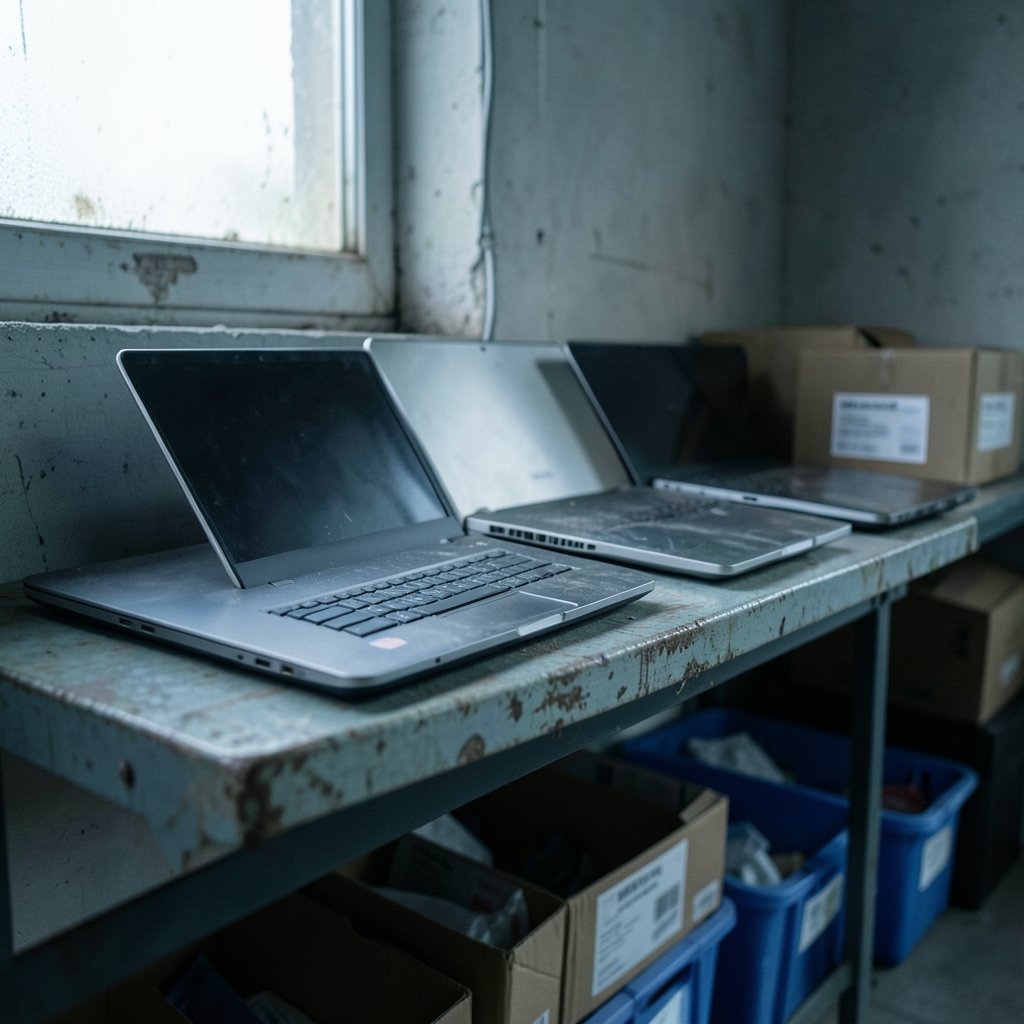
Apple classifies a product as vintage roughly five to seven years after it was last distributed for sale, and obsolete around seven years after. The distinction is practical:
| Status | Typical timing | What it means for you |
|---|---|---|
| Current | On sale or recently discontinued | Full hardware service, parts available |
| Vintage | About 5–7 years after last sale | Hardware service may still be available, depending on parts |
| Obsolete | About 7+ years after last sale | No hardware service from Apple |
Two mistakes are common here. The first is reading the vintage date as the moment a Mac stops working. It isn’t. Plenty of vintage Macs run fine; they just become harder and pricier to repair. The second is assuming a repair shop can always source parts. For obsolete models, third-party shops often rely on donor machines, which raises cost and risk.
In practice, the policy is your signal for repair economics rather than longevity. A six-year-old MacBook Air that needs a $300 logic board repair is often not worth fixing. The same machine with a healthy battery can serve another three years as a kitchen-table laptop.
Software Support: The Real Clock on a MacBook
If one factor decides when a MacBook stops feeling modern, it’s macOS support. Apple has generally kept new major macOS releases coming to each Mac model for around seven to eight years after release, then provided security updates for the final supported version for roughly two to three more years.
That pattern, not a published guarantee, is why a 2015 MacBook Pro can still browse the web in 2026 while feeling increasingly creaky. Once your model drops off the macOS list, you get a few more years of patch support, then third-party apps start leaving you behind. Browsers stop updating first, then chat apps, then everything else.
Practical signs it’s time to plan a replacement:
- Your Mac no longer receives the newest macOS release.
- Your browser warns it will stop receiving security updates.
- Video calls stutter on a machine that used to handle them fine.
- Key apps require a newer macOS version than your Mac supports.
The software ceiling is also why buying a used Mac needs care. A four-year-old machine may only have three or four years of macOS updates left, which compresses its useful life considerably. If you’re shopping accessories to stretch an older machine, sensible upgrades like a USB-C hub for a MacBook Air or a USB-C hub for a MacBook Pro cost far less than a new laptop and can genuinely extend daily usability. (MacBook)
Battery Life Is the Most Predictable Failure Point
Batteries wear out on a schedule, and it’s the single most common reason a working MacBook gets retired or repaired. Apple has long flagged batteries that fall below 80% of original capacity as candidates for service, and macOS surfaces a “Service Recommended” status when it detects trouble.
Cycle counts matter too, and they vary by model. Many modern MacBook Air and Pro batteries carry design ratings around 1,000 charge cycles, but that’s a rating, not a cliff. A machine at 900 cycles with 84% health may be perfectly pleasant; one at 600 cycles with 76% health will show it.
What actually helps, based on how lithium-ion cells behave:
- Avoid leaving the laptop at 100% plugged in for days at a time.
- Don’t routinely run it to zero; shallow discharges are gentler.
- Keep it out of hot cars and off soft surfaces that block vents.
- Check battery health every few months rather than obsessing weekly.
Battery replacement is also the cheapest way to add years to a MacBook. It’s a routine repair, and on recent designs the battery is somewhat more accessible than it used to be. Apple’s Self Service Repair program, which expanded to Mac notebooks after launching for iPhone in 2022, gives confident DIYers another route.
Apple Silicon Longevity: Too Early for Confident Numbers
The first Apple silicon Macs, the M1 MacBook Air and MacBook Pro, arrived in November 2020. As of late 2026, that’s roughly six years of real-world data. Six years is useful, but it is not enough to support claims that these machines will comfortably run for a decade.
What the early evidence does suggest is encouraging. Apple silicon runs cooler than the Intel chips it replaced, and heat is a major driver of long-term wear. Fewer moving parts, no fan on the MacBook Air, and efficient power draw all point toward good durability. But “points toward” is the honest phrasing. Anyone stating a firm ten-year figure for M-series Macs is extrapolating.
The same caution applies to SSD wear. Modern MacBook SSDs are rated for hundreds of terabytes written, and typical consumer workloads rarely approach that within five to seven years. Storage failure is uncommon; running out of space is far more common.
What Independent Data Says About Laptop Failure Rates
The best-known quantitative survey on laptop reliability is Consumer Reports’ 2017 subscriber survey, which found roughly 20% of laptop owners reported a problem within the first three years, with MacBooks among the more reliable brands. That’s genuinely useful context, and it’s also nearly a decade old and predates Apple silicon entirely. Treat it as a directional signal, not a current statistic.
Repair technicians tend to describe a similar pattern from the bench: MacBooks that fail early usually fail from a specific defect or accident, while MacBooks that survive the first two or three years often run for many more. The failures that show up in year six or seven are typically batteries, worn hinges, swollen cells, liquid damage, or storage that filled up years ago.
How to Make a MacBook Last Longer
Longevity is partly luck and largely habit. The practical moves that actually work:
Buy enough machine up front. RAM and storage can’t be upgraded on modern MacBooks. A base model that’s tight on day one becomes painful by year four. This one decision influences lifespan more than anything else on this list.
Keep it cool. Don’t run it on a duvet, don’t leave it in a hot car, and clear the vents occasionally. Heat ages batteries and solder joints alike.
Watch storage. Keeping 15–20% of the drive free avoids slowdowns and excessive swap writes.
Get ahead of the battery. Replace it when health drops into the high 70s rather than waiting for swelling. A swollen battery can warp the trackpad and chassis, turning a cheap fix into an expensive one.
Don’t skip macOS updates, but don’t install a brand-new major release on a critical work machine the week it ships either.
Back up. A MacBook that dies at year eight is an inconvenience with a backup and a disaster without one.
The most common mistakes are subtler: buying the cheapest configuration and expecting eight good years, ignoring a battery that’s visibly swelling, and spending $400 repairing a machine that’s already past its software sunset. That last one stings because the money rarely buys much extra time.
When to Repair and When to Replace
A simple rule of thumb works for most people: if a repair costs more than roughly a third of what a comparable replacement costs, and the machine is already past its macOS update window, replace it. If the Mac still gets current macOS, a battery or keyboard repair is usually money well spent.
Repair makes sense when the machine is under five years old, the fix is a battery, storage, or keyboard, and the rest of the hardware is healthy. Replacement makes sense when the logic board fails on a vintage model, when the display assembly costs more than the laptop is worth, or when software support has already ended.
For anyone stretching an older machine, small accessories often deliver outsized value. A good USB-C hub for MacBook laptops adds ports and card readers without a new purchase, and even a well-chosen primer for oily skin is the kind of small upgrade people pair with a long workday in front of a screen. The principle is the same: fix the cheap bottleneck before replacing the whole system.
Conclusion
A MacBook realistically lasts six to eight years as a primary machine, and often longer as a backup. The clock that matters most isn’t the hardware; it’s macOS support, which typically runs seven to eight years per model, followed by a few years of security patches. Batteries are the predictable wear item, and replacing one at the right moment is the cheapest longevity upgrade available.
Apple silicon looks durable, but six years of data isn’t proof of a decade. Buy more RAM and storage than you think you need, keep the machine cool, watch battery health, and repair only while the software still has legs. Do that, and the honest answer to “how long will this MacBook last” stops being a guess and starts being a plan.
Frequently Asked Questions
Is a 7-year-old MacBook still worth using?
Often yes, with caveats. If it still receives security updates and the battery is healthy, it handles browsing, writing, email, and streaming fine. Check whether your essential apps still support its final macOS version before relying on it for work.
Does a MacBook stop working once it becomes obsolete?
No. Obsolete status affects Apple’s hardware service, not the machine’s ability to run. An obsolete MacBook still boots and works; it just becomes harder and more expensive to repair, since parts come from donor units.
How often should I replace a MacBook battery?
Replace it when macOS shows “Service Recommended” or health drops below about 80%, or sooner if you notice swelling. Most users hit that somewhere between four and seven years, depending on charging habits and heat exposure.
Do MacBooks last longer than Windows laptops?
Independent survey data has generally placed MacBooks among the more reliable laptop brands, though the best-known figures are from 2017 and predate Apple silicon. Longevity depends more on configuration, software support, and care than on brand alone.
Can I keep using a MacBook after macOS updates end?
Yes, for a while. Apple typically provides security updates for the final supported macOS release for roughly two to three years. After that, browsers and apps gradually drop support, so plan a replacement before that window closes.
Is it worth buying a used MacBook to save money?
It can be, if you check the model’s remaining macOS support, battery cycle count and health, and storage size first. A four-year-old machine with only three years of updates left is a worse value than it first appears.



