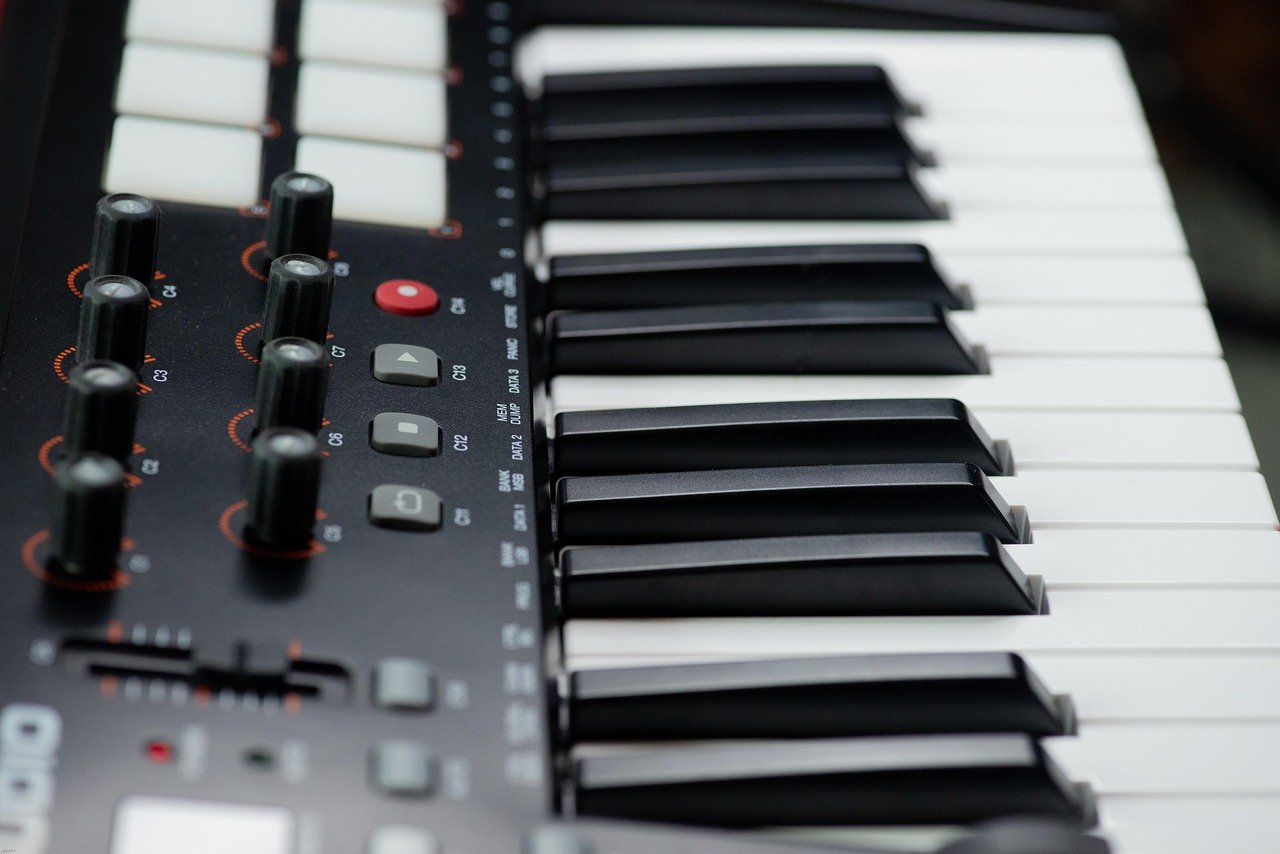
Quick Answer: What is a midi keyboard?
A MIDI keyboard is a keyboard instrument that sends performance data — which note was played, how hard, and when — to another device instead of producing sound on its own. Most people use one to play software instruments inside a computer, though the same data can drive a hardware synth module or a tablet app.
The term covers two different products. A controller has keys and knobs but no sound engine and must be connected to something that makes sound. A synthesizer has MIDI built in plus its own sound generator, so it can play standalone. Many modern models blur that line.
Before buying, compare key count, key action, connectivity, aftertouch, control layout, and whether you need built-in sounds.
So What Actually Comes Out of the Keys?
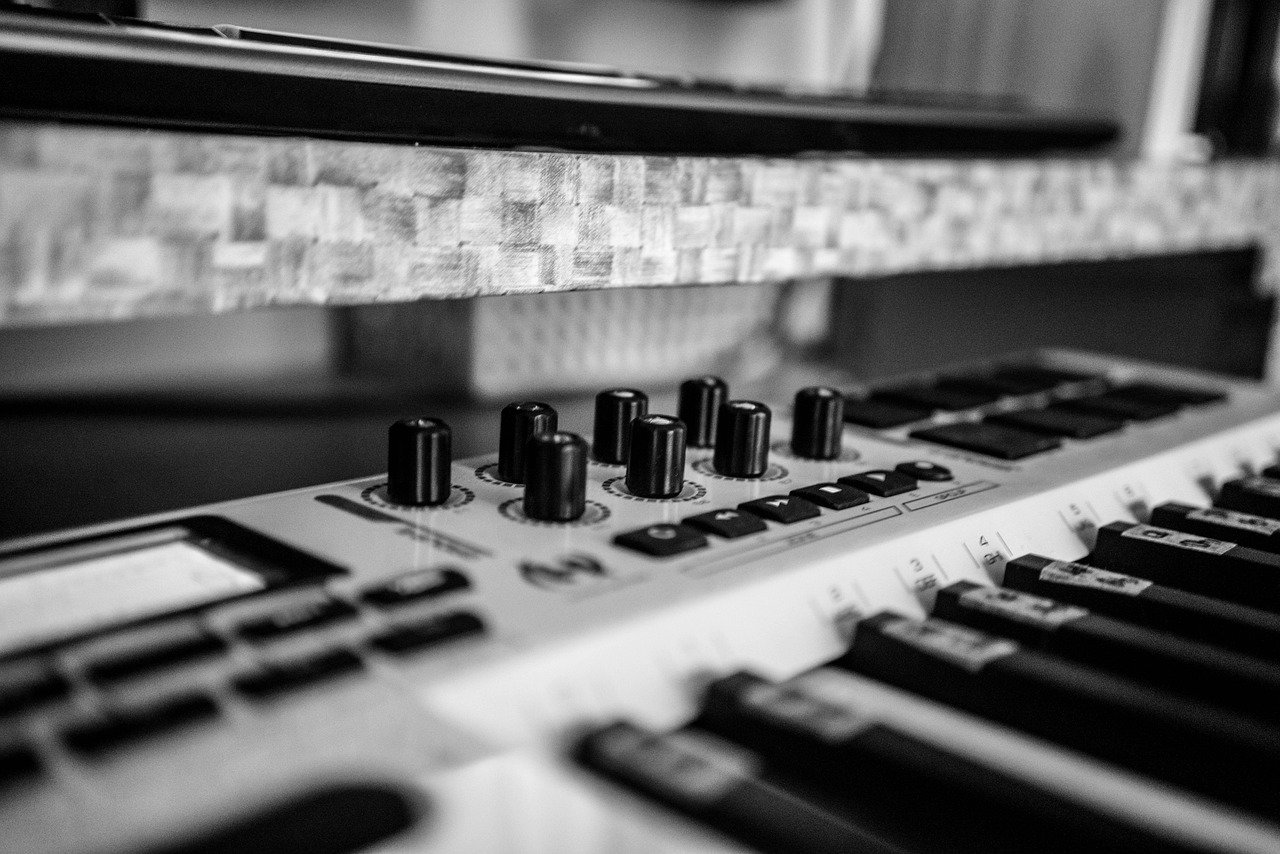
Picture a pianist pressing a key on a stage piano. Sound pours out of the speakers. Now picture someone pressing a key on a slim 25-key controller sitting next to a laptop. Nothing comes out of the keyboard at all — but the laptop’s screen lights up, and a piano sample plays through the speakers connected to the computer.
That second scene is the whole idea behind MIDI. The keyboard is a messenger, not a musician. It reports what the performer did, and something else does the playing.
This trips up a lot of first-time buyers. They unbox a controller, plug in headphones, press a key, and hear silence. Nothing is broken. The keyboard has no sound to give. It only has instructions to send.
MIDI Is a Language, Not a Sound
MIDI stands for Musical Instrument Digital Interface. It is a data standard, not an audio format. The original MIDI 1.0 specification was published in 1983 by the MIDI Manufacturers Association and Japan’s AMEI, and it defined how devices talk to each other using short messages.
Those messages are simple. A note-on message says which key was pressed and how hard. A note-off says it was released. Control change messages carry knob twists and pedal presses. Pitch bend gets its own message. Nothing in the stream is audio — it is closer to a player-piano roll than to a recording.
The MIDI Association‘s overview of the MIDI protocol explains what data the standard carries and how the 1983 specification came together, which is useful if you want to understand why a single cable can control sixteen instruments at once.
Because the data is so small, it stays editable forever. You can record a performance, fix a wrong note, change the instrument, and adjust velocity months later. Try that with a recorded audio file.
Controller vs. Synth: The Distinction That Confuses Buyers
Most confusion around this topic comes from two products sharing one label. Here is the split:
| Feature | MIDI controller | Synthesizer / workstation |
|---|---|---|
| Built-in sounds | None | Yes, often hundreds |
| Needs a computer | Usually yes | No |
| Price range | Lower | Higher |
| Typical use | DAW recording, soft synths | Live performance, standalone play |
| Weight and size | Light, portable | Heavier, bulkier |
A controller is the cheaper, lighter option, and it is what most home producers own. A synth costs more but works alone on stage without a laptop. Some hybrid models include a small sound engine plus USB-MIDI, which is handy for practice but rarely matches a dedicated synth.
The encyclopedia entry on MIDI controllers covers the controller-versus-synth distinction and the common control types in more depth than a buying guide can.
Key Count: The First Number You Should Check
Key count decides how much music you can play without transposing or switching octaves. The common sizes are 25, 37, 49, 61, 76, and 88 keys.
88 keys matches a standard acoustic piano’s range, from A0 to C8, according to the standard piano keyboard range described for the instrument. If two-handed piano repertoire matters to you, this is the number to aim for.
61 keys covers most pop, rock, and electronic parts and fits on a desk. 49 keys is the portable sweet spot for producers who mostly play chords and bass lines. 25 and 37 keys are for travel, beat-making, and squeezing onto a crowded desk next to a monitor.
A practical tip: measure your desk before you fall in love with an 88-key model. A full-size keyboard is roughly 1.4 meters wide, and it will not fit in front of most single-monitor setups without a dedicated stand.
Key Action: Why Some Keys Feel Like a Piano and Others Feel Like a Toy
Key feel is the spec nobody reads and everybody regrets ignoring. There are three broad categories.
Synth-action keys are light and springy, with a fast return. They suit drum programming, synth leads, and anything where speed beats nuance.
Semi-weighted keys sit in the middle. They have a bit of resistance but no hammers, so they feel closer to an organ than a grand piano.
Fully weighted or hammer-action keys mimic an acoustic piano’s mechanism. They are heavier, slower to press, and much better for developing piano technique.
Here is the trap: a weighted 88-key controller can cost twice as much as a synth-action 61-key model with more knobs. If you mainly program beats, weighted keys are wasted money. If you practice Chopin, synth-action keys will teach you bad habits.
Velocity, Aftertouch, and the Controls That Add Expression
Two expressive features separate a decent controller from a great one.
Velocity measures how fast a key is struck. In MIDI 1.0 it is sent as a 7-bit value from 0 to 127, which means 128 possible levels of hardness. That is enough for most playing, though it can feel coarse on very dynamic material.
Aftertouch senses continued pressure after a key is held down. Channel aftertouch applies to the whole keyboard; polyphonic aftertouch works per key. Polyphonic aftertouch is rarer and more expensive, and it is the feature that makes sustained synth pads and expressive string parts come alive.
The MIDI 2.0 specification published in January 2020 raises velocity and controller resolution to 16-bit and adds bidirectional capability negotiation plus per-note control. Most gear still runs MIDI 1.0, so treat MIDI 2.0 as a bonus rather than a requirement. (MIDI)
Beyond those, look for pitch bend and modulation wheels, a sustain pedal input, and assignable knobs or faders that send control change messages. Eight knobs and four faders handle most soft synths comfortably.
Connectivity: DIN, USB, and Bluetooth
Classic MIDI used 5-pin DIN cables, and plenty of hardware still does. Since the mid-2000s, most controllers connect over USB, and class-compliant USB-MIDI devices need no driver on modern operating systems — plug in and play.
Bluetooth MIDI is convenient for tablets and phones but adds latency. For recording, a cable is still the safer choice.
A common mistake: buying a controller with only USB and then discovering you want to control a hardware synth module with DIN ports. Check both ends of your intended setup before ordering. If your controller does not show up in your software, the problem is usually configuration rather than hardware, and there are documented fixes when a keyboard is not detected by VIA that walk through the usual culprits.
The Software Side: DAWs and Virtual Instruments
A controller is only half a rig. The other half is a DAW (digital audio workstation) or a standalone software instrument. Plugins come in formats like VST, AU, and AAX, and most DAWs load all three.
The workflow is straightforward:
- Connect the controller by USB and confirm the computer sees it.
- Open the DAW and select the controller as a MIDI input.
- Load a software instrument on a track.
- Arm the track for recording and play.
- Map knobs to parameters using the DAW’s MIDI learn function.
Most beginners stall at step two, usually because the controller is selected as an audio device instead of a MIDI input. It is a five-second fix once you know where to look.
Practical Buying Advice That Saves Regret
A few habits separate happy buyers from frustrated ones.
Try the keys in person if you can. Key feel is subjective, and reviews cannot tell you whether a bedspring action will annoy you after a month.
Budget for a stand and a pedal. A sustain pedal is not optional for piano playing, and many controllers ship without one.
Do not overbuy controls. Forty pads and sixteen faders look impressive and mostly go untouched. Buy for the music you actually make.
Check the modding scene before you commit. Enthusiasts swap plates and dampen cases, and knowing what is reversible matters. The sound differences a keyboard foam mod actually changes are real but modest, and the risks of the tape mod are worth reading before opening anything up. Plate material affects feel and resonance too, as this comparison of brass versus polycarbonate keyboard plates explains.
Learn one small repair skill. A rattling key or a bent pin is fixable at home. This guide to a spacebar rattling fix that silences a noisy stabilizer covers the basics, and this walkthrough on how to fix a bent keyboard switch pin without breaking it saves a return shipment.
Consider layout only if you have a reason. Left-handed players sometimes ask about mirrored layouts, and the real benefits of a southpaw keyboard layout are narrower than the marketing suggests.
Where MIDI Keyboards Fit in a Modern Setup
The instrument has quietly become the hub of the home studio. A single controller can play a piano sample, trigger drums, ride a filter sweep, and launch clips, all in one session. That flexibility is why the controller market exploded while acoustic piano sales stayed flat.
There is also a minimalist angle. Some players pair a small controller with a stripped-back phone, and the trade-offs between an e-ink phone and a minimal phone for keyboard and app limits show how far the “one small device” philosophy can stretch.
For most people, though, the setup stays simple: a controller, a laptop, a DAW, and a pair of headphones. That is enough to write, record, and arrange complete music.
Conclusion
A MIDI keyboard is a messenger. It sends note, velocity, and control data to something else that makes the sound, whether that is a laptop running a soft synth or a hardware module on a stage. The label also covers synths with built-in sound engines, which is why the term confuses so many first-time buyers.
If you are shopping, decide three things in order: whether you need built-in sounds, how many keys fit your space and repertoire, and what key action suits your playing. Get those right and the knobs, pads, and connectivity sort themselves out. Get them wrong and no amount of extra features will fix the mismatch.
Frequently Asked Questions
Do I need a computer to use a MIDI keyboard?
A controller does, because it has no sound engine of its own. A synthesizer does not, because it generates audio internally. If you want to play without a laptop, buy a synth or a stage piano rather than a bare controller.
Can a MIDI keyboard make sound on its own?
Not usually. A pure controller outputs data only, so headphones plugged into it stay silent. Some models include a small built-in sound engine or a headphone jack for audio from a connected device, but that is an extra feature rather than a standard one.
What is the difference between MIDI and audio?
MIDI carries instructions — which note, how hard, when — while audio is the recorded sound wave itself. MIDI files stay tiny and fully editable. Audio files are larger and much harder to correct after the fact.
How many keys should a beginner buy?
Forty-nine or 61 keys suits most beginners well. That range covers chords, melodies, and bass lines without eating the whole desk. Choose 88 keys only if piano repertoire is the goal, and 25 keys only if portability is the priority.
Does a MIDI keyboard work with any DAW?
Almost all of them, yes. Controllers send standard MIDI data, which every major DAW reads. The only friction comes from extra features like custom integration or bundled software, which may be tied to specific programs.
Why does my keyboard show no sound in my software?
The usual causes are a track that is not armed, a software instrument that is not loaded, or the controller selected as an audio device instead of a MIDI input. Check those three before assuming the hardware is faulty.