

Quick Answer: How much do AI podcast editing tools cost?
Most AI podcast editing tools cost between $0 and about $24 per month for a solo creator, with team and enterprise plans running two to five times higher per seat. The price depends on how the vendor packages editing: some sell it as a standalone subscription, others bundle it into a recording or hosting platform, and a few charge by the minute of audio processed.
Free options exist, but they usually cap transcription or export minutes, which pushes regular users toward paid tiers quickly. A credit-based model from a service like Auphonic works differently from a flat monthly subscription, and open-source tools like Audacity paired with Whisper transcription keep the cash floor at zero while costing you time and compute.
Before committing, compare transcription and export limits, monthly versus annual billing, overage charges, filler-word and noise-removal features, multi-track support, team seats, and cancellation terms.
Why the Price Tag Is Never Just the Subscription
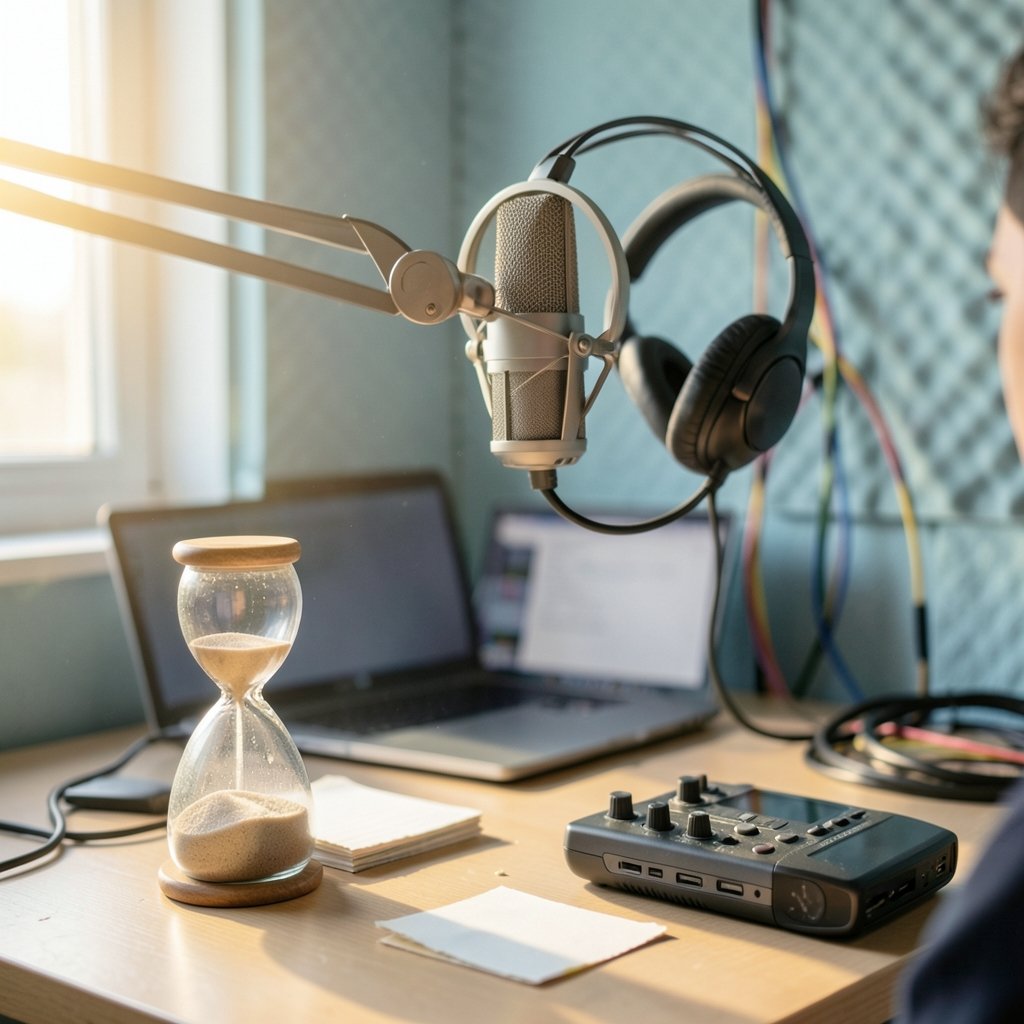
Here is the thing nobody mentions in the sign-up flow: the monthly fee is only part of what you pay. AI podcast editing tools price themselves around transcription minutes and export hours, because automatic speech recognition is the expensive part of the pipeline. Every minute of audio you feed the tool costs the vendor real compute, so every plan is really a quota in disguise.
That single design choice explains most of the confusion. Two tools can both advertise “$12 a month” and deliver wildly different value depending on whether that buys you one hour of transcription or ten. It also explains why podcasters who record long interviews blow through limits faster than solo monologue hosts, and why a 90-minute episode can quietly cost more than a 30-minute one on the same plan.
The practical takeaway: stop shopping for a monthly number and start shopping for a cost per finished episode. That is the figure that actually hits your budget.
The Main Pricing Models, Compared
AI podcast editors generally fall into four pricing structures. Knowing which bucket a tool sits in tells you more about your real cost than any headline price.
| Pricing model | How it works | Typical example type | Best for |
|---|---|---|---|
| Freemium subscription | Free tier with capped transcription, paid tiers by minutes or hours | Descript-style editors | Beginners testing the waters |
| Credit-based | Free monthly credits, then pay-as-you-go | Auphonic-style processors | Irregular publishing schedules |
| Bundled platform | Editing included in a recording or hosting plan | Riverside, Podcastle | Hosts who want one bill |
| Per-minute processing | Charged per minute of audio cleaned | Cleanvoice-style cleanup tools | Fixing audio you already edited |
| Free or open source | $0 software plus your own compute and time | Audacity plus Whisper | Tight budgets, patient editors |
Each model has a trap. Freemium tiers tend to cap exports rather than transcription, so you can edit all day and still hit a wall when you publish. Credit systems feel generous until a busy month drains your balance mid-episode. Bundled platforms hide the editing cost inside a fee you would pay anyway, which is fine until you want to leave and discover your projects live in someone else’s cloud.
Per-minute tools are the most honest about cost and the least predictable for budgeting. A 40-minute episode with heavy filler words might cost a couple of dollars to clean, while a sloppy two-hour recording could cost several times that. If you publish weekly, per-minute pricing adds up fast.
What the Big Names Actually Charge
Pricing in this category moves constantly, so treat every figure below as a directional estimate and verify it on the vendor’s own page before you buy. Several major tools repackaged their plans during 2024 and 2025, and regional pricing, currency, and annual discounts all shift the number.
Descript has historically offered a free tier with roughly an hour of transcription per month and paid individual plans in the US$12 to $24 range, with higher Pro and team tiers above that. Adobe Podcast Enhance was free during its 2023 beta for speech cleanup, though Adobe has signalled it may fold the feature into paid Creative Cloud plans. Auphonic runs on credits, with a free monthly allowance of around two hours and pay-as-you-go pricing beyond it. Cleanvoice has charged per minute of processed audio with free trial minutes included.
Riverside and Podcastle work differently. They bundle AI editing, filler-word removal, transcription, and clip generation into recording and hosting subscriptions, so there is no clean way to separate the editing cost from the platform fee. You are paying for the whole studio rather than only the cleanup.
Enterprise and team pricing is usually quoted rather than published, and per-seat rates commonly run two to five times individual pricing. If you are buying for a production team, ask for a written quote and confirm what happens when a seat goes unused for a month.
The Hidden Costs That Blow Up Budgets
The subscription is the visible cost. The invisible ones are where podcasters get surprised.
Overage charges. Most plans do not stop when you hit your transcription limit. They bill you for the extra minutes, often at a rate well above the effective per-minute price of your plan. A guest who talks for two hours instead of one can double your bill in a single session.
Annual billing lock-in. Annual plans typically discount 15 to 20 percent, but they also lock you in. If the tool changes its features or you switch workflows, you have prepaid for something you no longer use.
Storage and hosting. Some editors charge separately for media storage once your project library grows. Others bundle it, then raise the tier when you cross a threshold.
The time tax. Free tools are not free if they cost you three hours per episode. Manual editing in Audacity, running Whisper locally, and stitching plugins together works, but it is a real cost measured in evenings.
The upgrade ladder. Filler-word removal sits on one tier, multi-track editing on another, and team collaboration on a third. The feature you actually need is rarely on the plan you first picked.
This pattern is not unique to podcasting. It shows up across software generally, which is why it pays to read the fine print on what a “free” tier really includes and where the true cost of free AI tools tends to surface. The same logic applies to cloud services, where cloud cost management tools that actually cut your bill exist precisely because usage-based pricing drifts upward quietly.
Free Tools: What You Actually Get
The free tier is real, but it is a sample, not a solution. Most free plans give you enough transcription to produce one or two short episodes a month, then ask you to upgrade. That is fine for testing whether the workflow suits you and useless for a weekly show.
Open-source options change the math. Audacity is a capable free audio editor, and Whisper, released in 2022, handles automatic transcription locally. Together they cost nothing but your time and whatever hardware you already own. The catch is that you become the integrator: installing plugins, managing models, and troubleshooting crashes at 11 p.m. before a deadline.
For a hobbyist publishing monthly, that trade is often worth it. For someone with sponsors and a publishing schedule, paying $15 a month to skip the troubleshooting is usually the smarter deal. If you want a deeper comparison of paid editing workflows, this roundup of AI podcast editing tools for cleaner audio covers what each category actually delivers.
How to Calculate Your Real Cost Per Episode
Skip the sticker price. Do this instead, and you will know your number in about ten minutes.
- Measure your average finished episode length in minutes, including every take you upload.
- Multiply by the number of episodes you publish per month.
- Add 30 to 50 percent for retakes, false starts, and re-exports, which most people forget.
- Compare that total against each plan’s transcription or export allowance.
- Add the overage rate for any minutes beyond the cap.
- Divide the monthly total by your episode count to get cost per episode.
A host publishing four 45-minute episodes a month is looking at roughly 180 minutes of raw audio before retakes, call it 250 minutes with margin. That number immediately rules out plans capped at 120 minutes and makes a $24 tier look cheap compared to three overage charges.
Run the same math for a per-minute tool and the picture flips. At a few cents per minute, 250 minutes is modest, but a heavy cleanup pass on a noisy recording can multiply the processing time. The lesson is that volume and messiness both cost money, and only one of them shows up in your plan comparison.
Practical Tips That Save Real Money
Record clean the first time. Every dollar you spend on AI cleanup traces back to a recording problem. A decent microphone, a quiet room, and a pop filter cut your processing minutes dramatically. This is the highest-return investment in the entire workflow.
Batch your editing. Many credit-based tools reset monthly. If you have a light month, bank the credits and process two episodes in a heavy one rather than letting allowance expire unused.
Test the free tier properly. Do not sign up, poke around for five minutes, and upgrade. Run a full real episode through the free plan first. You will discover the export cap, the watermark, or the feature gap before you are locked into an annual commitment.
Check cancellation terms before annual billing. Some tools refund prorated amounts, most do not. If you are unsure about a year-long commitment, pay monthly for two cycles first.
Keep a local backup of raw audio. If you ever leave a bundled platform, your projects may not export cleanly. Raw files on your own drive are the only insurance that matters.
The same discipline applies elsewhere in your tech stack. People rarely regret checking what a service really costs before committing, whether that is how much WordPress actually costs for a podcast site or what a PlayStation Plus subscription runs over a year. Subscription creep is cumulative, and podcasting is no exception.
Common Mistakes That Cost Beginners Money
The most expensive mistake is buying a team plan for a solo show. Team tiers add seats and collaboration features you will never touch, at two to five times the individual rate.
The second is choosing a tool for its editing features and ignoring its export limits. A plan that transcribes ten hours but exports two is not a ten-hour plan.
The third is stacking overlapping subscriptions. A recording platform with built-in cleanup, a separate filler-word remover, and a standalone transcription service can easily total $60 a month for work one tool could do. Audit your stack every quarter and cancel anything that duplicates a feature you already pay for.
Finally, watch for promotional pricing that expires. A “$9 for three months” offer that reverts to $29 is a $29 plan with a marketing discount, not a $9 plan.
Conclusion
AI podcast editing tools cost somewhere between nothing and roughly $24 a month for most independent creators, with team plans climbing well above that. But the number on the pricing page is only the starting point. Your real cost depends on how many minutes you record, how messy those minutes are, whether you hit overage charges, and whether you are paying for a bundle you only half use.
The smart move is unglamorous: measure your actual monthly audio volume, run a full episode through a free tier before paying, calculate cost per finished episode rather than per month, and keep your raw files local. Do that, and the pricing question stops being confusing and becomes a simple line in your budget. The tool should serve the show, not the other way around.
Frequently Asked Questions
Are AI podcast editing tools worth the money for a beginner?
For most beginners, a free tier is enough to learn the workflow, and a $12 to $15 monthly plan becomes worth it once publishing is regular. The value comes from time saved on filler-word removal and transcription, not from advanced features. If you publish less than twice a month, free or open-source tools usually make more sense.
Do AI editing tools charge per episode or per minute?
Most charge per minute of audio processed or transcribed, not per episode. That means a long interview costs more than a short monologue on the same plan. A few tools bill per finished export instead, which is friendlier for hosts with variable episode lengths.
What happens if I go over my plan’s transcription limit?
Most vendors bill overage charges rather than pausing your account, and the overage rate is often higher than your plan’s effective per-minute price. A few simply block new uploads until the next billing cycle. Check the overage policy before you record a two-hour special.
Is it cheaper to bundle editing with a recording platform?
Bundling is usually cheaper if you need recording, hosting, and editing together, because you pay one fee instead of three. It becomes expensive if you only want cleanup, since you are paying for studio features you never use. Compare the bundle price against a standalone editor plus your existing host.
Can free tools really replace paid AI editors?
Free tools can replace paid editors for simple cleanup and transcription, especially with open-source software and local speech recognition models. They struggle with multi-track editing, automatic clip generation, and collaboration. The real trade is time: free tools cost evenings, paid tools cost dollars.
Why do prices for these tools change so often?
The category is young and compute-heavy, so vendors adjust tiers as transcription costs fall and features shift between plans. Regional pricing, annual discounts, and repackaged bundles all move the number too. Always confirm the current price on the vendor’s own page on the day you subscribe.



