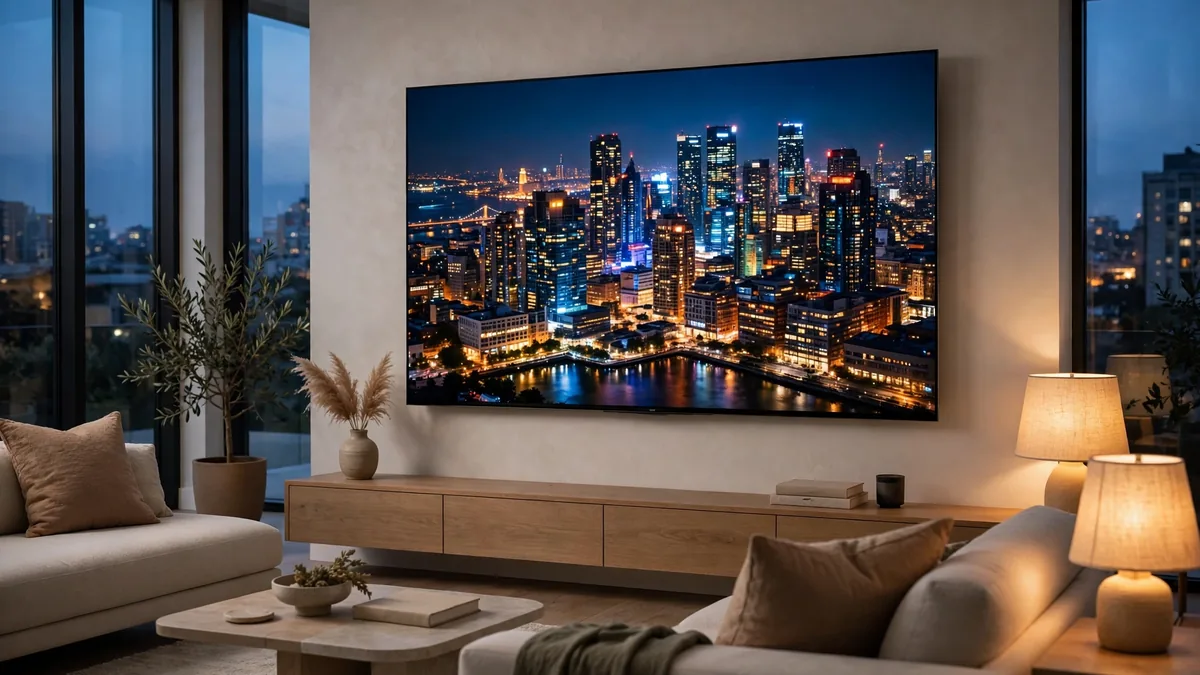
OLED vs IPS monitors is the display choice that matters most when you buy a new screen in 2027, because the two panel types produce a picture in completely different ways. An OLED monitor lights every pixel on its own, so black areas are truly dark. An IPS monitor shines a backlight through liquid crystals, which keeps prices lower and brightness higher, but means black is never quite black.
The price gap has narrowed fast: a good 27-inch 1440p IPS monitor starts at around $180, while a comparable OLED starts at around $550. That gap buys visibly better contrast and faster response times, but IPS still wins on brightness and value.
This comparison tests the two technologies head to head on picture quality, speed, brightness, durability, and price, so you can pick the one that fits your desk.
Key takeaways
- OLED wins on contrast, with effectively infinite contrast because each pixel turns fully off.
- IPS wins on brightness and price, costing roughly a third of a comparable OLED.
- OLED is faster, with response times near 0.03 ms, while good IPS panels measure around 1 to 4 ms.
- IPS has no burn-in risk, while OLED needs sensible habits such as hiding the taskbar and varying content.
- Choose OLED for films and fast games in a dim room; choose IPS for bright offices, long text work, and tight budgets.
OLED vs IPS at a glance
| Feature | OLED | IPS |
|---|---|---|
| How it makes light | Each pixel lights itself | Backlight shines through liquid crystals |
| Contrast ratio | Effectively infinite | About 1,000:1 |
| Black levels | True black | Dark grey with some glow |
| Response time | About 0.03 ms | About 1 to 4 ms |
| Peak brightness | About 250 to 450 nits full screen | About 350 to 600 nits typical |
| Burn-in risk | Low but real with static images | None |
| Viewing angles | Excellent, almost no shift | Very good, slight shift at extremes |
| Starting price, 27-inch 1440p | About $550 | About $180 |
Prices are approximate starting prices, so check current pricing before you buy.
OLED monitors: the best picture you can buy
An OLED monitor builds its image from millions of tiny organic light-emitting diodes, one per pixel. When a pixel needs to be black, it switches off entirely and emits no light at all. That explains why OLED looks so different from every LCD: a night scene shows real darkness, stars stay pin-sharp against a black sky, and bright objects keep their edges without a halo of grey light around them.
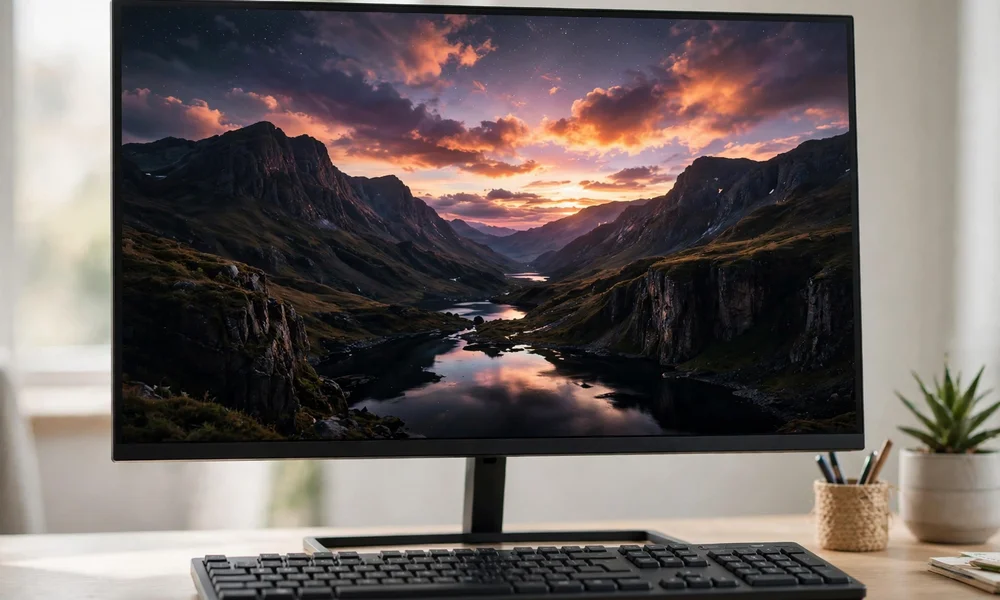
Colour is the second strength. OLED panels cover wide colour gamuts, commonly 98 to 99 percent of DCI-P3, with strong accuracy out of the box. Gradients look smooth, skin tones look natural, and HDR content has real punch, because a bright highlight can sit beside a fully black pixel.
Speed is the third strength, and it matters most to gamers. OLED response times sit near 0.03 milliseconds, which is effectively instant, so fast motion stays sharp without the smearing or ghosting that even good LCD panels show. Combined with refresh rates of 240 Hz at 1440p, OLED is the clearest fast-motion picture available on a desktop monitor today. Our roundup of the best gaming monitors includes several OLED models for exactly this reason.
The trade-offs are price, brightness, and longevity. OLED costs two to three times as much as a comparable IPS panel, and its full-screen brightness is lower, typically 250 to 450 nits, which can look dim in a bright room even though small highlights can peak far higher. The panel can also suffer burn-in: static elements such as a taskbar or a health bar can leave a faint ghost if they sit in the same place for hundreds of hours. Modern panels fight this with pixel shifting and refresh cycles, and most owners who vary their content never see it, but the risk is real.
Pros: True black levels and effectively infinite contrast; superb colour and HDR impact; near-instant response times with no visible ghosting; wide viewing angles; thin, premium designs.
Cons: Two to three times the price of IPS; lower full-screen brightness; burn-in risk with static content; fewer budget options.
IPS monitors: bright, accurate, and far cheaper
An IPS monitor is a type of LCD. A backlight sits behind the panel and liquid crystals twist to control how much light passes through each pixel. Because the backlight is always on, even a black pixel lets a little light through, which is why IPS black looks dark grey in a dark room and the contrast ratio sits near 1,000:1. That is the core weakness, but in a normally lit room the difference is far less obvious than the numbers suggest.
Where IPS earns its place is brightness and consistency. A typical IPS monitor reaches 350 to 400 nits, and brighter models reach 500 to 600 nits, so text stays readable beside a window or under office lighting. Colour accuracy is also strong, with good IPS panels covering 95 to 100 percent of sRGB and stable colour across the screen. For office work, spreadsheets, and writing, that combination is hard to fault.
Speed has improved a lot. Modern fast IPS panels advertise 1 ms response times, with real-world figures closer to 3 to 5 ms, and refresh rates of 165 Hz or 180 Hz are common at 1440p. That is quick enough for most gamers, and only competitive players will notice the step up to OLED. Text clarity is another quiet IPS advantage: the standard RGB subpixel layout renders fonts crisply, while some OLED panels can make small text look slightly fringed.
Durability and price complete the case. IPS panels have no burn-in risk, so a static taskbar or code editor can sit on screen all day without worry, and backlights are rated for tens of thousands of hours. The price is decisive for many buyers: a solid 27-inch 1440p IPS monitor starts at around $180, leaving hundreds of dollars for the rest of the setup. A quality monitor arm pairs well with a lighter IPS panel and frees desk space.
Pros: Much lower price at every size; higher sustained brightness for bright rooms; no burn-in risk; crisp text and consistent colour; wide choice of sizes and brands.
Cons: Black looks dark grey with visible glow in dark rooms; contrast near 1,000:1 limits HDR impact; slower response with some motion blur in fast games.
The verdict: which one should you buy?
OLED is the better display, and IPS is the better buy. If picture quality is the priority and the budget allows it, OLED wins on every measure that describes the image itself: contrast, black levels, colour, HDR, and motion clarity. Watching a film or playing a dark game on OLED is a visibly different experience, and going back to IPS afterwards feels like a step down.
IPS wins the practical argument. It costs far less, it is brighter in a sunlit room, it never needs burn-in precautions, and it handles static work content without a second thought. For most people buying one monitor for everything, those practical wins matter more than the contrast advantage, because the monitor is used for email and documents far more often than for films in a dark room. A complete desk setup also benefits from the right peripherals, and our guide to the best gaming keyboards covers the other half of a comfortable gaming desk.
Pick OLED if you play fast games, watch films, or edit photos and video in a dim room, and you are comfortable paying the premium and using basic burn-in precautions. Pick IPS if you work in a bright office, spend long hours on text and static windows, or want the best value. A 32-inch IPS monitor often costs less than a 27-inch OLED, and screen size changes daily comfort more than panel type does.
How to choose
Start with your room. If your desk faces a window, IPS brightness is worth more than OLED contrast, because glare washes out black levels on any panel. If your room is dim in the evening, OLED contrast will show its full advantage. Mixed office work favours IPS, while films, games, and creative work favour OLED.
Then set the budget honestly. A good 27-inch 1440p IPS monitor starts at around $180, a 27-inch 1440p OLED starts at around $550, and a 32-inch 4K OLED starts at around $900. If the OLED premium means cutting back on the computer that drives it, buy the IPS panel and put the difference into a faster graphics card. Check the warranty before buying OLED, and look for burn-in coverage. Check current pricing before you buy, since monitor prices shift often.
Finally, check the details that cause regret after unboxing. Confirm the resolution matches your graphics card, since 4K needs far more power than 1440p. Check the ports, and make sure the monitor has the HDMI or DisplayPort version your devices need. Check the stand adjustment, or budget for a monitor arm if the included stand only tilts.
Checklist: before you buy a monitor
- Measure your desk and viewing distance, and confirm the size fits before ordering.
- Match the resolution to your graphics card: 1440p for most mid-range cards, 4K only with a powerful card.
- Check the refresh rate and adaptive sync support.
- Check the ports: HDMI 2.1 or DisplayPort 1.4 for high refresh rates at high resolutions.
- For OLED, check burn-in warranty coverage and panel care features.
- For IPS, check the brightness rating if your desk sits near a window.
Frequently asked questions
Is OLED really better than IPS for gaming?
Yes, for motion clarity and contrast. OLED response times near 0.03 ms remove ghosting almost entirely, and true blacks make dark games easier to read. IPS is still good for most gamers.
Does OLED burn-in still happen in 2027?
It can, but it is far less common than it once was. Modern panels use pixel shifting, logo dimming, and refresh cycles. Varying your content, hiding the taskbar, and using dark mode keep the risk low for most owners, though static content shown for hundreds of hours can still leave a mark.
Is IPS better for office work?
Usually, yes. IPS is brighter, cheaper, and has no burn-in risk, so static windows can stay on screen all day, and text renders slightly more crisply.
Can you see the difference between OLED and IPS in a bright room?
The difference shrinks a lot. Ambient light raises the black floor of every display, so OLED loses its biggest advantage, while IPS brightness becomes more valuable. In a dim room the difference is dramatic; in a sunlit room it is modest.
How long do OLED and IPS monitors last?
Both should last many years with normal use. IPS backlights are rated for tens of thousands of hours and degrade slowly. OLED brightness declines gradually, and heavy static content can age some pixels faster, but a varied-use OLED monitor should serve for years before any change is visible.
Is a 4K OLED monitor worth the extra cost over 1440p?
It depends on your graphics card and screen size. At 27 inches, 1440p is sharp enough for most people, and 4K needs a much more powerful card to hold high frame rates. At 32 inches and above, 4K makes a visible difference, so the upgrade is easier to justify.
The bottom line
OLED is the best-looking monitor technology you can buy, with true blacks, superb colour, and the fastest motion of any desktop panel. It is the right pick for films, photo and video work, and fast games in a dim room, if the premium fits your budget.
IPS remains the sensible default for most buyers. It is bright, accurate, durable, and far cheaper, and it handles the mixed work most people actually do without any special precautions. Unless picture quality in a dark room is your top priority, buy the IPS panel and spend the saving elsewhere in your setup.