
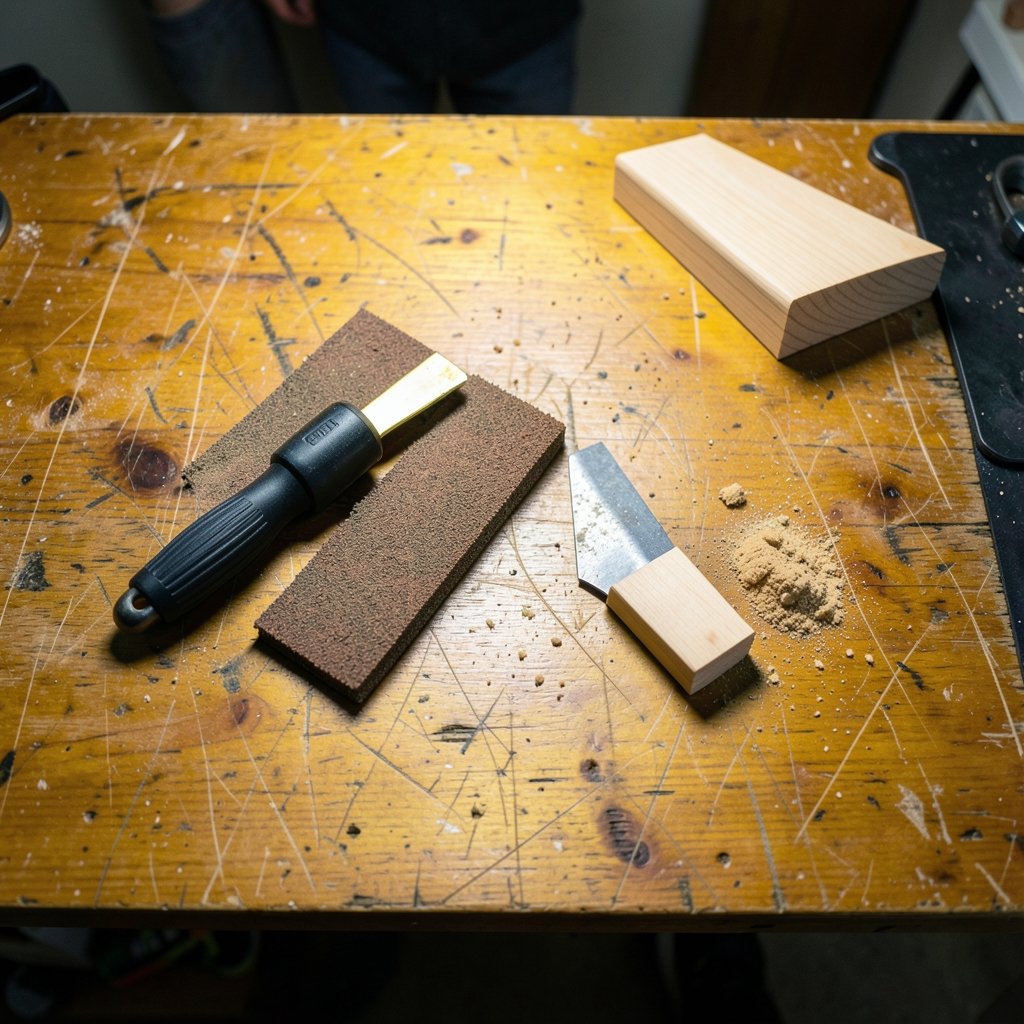
What is the one power tool that can flush-cut a door jamb, scrape old adhesive off a floor, and sand a tight corner, all without changing machines? If you answered “an oscillating multi-tool,” you already understand why this odd-looking gadget has earned a permanent spot in so many tool bags. It is not a saw, a sander, or a scraper. It is all three, and that versatility is exactly why buying one is trickier than it looks.
The oscillating multi-tool, often shortened to OMT, drives an accessory in a small arc at high frequency instead of spinning it like a drill or a circular saw. That tiny side-to-side motion cuts, sands, and scrapes with surprising control. But walk down the accessory aisle and you will meet a confusing mix of blade mounts, motor types, and marketing claims. This guide walks through what actually matters, what you can safely ignore, and where most buyers go wrong.
How an Oscillating Multi-Tool Actually Cuts
The mechanism is simple once you picture it. A motor turns an eccentric weight or fork that converts rotation into a rapid back-and-forth swing. The accessory moves through a small arc, commonly cited as a few degrees, at a high oscillation rate. Because the blade sweeps such a short distance, it does not kick back the way a spinning blade can. That is why you can plunge it straight into drywall or lay it flat against a floor.
That same motion explains the tool’s limits. It is slow at ripping long straight cuts through thick lumber. It shines at plunge cuts, flush cuts, and detail work where no other tool fits. Buyers who expect a mini circular saw are usually disappointed. Buyers who need to trim a baseboard tight to a cabinet, or cut a pipe flush in a wall cavity, wonder how they ever lived without one.
Why the Arc and Frequency Matter Less Than You Think
Manufacturers love to advertise oscillation angles and strokes per minute. In practice, the differences between decent tools are smaller than the spec sheets suggest. What matters far more is whether the tool holds its speed under load, how much vibration reaches your hands, and whether the blade stays put. A high oscillation count on a weak motor just means the tool bogs down faster when the blade meets hardwood.
The Blade Mount Is the Buying Decision

Here is the single most important thing to know before you buy: accessory compatibility. Several mounting systems exist, and they are not all interchangeable. The common families include the newer tool-free quick-change systems, often sold under names like Starlock, Starlock Plus, and Starlock Max, plus a range of older pin-and-slot systems that vary by brand.
This is where first-time buyers get burned. They buy a bargain tool, then discover the blades they want do not fit, or that adapters add wobble and eat power. Before you commit to a machine, check which blades are easy to find locally and online for that mount. A tool with a well-supported interface will serve you for years. A tool with an orphan mount becomes a paperweight once the included blades wear out.
| Mount Type | Typical Strength | Watch Out For |
|---|---|---|
| Tool-free quick-change (Starlock family) | Fast swaps, secure grip, deep accessory range | Higher upfront tool cost |
| Older pin/slot systems | Cheap tools and blades widely available | Adapters can slip or vibrate loose |
| Brand-proprietary mounts | Often bundled with a good tool | Fewer third-party blade options |
If you already run a multi cloud style of tool collection, meaning several brands across your shop, think about which battery platform you are tied to before you fall in love with a bare tool. The same logic applies to power tools: standardizing on one system saves money and hassle later. The thinking behind multi cloud management tools that actually reduce complexity mirrors this well, because choosing a shared standard early beats untangling mismatched parts later.
Corded or Cordless: An Honest Trade-Off
Corded multi-tools usually sustain power better under continuous load. If you plan to sand for long stretches or cut through tough material, a corded unit rarely lets you down. Cordless models win on convenience, especially for overhead work or quick cuts in awkward spots, but their performance depends heavily on the battery platform you already own.
The practical rule: if this is your only multi-tool and you sand often, lean corded. If you are already invested in a battery system and mostly make short cuts, go cordless and buy a spare battery. Runtime claims on the box are marketing, not test data, so treat them as rough guidance.
Which Accessories Do You Actually Need?
The accessory determines what the tool can do far more than the motor does. Blade material and tooth geometry are the key specs. A few categories cover most jobs:
- Bi-metal blades for cutting nails, screws, and soft metal embedded in wood.
- Carbide blades for hard materials like tile grout, hardened adhesive, and masonry, though they cut slowly.
- Wood blades with coarse teeth for fast material removal in timber and drywall.
- Scrapers for removing adhesive, caulk, and flooring.
- Sanding pads in various grits for detail sanding in corners.
Buy blades in multipacks from a reputable maker and replace them early. A dull oscillating blade cuts slowly. It also overheats, wanders off your line, and puts more vibration into your hands. If you try to squeeze one more cut out of a worn blade, do not blame the tool for poor results. Fresh blades are the cheapest upgrade you can make.
Features Worth Paying For, and Ones to Skip
Variable speed is genuinely useful. Low speeds give you control when starting a plunge cut in drywall or laminate, while high speeds suit sanding and fast material removal. Tool-free blade changes save real time on multi-step jobs. LED work lights help in cabinets and under sinks, though they are a nice-to-have rather than essential.
Skip the gimmicks. Oversized kits packed with low-quality accessories inflate the price without adding value. A modest kit with a handful of good blades beats a giant box of forgettable ones. Likewise, an included case is handy but should never drive the purchase.
Vibration control deserves a mention. Oscillating tools buzz, and long sanding sessions can leave your hands tingling. Look for models with anti-vibration features and, honestly, take breaks. Your hands will thank you.
Common Mistakes Buyers Make
The most frequent error is ignoring the blade mount until after purchase. The second is expecting too much speed. These tools are deliberate, not fast. The third is skipping personal protective equipment. Cutting and sanding throw dust and debris, so eye and hearing protection plus dust control are standard recommendations for this class of tool, and it is worth checking guidance from a government occupational safety agency in your country.
Another mistake is buying the cheapest blades and wondering why cuts wander. And a subtler one: not practicing on scrap. A five-minute test on offcut material teaches you how the blade tracks, how much pressure to apply, and where the tool wants to grab. That small investment prevents ruined trim and gouged floors.
If you handle security and access alongside your tool purchases, the same “set it up right the first time” mindset pays off. The lessons in multi factor authentication examples: 12 real world setups about layered, sensible defaults translate neatly to buying power tools: pick a standard, stick with it, and avoid ad-hoc workarounds.
Matching the Tool to the Task
Different jobs pull you toward different setups. A remodeler cutting door casings all day wants a corded tool with fast blade changes and a deep accessory range. A homeowner fixing a squeaky floor or trimming a vent opening can get by with a compact cordless unit and a small blade set. Someone sanding furniture corners should prioritize low vibration and a good sanding pad selection.
Think about the tasks you repeat most, then buy for those. The occasional odd job can be handled with a borrowed blade or a cheap adapter. The everyday job is what justifies the purchase.
A Quick Buying Checklist
- Confirm the blade mount and check local blade availability.
- Decide corded versus cordless based on your battery platform and sanding habits.
- Budget for a starter set of quality blades as well as the tool.
- Hold the tool if you can. Grip and weight matter more than specs.
- Plan for eye, ear, and dust protection from day one.
Where Oscillating Tools Fit in a Bigger Kit
No single tool does everything, and that is fine. The oscillating multi-tool is a specialist that covers the gaps other tools cannot reach. If you are building out a workshop or evaluating software and hardware side by side, the discipline of comparing real capabilities rather than marketing claims applies everywhere. The same clear-eyed approach behind make alternatives examples: real build tools that beat is exactly what you want when comparing tool specs.
Similarly, if your work involves managing equipment across locations or tracking costs, the principles in cloud cost management tools that actually cut your bill about paying for what you use, not what looks impressive, hold true for tool buying too. Buy the capability you need, not the biggest box on the shelf.
Conclusion
An oscillating multi-tool rewards buyers who think about the blade mount first and the motor specs second. Get the interface right, choose corded or cordless based on how you actually work, and invest in a few good blades instead of a pile of cheap ones. Practice on scrap, wear your protection, and replace blades before they dull. Do that, and this strange little tool becomes one of the most useful things in your kit. Buy for the jobs you repeat, not the ones you imagine, and you will get years of clean, controlled cuts out of a single purchase.
Frequently Asked Questions
What is the most important spec when buying an oscillating multi-tool?
The accessory mount. If blades for that interface are hard to find or expensive, the tool loses most of its value. Motor power, oscillation rate, and vibration control matter, but they are secondary to whether you can actually buy the blades you need.
Are expensive blades worth it?
Usually, yes. Quality blades cut straighter, last longer, and are less likely to overheat. Cheap blades can wander off your line and cost you more in ruined material than you saved. Buy multipacks from a reputable maker and replace them early.
Can an oscillating multi-tool replace a circular saw?
No. It is far too slow for long straight cuts through thick lumber. It excels at plunge cuts, flush cuts, sanding corners, and scraping. Think of it as a detail tool that fills gaps, not a replacement for a saw.
Do I need a corded or cordless model?
Corded tools generally hold power better during long sanding or tough cuts. Cordless models offer convenience, especially overhead or in tight spots, but depend on your battery platform. If you sand often and own only one multi-tool, corded is the safer bet.
What safety gear should I use?
Eye and hearing protection are standard for cutting and sanding with this tool, and dust control matters in enclosed spaces. Check guidance from a government occupational safety agency in your region for specifics, and take breaks to limit vibration exposure to your hands.
How often should I change the blade?
Change it as soon as cuts slow down or the blade starts wandering. A dull blade overheats and increases vibration, which makes the tool harder to control. For frequent use, keep several spares on hand so a worn blade never stalls a job.



