

What if the screen you stare at for eight hours a day could feel less like a light box and more like a sheet of paper, yet still keep up when you scroll a long document or drag a window across the desktop? That question sat on the edge of wishful thinking for years. E Ink was slow, color was slower, and the idea of a paper-like PC monitor stayed in the hobbyist corner. That has changed, and the news coming out of the e-paper world is suddenly worth paying attention to.
Why E Ink Monitors Are Suddenly Newsworthy
For most of their history, E Ink panels were built for reading. They refresh slowly, they hold an image without drawing power, and they look best in bright, reflected light. Those traits make a wonderful e-reader and a frustrating computer display. Motion smears, the cursor lags, and video turns into a slideshow.
The current wave of announcements attacks exactly that weakness. The headline story is Modos Flow, a 13.3-inch E Ink monitor that reached 274 percent of its crowdfunding goal and raised roughly $480,000. It supports up to 60 frames per second at 300 ppi through partial refresh, and it ships in both monochrome and color versions, with pricing starting at $619. That combination, a paper-like panel that can actually keep up with a mouse, is what turned a niche curiosity into real news.
A second thread runs alongside it. Acer showed the EP130K, a 13.3-inch portable ePaper monitor with a matte touch screen, a 3200 x 2400 resolution in black and white, and a claimed refresh rate of up to 60 Hz. In color mode the resolution drops to 1600 x 1200 and the palette tops out at 4,096 colors. Meanwhile, Bigme’s B251 Pro pushes a 25.3-inch color E Ink screen using Kaleido 3 technology to 3200 x 1800 and up to 60 frames per second. Three different companies, one message: e-paper is moving from the reading corner to the desk.
What 60 Hz Actually Changes
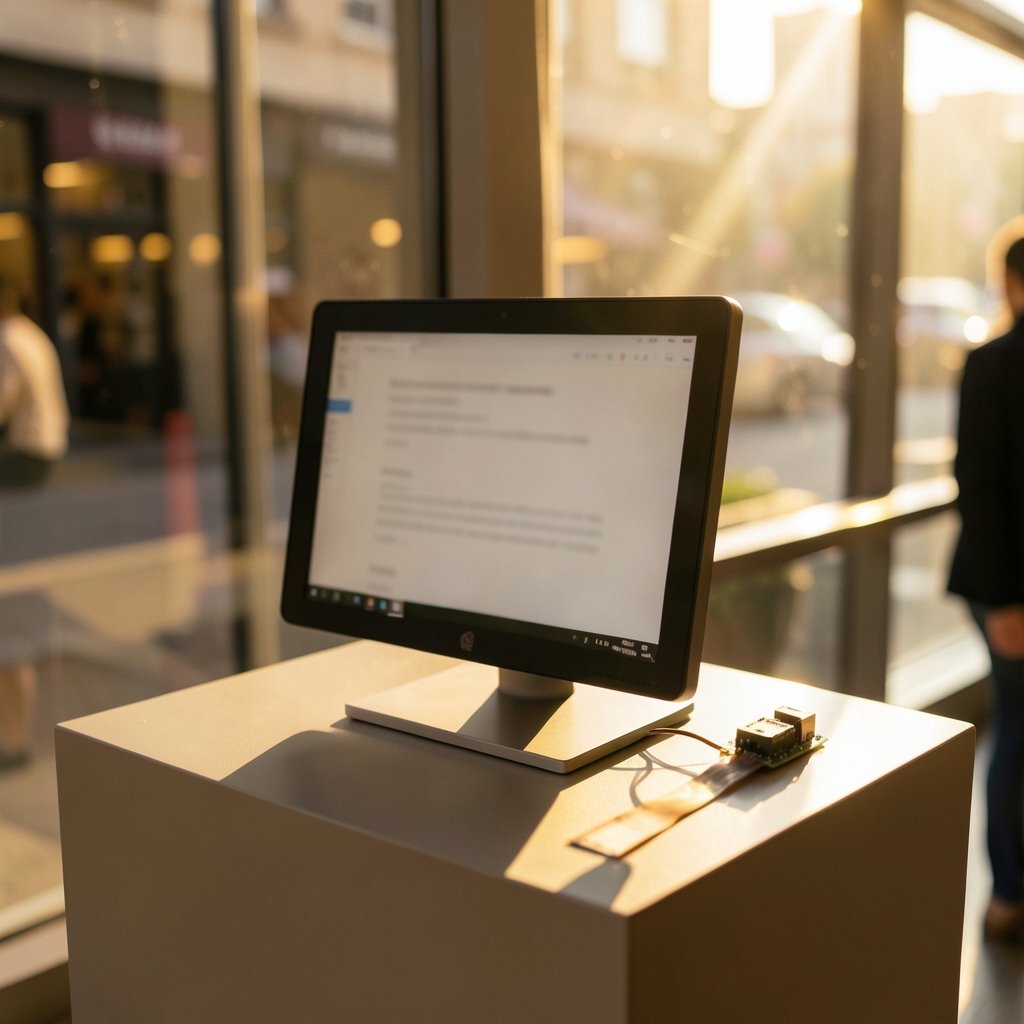
Refresh rate is the number that decides whether a display feels alive or broken. At 60 Hz, a screen redraws sixty times a second, which is the baseline most people expect from a normal monitor. Older E Ink panels ran far below that, and color panels ran slower still, which is why they stayed in the reading-only category for most users.
Reaching 60 Hz on E Ink is not simply a matter of buying a faster panel. The Modos project, created by Wenting Zhang, got there using custom display controllers and firmware rather than off-the-shelf parts. That detail matters for buyers, because it explains why the experience can differ so much between devices that quote the same refresh number. A panel rated at 60 Hz still depends on the electronics and software driving it.
What does that feel like in practice? Typing keeps up. Scrolling a PDF is smooth enough to follow. Dragging a window no longer leaves a trail of ghosts. But 60 Hz on E Ink is not the same as 60 Hz on an LCD. Fast video and games still expose the limits of the technology, and the panel’s contrast and color behavior remain very different from a backlit screen. The honest framing is that E Ink has crossed the line into usable for text work, not that it has matched an OLED.
The Trade-Offs Nobody Puts in the Headline
Every e-paper monitor announcement comes with fine print, and the fine print is where buying decisions actually get made.
| Feature | What the specs say | What it means at your desk |
|---|---|---|
| Black-and-white resolution | 3200 x 2400 on 13.3-inch models | Extremely sharp text, ideal for documents and code |
| Color resolution | Drops to 1600 x 1200 | Color is for marked passages and charts, not photo work |
| Color range | 4,096 colors on the Acer EP130K | Far below the 16.7 million typical of standard screens |
| Refresh | Up to 60 Hz | Fine for typing and scrolling, weak for video |
| Power | Only draws when the image changes | Excellent battery life for portable use |
| Lighting | Reflected light, no harsh backlight | Great in daylight, unusable in a dark room without a lamp |
That last row deserves emphasis. E Ink works by reflecting ambient light, so it looks almost like a printed page in daylight. In a dark room it looks like a printed page in a dark room, which is to say you cannot read it. Anyone moving from a bright office to late-night work will need a desk lamp, and the lighting around the screen changes how the panel reads. The same principle shows up in other display debates, such as how gaming monitor vs tv room lighting changes viewing, and it applies here with even more force because there is no backlight to fall back on.
Monochrome or Color: Picking the Right Panel
The monochrome and color versions of these monitors are not the same product with a different finish. They serve different jobs.
Monochrome E Ink gives you the highest resolution, the crispest text, and the fastest-feeling refresh. If the plan is writing, reading, coding, or working through long documents, the black-and-white model is the one that delivers the paper feel people are chasing. The Acer EP130K only reaches its full 3200 x 2400 in black-and-white mode, which tells you where the technology’s strengths lie.
Color E Ink adds usefulness at a cost. Marked passages, charts, syntax coloring, and interface accents all become possible, but resolution halves on the Acer model and the palette is limited. The underlying panel families differ too, and the differences are worth understanding before you buy. The contrast and color behavior of Carta versus Kaleido panels is covered in this comparison of E Ink Carta vs Kaleido: contrast, color, and best use cases, which explains why a color layer tends to soften contrast and slow refresh. If you are weighing a reader purchase on the same technology, the same trade-offs appear in E Ink Carta vs Kaleido: which display should your next reader use, and the logic carries straight over to monitors.
A practical rule: choose monochrome if text is ninety percent of your work. Choose color only if you regularly read color-coded material and can live with lower resolution and a muted palette.
Setting One Up Without Disappointment
An E Ink monitor rewards a little setup discipline. People who plug one in and expect a normal desktop experience tend to be the ones who send it back.
- Place the screen where daylight or a good lamp falls on it, not where a window glares behind you. Reflected-light displays are sensitive to where the light comes from.
- Run the panel at its native resolution. Text sharpness is the whole point, and scaling blurs it.
- Set the refresh mode to match the task. Many e-paper devices offer a quality mode and a speed mode; use the fast one for scrolling and the quality one for reading.
- Turn on high-contrast themes in your editor and browser. E Ink renders strong black text best, and gray-on-gray interfaces look washed out.
- Keep a second screen for video and images if you can. Most buyers treat E Ink as a secondary display, which is exactly how Modos positions the Flow.
The setup mindset is similar to tuning any display for comfort, and the step-by-step approach in this guide to calibrate monitor practical step by step method transfers well, especially the parts about brightness, contrast, and matching the screen to the room. If you are building a multi-screen desk around one, the compatibility notes in laptop dock dual monitor mac compatibility actually works are worth reading before you assume your dock will drive an unusual panel without complaint.
Common mistakes show up again and again. Buyers judge the screen in a dim room and conclude it is broken. They expect color photos to look right. They try to watch video and blame the hardware. None of these are faults; they are mismatches between the panel and the task.
The Bigger Picture: Where E Ink Fits
The most useful way to read the current news is as a repositioning rather than a takeover. E Ink is not trying to replace the main monitor for everyone. It is trying to become the screen you use for the work that hurts your eyes most: reading, writing, reviewing documents, and staring at text for hours.
The product range now reflects that. There are 13.3-inch portable monitors for laptop users, a 25.3-inch color panel for people who want a large paper-like canvas, and even a 31.5-inch E Ink Spectra 6 display from LG aimed at spaces where low power and daylight readability matter more than video. That last one has a contrast ratio of just 15:1, which sounds alarming until you remember it reflects light instead of emitting it. It is a signage and ambient display, not a workstation.
For anyone who spends the day in documents, the appeal is obvious. Less glare, no flicker, and a screen that only sips power. For anyone who edits photos, cuts video, or plays games, the appeal is close to zero. The technology is finally fast enough to be judged on its merits rather than dismissed for being slow, and that is the real shift in the news.
If you are also tracking how software is changing the devices around your desk, the broader picture in Google ai news today 2026 is a useful companion read, since AI tools are pushing more people toward long-form reading and document review, which is precisely where paper-like screens shine. And if you use a tablet for notes alongside a monitor, the texture question in this piece on E ink tablet screen protector texture paper feel matte or rounds out the same paper-feel philosophy. Getting the most from any of these panels also comes down to the settings you choose, and the advice in set up gaming monitor best performance settings that about refresh modes and contrast applies surprisingly well to e-paper.
Conclusion
The E Ink monitor story has moved from novelty to genuine option. Modos Flow proved that a crowdfunding audience will pay for a 60 Hz paper-like display. Acer showed that a portable ePaper monitor can carry a 3.2K black-and-white mode and a matte touch screen. Bigme pushed color E Ink to 25 inches at 60 frames per second. None of these devices will replace a good LCD for everyone, and none of them pretend to. What they offer is a different bargain: sharp text, reflected light, tiny power draw, and a screen that feels calm to look at, in exchange for slower motion and a muted palette.
The smart approach is to buy for the task. If your day is words, a monochrome panel at native resolution, placed near a window or a lamp, will feel like an upgrade. If your day is images, wait. The technology is improving quickly, and the next round of announcements will likely close more of the gap.
Frequently Asked Questions
Are E Ink monitors fast enough for everyday work?
For text-based work, yes. The newest models support up to 60 frames per second through partial refresh, which is enough for typing, scrolling documents, and moving windows without the smearing that older panels showed. Video and games remain a weak spot, so most buyers use an E Ink screen as a secondary display rather than their only one.
How much does a 60 Hz E Ink monitor cost?
Pricing varies by model and configuration. The Modos Flow offers monochrome and color versions with pricing starting at $619. Because crowdfunding prices and retail prices can change, check the official product page for the current figure before ordering.
Why does color E Ink have lower resolution than black and white?
A color filter layer sits over the panel and splits each pixel into color subpixels, which reduces the effective resolution. On the Acer EP130K, black-and-white mode reaches 3200 x 2400 while color mode drops to 1600 x 1200 with 4,096 colors. The trade-off is built into the technology, not a manufacturing flaw.
Can I use an E Ink monitor in a dark room?
Not comfortably. E Ink reflects ambient light instead of emitting its own, so it needs a lamp or daylight to be readable. In a dark room the screen looks as dark as the paper would. Plan your desk so light falls on the panel, and avoid placing a bright window directly behind it.
Is a color E Ink monitor good for photo editing?
No. A palette of around 4,096 colors is far below the 16.7 million typical of standard displays, and the reduced color resolution softens fine detail. Color E Ink suits charts, marked passages, and interface accents. Photo and video work still belongs on a conventional panel.
Should I wait for the next generation of E Ink monitors?
It depends on urgency. If you need a paper-like screen for reading and writing now, the current 60 Hz models are usable and the category is finally mature enough to buy into. If color accuracy or large-screen color work is your goal, waiting makes sense, since color E Ink is still improving and each new release closes part of the gap.


