Passwordless vs MFA for Small Business in 2027
Passwords are the weakest part of most small business security. Staff reuse them, forget them, write them on sticky notes, and fall for fake login pages that steal them in seconds. Two approaches promise to fix that in 2027: passwordless sign-in, which removes the password altogether, and multi-factor authentication, usually called MFA, which keeps the password and adds a second check.
The choice matters because it decides how your team signs in every day. Passwordless methods include passkeys, fingerprints, face scans, magic links sent by email, and physical security keys. MFA keeps the password and adds something extra, such as a code from an authenticator app, a text message, a push notification, or a tap on a security key. The two ideas overlap, and many businesses end up using a mix of both.
This comparison explains how each approach works, where each one is stronger, what each costs, and which fits a small business best in 2027. Prices are approximate starting prices, so check current pricing before you decide.
Key takeaways
- Passwordless sign-in removes the password entirely, so there is nothing to steal or forget.
- MFA keeps the password and adds a second check, such as a code from an authenticator app or a tap on a security key.
- Passwordless methods resist phishing better, because a passkey or biometric check only works for the real service.
- MFA works almost everywhere today, while passwordless sign-in still is not offered by every app your business uses.
- Most small businesses get the best result by going passwordless where it is offered and keeping MFA elsewhere.
| Feature | Passwordless | MFA |
|---|---|---|
| Password needed | No | Yes, plus a second check |
| Phishing resistance | Very strong | Strong, except SMS |
| Daily sign-in speed | One touch or glance | Two steps every time |
| Works with your apps | Growing, not everywhere yet | Almost everywhere |
| Cost for a small team | Often free in tools you pay for | Free; keys from around $25 each |
| If a device is lost | Synced account or backup key | Recovery codes or admin reset |
What passwordless sign-in means
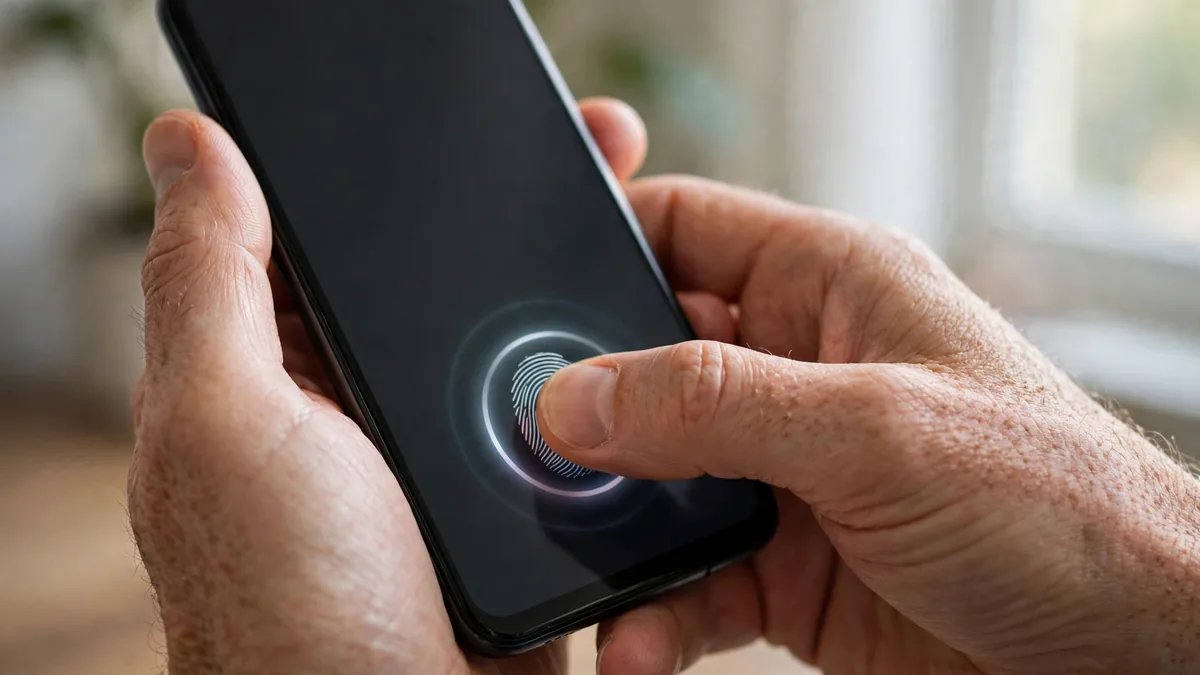
Passwordless sign-in proves who you are without a password. The most common form in 2027 is the passkey: a key stored on your phone or computer, unlocked with a fingerprint, face scan or device PIN. When you sign in, your device proves it holds the key. No password travels across the internet, and none sits in a database waiting to be stolen.
Passkeys are not the only passwordless method. Magic links send a one-time sign-in link to your email, so the inbox becomes the proof. Biometric sign-in uses a fingerprint or face scan directly. Physical security keys, small USB or wireless devices, prove identity with a tap. Our guide to passkeys vs two-factor authentication looks closely at the most popular passwordless method.
What MFA adds on top
MFA, short for multi-factor authentication, keeps the password and adds a second check from something you have or something you are. After the password, the service asks for a code from an authenticator app, a text message code, a push notification to approve, or a tap on a security key.
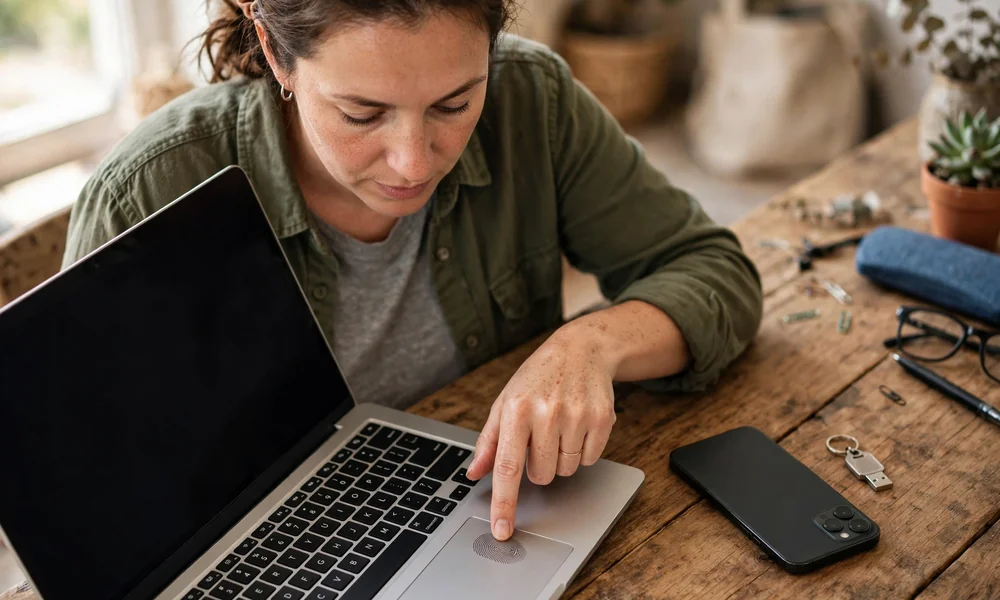
Not all MFA is equal. Authenticator apps and security keys are strong, because their codes cannot easily be intercepted or faked. Text message codes are the weakest form: they can be stolen if an attacker tricks a phone company into moving your number, and they can be phished by fake login pages. Push notifications are convenient but can be abused by repeated prompts until a tired employee taps approve. The strongest MFA setups use authenticator apps or security keys, not text messages. Our guide to what cybersecurity is explains the wider ideas behind this protection.
Security compared
On pure security, passwordless wins in most cases. A passkey is bound to the real service it was created for, so a fake login page cannot use it: the key simply will not work on the wrong site. That removes the most common attack on small businesses, the phishing email that tricks someone into typing a password into a lookalike page.
MFA is still a big improvement over passwords alone, and for many small businesses it is enough. An attacker needs both the password and the second factor, which stops the vast majority of automated attacks. The gaps appear with weaker second factors: text codes can be intercepted, and push prompts can be worn down with repeated requests. A business using MFA with authenticator apps or security keys is close to passwordless in practice, and much safer than one relying on text messages.
Day-to-day experience for staff
Passwordless sign-in is faster in daily use. A fingerprint or face scan takes a second, with nothing to type and nothing to remember. Staff stop resetting forgotten passwords, and the tickets that come with password resets mostly disappear. That matters for a small team, where every hour spent on password problems is an hour not spent on customers.
MFA is slower but familiar. Every sign-in takes two steps: password, then a code or an approval. Staff get used to it quickly, and authenticator apps make it fairly painless, but it is still an extra step several times a day. The bigger friction comes when a phone is lost, replaced or runs out of battery: without the authenticator app, staff are locked out until an admin resets access.
Cost, setup and running it
Both approaches are cheap for a small business, and much of the cost is already covered. Passwordless sign-in is built into the tools most businesses already pay for: Google and Microsoft accounts support passkeys, and most major apps now offer them too. The main cost is time: someone needs to turn the option on, help staff set up passkeys, and plan recovery for lost devices.
MFA is usually free as well. Authenticator apps cost nothing, and the option to require MFA is included in most business email and cloud plans. The main cost is also time: enrolling every member of staff, teaching them the second step, and handling the occasional lockout. Either way, either approach costs far less than a single account takeover.
Which one fits your business
If your main tools already support passkeys, go passwordless for those first. Email, cloud storage and the apps your team uses every day are the accounts attackers target most, and passkeys protect them better than any password ever could. Keep MFA switched on for everything else, especially older tools and supplier portals without passwordless sign-in yet. That mix gives you the strongest protection available today.
Where staff share devices or work from personal phones, MFA with authenticator apps is often the more practical starting point, because it works the same way on every device and every app. With a small, stable team on company devices, passwordless is the better goal: faster sign-ins, fewer resets, and stronger protection against phishing.
Verdict
Passwordless is the better approach for a small business in 2027, where it is available. It removes the password entirely, resists phishing by design, and makes signing in faster for everyone. MFA remains essential as the safety net: it covers every app that does not yet support passwordless sign-in, and protects the accounts that matter most while the rest catch up.
The practical answer is not one or the other. Turn on passwordless where your tools offer it, require MFA everywhere else, and use authenticator apps or security keys rather than text message codes. That combination is the strongest, cheapest and simplest security upgrade a small business can make. For a wider look at how access controls fit together, see our comparison of zero trust vs VPN for small business.
How to choose
Start by listing the accounts that would hurt most if they were taken over: email, cloud storage, banking, your website and your customer records. Check whether each one offers passwordless sign-in, and turn it on where it does. For the rest, switch on MFA with an authenticator app and switch off text message codes if you can.
Then think about your team. If staff use company devices, passwordless is easy to roll out and recover when a device is lost. If staff use their own phones, make sure the authenticator app and passkey setup works on both iPhone and Android before you require it. Run a short trial with two or three people, fix the problems they hit, then roll it out to everyone with a one-page guide and a clear way to get help when locked out.
Before you decide checklist
- Your most important accounts use passwordless sign-in or MFA, not passwords alone
- Admin and finance accounts use a security key or authenticator app, not text codes
- Every member of staff has a working second factor on the phone they carry
- Backup codes are stored safely, and someone else can help with recovery
- Passwordless sign-in is switched on everywhere your tools offer it
- New starters get set up on day one, with a one-page guide and a named person to ask
Frequently asked questions
Is passwordless sign-in really safer than MFA?
Yes, in most cases. Passkeys cannot be phished, because the key only works for the real service it was created for. MFA is also strong, but it still relies on a password that can be stolen, and weaker second factors like text codes can be intercepted. The safest setups combine both: passwordless where offered, MFA everywhere else.
What happens if I lose the phone with my passkeys?
Passkeys usually sync through your platform account, so they can be used from another device signed into the same account, and the lost device can be removed from your settings.
Can a small business go fully passwordless?
Not yet, in most cases. The main tools support it, but some older apps, supplier portals and industry systems still only offer passwords. Most small businesses go passwordless for email, cloud storage and main apps, and keep MFA on the rest. That mix is the practical goal for 2027.
Is MFA enough on its own?
For most small businesses, MFA with an authenticator app or a security key stops the vast majority of attacks. It is far safer than passwords alone. It is not quite as strong as passwordless sign-in, because the password can still be stolen and some second factors can be phished, but it is a solid choice when passwordless is unavailable.
Should I use text message codes for MFA?
Only as a last resort. Text codes are the weakest form of MFA because they can be intercepted or stolen through a phone number transfer scam. Authenticator apps are free, work offline, and are much harder to attack. Use them instead, and keep text messages only for services offering nothing else.
How long does it take to set up passwordless or MFA for a small team?
For a team of five to ten people, expect a few hours spread over a week: turn the options on, help each person set up their passkey or authenticator app, and test recovery with a spare device. The work is mostly one-off, and after setup sign-in is faster than typing passwords.
Bottom line
Passwordless sign-in is the stronger choice for a small business in 2027, and it is worth turning on wherever your tools offer it. It removes the password, resists phishing by design, and makes the daily sign-in faster for everyone. MFA remains the essential backup for apps that do not yet support passwordless.
Do not wait for a perfect setup before you act. Turn on passwordless for your main accounts this week, switch on MFA with an authenticator app for everything else, and stop using text message codes. That single afternoon is the biggest security improvement most small businesses can make, and it costs next to nothing.