
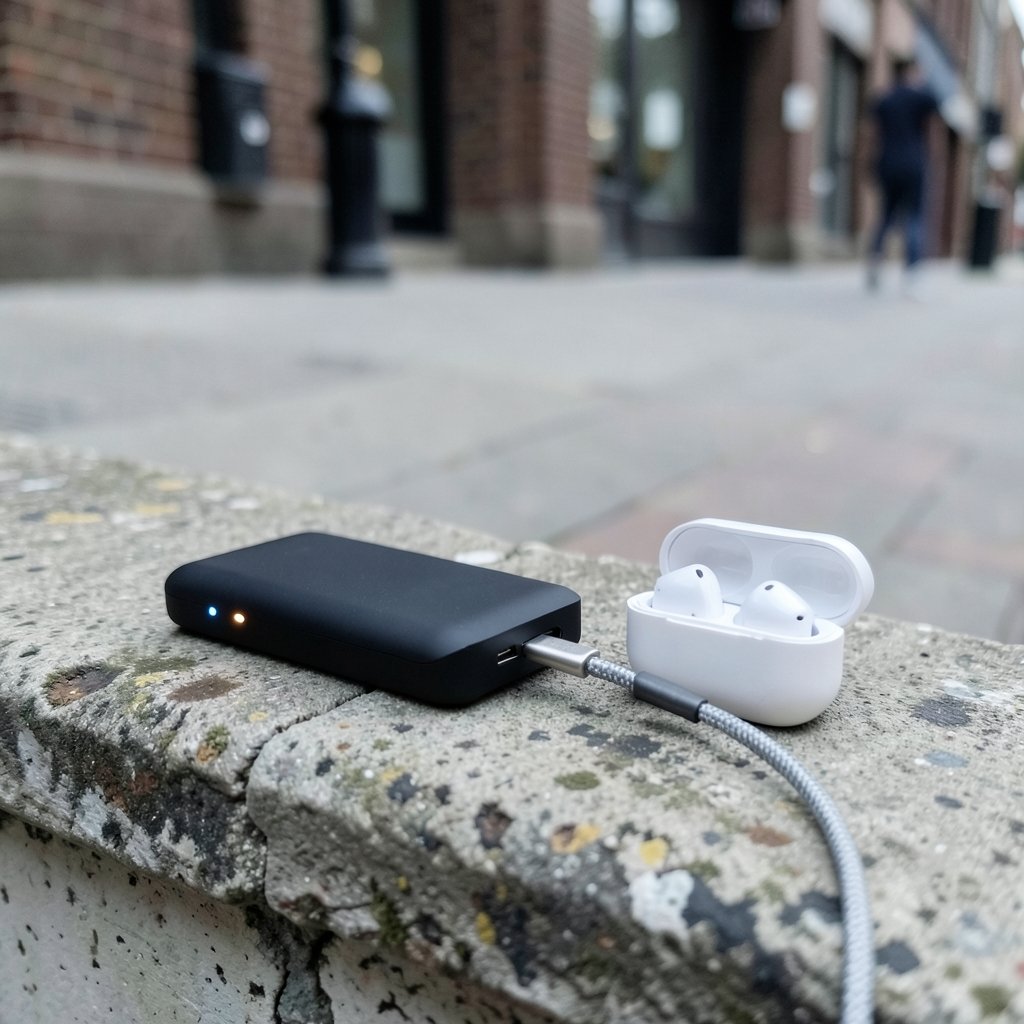
Picture this: you plug your wireless earbuds into a fully charged power bank, walk away for twenty minutes, and come back to a case that is still dead. The power bank has plenty of juice. The cable works. So what happened?
The answer is usually a feature nobody tells you about until it bites you. Many power banks have a low current mode built specifically for small devices like earbuds, smartwatches, and fitness bands. Without it, the bank thinks nothing is connected and shuts itself off. Understanding this mode, how to trigger it, and when it actually helps can save you a lot of frustration.
Why Power Banks Shut Off on Earbuds in the First Place
A power bank is designed to protect itself. If its output port detects almost no current draw, the internal controller assumes the cable is dangling or the device is fully charged, so it cuts power to save energy and avoid waste. This is a sensible safety habit for something that might sit in a bag for days.
The trouble is that earbud charging cases draw very little current, often far below what a phone pulls. The power bank cannot tell the difference between “tiny device charging slowly” and “nothing connected,” so it does what it was programmed to do: it goes to sleep. The result is a case that charges for a few seconds, then stops, then maybe restarts, then stops again.
This is where low current mode comes in. It is sometimes called small current mode, trickle charge mode, or low-power mode depending on the brand. The names are not standardized, which is part of why the feature is so confusing.
What Low Current Mode Actually Does
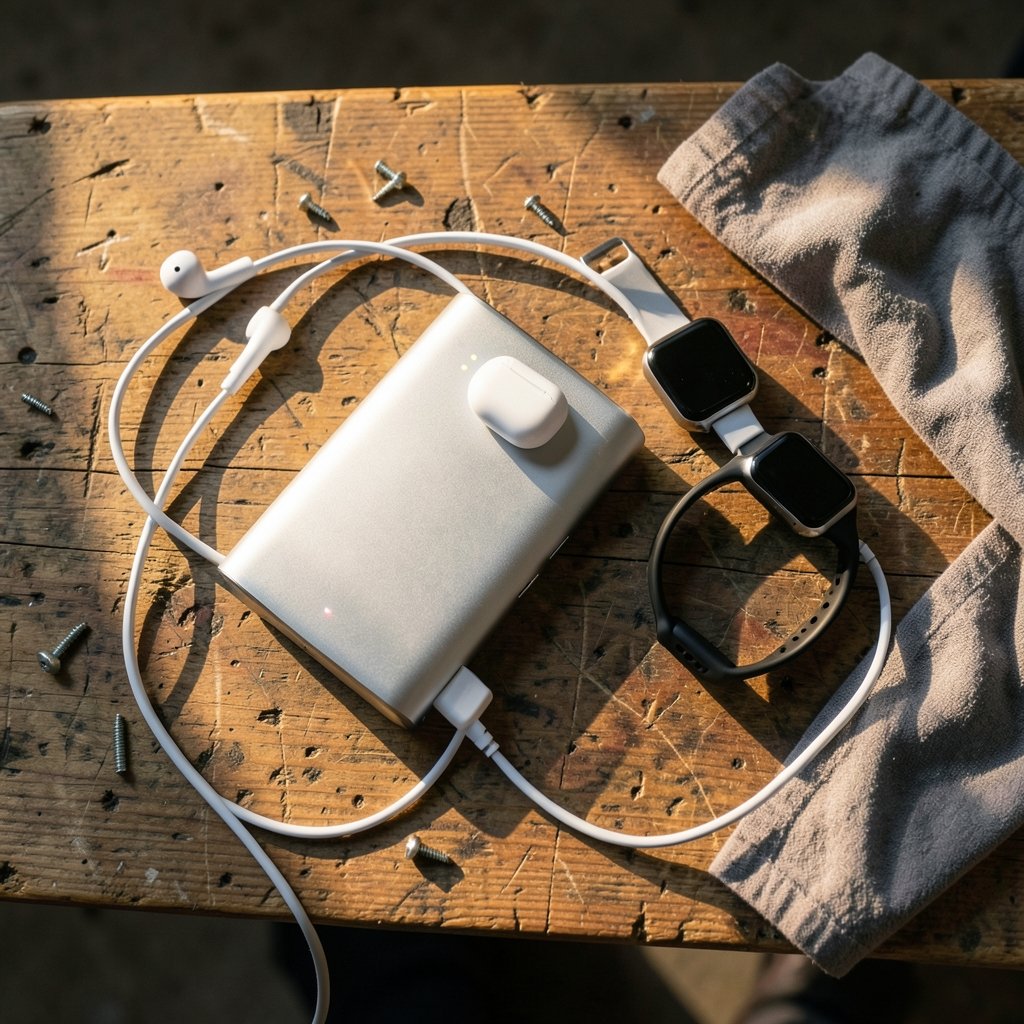
In plain terms, low current mode tells the power bank to ignore its own auto-shutoff rule. Instead of cutting power when the draw is tiny, the bank keeps the output alive so a slow, gentle charge can continue.
Here is what changes when the mode is active:
| Behavior | Normal Mode | Low Current Mode |
|---|---|---|
| Auto-shutoff on small loads | Yes, usually within seconds | Disabled or delayed |
| Best for | Phones, tablets, laptops | Earbuds, watches, bands |
| Indicator light | Standard charging lights | Often a dedicated light or blink pattern |
| Typical exit | Stays on until unplugged | May time out automatically |
The key point is that low current mode does not make charging faster. It makes charging possible. The bank is deliberately holding back, which is exactly what a small battery inside an earbud case needs.
How to Turn It On Across Common Brands
There is no universal button combination. The activation method varies by brand and even by model within the same brand. That said, a few patterns show up again and again:
- Single long press. Hold the power button for roughly two to five seconds until a separate indicator lights up.
- Double press. Some models use a quick double-tap of the power button.
- Dedicated button. A few banks have a small separate button labeled for low-power or trickle charging.
- Automatic detection. Some newer models claim to detect small devices on their own, though in practice this is hit or miss.
The single most reliable source of truth is the manual that came in the box or the manufacturer’s support page. If the manual is long gone, search the model number plus the words “low current mode” and you will usually find the official instructions.
The Mistakes People Make Most Often
Having watched this problem play out repeatedly, a few errors come up constantly.
Assuming the power bank is broken. A bank that shuts off on earbuds but charges a phone perfectly is almost certainly working as designed. Test it with a phone before you return it.
Pressing the button at the wrong time. Many banks only accept the long press when nothing else is connected, or only right after you plug the device in. If the long press does nothing, try the sequence in a different order: plug in first, then press, or press first, then plug in.
Missing the indicator. Low current mode often shows up as a small light that blinks slowly or a specific LED color. If you are not watching the lights, you may toggle the mode on and off without realizing it.
Expecting the mode to last forever. On some models, low current mode exits automatically after a set period, sometimes around two hours. If your earbuds charge partway and then stop, this timeout is often the culprit.
Using a fast-charge cable and brick together. When charging the power bank itself, a high-wattage charger is fine. But when charging earbuds, keep the setup simple. Some cables with built-in chips can confuse the detection circuitry.
When Low Current Mode Is Worth Using, and When It Is Not
Low current mode is genuinely useful, but it is not the right setting for everything.
Use it for earbuds, smartwatch bands, fitness trackers, and other accessories with small batteries. It is also handy for hearing aids and some Bluetooth speakers that draw very little at the start of a charge. (USB)
Skip it for phones, tablets, and laptops. Those devices want the full output, and low current mode will slow them down dramatically. If you forget to switch back, you may think your phone is charging unusually slowly, when in reality the bank is just being polite.
There is also a practical angle here that connects to a broader buying decision. If you are already comparing accessories and want to know which small devices pair well with a compact bank, a roundup like the best wireless earbuds under 200 2026 is a useful starting point, because battery size and case design directly affect how a power bank behaves. Similarly, if you rely on earbuds for work, the best earbuds for phone calls meetings tend to have larger cases that draw a bit more current, which can make the auto-shutoff problem less severe.
A Realistic Charging Routine That Works
Here is a routine that avoids most of the headaches, based on how these devices actually behave in daily use.
- Plug the earbuds into the power bank first.
- Watch the bank’s indicator for a few seconds to confirm it registered a connection.
- Long-press or double-press the power button until the low current indicator appears.
- Leave the case closed and undisturbed. Opening and closing it can interrupt the handshake.
- Check back within an hour or two rather than leaving it overnight.
- Unplug when done, and switch the bank back to normal mode before charging a phone.
That last step matters more than people expect. A bank left in low current mode will still charge a phone, just slowly, and the owner often blames the phone or the cable.
Safety and Battery Health Considerations
Small batteries are more sensitive than phone batteries, which is why the low current approach exists in the first place. A gentle, steady charge is generally kinder to a tiny cell than a burst of high current, and the mode is designed with that in mind.
That said, safety claims should come from the manufacturer, not from guesswork. If a brand states that its low current mode is safe for earbuds, that statement is worth trusting. If a brand says nothing, treat the mode as a convenience feature rather than a guarantee. Avoid charging any device that shows signs of swelling or heat, and never leave a bank in a hot car.
It also helps to think about the bank itself. A power bank that sits unused for months can lose charge and behave oddly when you finally need it. Keeping it topped up every few months is a small habit that prevents a lot of confusion. If you want a reliable backup for your home setup as well, a guide to the best home generators covers a different kind of backup power, but the same principle applies: know how your equipment behaves before you need it in a hurry.
How to Tell If Your Power Bank Even Has This Feature
Not every bank includes low current mode, especially older or budget models. Here is how to check quickly:
- Look for a button that is separate from the main power button.
- Check the printed specs on the back for words like “low current,” “trickle,” or “small current.”
- Read the manual’s section on charging small devices.
- Search the exact model number online and look for an official FAQ.
If none of that turns up anything, the bank probably lacks the feature. In that case, a workaround exists: some people plug in a second device briefly to keep the bank awake, or use a bank with a manual always-on switch. Neither is elegant, but both can work in a pinch.
Where This Fits in a Bigger Picture
Power banks are one small piece of a household’s electronics puzzle. People who care about charging behavior often care about other practical numbers too, like what a car lease really costs per month or how much borrowing power they have. If you are weighing a vehicle upgrade, comparisons like Volkswagen lease deals or Ford truck deals show how monthly pricing varies across models, and a home equity loan calculator can help estimate what a renovation or purchase might cost. None of that has anything to do with earbuds, but the mindset is the same: understand the fine print before you commit.
For drivers specifically, a Ford F150 lease deals comparison is a good example of how trim and term length change the numbers, much like how a power bank’s model number changes whether it has a low current mode at all. And if you are shopping for a performance car, a BMW M3 lease deals breakdown shows the same lesson in a different form: the details decide the outcome.
Conclusion
Low current mode is one of those small features that seems unimportant until it solves a problem you did not know you had. The next time your earbuds refuse to charge from a power bank, do not assume the bank is broken. Check the manual, find the button combination, and watch the indicator lights. In most cases, a few seconds of holding a button is all that stands between a dead case and a full charge. Once you know the trick, it becomes second nature, and you will wonder how you ever managed without it.
Frequently Asked Questions
What is low current mode on a power bank?
It is a setting that stops the power bank from shutting off when it detects a very small power draw. Earbuds, smartwatches, and fitness bands pull so little current that a normal power bank assumes nothing is connected and cuts output. Low current mode keeps the output alive so those small devices can charge. (USB Charger (USB Power Delivery))
Why does my power bank turn off when I charge my earbuds?
Most power banks have an auto-shutoff feature that triggers when the current draw falls below a certain level. Earbud cases draw very little, so the bank reads the situation as “nothing connected” and goes to sleep. This is normal behavior, not a defect, and low current mode is the fix.
How do I activate low current mode?
It depends on the brand and model. Common methods include holding the power button for two to five seconds, double-pressing it, or pressing a dedicated button. Watch for a separate indicator light or a slow blink pattern. The manual or the manufacturer’s support page is the most reliable source.
Does low current mode charge my phone faster?
No, it does the opposite. The mode deliberately limits output to protect small batteries, so a phone charged in this mode will charge slowly. Switch back to normal mode before charging a phone, tablet, or laptop.
Why does my earbuds case stop charging after a while even in low current mode?
Some power banks exit low current mode automatically after a set period, often around two hours. Others shut down when the connected device reaches full charge. If charging stops partway, check whether the mode has timed out and reactivate it if needed.
Is low current mode safe for my earbuds?
Manufacturers design the mode for small devices, and a gentle, steady charge is generally easier on a tiny battery than a burst of high current. Follow the manufacturer’s guidance, avoid charging any device that shows swelling or unusual heat, and do not leave a power bank in a hot car.



