Quick Answer: Are premium game recording software worth it for a small gaming channel?
It depends. For most small channels, free tools like OBS Studio and the built-in recorders from NVIDIA and AMD already cover the core job of capturing clean gameplay footage, so premium software is rarely the first upgrade worth paying for. Premium recorders mainly sell convenience: simpler interfaces, region capture, quick webcam overlays, and lighter setup friction.
The catch is that they don’t fix the real bottlenecks most small channels face, which are editing time and audience growth. Before spending money, compare capture quality at your target resolution, hardware encoder support, editing features, license terms for monetized content, and how much setup time the tool actually saves you.
Have you ever watched a small channel’s video and wondered why the gameplay looks sharper than yours, even though you’re both recording the same game? The answer is usually less exciting than a pricey subscription. It’s often just a free encoder setting someone bothered to learn. That gap between “what looks professional” and “what costs money” is exactly where this question lives, and it’s worth untangling before anyone opens their wallet.
The short version: for a small gaming channel, premium game recording software is usually not worth it at the start. Free tools cover the capture job well, and the money is better spent elsewhere until a specific, named problem shows up. But “usually” is doing a lot of work in that sentence, so let’s break down when paying actually makes sense and when it’s just a shiny distraction.
What Premium Recording Software Actually Sells You
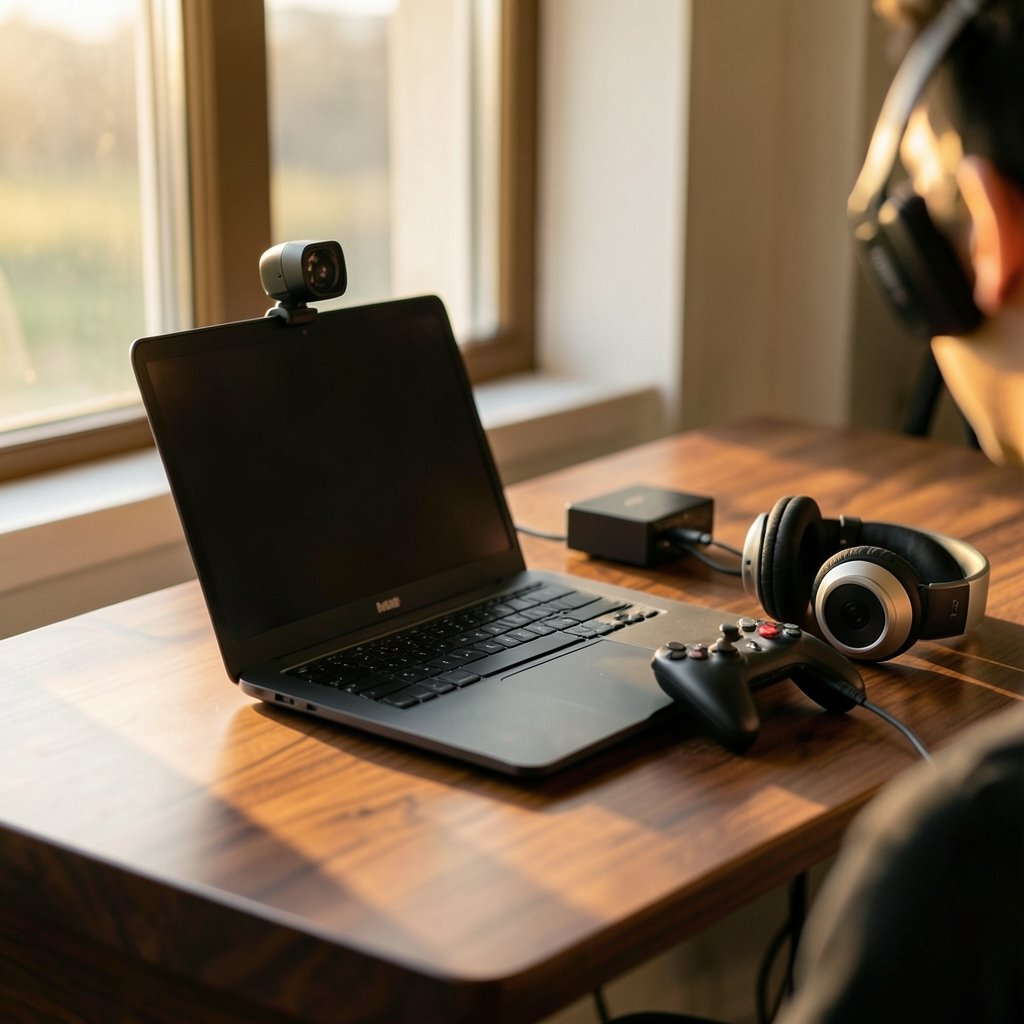
Commercial recorders like Mirillis Action!, Bandicam, and Dxtory are legitimate tools with real features. The honest framing is that their core capture function overlaps heavily with free options. What you’re paying for is the wrapper around that function.
The typical selling points include:
- Region capture that’s genuinely simple to set up, useful for tutorials or face-cam overlays
- One-click recording with fewer menus than OBS’s scene and source system
- Built-in trimming and light editing, so you skip a separate editor for quick clips
- Webcam and overlay handling that’s more plug-and-play
- Support and updates from a vendor rather than a volunteer community
None of that is nothing. If you’ve ever lost twenty minutes to an OBS audio routing problem before a recording session, the appeal of “just press record” is real. The question is whether that convenience is worth a per-machine license for a channel that might have forty subscribers.
The Free Baseline Is Genuinely Strong
OBS Studio is free, open source under GPL-2.0, and it’s the de facto standard for both streaming and recording. It supports unlimited scenes, multiple sources, and hardware-accelerated encoding. It’s been around since 2012 and got its major rewrite as OBS Studio in 2016, so it’s not a scrappy experiment. It’s the tool most of the ecosystem is built around.
Better yet, many people already own a free recorder without realizing it. NVIDIA’s ShadowPlay, now folded into the NVIDIA App, offers instant replay and recording for NVIDIA GPU owners. AMD’s equivalent, ReLive, ships with Adrenalin drivers. These are first-party, free, and they undercut the entire “premium for basic capture” argument. If all you need is “record the last five minutes when something funny happens,” you already have that.
The licensing point matters too. Because OBS is GPL-2.0, recording and monetizing gameplay with it is fine. Commercial recorders require a paid license per machine, and it’s worth checking each vendor’s terms before assuming a license covers monetized content.
Where Premium Software Actually Earns Its Keep
There are real scenarios where paying makes sense. They’re just narrower than the marketing suggests.
You record non-game content regularly
If your channel mixes gameplay with tutorials, product walkthroughs, or screen-share explainers, region capture and simple overlay tools save genuine time. OBS can do this, but it takes more configuration. A tool that does it in two clicks has value if you do it weekly.
You’re fighting setup friction, not quality
This is the honest case for premium. If every recording session starts with fifteen minutes of troubleshooting, that friction is a real cost. But before paying, try saving a working OBS scene collection as a preset. Most “OBS is complicated” problems are actually “I never saved my settings” problems.
You need a specific feature with no free equivalent
Some workflows genuinely need something OBS doesn’t do well out of the box. That’s a legitimate reason to pay. “It looked more professional on the website” is not.
The Real Bottlenecks for Small Channels
Here’s the part that rarely gets said plainly: for a small channel, the binding constraint is almost always editing and audience growth, not capture quality. This is an editorial judgment, not a sourced statistic, but it holds up in practice. Premium capture software mainly saves setup time or adds niche features. It does not make your commentary funnier, your edits tighter, or your thumbnails clickable.
Think about where your hours actually go. If you’re spending two hours recording and eight hours editing, a tool that shaves ten minutes off recording is solving the wrong problem. Free editors like DaVinci Resolve’s free tier, CapCut, and Shotcut cover the editing workflow. That’s where the leverage is.
The same logic applies to gear generally. People agonize over whether a gaming monitor is worth buying for beginners in everyday use, and the answer is usually “only if you can name what’s wrong with your current one.” Recording software deserves the same test. If you can’t name the specific problem, you’re shopping for a feeling, not a fix.
Encoder Quality: The Part People Get Wrong
A lot of premium-software marketing leans on “better quality.” That claim deserves scrutiny, because quality is mostly about your encoder settings, not your software wrapper.
OBS’s built-in encoder options include x264 on the CPU and hardware encoders like NVENC, AMD AMF, Apple VideoToolbox, and Intel Quick Sync. Hardware encoding offloads work to the GPU and is generally recommended for recording while gaming on the same machine. NVIDIA documents NVENC as a dedicated hardware encoder separate from the CUDA cores, so it doesn’t compete with game rendering for shader resources. That’s the technical basis for “record with minimal FPS hit.”
On quality, the community consensus is that hardware encoders historically produced lower quality per bitrate than x264 at slow presets, but modern NVENC from the Turing generation onward closed much of that gap. That’s widely reported in community testing rather than a single authoritative study, so treat it as consensus, not gospel. The practical takeaway: your software choice matters far less than whether you’ve picked the right encoder and bitrate.
Resolution Reality Check
Recording at high resolution and frame rate, like 1440p60 or 4K, increases file size and encoding load. For a small channel, 1080p60 is typically sufficient, especially since YouTube re-encodes uploads anyway. Chasing 4K capture while your editing machine stutters is a classic mistake.
A practical tip that actually works: record at the resolution you’ll publish at, not higher “just in case.” Upscaling rarely helps and always costs disk space and render time. If you’re unsure whether your display even supports the difference, a practical buying guide for a gaming monitor aimed at beginners walks through what actually matters.
Common Mistakes People Make
A few patterns show up again and again when small channels evaluate recording software.
Buying before troubleshooting. Most capture problems are settings problems. Audio desync, dropped frames, and blurry footage usually trace back to encoder choice, bitrate, or a wrong sample rate, not the software brand.
Ignoring the free recorder already installed. ShadowPlay and ReLive sit on millions of machines, unused. Check what your GPU driver already offers before buying anything.
Overbuilding the setup. New creators often stack premium software, a capture card, and three plugins before publishing a single video. The setup becomes the hobby.
Forgetting the license question. Commercial recorders are licensed per machine. If you record on a laptop and a desktop, check whether you need two licenses.
Assuming price equals quality. Capture quality is mostly encoder and bitrate. A free tool configured well beats a paid tool configured badly every time.
A Sensible Decision Framework
If you want a simple way to decide, run through this sequence in order.
- Name the problem. Write down the specific thing that’s failing. “My recordings look bad” is not a problem. “My face-cam overlay drifts out of sync” is.
- Check the free options first. Try OBS with hardware encoding, then your GPU’s built-in recorder. Give each a real session, not five minutes.
- Test the premium tool’s trial. Most commercial recorders offer one. Use it on an actual recording, not a demo clip.
- Compare against your real bottleneck. If editing eats your time, spend the money on an editor or a course instead.
- Check the license terms for monetized content before committing.
- Revisit in three months. Needs change as a channel grows. What’s overkill at forty subscribers may be sensible at four thousand.
That last point connects to a broader pattern: small creators often overspend on tools while underspending on the things that compound. The same logic shows up in choosing accounting software for small businesses without wasting money — the tool matters less than whether you’ve identified the actual job.
How This Fits the Wider Tool Stack
It’s worth stepping back. A gaming channel runs on a stack: capture, editing, publishing, and somewhere in the background, the boring admin that keeps it sustainable. Creators who treat every layer as a purchase decision end up broke and overwhelmed. Creators who treat most layers as “free until proven otherwise” end up publishing more.
The same “is it worth it” question applies to subscriptions. People ask whether Xbox Game Pass is worth the real 2025 prices, and the honest answer depends entirely on how many games they actually finish. Recording software is no different. Value is a function of use, not features.
If your channel covers cloud gaming, there’s an extra wrinkle: capture behavior can depend on the service. Understanding the Xbox cloud gaming hour cap that Game Pass players should know about affects how you plan recording sessions, and the architecture choices behind Xbox cloud gaming versus PS Plus Premium shape what’s even capturable. None of that requires premium recording software. It requires knowing your platform.
The Verdict
For most small gaming channels, premium game recording software is not worth it as a first purchase. The free baseline, OBS plus your GPU’s built-in recorder, covers capture well, and the money is better spent on editing tools, better audio, or simply more time publishing. Premium software earns its keep in specific situations: regular non-game content, genuine setup friction you’ve tried and failed to fix, or a niche feature with no free equivalent.
The test is simple. Can you name the exact problem the software solves? If yes, and the free options have failed, buy it and stop worrying. If no, close the checkout tab and go record something with what you already have. Your future subscribers won’t care what software made the video. They’ll care whether the video was worth watching.
Frequently Asked Questions
Is OBS Studio really good enough for a small gaming channel?
Yes, for the vast majority of small channels. OBS supports unlimited scenes, multiple sources, and hardware-accelerated encoding through NVENC, AMD AMF, Intel Quick Sync, and Apple VideoToolbox. It’s free under GPL-2.0, which means recording and monetizing gameplay with it is fine. The main trade-off is a steeper learning curve than one-click commercial tools.
Do I need premium software to record without losing FPS?
No. Hardware encoding is the key, not the software brand. NVIDIA documents NVENC as a dedicated encoder separate from the CUDA cores, so it doesn’t compete with game rendering for shader resources. OBS can use NVENC, and so can NVIDIA’s own free recorder. If you’re dropping frames, check your encoder setting before buying anything.
What’s the difference between ShadowPlay and OBS?
ShadowPlay, now part of the NVIDIA App, is a free first-party recorder focused on instant replay and quick captures. OBS is a full production tool with scenes, multiple sources, and deep encoder control. ShadowPlay is faster to start; OBS is more flexible. Many creators use both: ShadowPlay for spontaneous clips, OBS for planned sessions.
Is hardware encoding worse quality than CPU encoding?
Historically, yes. Hardware encoders like NVENC, AMF, and Quick Sync produced lower quality per bitrate than x264 at slow presets. Since NVIDIA’s Turing generation in 2018, the gap has narrowed considerably. This is community consensus from testing rather than a single authoritative study, so test on your own hardware before assuming.
Should I record in 4K for a small channel?
Usually not. Higher resolution and frame rate increase file size and encoding load, and YouTube re-encodes uploads anyway. For most small channels, 1080p60 is sufficient. Record at the resolution you’ll publish at rather than upscaling “just in case,” which costs disk space and render time without a visible payoff.
Does a commercial recorder license cover monetized videos?
It depends on the vendor, so check the end-user license agreement before assuming. Commercial recorders are typically licensed per machine, which matters if you record on more than one computer. OBS, by contrast, is GPL-2.0, so there’s no licensing question around monetizing content recorded with it.