
Quick Answer: Are premium streaming microphones worth it for a small gaming channel?
It depends. For most small gaming channels, a well-placed budget or mid-range mic paired with a few cheap room fixes will sound nearly as good on stream as a premium model, so the money is usually better spent on placement, treatment, and encoding settings first.
Premium mics do earn their price in specific cases: a noisy room where a moving-coil mic’s rejection helps, a creator who wants a long-term buy-once purchase, or a channel moving toward podcast or voiceover work. USB and hybrid USB/XLR models sit in between, trading some flexibility for simplicity and lower cost.
Before buying, compare polar pattern, connection type, gain needs, room noise, streaming bitrate, warranty, and total system cost.
Why the Microphone Feels Like the Biggest Decision
Ever watched a stream where the gameplay was sharp, the overlay was clean, and the audio still made you wince? Maybe the voice boomed and clipped, or a mechanical keyboard clattered under every sentence, or the room hummed like a refrigerator in a cupboard. That moment is exactly when a small creator starts shopping for a premium microphone.
The instinct makes sense. Voice is the connective tissue of a gaming channel. Viewers forgive a mid-tier graphics card. They rarely forgive audio that hurts. But the leap from a $90 USB mic to a $400 broadcast-style moving-coil mic is not the automatic upgrade the marketing suggests. What actually improves stream audio is a chain of small decisions, and the microphone is only one link in it.
This guide looks at where premium mics genuinely pay off, where they quietly waste money, and what a small channel should fix before spending a cent on hardware.
What “Premium” Actually Buys You
A premium streaming microphone typically costs several times a budget model. That extra money goes toward a handful of concrete things, and it helps to know which ones matter for talking over gameplay.
| Factor | Budget mic (roughly $50–$120) | Premium mic (roughly $250–$400+) |
|---|---|---|
| Build | Plastic body, fixed stand | Metal body, heavier shock mount |
| Noise floor | Audible hiss at high gain | Very low self-noise |
| Polar pattern | Usually cardioid condenser | Often moving-coil, tight cardioid |
| Connectivity | USB only | XLR, or USB and XLR hybrid |
| Gain needs | Plug and play | May need an interface or inline preamp |
| Extras | Basic | Monitoring, mute touchpad, app control |
The pattern is clear: premium mics buy build quality, lower self-noise, and flexibility. What they do not buy is better placement. A $400 microphone sitting on a desk two feet from the mouth, pointed at a keyboard, will lose to a $100 mic held ten to twenty centimeters away and angled slightly off-axis. That single principle explains more bad stream audio than any spec sheet.
Placement Beats Price, Almost Every Time
Audio engineers have taught the same lesson for decades: distance and angle shape tone more than the capsule’s price tag. For a single speaker at a desk, the biggest audible gains come from bringing the mic closer, roughly ten to twenty centimeters from the mouth, and aiming it slightly off-axis so plosives and breath noise miss the capsule.
Practical tips that cost nothing:
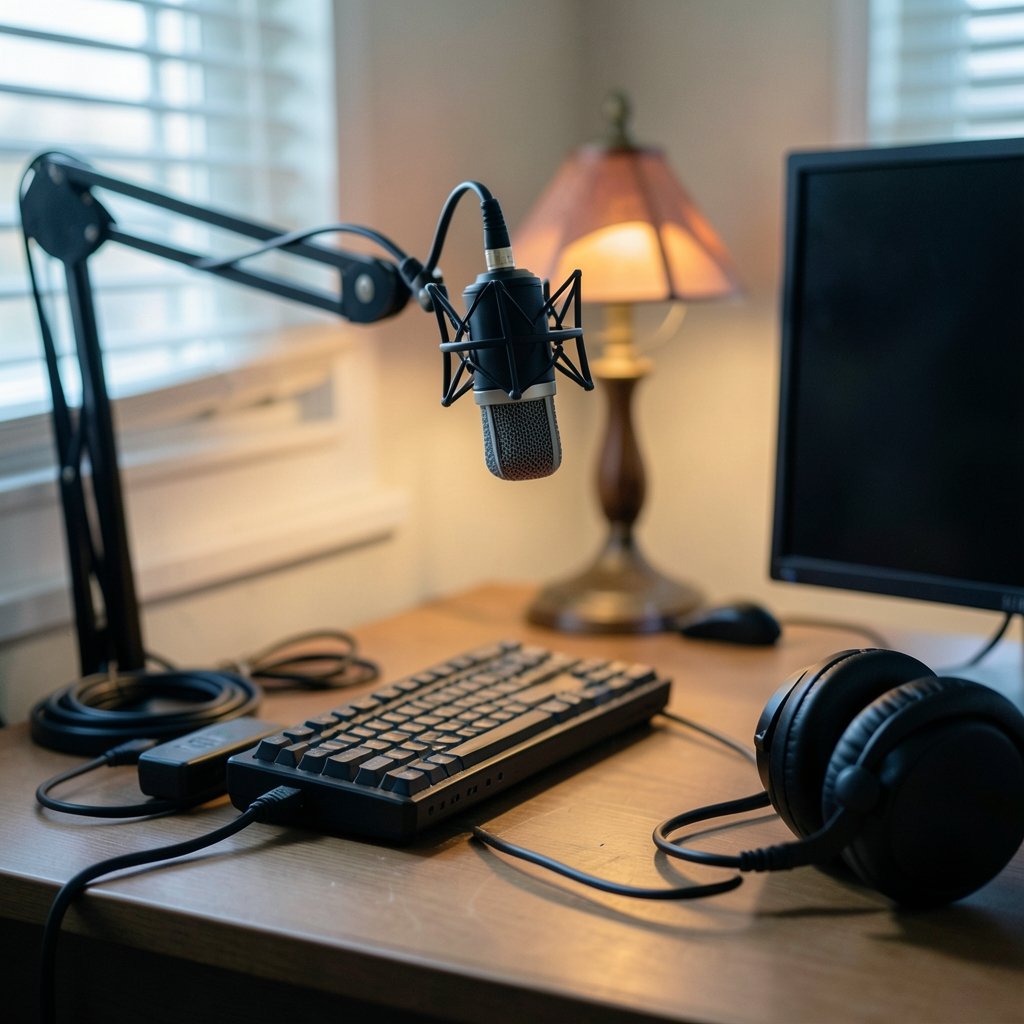
- Move the mic off the desk and onto a boom arm so it sits near the mouth instead of across the keyboard.
- Speak across the mic, not straight into it, to soften hard P and B sounds.
- Add a pop filter or foam windscreen to tame bursts of air.
- Point the mic’s null, the least sensitive side, toward the keyboard or a noisy fan.
- Keep gain as low as your voice allows and raise it in software instead.
Common mistakes show up again and again. People buy a premium condenser, mount it on the included desk stand, crank the gain because it sounds quiet, and then wonder why every keystroke and mouse click rides along with the voice. The microphone is not the problem. The setup is.
Anyone weighing hardware upgrades against everyday usability should treat audio like any other gear decision. The same logic that applies when asking whether a gaming monitor is worth buying for beginners, practical buying guide style, holds here: fit to your actual setup matters more than the top of the spec sheet.
Moving-Coil vs. Condenser: The Choice That Matters More Than Price
For untreated rooms, the microphone type matters more than the price tier. Moving-coil mics, the broadcast-style workhorses, reject room reflections and keyboard noise far better than condensers. Condensers are more sensitive and detailed, which is wonderful in a treated studio and punishing in a bedroom with bare walls and a humming PC.
Many small gaming channels buy a condenser first because it looks like the “studio” choice, then spend months fighting background noise. A moving-coil mic often solves that problem before it starts. The trade-off is gain: moving-coil mics output a weaker signal, and some need a high-gain interface or an inline preamp to reach a healthy level. That extra cost is routinely left out of premium-mic comparisons, and it can add a hundred dollars or more to the bill.
The connection type follows the same logic. XLR mics require an audio interface, which adds cost and complexity. USB mics skip the interface entirely. Hybrid USB/XLR models split the difference, letting a creator start simple and move to an interface later without replacing the mic. For a hobby channel, that middle path is often the pragmatic one.
The Streaming Bottleneck Nobody Mentions
Here is the uncomfortable truth about premium microphones on streaming platforms: the platform re-encodes your audio, and that process throws away detail. Streaming services typically use a lossy codec at modest bitrates, so the fine texture a premium mic captures can be flattened before a viewer ever hears it. The Opus codec, standardized as RFC 6716 by the IETF in 2012, is the common example, and it is designed to sound good at low bitrates rather than preserve every nuance.
That does not make premium mics pointless. A lower noise floor and cleaner source still survive compression better than a hissy budget mic. But it does mean the gap between a $150 mic and a $400 mic narrows considerably once the stream encoder does its work. Before upgrading hardware, check the audio bitrate in the broadcasting software. Many setups ship with modest defaults that leave headroom unused. Raising bitrate and adding a gentle noise gate or compressor often delivers a bigger perceived jump than a new microphone.
The same principle shows up in cloud gaming, where the architecture behind the service shapes the experience more than any single spec. Creators comparing platforms often find that Xbox cloud gaming vs ps plus premium architecture choices explain performance differences better than marketing claims do. Audio works the same way: the chain, not the headline component, decides the result.
Where Premium Mics Genuinely Earn Their Price
None of this means premium microphones are a scam. They earn their cost in real situations.
A noisy room is the clearest case. If a creator records near a street, a shared apartment, or a loud PC, a moving-coil mic’s rejection is worth paying for. A second case is the long-term buy: a well-built mic with strong warranty support can outlast three budget replacements. A third is ambition. Channels edging toward podcasting, voiceover, or sponsored reads benefit from the cleaner capture and monitoring that premium models provide. A fourth is repairability and support, which vary by brand and region and deserve a check before purchase.
The honest framing is that premium mics are worth it when the rest of the chain is already solid. Buy one to solve a specific problem, not to skip the setup work.
A Sensible Spending Order for a Small Channel
For a small gaming channel on a budget, the order of operations matters more than the shopping list.
- Fix placement with a boom arm and a pop filter.
- Add cheap acoustic treatment, foam panels or even soft furnishings, behind the speaker.
- Raise the streaming audio bitrate and learn basic noise gating and compression.
- Only then consider a mic upgrade, choosing moving-coil over condenser for untreated rooms.
- If buying premium, budget for the interface or preamp that moving-coil mics often need.
That sequence mirrors how people should think about most creator gear. Just as a gaming monitor worth buying for beginners, everyday use comes down to matching the panel to the desk and the games rather than chasing the highest refresh rate, a microphone should match the room and the workflow. The same goes for phones: a gaming phone’s gaming features only matter when you play in ways that use them, which is why the practical question is always fit, not headline specs.
Common Mistakes That Waste Money
A few traps catch small channels over and over. Buying a condenser for an untreated room tops the list. So does skipping the interface budget for a moving-coil mic, then discovering the mic is too quiet. Another is mounting a premium mic on the desk, where every mouse movement transmits through the stand. Some creators also buy a flagship mic while streaming at a low audio bitrate, effectively throwing away the upgrade.
The fix is unglamorous: treat the room, position the mic, set gain properly, and only then spend on hardware. Foldable phones worth buying, practical buyer’s guide style thinking applies too, since the folding form factor only pays off if the daily use case actually needs it. Premium audio is the same bargain.
Conclusion
Premium streaming microphones are worth it for some small gaming channels and a waste for others. The dividing line is not budget alone. It is whether the rest of the audio chain, placement, room treatment, gain staging, and encoding, is already doing its job. Get those right and a mid-range mic can carry a channel for years. Get them wrong and a premium mic will faithfully capture every problem in the room.
Start with the free fixes. Move the mic closer, angle it off-axis, treat the wall behind you, and raise the bitrate. If a specific problem remains, such as room noise or a need for long-term flexibility, a premium moving-coil or hybrid mic becomes a sound investment rather than an expensive shortcut. That is the honest answer, and it saves most small channels a few hundred dollars.
FAQ
Do I need an audio interface to use a premium microphone?
Only if the mic is XLR-only. XLR mics require an interface or mixer, which typically adds $100 to $200 or more to the total cost. USB mics plug straight into a computer, and hybrid USB/XLR models let a creator start without an interface and upgrade later.
Will a premium microphone make my stream sound professional instantly?
No. Placement, room treatment, gain settings, and streaming bitrate shape the result more than the price tag. A well-placed budget mic usually beats a premium mic sitting on a desk two feet from the mouth. Buy hardware to solve a specific problem, not to skip setup work.
Is a moving-coil mic better than a condenser for a bedroom streamer?
Usually yes, if the room is untreated. Moving-coil mics reject room reflections and keyboard noise better than condensers, which are more sensitive. The trade-off is that moving-coil mics output a weaker signal and may need a high-gain interface or inline preamp.
How much should a small gaming channel spend on a microphone?
Many small channels get excellent results in the $80 to $150 range once placement and settings are dialed in. Spending beyond roughly $150 to $300 brings smaller gains on a compressed stream. Budget separately for a boom arm, pop filter, and any needed interface.
Does stream compression really erase the benefits of an expensive mic?
It narrows the gap but does not erase it. Platforms re-encode audio with lossy codecs at modest bitrates, which flattens fine detail. A cleaner source with a lower noise floor still survives compression better than a hissy budget mic, but the difference between mid-range and premium shrinks.
What should I upgrade first if my stream audio sounds bad?
Start with the free fixes: move the mic closer on a boom arm, angle it off-axis, add a pop filter, and treat the wall behind you. Then raise the audio bitrate in your broadcasting software and add gentle gating and compression. Consider a new mic only after those steps.



