
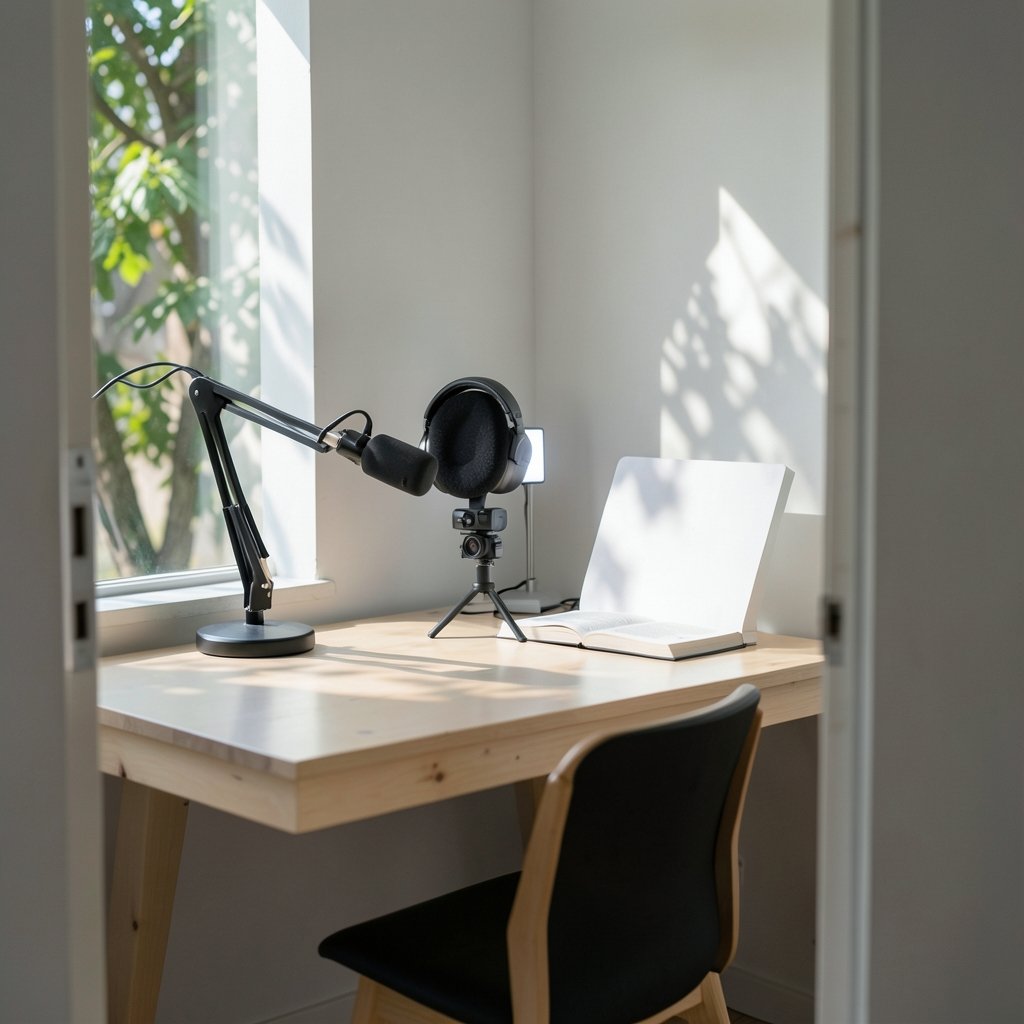
Quick Answer: Are premium streaming lights worth it for a small gaming channel?
It depends. For most small gaming channels, premium streaming lights are not the best first upgrade, because a basic key light, a window, or a diffused desk lamp often fixes the biggest problem: a dim, muddy face cam. Premium panels earn their price when a creator has already maxed out camera settings and bitrate and still needs consistent color and flicker-free dimming.
Cheaper alternatives such as bounce cards, diffusion sheets, and bi-color budget panels can cover most of the same ground for a fraction of the cost. Before spending, compare sensor size, room size, stream bitrate, color rendering claims, flicker behavior, and fan noise.
Why Lighting Feels Like the Missing Piece
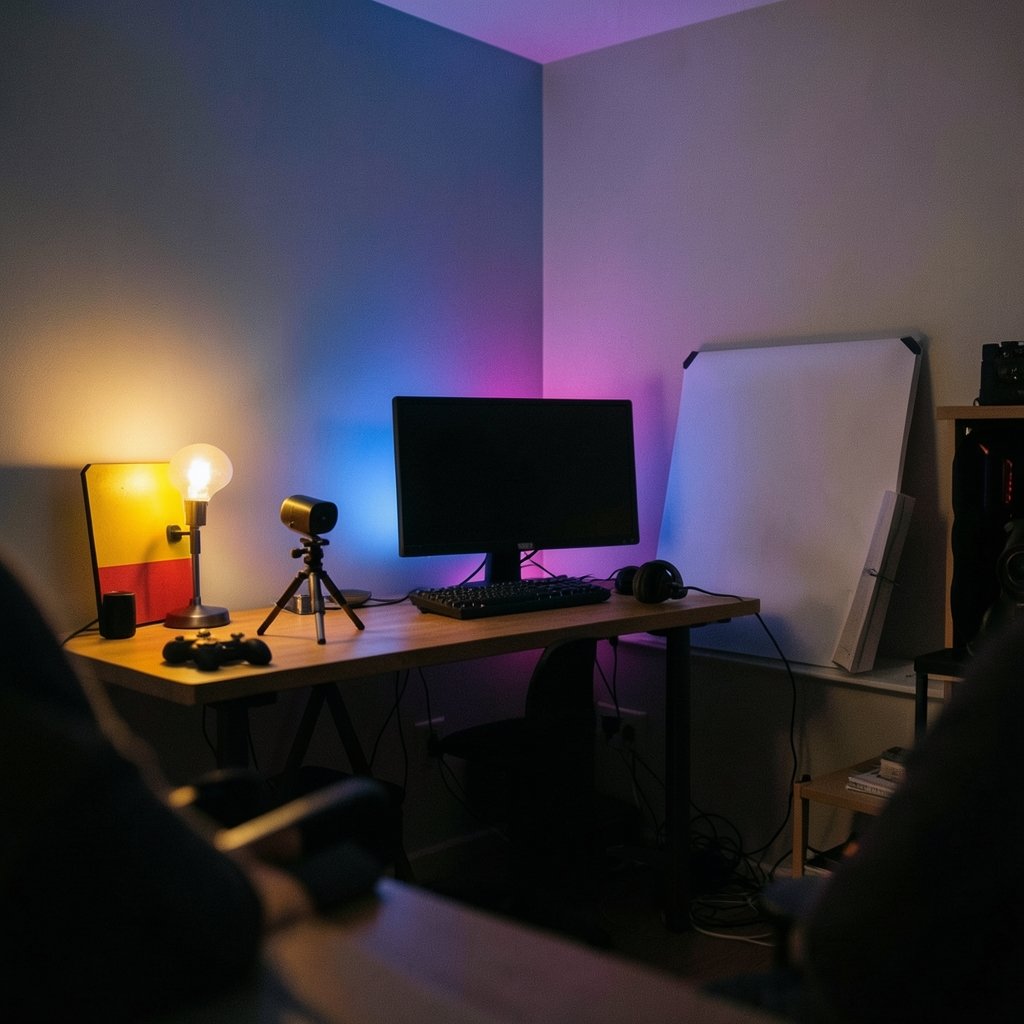
Ever watched your own stream back and wondered why your face looks like it was filmed through a sock? The gameplay is crisp, the overlay is clean, and then there is your webcam feed, grainy and gray, with shadows doing unflattering things to your jawline. It is a common moment for small gaming channels, and it usually triggers the same thought: maybe better lights would fix this.
Sometimes they do. Often, though, the problem is not the light’s price tag. It is the size of the light source, the color of the room, and the limits of a small camera sensor. Understanding those mechanics matters more than understanding a product tier. A premium panel and a cheap panel can both be soft if they are big enough relative to your face, and both can look harsh if they are not.
The honest answer sits somewhere in the middle. Premium streaming lights are worth it for some small channels and a waste of money for others, and the difference comes down to measurable needs rather than brand prestige.
What Premium Streaming Lights Actually Give You
Strip away the marketing and a premium light usually sells four things: better color accuracy, flicker-free dimming, quieter operation, and build quality that survives daily use. None of those are trivial, but none of them automatically make your stream look better either.
Color rendering is measured by CRI (Color Rendering Index), a metric defined by the International Commission on Illumination, and by TLCI, a broadcast-oriented metric associated with the European Broadcasting Union. Higher values suggest skin tones and game art will look truer to life. The catch is that manufacturers often self-report these numbers without independent testing, so a box claiming a very high CRI is making a claim, not offering a guarantee.
Flicker is the sneaky one. Cheap LEDs dim using PWM (pulse-width modulation), which can look perfectly steady to your eye while producing visible banding on camera. A light that seems fine in the room can ruin a recording. Premium units more often specify flicker-free operation, though even that wording varies between brands.
Fan noise matters more than people expect. LED panels run cooler than old tungsten fixtures but still generate heat, and budget units sometimes use noisy fans that bleed into your microphone. Premium lights tend to be quieter, but published noise figures are inconsistent, so it is worth checking real user reports rather than trusting a spec sheet.
Where Cheap Gear Quietly Wins
Here is the part that stings if you just bought an expensive panel: softness depends on the size of the light relative to your subject, not on how much you paid. A large diffuser or a bounce card softens shadows more effectively than a small, pricey panel. Basic lighting physics does not care about your receipt.
That means a modest LED panel behind a cheap diffusion sheet can produce a flattering, soft key light. A white wall or a fold-out bounce can fill in shadows on the other side of your face. A window with a sheer curtain can outperform gear costing hundreds, at least during daylight hours. For a small gaming channel, these are not compromises. They are the sensible first move.
The other quiet winner is your camera’s own limits. Webcams and phone cameras use small sensors with limited dynamic range, so they benefit enormously from added light, but they also hit a ceiling fast. Once your face is bright and evenly lit, throwing more lumens at the problem stops helping. Streaming platforms re-encode your video anyway, and the encoder’s bitrate and resolution cap what viewers actually see. Light beyond that point is partly wasted.
The Practical Checklist Before You Spend
A useful way to decide is to work through needs in order. Most small channels discover they can skip the premium tier entirely, or delay it by a year.
| Factor to check | Why it matters | Cheap fix first? |
|---|---|---|
| Camera sensor size | Small sensors need more light but cap out early | Yes, add any soft light |
| Room size and walls | Light bounces off nearby surfaces | Yes, use a bounce card |
| Stream bitrate | Re-encoding limits visible detail | Yes, fix encoder settings |
| Color temperature match | Mixed lighting wrecks skin tones | Yes, bi-color budget panel |
| Flicker behavior | Banding ruins recordings invisibly | Check specs carefully |
| Fan noise | Bleeds into your microphone | Read user reports |
A bi-color panel, which adjusts roughly from tungsten warmth to daylight, is genuinely useful because it lets you match your room instead of fighting it. That feature shows up on budget lights too, so it is not proof of quality on its own. Color temperature is measured in kelvin, and video lighting advice commonly cites roughly 3000 to 5600 K for a key light, though the right number depends on your camera, lens, and room.
Brightness is measured in lux, and recommended figures vary wildly between sources. There is no single authoritative standard for streaming light quality, so treat any specific lux target as a rule of thumb rather than a rule.
Common Mistakes That Cost Real Money
The most frequent mistake is buying a light before fixing the camera. A creator upgrades the panel, then discovers the webcam still looks soft because its sensor and compression are the bottleneck. Light cannot add detail the camera never captured.
The second mistake is placing a small, bright light close to the face and calling it a day. That produces harsh shadows and shiny skin. Distance and diffusion do more work than wattage.
The third is ignoring the background. A well-lit face against a dark, cluttered wall looks worse than a moderately lit face with a little background separation. A cheap second light, a lamp, or even a colored bulb behind you can do more for production value than a premium key light.
The fourth is forgetting audio. A beautiful image paired with hissing fan noise and room echo reads as amateur. If a budget decision comes down to light versus microphone, the microphone usually wins.
The fifth is chasing a cinematic look too early. Multi-light setups with modifiers need space, stands, and patience. In a small bedroom, they often create more problems than they solve. A single soft key plus a little fill gets most small channels 80 percent of the way there.
Where Premium Gear Starts to Pay Off
There is a real threshold, and it usually arrives after the basics are handled. Once your camera is decent, your bitrate is dialed in, and your face is already well lit, the remaining problems become consistency problems. That is where premium lights earn their keep.
If you stream at night and during the day, a light with accurate, repeatable color temperature saves you from re-grading your look every session. If you record long sessions, flicker-free dimming prevents banding that only shows up in the edit. If your microphone is sensitive and your room is small, a quiet fanless panel removes a background hiss you cannot unlearn once you hear it. These are not glamorous benefits, but they are the ones that quietly improve every broadcast.
It also helps to think about the rest of your setup as a system. A great light on a mediocre monitor still leaves you guessing about color, which is why guides on a gaming monitor worth buying for beginners in practical everyday use tend to stress panel quality over spec sheet numbers. The same logic applies here: the tool only helps if the rest of the chain can show the difference.
Room conditions matter too. If your setup sits near a window, the light changes hour by hour, and a guide on how a gaming monitor versus a TV changes with room lighting makes a similar point about ambient light shaping what you perceive. Streaming lights are partly a fight against your room, and premium gear wins that fight more consistently.
A Sensible Upgrade Path for Small Channels
The order below works for most small gaming channels, and it front-loads the cheap wins.
- Fix your encoder settings and confirm your upload bitrate is stable.
- Add any soft light source, even a diffused desk lamp, and compare recordings.
- Add a bounce card or white foam board for fill on the shadow side.
- Match color temperature across all lights in the frame.
- Check for flicker by recording a short clip at your usual shutter settings.
- Only then consider a premium panel, and only for the specific problem it solves.
If you are still assembling the desk itself, a broader look at a practical buying guide for a gaming monitor worth buying for beginners shows how the same staged approach keeps budgets sane. Peripherals follow the same pattern, which is why debates like mechanical versus membrane keyboards for gaming and everyday use come down to specific needs rather than tier. Lighting is no different.
Conclusion
Premium streaming lights are worth it for a small gaming channel only when the cheap fixes have already been tried and a specific problem remains. Softness comes from source size, not price. Brightness helps until your camera and platform bitrate stop showing the difference. Color accuracy and flicker-free dimming are genuine premium advantages, but they matter most once everything else in your chain is solid.
For most small channels, the smarter spend is a diffused budget panel, a bounce card, and an hour spent tuning encoder settings. Save the premium purchase for the day you can name exactly which problem it solves. That is the difference between buying gear and buying a better stream.
FAQ
Do I need a premium light if I stream with a phone camera?
No, not at first. Phone cameras have small sensors that benefit hugely from any added light, but they also hit a ceiling quickly. A diffused desk lamp or a window with a sheer curtain usually produces a visible improvement, and premium color accuracy matters less because the phone’s processing already adjusts the image.
Is CRI a reliable way to compare streaming lights?
It is useful but imperfect. CRI is a formal metric for color fidelity, and TLCI is a broadcast-oriented alternative, but manufacturers often self-report these values without independent testing. Treat a high CRI claim as a starting point and look for third-party measurements or sample footage before trusting it.
Why does my LED light look fine but band on camera?
That is almost certainly PWM dimming. Cheap LEDs dim by pulsing rapidly, which your eye smooths out but a camera shutter can catch, producing visible bands. Look for lights that explicitly state flicker-free operation, and test by recording a short clip at your normal settings before committing.
How much light is enough for a small bedroom setup?
There is no official standard, and recommended lux figures vary widely by camera and room. A practical approach is to raise light until your face is evenly exposed with no harsh shadows, then stop. Extra brightness beyond what your camera and platform bitrate can render is largely wasted.
Should I buy lights or a microphone first?
A microphone usually wins. Viewers forgive a slightly soft image far more readily than hissing fans and room echo. Once audio is clean, lighting becomes the next meaningful upgrade, and a single soft key light covers most small channel needs.
Can cheap lights match premium ones for a beginner?
Often yes, for the basics. Softness depends on the size of the light relative to your face, so a budget panel with a large diffuser can look surprisingly close to an expensive one. Premium gear pulls ahead on color consistency, flicker-free dimming, and quiet operation, which matter more as your channel grows.



